
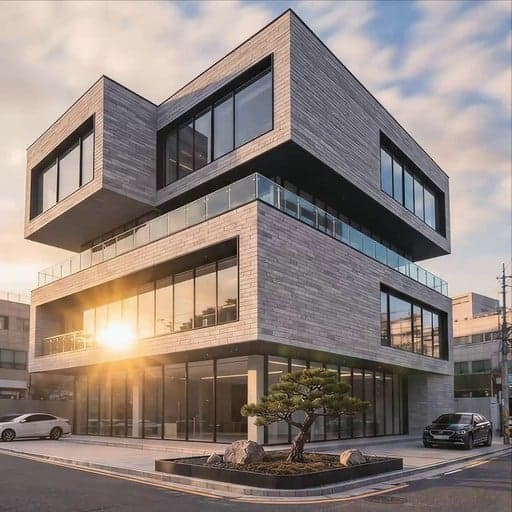
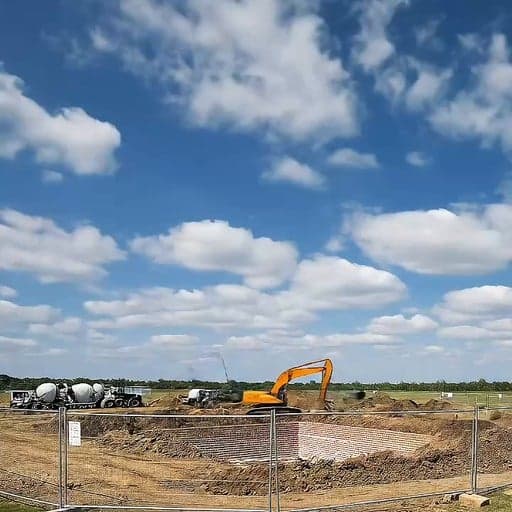

Architecture · Before/After

Project Progress Video Template

Turn milestone photos into a polished before/after transition video — ready for client presentations, proposals, and social media.

Use this template
Browse all 400+ templates

Everything you need

Built for creators, marketers, and teams shipping AI video at scale.

01

Smooth before/after reveal

A precisely timed transition wipe sweeps across the frame to expose completed work against original site conditions — no editing software required.

02

Architecture-grade quality

Templates in this library are hand-picked and quality-tested for construction and architectural storytelling, not repurposed from generic social media layouts.

03

Client-ready output

Export publication-quality video polished enough for boardroom presentations, tender submissions, and investor decks.

04

Renders in seconds

Multi-model AI infrastructure delivers your finished progress video in seconds so you can iterate and re-export without waiting.

05

Flexible aspect ratios

Output in landscape for slide decks or portrait for social media without re-uploading your source imagery.

06

Multi-model platform

Nim accesses Sora, Veo, Kling, Pika, Flux, and more through a single template interface — the best model for the job, automatically.

07

Full commercial license

Every video you generate is yours to use in client deliverables, paid campaigns, and published portfolios with no per-use fees.

08

Curated pro library

The architecture template collection is reviewed by Nim's editorial team before publishing — you start from proven layouts, not blank canvases.

Features

Built to ship

Abstract cinematic wipe transition visualization: a razor-sharp vertical blade of warm amber light cutting across a dark
F · 01

Cinematic Before/After Transition Engine

The template uses a precisely timed reveal wipe that sweeps across the frame, exposing the completed structure against the original site conditions. Pacing and easing are calibrated for architectural content — slow enough to register material detail, fast enough to hold viewer attention. You supply the imagery; the template handles all motion and timing logic.

Elegant architectural still life on a dark matte desk: a rolled set of technical drawings secured with a rubber band bes
F · 02

Built for Professional Client Delivery

Output quality is matched to client-presentation standards: sharp transitions, accurate color fidelity, and no compression artifacts that would undermine a proposal or tender submission. Videos export at resolutions suitable for full-bleed web embeds and large-format boardroom displays alike. Commercial ownership transfers fully to you at generation — use in portfolios, paid media, or client-facing reports.

Abstract data stream visualization in deep space: dozens of thin luminous filaments in warm white and hot pink #FE28A7 c
F · 03

Access to Leading Video AI Models

Nim routes generation through a curated set of video AI models — Sora, Veo, Kling, Pika, and others — so you always have access to state-of-the-art output quality without managing separate platform accounts. Model selection is handled by the platform; you stay focused on your project content. As new models become available, Nim integrates them without requiring changes to your workflow.

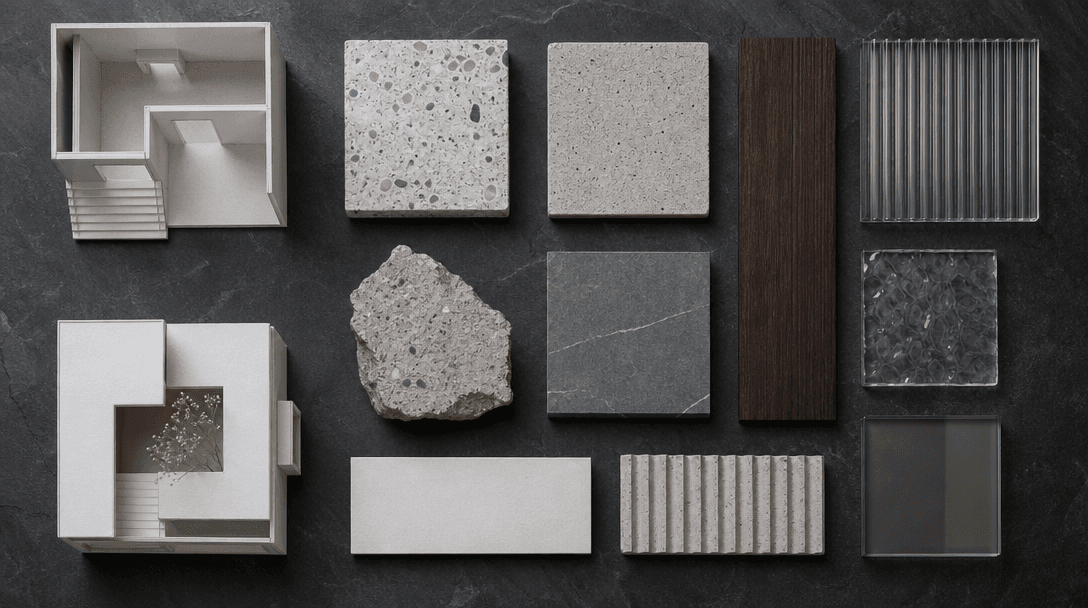
Overhead flat-lay of architectural materials and scale model fragments on a dark slate surface: small white cardboard bu
F · 04

Comprehensive Architecture Template Library

The architecture category contains dozens of production-tested templates covering site reveals, material close-ups, drone perspectives, and phased progress documentation beyond this single template. Each layout is reviewed for professional quality before listing. Browse the full library to find formats suited to your project type — from residential renovations to large-scale commercial developments.

Showcase

See it in action

Real outputs generated by our pipeline — no curated cherry-picks.

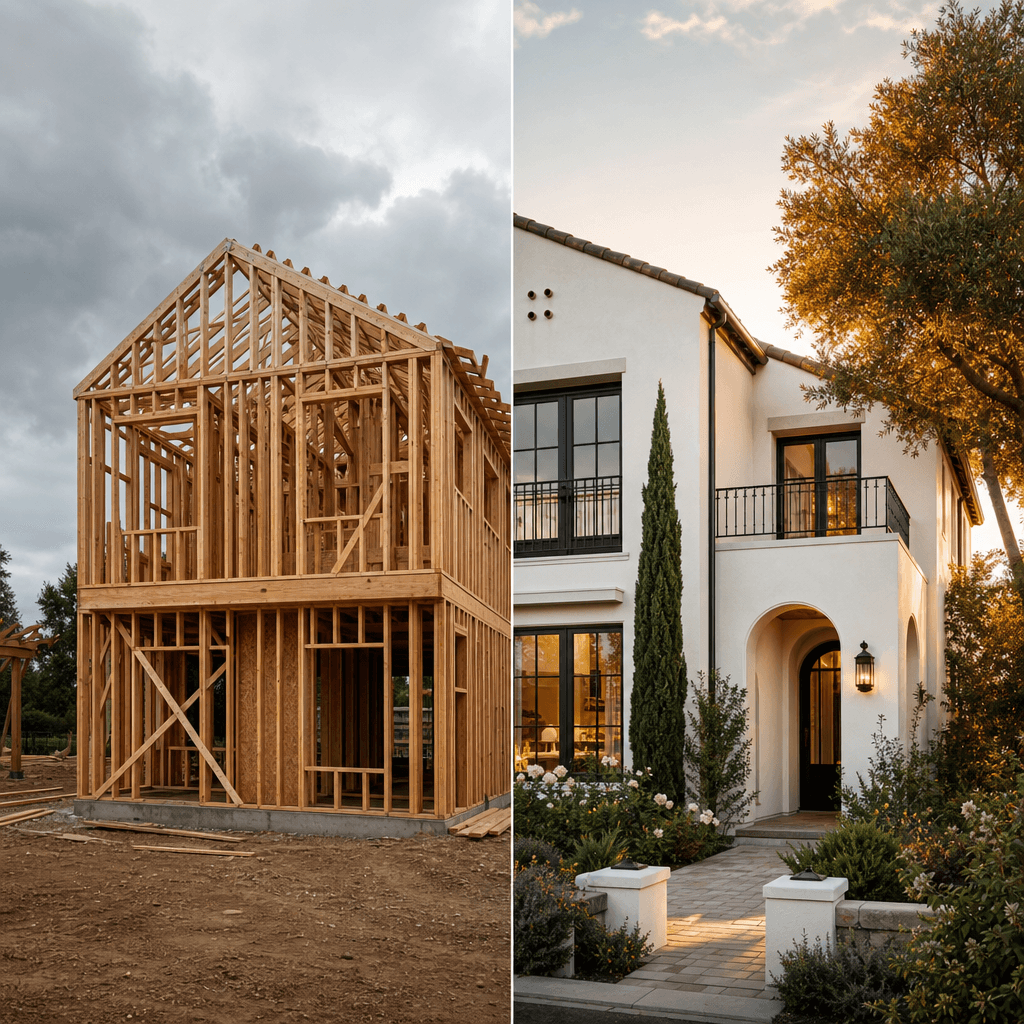
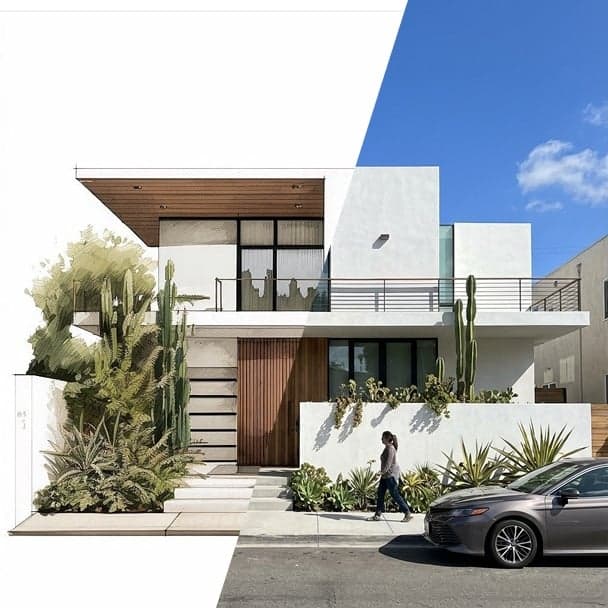
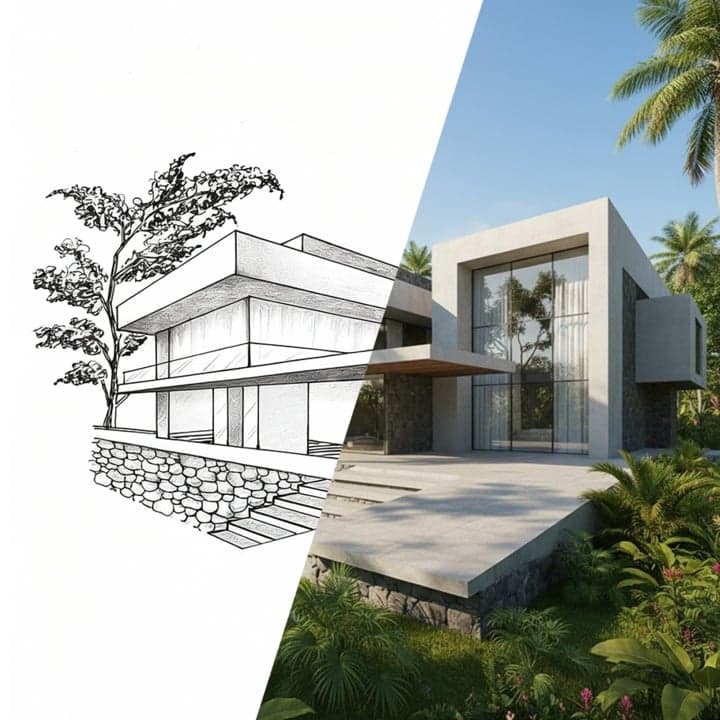
Residential exterior transformation split frame: left side showing a timber frame structure mid-build with exposed frami
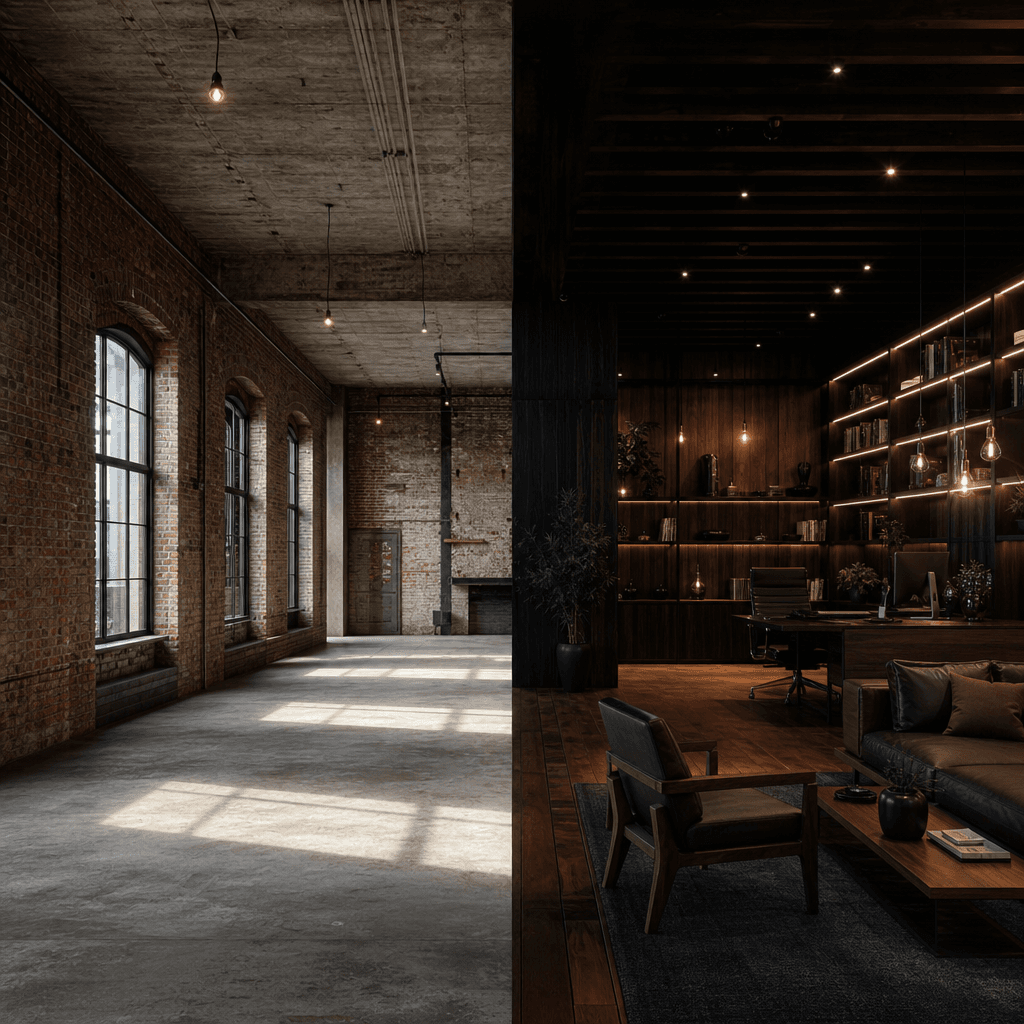
Industrial loft interior before and after: left half raw exposed brick walls and bare concrete ceiling with hanging elec
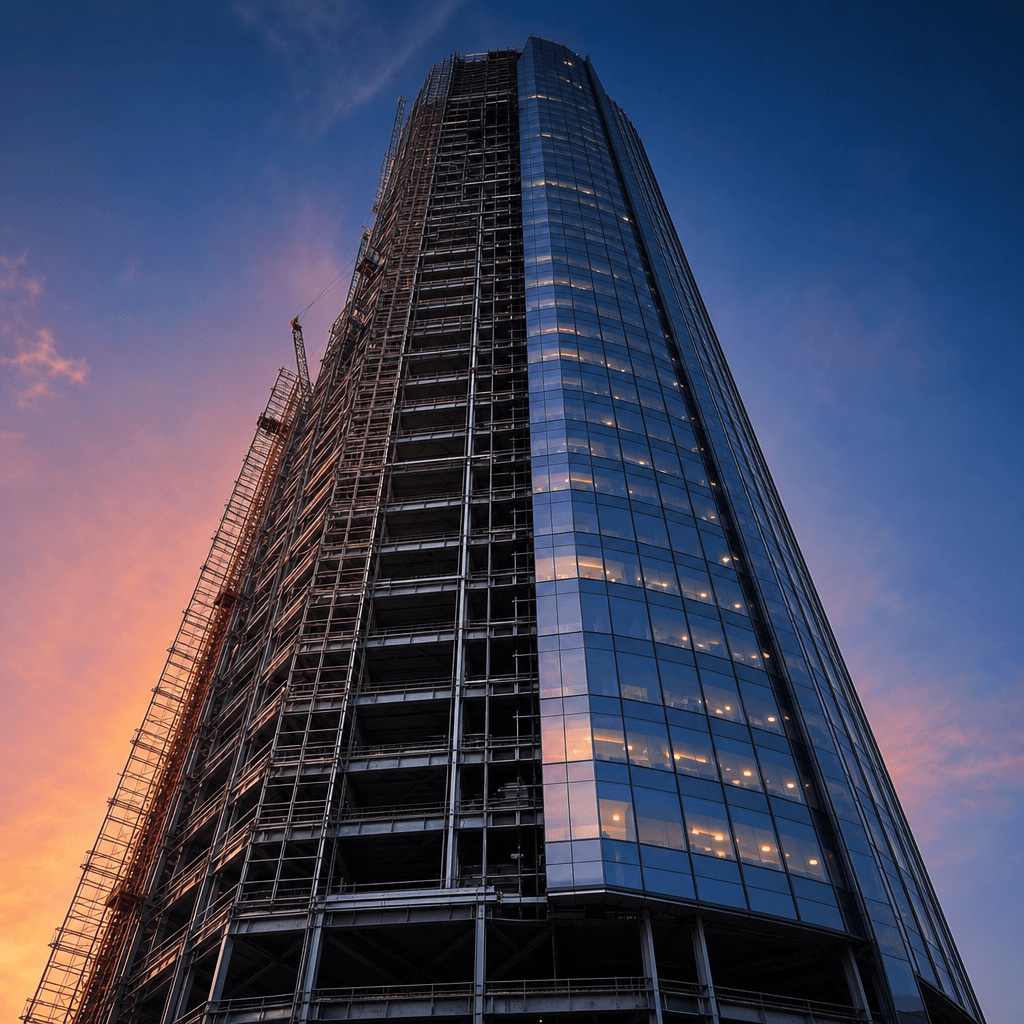
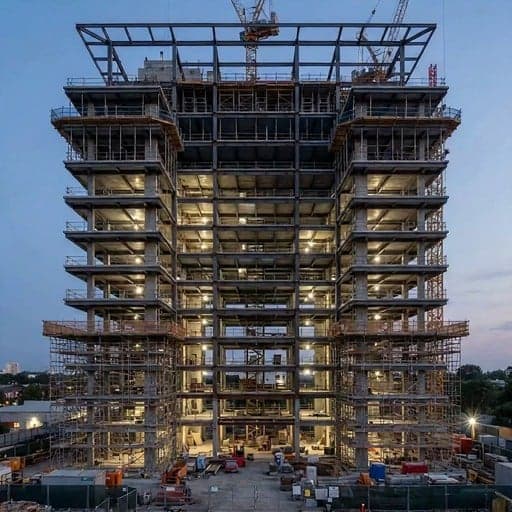
High-rise tower construction progress, dramatic low-angle shot looking up: steel scaffolding and incomplete structural f
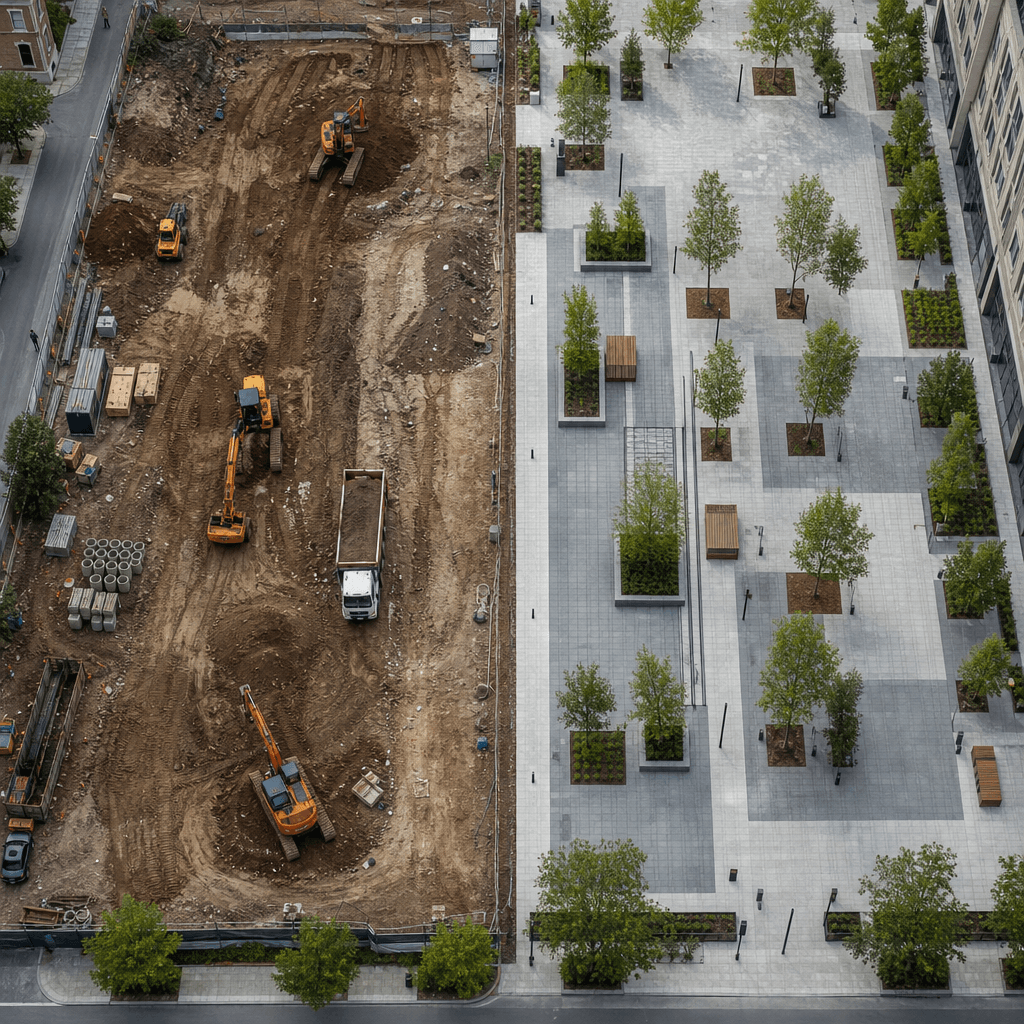
Landscape architecture transformation aerial view: muddy excavated earthworks and construction equipment visible on left
Ready to ship

Pick a template, customize, publish.

Use cases

Made for every workflow

  • Architects

    Document design intent against construction execution in a single frame — ideal for portfolio updates, award submissions, and milestone reviews with clients who need to see progress, not read reports.

  • Construction Companies

    Demonstrate to clients and stakeholders exactly how a site has evolved from groundwork to completion, with a clean visual format that conveys progress without written explanation.

  • Real Estate Developers

    Show prospective buyers or investors the transformation of a development site into a finished asset, compressing months of construction into a compelling reveal that's shareable and memorable.

  • Interior Designers

    Present the before/after of a completed interior scheme — from raw shell space to finished environment — in a format clients can forward to colleagues and save for reference.

  • Project Managers

    Create recurring progress updates using the same template structure across all reporting cycles so stakeholders receive consistent, visually comparable documentation at every milestone.

How it works

From idea to result in seconds

  1. Step · 01

    Upload your photos

    Add your before and after site images to the template — standard JPEG or PNG exports from any professional or smartphone camera work well, provided the two shots share a consistent angle.

  2. Step · 02

    Adjust the transition

    Set the timing, wipe direction, and output aspect ratio to match your presentation context, whether that's a widescreen pitch deck, a client email attachment, or a vertical social post.

  3. Step · 03

    Export and deliver

    Render the finished video in seconds and download it for immediate use in client-facing materials, your professional portfolio, or scheduled social media posts.

FAQ

Frequently asked questions

  • It generates a short, polished video from two still images — typically a site photograph before construction began and one taken at a later milestone or upon completion. The output is a smooth before/after transition video ready for client presentations, tender documents, and social media.

  • Matched-angle pairs work best: photos taken from the same position and focal length at different points in time. Construction site exteriors, architectural facades, interior renovations, and landscape projects all perform strongly when the framing is consistent between the before and after shots.

  • Most renders complete within seconds. Exact time depends on the AI model selected and current platform load, but the pipeline is built for fast turnaround — you can iterate on settings and re-export without a significant wait.

  • Generation requires credits, which are purchased as part of a Nim subscription plan. There is no free generation tier. You can preview the template and browse the full architecture library before purchasing a plan.

  • You retain full ownership. Nim grants a commercial license on all generated outputs, covering client deliverables, investor presentations, paid advertising, and published portfolios — no attribution required and no per-use fees beyond the credit cost at generation.

  • Yes. The commercial license explicitly covers client deliverables, tender and proposal packages, social media distribution, and paid media placements. There are no additional licensing costs once you have generated the video.

  • Traditional editing requires importing assets, building a timeline, animating a wipe transition, and exporting — a process that can take 30 minutes or more even for experienced editors. This template produces the same visual output in seconds without requiring any editing software or timeline skills. The result is production-ready and exports at full quality.

  • Yes — the template can be run as many times as you need, once per milestone pair. Using the same template across all phases keeps your progress updates visually consistent, which is useful for long-running projects where stakeholders need to compare reports across months or years.

Get started

See what you can make

Explore more

Discover more AI tools