Future Baby Generator: How It Works and Nim Alternatives
Discover how a future baby generator works, the privacy risks involved, and the best Nim alternatives for enhancing and editing your family photos.
By Nim
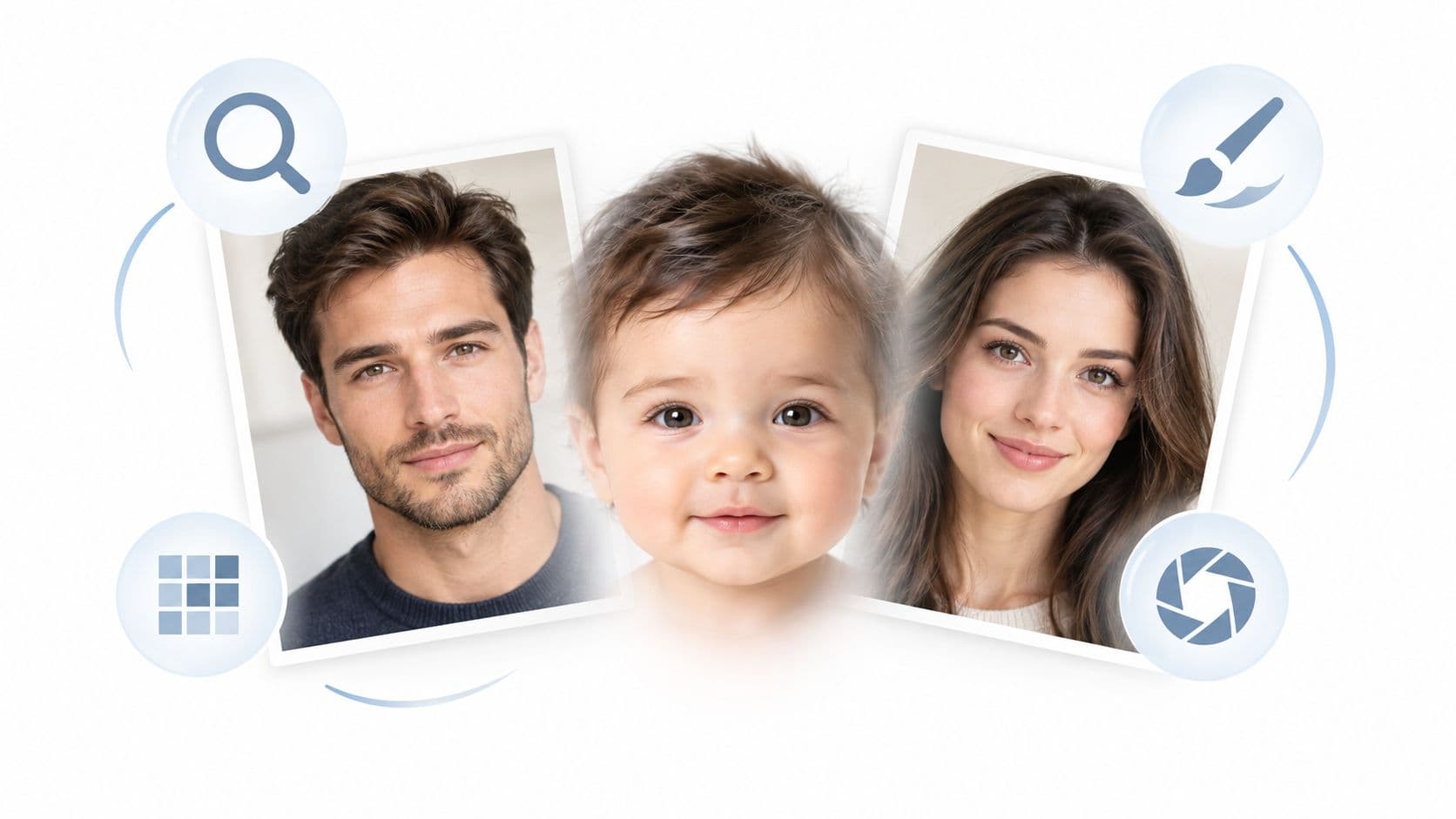
The popular advice is wrong: a future baby generator is not a peek into genetics, it's a stylized face-blending toy. Treat it as entertainment, not a forecast, and don't hand over private family photos expecting anything more scientific than a creative guess.
The Reality Behind Future Baby Generators
A future baby generator is a face-mixing filter, not a genetic forecast. It pulls visible traits from parent photos, usually one clear, front-facing image from each person, then blends eye shape, nose, lips, skin tone, hair color, and face shape into a baby-style portrait.
What the output means
The output is a simulation, not a prediction.
That matters because these apps can look convincing while still being guesswork. They are built to produce a playful concept, not to tell you what a real child will look like.
A few services do say this plainly. They admit there is no honest way to predict a future baby's exact face from two photographs, then describe the result as a set of reference-conditioned portraits BabyBlend's disclosure. That is the correct reading. The image is a remix of visible traits, so it can land as cute, eerie, or somewhere in between.
The privacy side is easy to ignore and easy to regret. If an app wants family photos, read the fine print before you upload anything personal. A tool can turn a simple novelty request into a data-sharing decision fast.
The market itself is also louder than the product. Some baby-generator apps are available in mainstream app stores, which shows demand, but it does not make the output more scientific Google Play listing.
Use these tools for a joke, a card, or a social post. If you want images that look polished, spend your time on real photo enhancement workflows with Nim instead. That gives you control over lighting, framing, and retouching, which is where the actual quality comes from.
Technical Limits of AI Age Progression
AI face aging and baby-style generation still run into hard technical limits. A longitudinal facial-growth simulation study from 2019 found that the age-progression algorithm improved prediction versus the non-aged face in both sexes and age groups, with gains of 2.7 mm and 2.0 mm in males and 3.0 mm and 1.1 mm in females, while keeping mean error under 2 mm study. That sounds precise, but the same authors also state that no aging algorithm can predict a person's true future appearance with absolute accuracy.
Why infant faces are especially hard
Infant-age inference is weak even when developers add specialized preprocessing. In a CVPR 2025 workshop paper on occluded faces, a baseline SAM pipeline achieved only 2.6% accuracy on the 0 to 2 years age group, and the proposed LATS-1 pipeline raised that to 10.8% by combining object removal with in-painting CVPRW 2025 paper. That gap tells the story. Even with stronger preprocessing, infant faces remain extremely difficult to infer.
The practical takeaway is boring but useful. If a source photo is blurry, tilted, heavily filtered, or blocked by hair, glasses, hands, or shadows, the output gets less reliable as a visual composition. Clear, front-facing portraits give the model less noise to work with.
A good workflow starts with that reality. Don't chase “accuracy” in a category where accuracy is structurally limited. Chase a clean, readable image instead.
Use the right task for the right tool
For users who want aging-style visual effects rather than fantasy baby prediction, an image-to-animation workflow such as Nim's old photo animation template fits better than a baby generator. It's built for transformation as a visual effect, not for pretending to forecast biology.
The best AI image result usually comes from the least complicated source photo.
That rule holds across age progression, face blending, and most portrait edits.
Privacy and Ethical Considerations
Uploading intimate family photos to a random novelty app is a bad trade. The image is personal, but the bigger risk is what happens to the source file, the biometric face data, and any metadata that stays attached after generation. Many baby-generator services hide behind broad privacy language instead of saying plainly how long they keep photos or whether they reuse them for training or product improvement.
Some services are more careful than others. Some baby-generator policies only say they do not knowingly collect personal information from children under 13. That is a floor, not proof of strong protection.
The safe assumption
The safe assumption is simple. Once a face photo leaves your device, it can be copied, stored, reviewed, or processed in ways you never see. That matters even more with partner photos, pregnancy photos, and pictures of minors. If you would not post those images on a public profile, do not send them into an unverified third-party app.
Use a basic privacy checklist before uploading anything sensitive. For a practical reference, practical AI privacy mitigations covers the habits that help, and how AI virtual staging handles uploaded property photos is a useful example of how a workflow should spell out what happens to uploads. Limit sensitive images, read retention language closely, and skip services that never explain how they handle face data.
Ethical use matters too
There is also an honesty problem. A generated baby face can look convincing enough that people start reading meaning into it. That pushes a stylized picture into family-preview territory, which is misleading to the people in the photo and to anyone who sees the result.
A privacy-first workflow means fewer inputs, clear consent, and a hard line between playful content and personal data. If a tool cannot justify that trade, skip it.
Why Nim Does Not Offer a Baby Generator
Nim's verified templates are built for real image and video work, not for pretending face blending can predict a future child. There is no verified workflow for turning parent photos into a hypothetical baby face, and that restraint fits a platform centered on practical production.
Baby prediction apps create a false sense of certainty and add privacy risk at the same time. Once you upload face photos, you lose control over where they are copied, stored, reviewed, or processed. That risk is harder to ignore with partner photos, pregnancy photos, and images of minors.
Nim stays focused on clearer outcomes. Its verified workflows are better for portrait cleanup, image enhancement, and stylized transformations than for speculative family predictions.
Use realistic goals instead of novelty prompts
If the goal is a polished family photo, a restored older picture, or a cleaner profile image, start with the source image and choose the right template. Upload the required photo, generate the result, review it, and keep the version that works. Simple, verified workflows produce better results than fantasy prompts.
A privacy-first workflow uses fewer inputs, clear consent, and a hard line between playful output and personal data. That is the standard to keep.
Best Nim Alternatives for Photo Enhancement
When the goal is to improve a photo, not invent a baby face, Nim's enhancement tools are the sensible route. The strongest fit depends on the source image and the problem to solve.
Pick the tool based on the starting photo
| Nim Tool | Best Used For | Input Requirement |
|---|---|---|
| Image Enhancer | Restoring old, soft, or low-quality family photos | A single image that needs cleanup |
| Upscale | Making a portrait or product image larger without obvious softness | A clear image that needs more resolution |
| Background Replace | Turning casual snapshots into cleaner portrait-style visuals | A photo with a subject that needs a different background |
For old family pictures, the Image Enhancer is the first place to start. It's the right choice when the subject is there but the image looks faded, blurry, or uneven. For better output, use the clearest original file available and avoid screenshots of screenshots.
For size and detail, Upscale makes more sense. It's useful when the image already works compositionally but looks too small for sharing or printing. Open the template, upload the image, review the result, and download the version you prefer.
For cleaner portraits, Background Replace is the most practical option. It's useful when the subject is fine but the setting is messy, distracting, or too casual. That gives a stronger final image without trying to invent features the source photo never had.
If older photos are the project, the guide to best AI tools to animate old photos is worth a look as a planning reference. Motion can be a better payoff than novelty baby generation when the input is a meaningful family image.
Bottom line: enhance real photos first. Save baby generators for jokes, not for actual visual archives.
Creating Professional Portraits and Mug Shots
A future baby generator is the wrong tool for a better face photo. The need is cleaner framing, sharper detail, and a look that feels usable. Nim's Mug Shot and Professional Headshot templates fit that job better than a fantasy generator, because they polish the selfie you already have instead of inventing a new one.
Start with a photo that works
The source image matters most. Use a clear face, steady lighting, and little to no occlusion. Hair across the face, hands, filters, and deep shadows all weaken the result. A front-facing shot is usually the safest choice for any face-focused edit.
The workflow is simple. Open the template, upload the photo, generate the portrait, review the output, and download the version that works. For a stronger sense of what makes a portrait look credible, generate professional quality profile pictures is a useful reference.
For a more formal social or career image, Nim's LinkedIn AI headshot guide is the right next step. It matches the job, which is a cleaner headshot, not a fake baby prediction.
The right next move
Open Nim's Future Baby template only for a playful face effect. If the goal is a better photo, use enhancement or portrait tools instead. That saves time, keeps privacy risk lower, and gives you something people can use.
- future baby generator
- AI photo editing
- Nim alternatives
- image enhancer
- AI portrait tools