Accessories · Making Of

How It's Made AI Video Template

Turn any object photo into a realistic making-of scene with either cozy handmade character or full industrial factory scale.

Create making-of video
Browse all 400+ templates

Everything you need

Built for creators, marketers, and teams shipping AI video at scale.

01

One Object Photo

Start from a clear image of the item you want to place inside a believable production story.

02

Two Production Moods

Choose a cozy homemade atmosphere or a large-scale industrial factory interpretation.

03

Realistic Making Of

The template generates tools, materials, environments, and action around the source object.

04

Cinematic Process Story

Production activity becomes a polished narrative rather than a static product presentation.

05

No Factory Shoot

Visualize a manufacturing concept without arranging access, crews, machinery, or workshop filming.

06

Fast Concept Renders

Generate a developed creative direction in seconds or under a minute, subject to model demand.

07

Flexible Product Types

Apply the concept to accessories, decor, packaged goods, tools, fashion items, and crafted objects.

08

Commercial Creative Workflow

Use the result for brand storytelling, social campaigns, launch content, and creative presentations.


Features

Built to ship

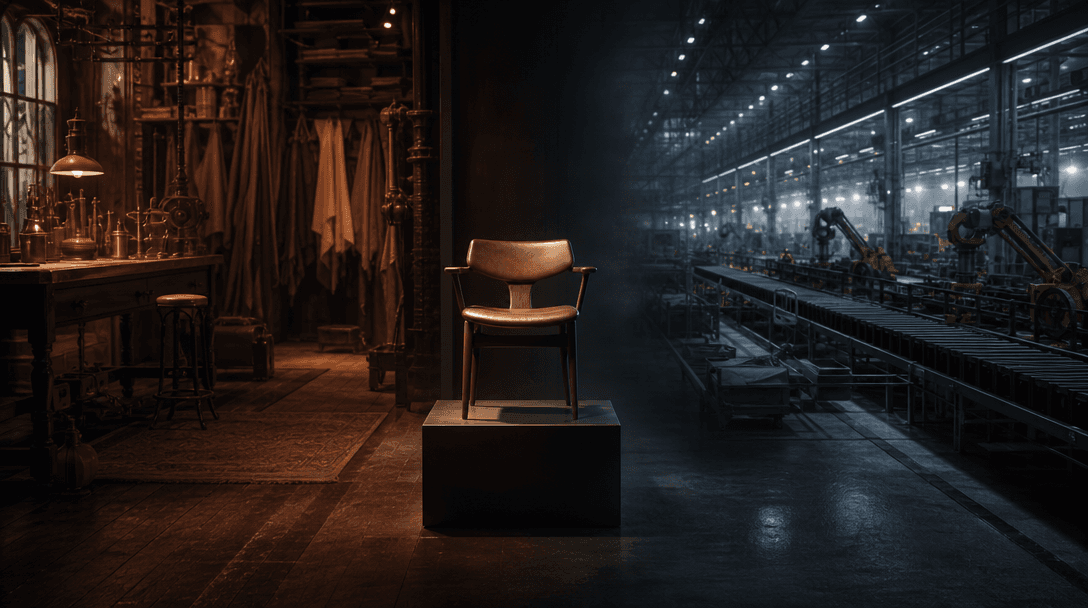
One finished object positioned between two connected worlds: a warm handcrafted workshop of wood, cloth, and brass on on
F · 01

Choose Handmade or Industrial Scale

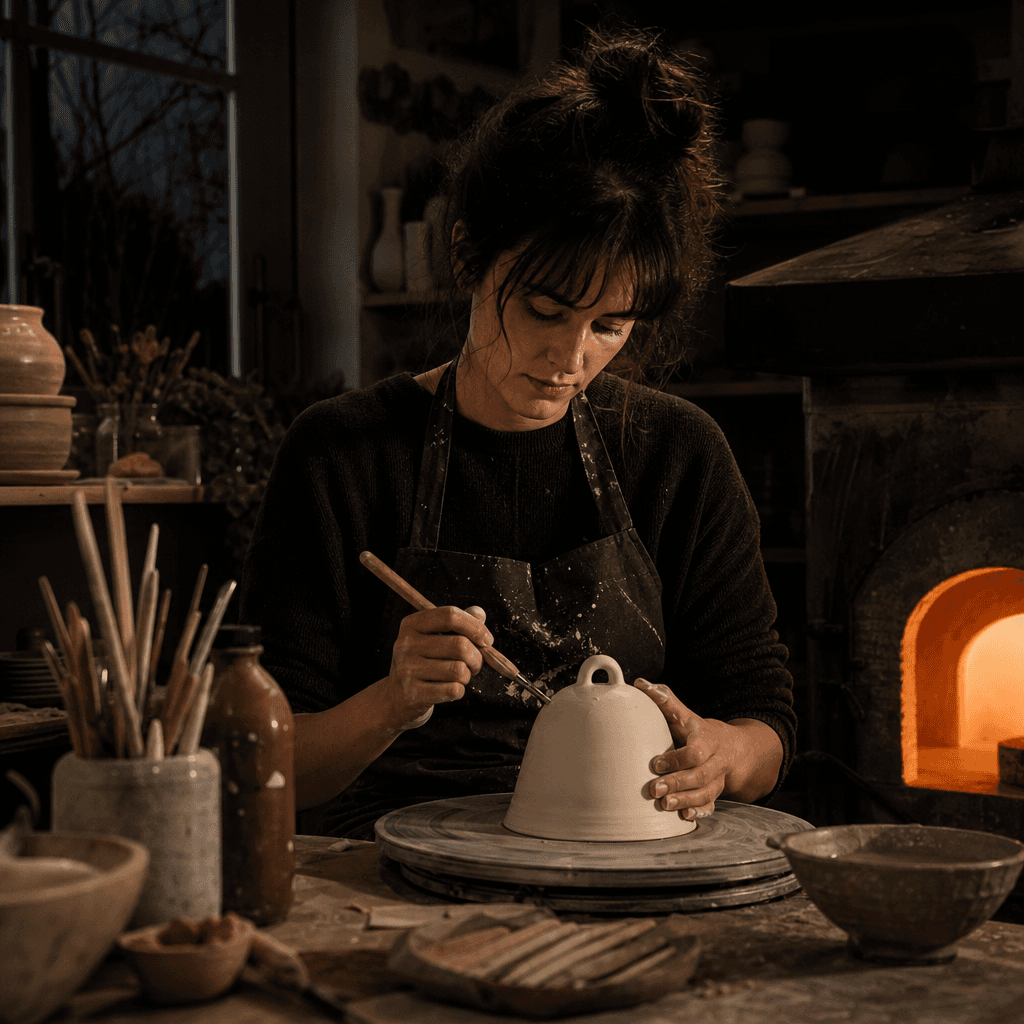
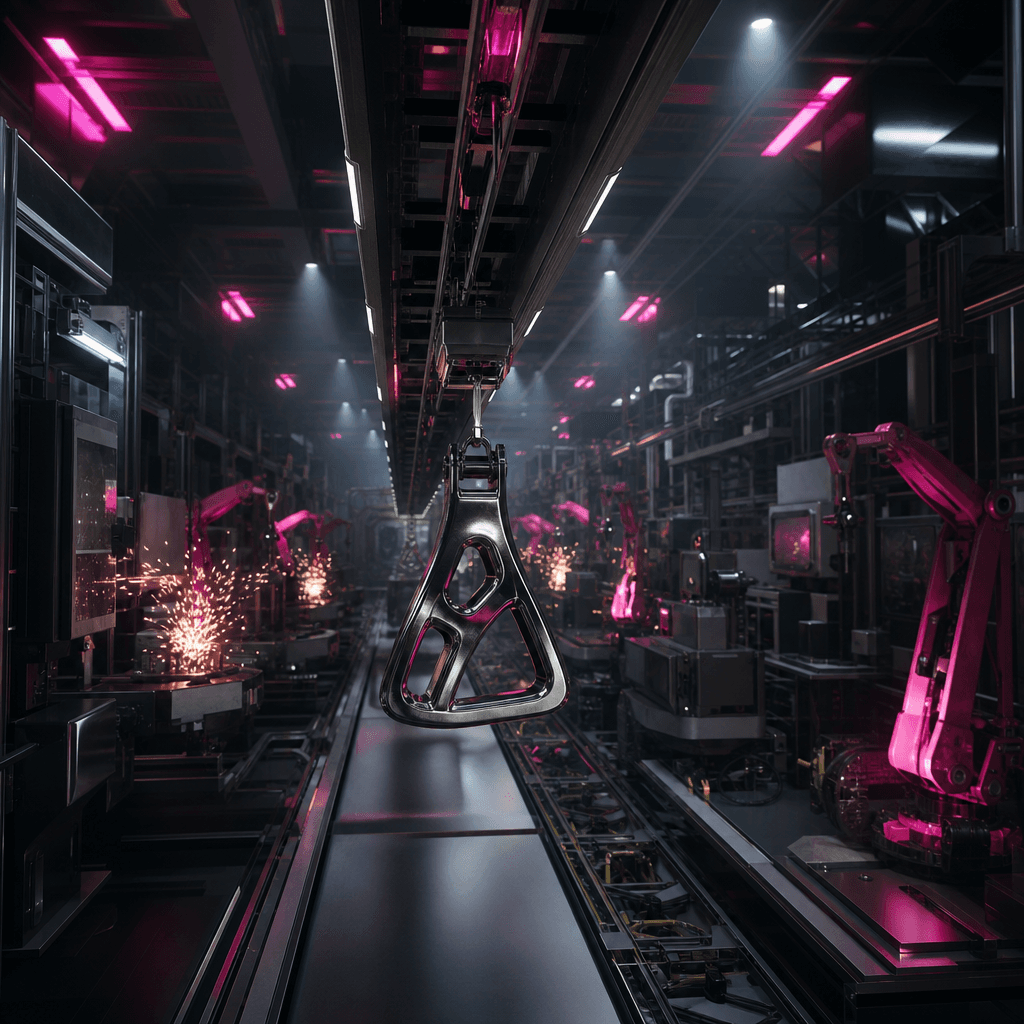
The How It's Made template supports two distinct visual directions. Give the object a warm, tactile workshop story with human-scale tools and materials, or frame it inside a dramatic factory environment with machinery, structured production, and cinematic scale.

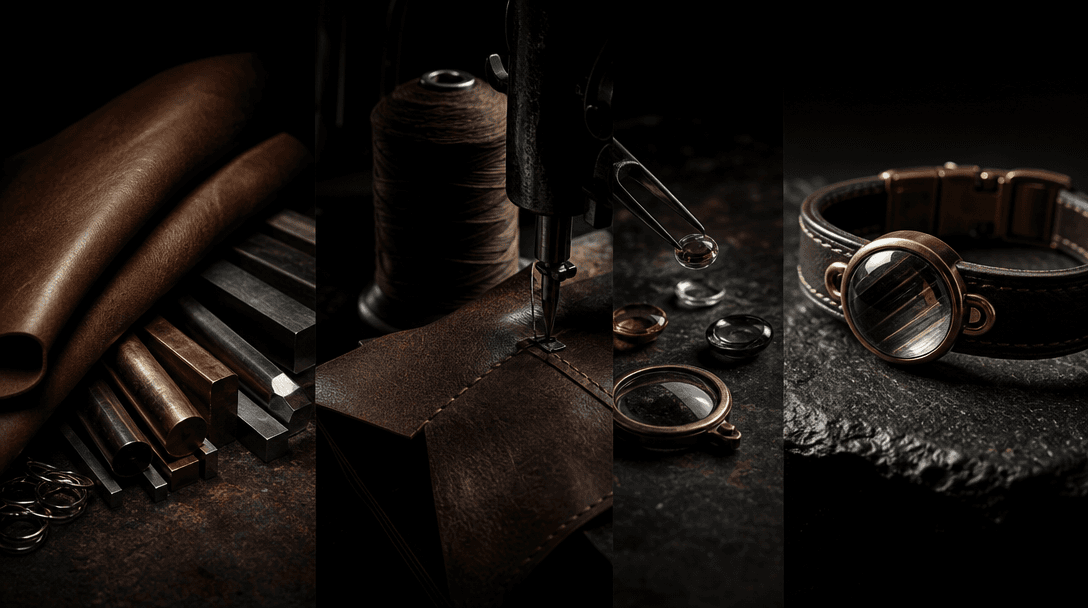
Raw materials flowing through stages toward a finished accessory, leather, metal, thread, and glass arranged as a cinema
F · 02

Turn Products Into Stories

A straightforward object photo becomes the focus of an active making-of sequence. By adding process, environment, and material context, the template helps brands communicate care, complexity, craft, or ambitious production.

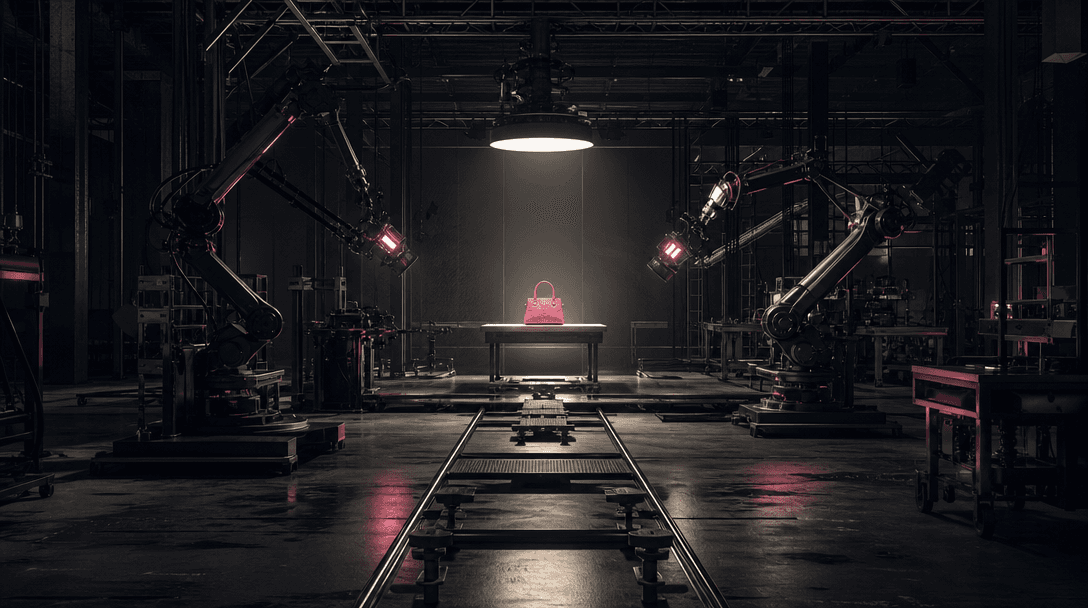
An empty factory-scale film set represented by dramatic machinery, overhead lights, tracks, and worktables converging on
F · 03

Visualize Production Without Filming

Real manufacturing shoots can involve location access, safety planning, crews, lighting, and operational disruption. This template offers a fast route to a realistic creative interpretation when original behind-the-scenes footage is unavailable.

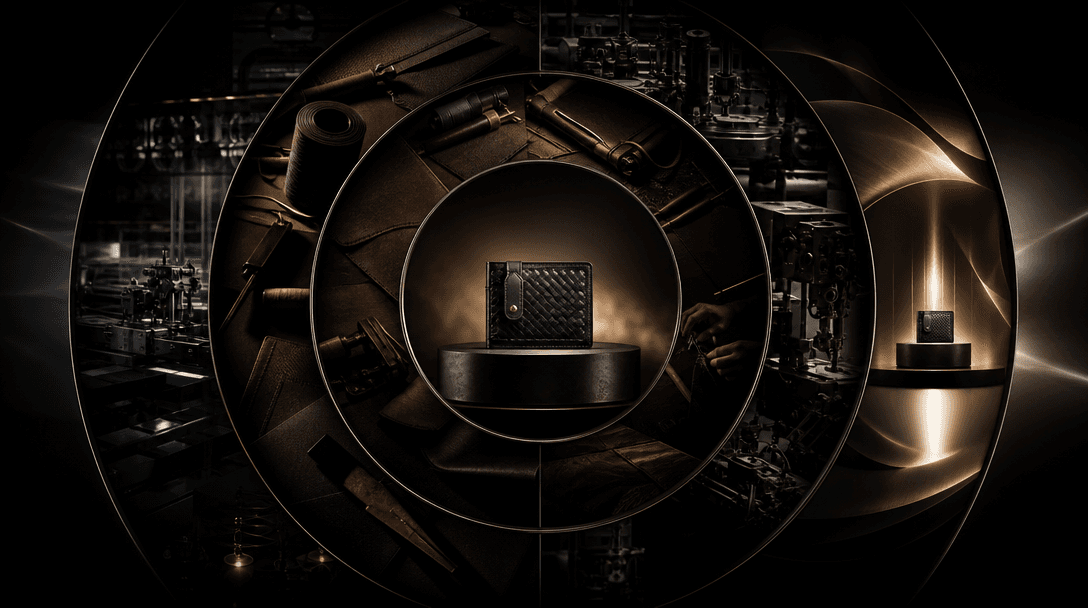
A finished accessory at the center of expanding concentric campaign scenes: workshop materials, factory machinery, produ
F · 04

Build a Wider Brand Campaign

Use the generated scene as a launch asset, social post, process teaser, or campaign reference. Nim's multi-model platform can extend the same product into packshots, advertisements, explainers, and alternate visual styles.

Showcase

See it in action

Real outputs generated by our pipeline — no curated cherry-picks.

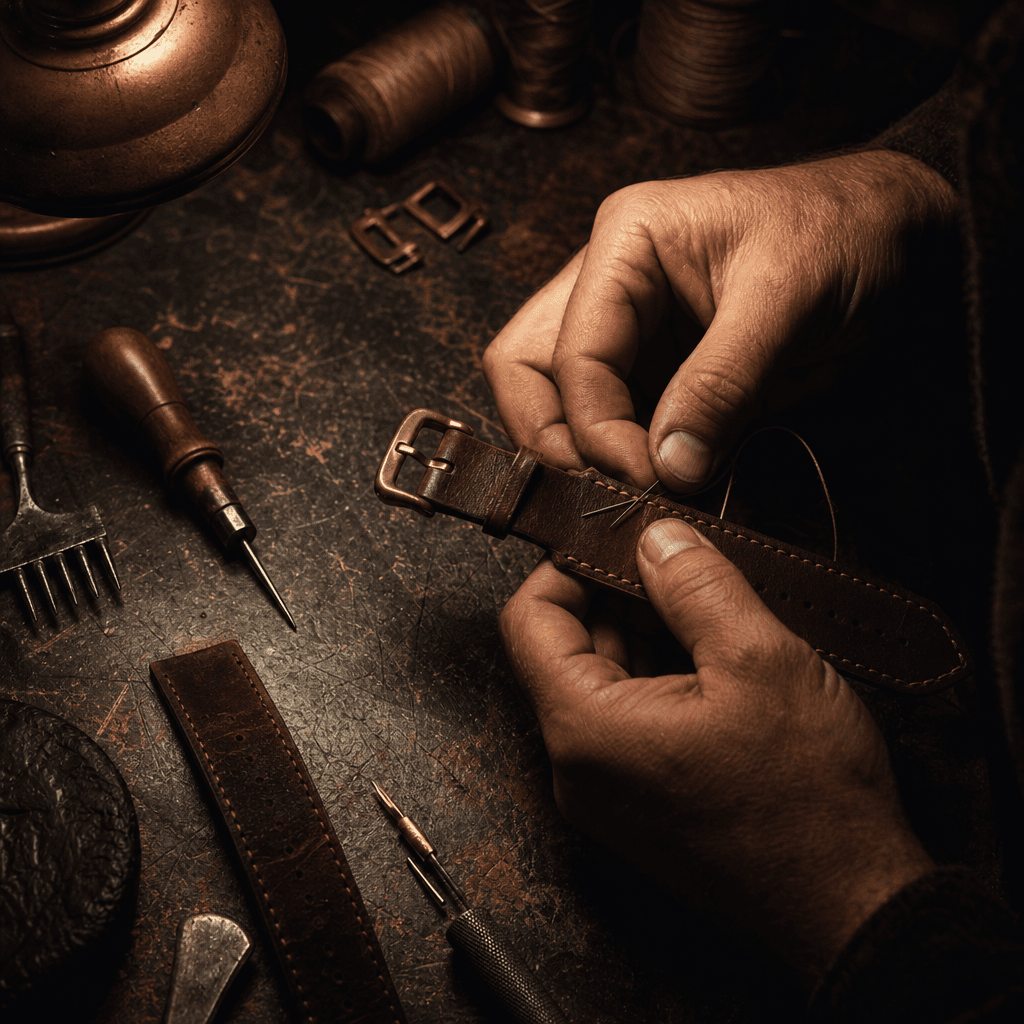
Artisan hands abstractly shown assembling a leather watch strap at a worn wooden bench, warm task light against deep sha
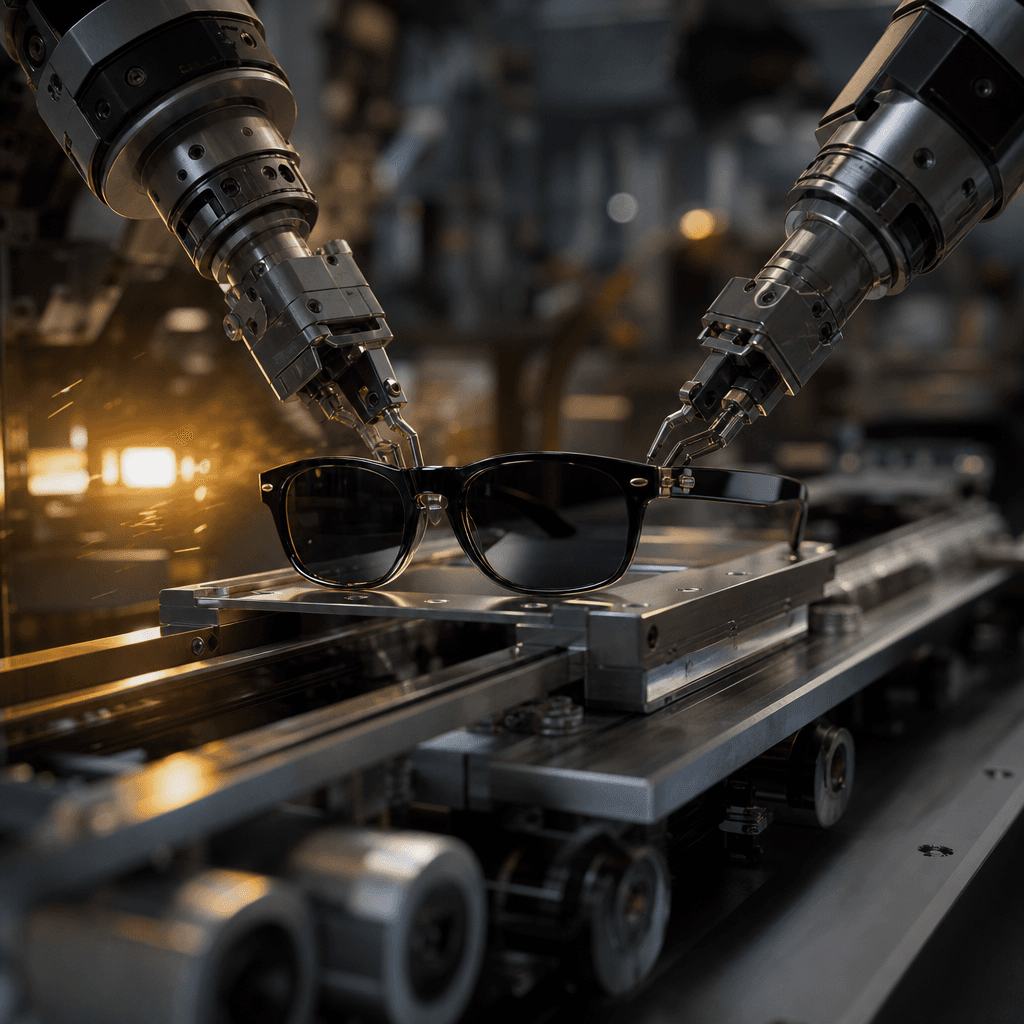
A sleek pair of sunglasses moving through a precision factory line with robotic grippers, brushed metal machinery, spark
Ceramic home object being shaped and glazed in a cozy nighttime studio, clay dust, wooden tools, warm kiln glow, dark at
Premium metal accessory traveling through a vast automated assembly hall, overhead rails, precision machining, controlle
Ready to ship

Pick a template, customize, publish.

Use cases

Made for every workflow

  • Accessory Brands

    Place watches, bags, eyewear, jewelry, and small goods inside a crafted workshop or precision manufacturing narrative.

  • Ecommerce Sellers

    Add depth to a product launch by turning a standard catalog image into a more memorable process-driven video.

  • Artisan Businesses

    Create warm making-of imagery that evokes careful handwork, tactile materials, and small-batch production.

  • Industrial Marketers

    Visualize products in a large-scale factory setting to communicate engineering, repeatability, and manufacturing ambition.

  • Social Creators

    Build satisfying process content around unusual objects without needing direct access to the real production location.

  • Creative Agencies

    Prototype both homemade and industrial campaign directions quickly for pitches, storyboards, and client content.

How it works

From idea to result in seconds

  1. Step · 01

    Upload an Object

    Choose a sharp photo that clearly shows the item's shape, materials, and important details.

  2. Step · 02

    Choose Production Style

    Select cozy homemade craft or full industrial factory as the setting for the making-of scene.

  3. Step · 03

    Generate the Story

    Create a cinematic production sequence for social, advertising, presentations, or brand storytelling.

FAQ

Frequently asked questions

  • How It's Made is a specific Nim video template that transforms a photo of an object into a realistic production scene. You can choose a cozy homemade interpretation or a large industrial factory environment.

  • Upload a clear object photo, choose the desired production mood, and generate. The model interprets the object's visible form and builds a cinematic environment with relevant materials, tools, machinery, and process activity.

  • The homemade direction emphasizes warmth, craft, close-up tools, and tactile workshop details. The industrial direction uses larger machinery, factory scale, structured production lines, and a more engineered visual tone.

  • Not necessarily. The result is a generative creative interpretation and should not be treated as factual manufacturing documentation unless you independently verify that the depicted process is accurate.

  • Generation requires an account and purchased credits. Nim lists current plan options and credit information on its subscription page.

  • Nim offers access to multiple leading image and video model families, including Sora, Veo, Kling, Pika, and Flux options. Specific availability varies by workflow.

  • The template can work with accessories, furniture, decor, tools, packaging, fashion items, electronics, and many other recognizable objects. Clear product shape and visible material details improve the source information.

  • The template supports commercial creative workflows, subject to Nim's terms, your plan, model-specific conditions, and your rights to the uploaded image. Watermark removal is available on paid plans for eligible outputs.

  • Real filming provides factual documentation and exact operational detail. Nim is useful for fast creative visualization, campaign concepts, and process-inspired storytelling when a production shoot is impractical, but generated scenes should not be presented as documentary evidence.

  • Many generations finish in seconds or under a minute. Actual processing time can vary with model selection, queue traffic, and scene complexity.

Get started

See what you can make

Explore more

Discover more AI tools