Architecture · AI

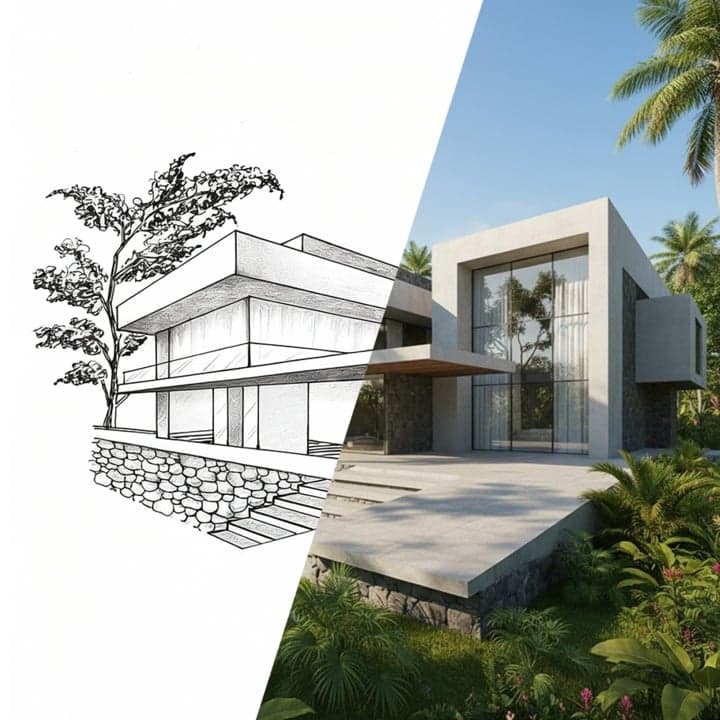
Turn 3D Renders into Real Photos

Upload any architectural render and receive a production-ready photorealistic image. Built for architects, visualization studios, and property developers.

Create now
Browse all 400+ templates

Everything you need

Built for creators, marketers, and teams shipping AI video at scale.

01

Photo-real output

Converts 3D renders into images that read as professional architectural photography — not computer-generated art.

02

Geometry stays intact

The AI respects your original camera angle, composition, and spatial proportions throughout the transformation.

03

Any renderer compatible

Works with exports from 3ds Max, SketchUp, Revit, Blender, V-Ray, Lumion, Enscape, and other standard tools.

04

Interior and exterior

Handles room visualizations and building facade renders with equal fidelity, adapting to the spatial context automatically.

05

Commercially licensable

Every output you generate is yours to use in client presentations, planning submissions, property listings, and marketing.

06

Material accuracy

Flat render surfaces become physically accurate concrete, glass, timber, stone, and metal textures in the final image.

07

Under a minute

Generation completes in seconds — no queues, no render farm delays, no waiting on overnight batch jobs.

08

Curated pro template

Part of Nim's architecture template collection, calibrated by visualization professionals for real client workflows.
Features

Built to ship

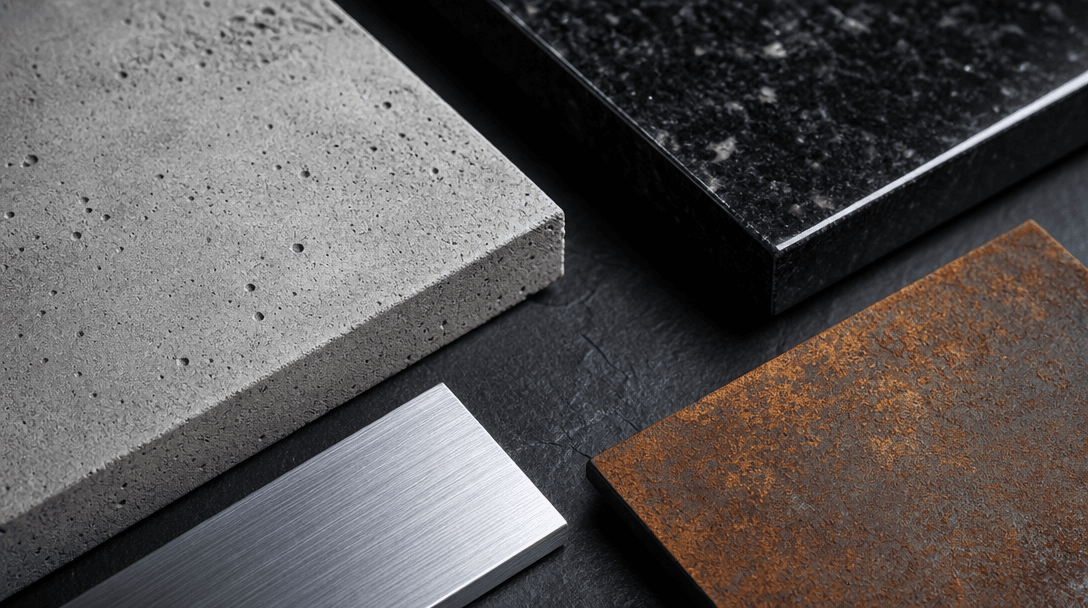
Extreme close-up of architectural material samples arranged on a dark slate surface: raw concrete panel, polished black
F · 01

Photorealistic Material Synthesis

Nim's model reads the structural geometry in your 3D export and replaces flat render materials with physically accurate textures — concrete, anodized aluminum, low-e glass, weathered timber, polished stone. The transformation is driven by the material properties implicit in your render's shading, not a generic filter pass. Results look like they were captured on location, not computed in a render farm, making them suitable for client pitches, planning submissions, and press-ready press kits.

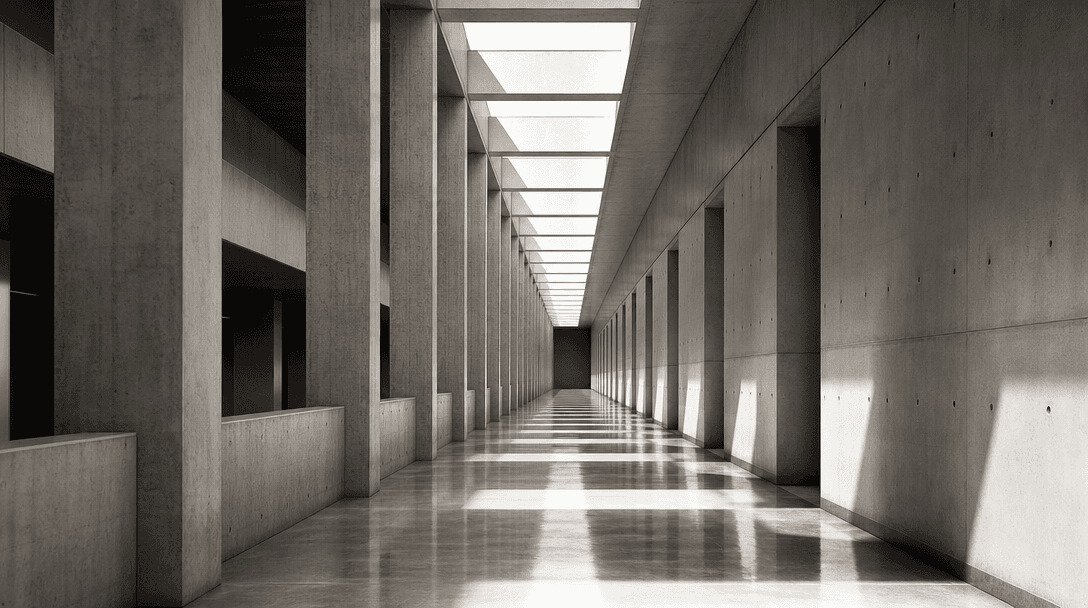
Wide architectural photograph of a modernist building interior corridor: precisely aligned structural columns receding t
F · 02

Composition-Preserving Realism Pass

Your original camera angle, depth of field, architectural proportions, and spatial layout remain unchanged throughout the conversion. Only the visual quality layer changes: flat ambient occlusion becomes natural-light shadows, harsh render highlights become soft directional illumination, and blank skies resolve into contextually appropriate backgrounds. There is no cropping, reframing, or unwanted recomposition — what you staged in your 3D scene is exactly what you receive, rendered at photographic fidelity.

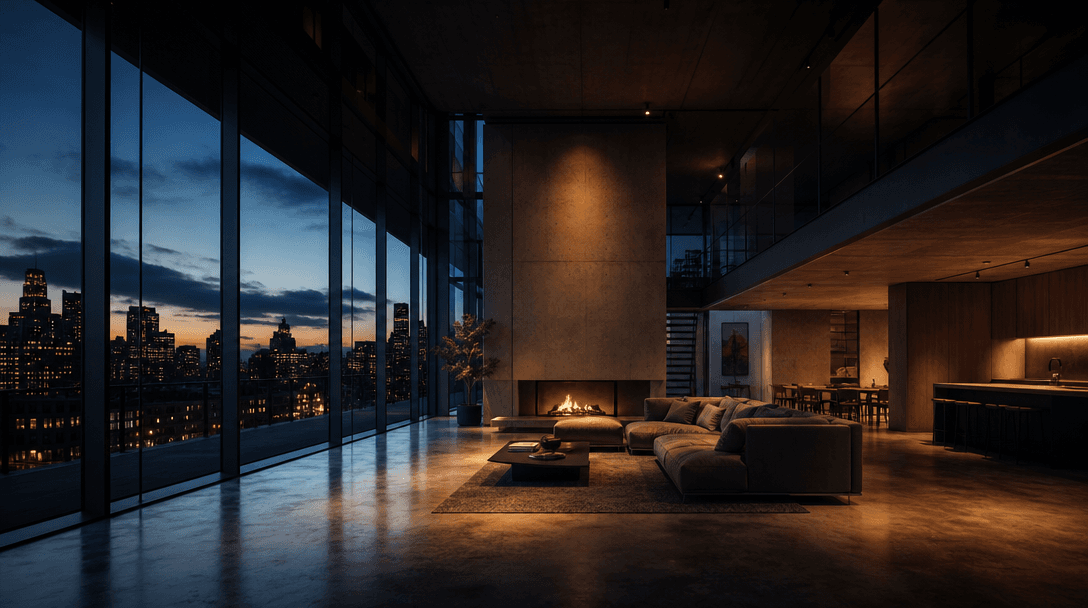
Atmospheric architectural interior at dusk: large living space with floor-to-ceiling glass on one side revealing a darke
F · 03

Interior and Exterior Scene Support

Whether you are visualizing a residential living room, a commercial hotel lobby, or an entire building facade, the render-to-real model adapts to the spatial context of the scene. Interior passes handle bounced light, reflective floor planes, and the warmth of artificial fixtures. Exterior passes resolve landscape, atmospheric haze, and the cast shadows of surrounding structures. Both modes produce outputs that feel grounded, inhabited, and real — not generically beautified.

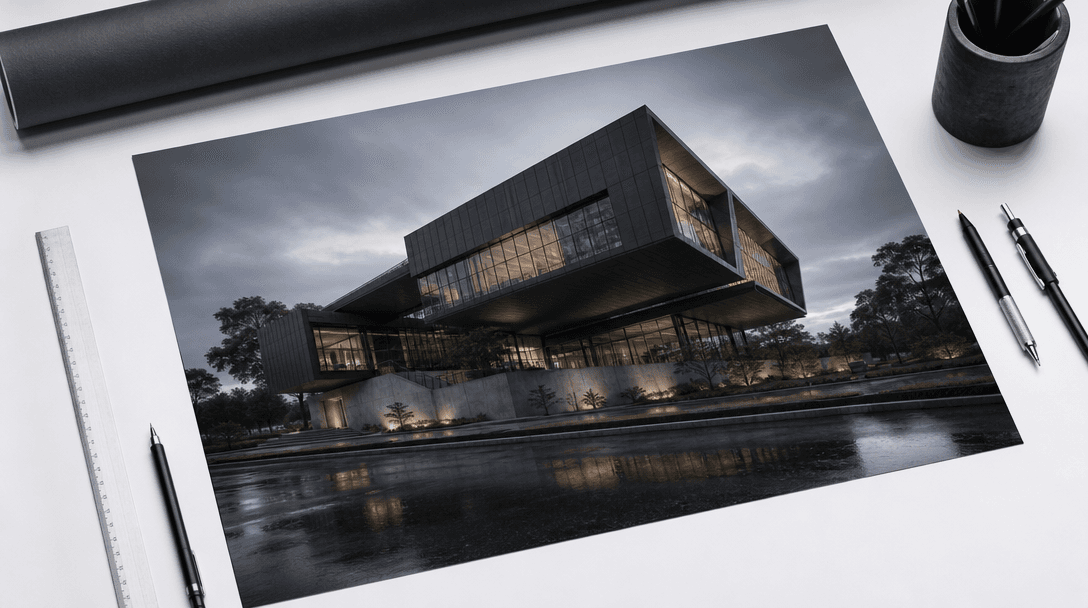
Architectural photography hero shot: a printed A2 presentation board showing a photorealistic building visualization, pl
F · 04

Production-Ready Export for Professional Deliverables

Outputs are generated at resolutions appropriate for pitch decks, property listings, planning-authority documentation, and large-format print. The template is calibrated specifically for the architecture and real-estate market: every generation preserves the structural legibility that clients and planners need while removing the tell-tale plastic quality of unprocessed 3D renders. Deliverables are commercially licensable and ready to hand to clients the moment generation completes — no post-processing pipeline required.

Showcase

See it in action

Real outputs generated by our pipeline — no curated cherry-picks.

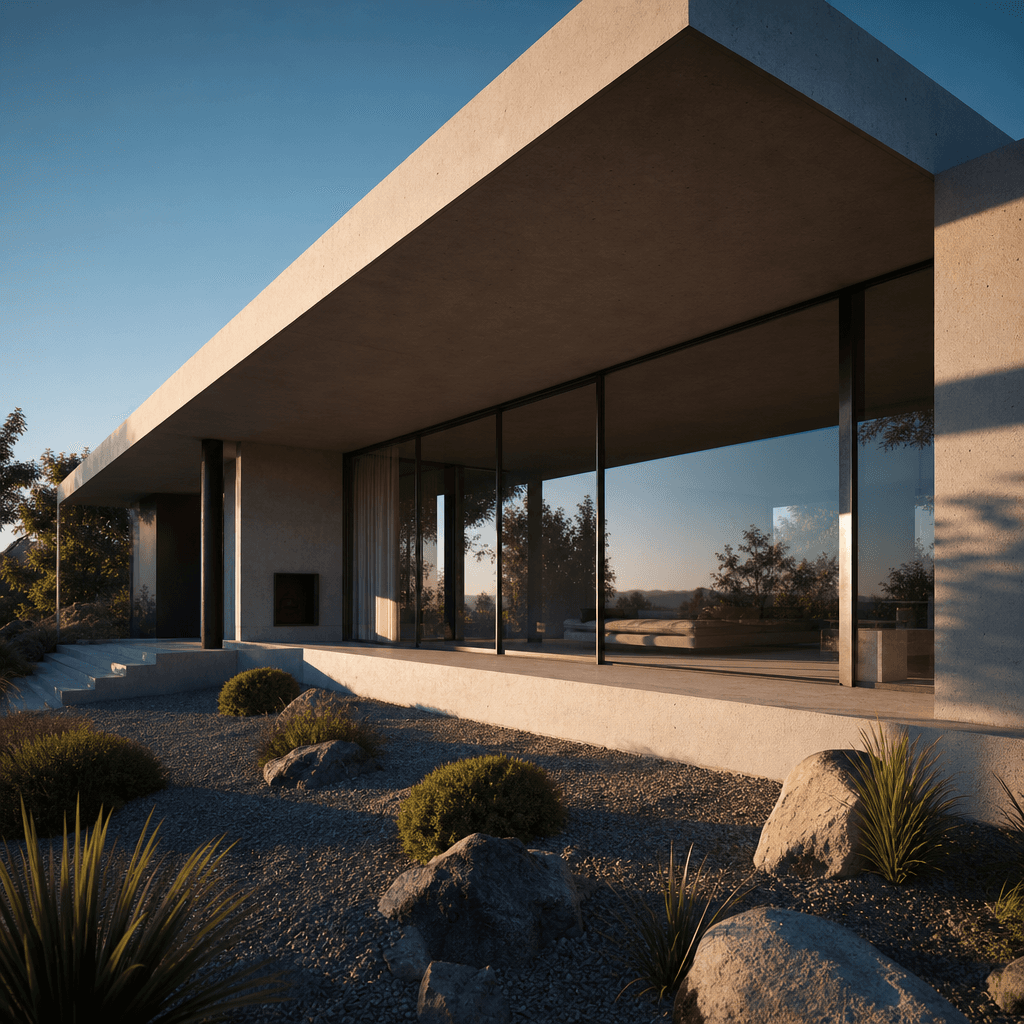
Photorealistic exterior of a contemporary concrete and glass residential house, late afternoon golden hour, harsh shadow
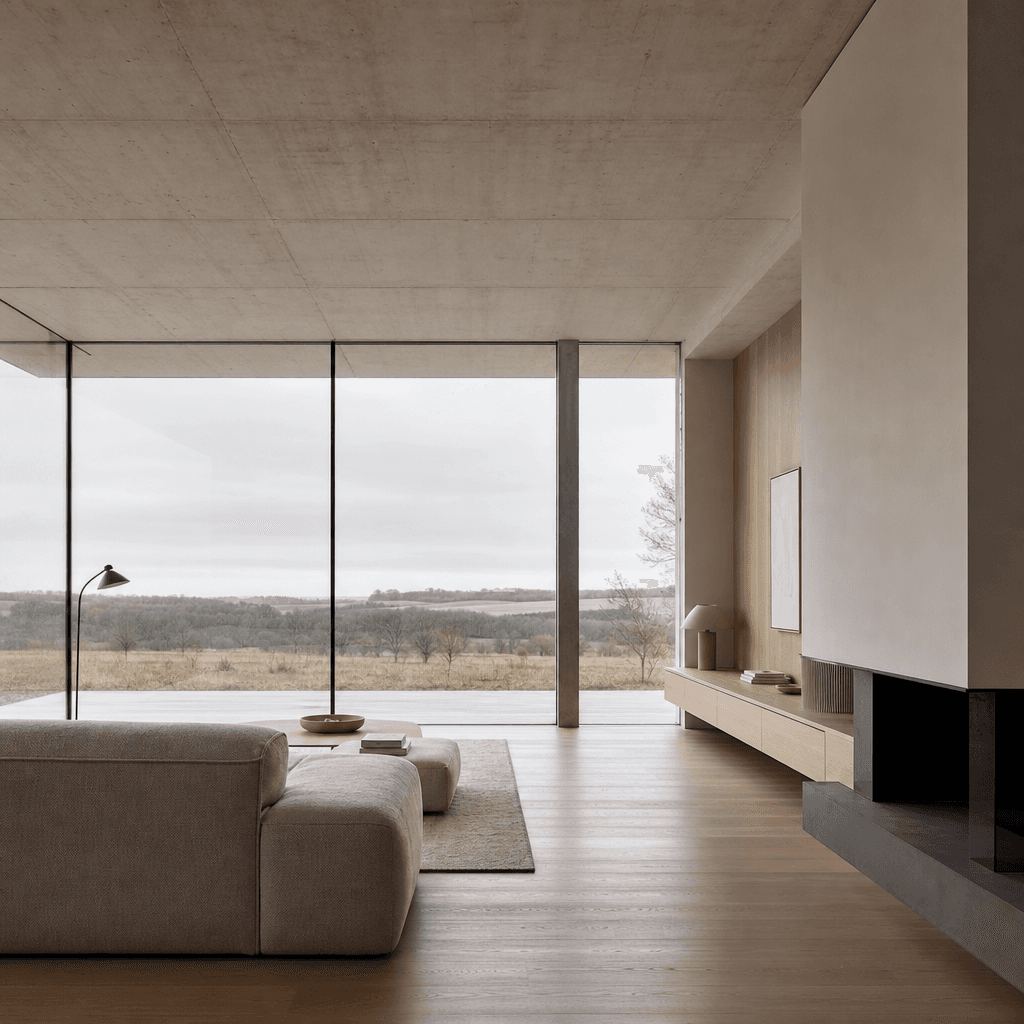
Photorealistic minimalist interior living room: pale oak floor, exposed concrete ceiling, floor-to-ceiling glass wall, w
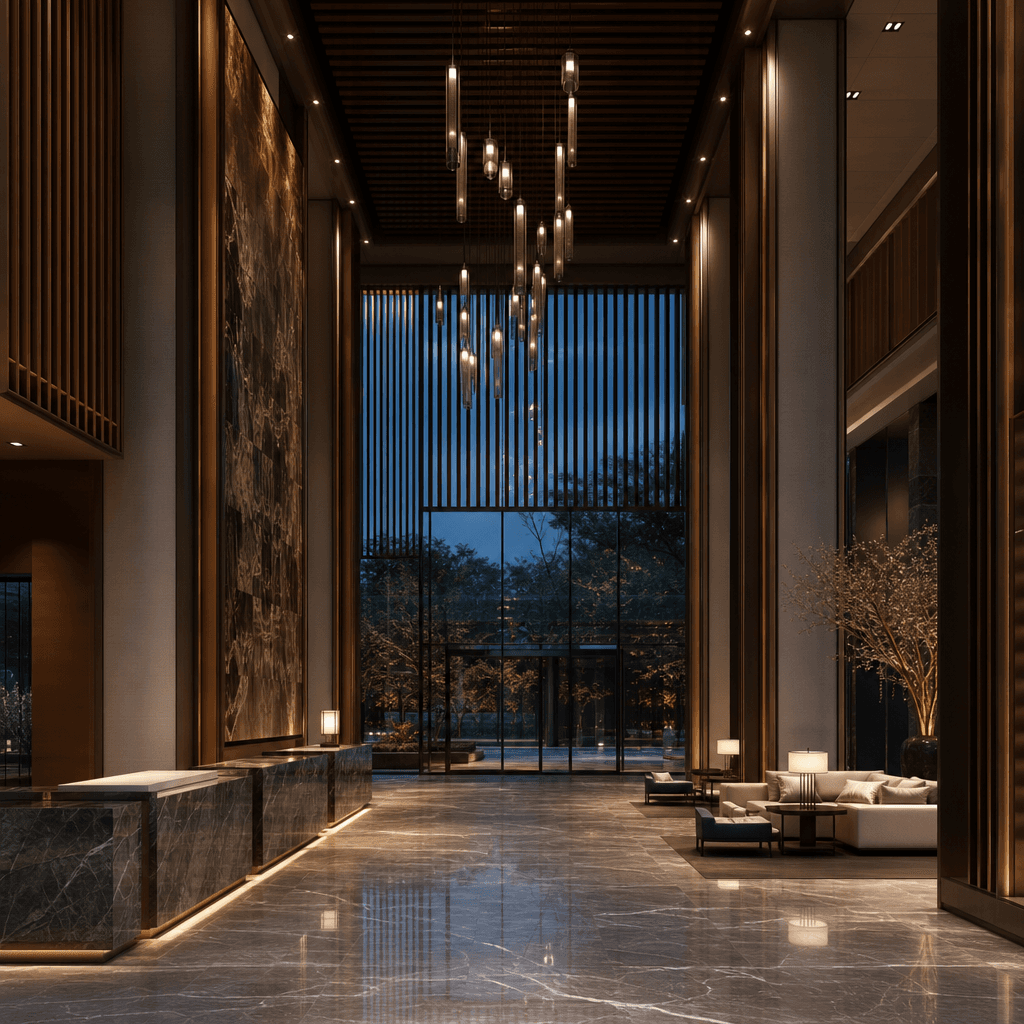
Photorealistic luxury hotel lobby at dusk, dramatic ceiling height, marble floor with subtle reflections, warm pendant l
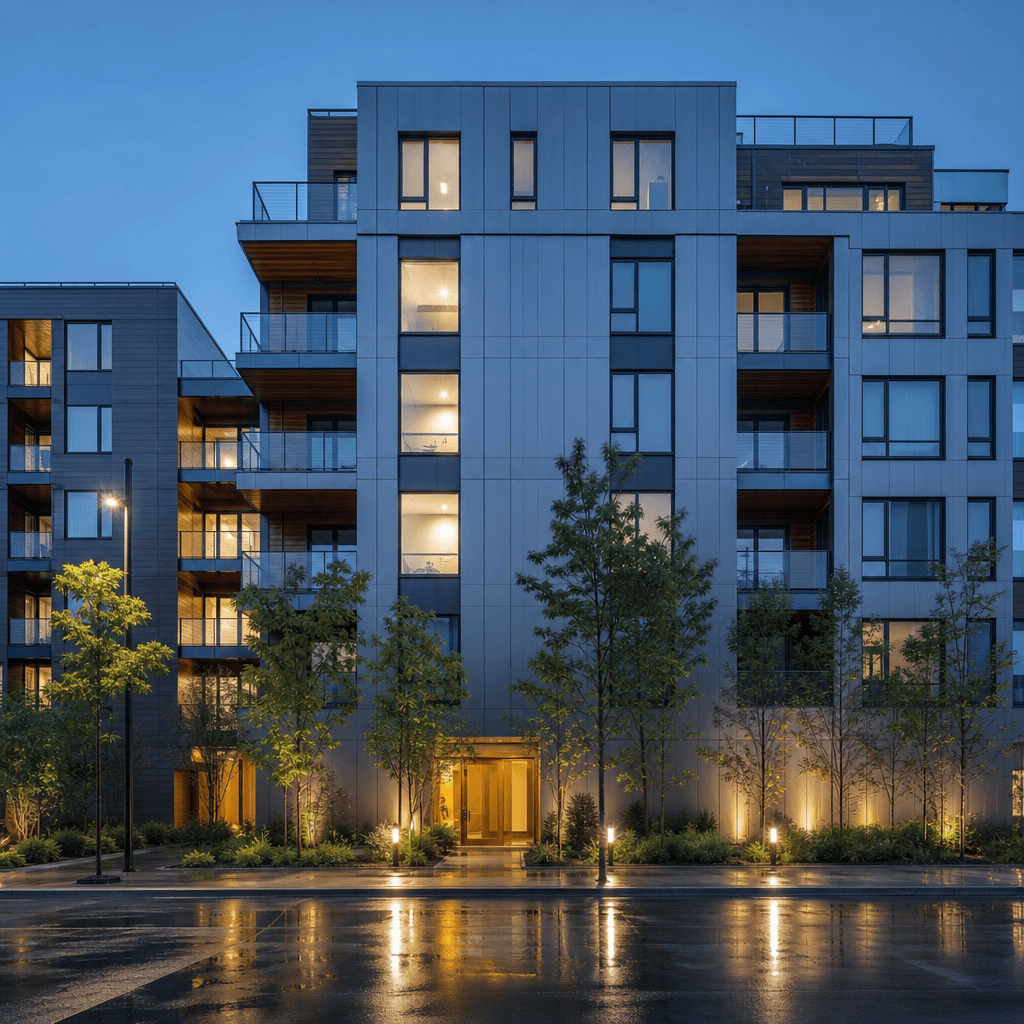
Photorealistic modern apartment building facade at blue hour, anodized aluminum cladding with lit windows, street-level
Ready to ship

Pick a template, customize, publish.

Use cases

Made for every workflow

  • Architectural firms

    Produce client-ready visualizations at the design development stage without waiting for full rendering cycles. Present photorealistic images in meetings before the project reaches tender.

  • Real estate developers

    Turn off-plan renders into marketing-grade images for property listings, brochures, and hoarding boards — months before construction begins.

  • Interior designers

    Bring furniture layout and material mood-board renders to life for client approval presentations, eliminating the ambiguity of grey-shaded 3D models.

  • Visualization studios

    Accelerate production throughput by using Nim as a first-pass photorealism layer, reserving manual compositing work for final-stage hero shots only.

  • Property marketers

    Source campaign-quality imagery for social media, digital ads, and portals from existing render assets — without commissioning new photography or CGI retouching.

  • Urban planners and developers

    Prepare photorealistic context visuals for planning applications and community consultation materials directly from design model exports.

How it works

From idea to result in seconds

  1. Step · 01

    Upload your 3D render

    Export a still image from your 3D application — any standard format from any renderer — and upload it to the template.

  2. Step · 02

    Run the AI pass

    Nim's model analyzes the geometry, lighting, and material cues in your render and generates a photorealistic interpretation, preserving your composition.

  3. Step · 03

    Download and deliver

    Receive a production-resolution photorealistic image ready for client presentations, listings, planning documents, or marketing use.

FAQ

Frequently asked questions

  • The 3D to Real template takes a still image exported from any 3D rendering software and uses AI to convert it into a photorealistic photograph. It replaces the artificial look of computer-generated renders with physically accurate materials, lighting, and environmental detail while keeping your original composition intact.

  • Any 3D application that can export a standard image file is compatible — including 3ds Max, SketchUp, Revit, Blender, V-Ray, Lumion, Enscape, Rhino, ArchiCAD, and Cinema 4D. You simply upload the rendered image; Nim does not require the original 3D scene file.

  • No. The model is designed to preserve your original framing, depth of field, and spatial proportions exactly. It transforms the material and lighting quality of the image without recomposing the scene.

  • For well-lit renders with clear material definition, the output is typically indistinguishable from location photography at standard presentation sizes. Results depend on the quality and detail in the source render — cleaner renders with good material separation produce the most convincing photorealistic results.

  • Yes. The template handles both interior room visualizations and exterior building renders. Interior passes adapt to artificial lighting, reflective surfaces, and spatial warmth. Exterior passes resolve atmospheric context, cast shadows, and landscape elements.

  • Yes. Images generated on a paid Nim plan are commercially licensable and can be used in client deliverables, property listings, planning applications, advertising, and print. Outputs generated on a free preview carry a watermark; watermark removal requires a paid subscription.

  • Most renders complete in under a minute. There is no batch queue or scheduled job — generation starts immediately when you submit the template.

  • Manual post-processing requires skilled compositors, separate sky replacement assets, material texture libraries, and hours of refinement per image. Nim's 3D to Real template produces a photorealistic pass in under a minute from a single upload, without requiring any compositing expertise. It is best used for rapid client-facing iterations and marketing assets, not as a replacement for final-stage hero image compositing on premium projects.

  • Output resolution is suitable for digital presentations, property portals, and standard print formats. For very large-format print such as site hoardings, we recommend upscaling the output using a dedicated super-resolution tool after generation.

Get started

See what you can make

Explore more

Discover more AI tools