
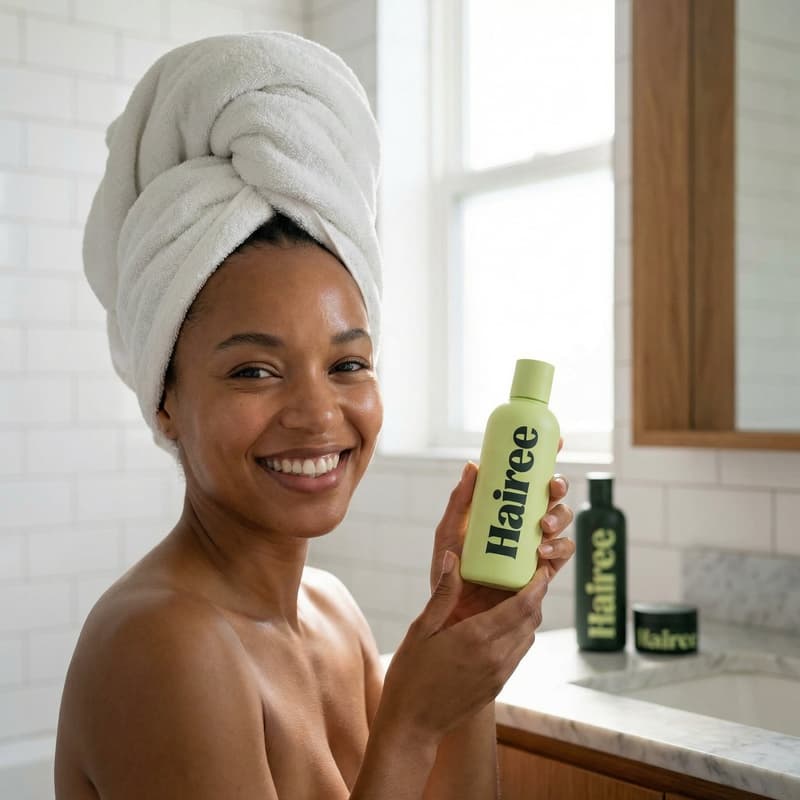
Beauty Product Visuals

Try On Lips in a Bold Beauty Close-Up

Match a cosmetic product shade to the lips in a production-ready close-up, using a curated Nim template built for polished beauty campaigns.

Create your look
Browse all 400+ templates

Everything you need

Built for creators, marketers, and teams shipping AI video at scale.

01

Shade-Matched Lips

Connect the featured lip color to your cosmetic product shade for a more cohesive campaign visual.

02

Bold Close-Up

Frame the lips and surrounding beauty details in a striking composition designed to command attention.

03

Product-Led Styling

Keep the cosmetic shade central to the creative direction instead of relying on a generic beauty portrait.

04

Editorial Finish

Generate a refined beauty aesthetic with controlled lighting, rich color, and campaign-ready visual impact.

05

Fast Creative Iteration

Explore alternative shades and visual directions in seconds or under a minute, depending on the selected model and workload.

06

Curated Template

Start with a professionally structured concept rather than building the shot direction from a blank prompt.

07

Multi-Model Platform

Develop beauty assets within Nim alongside access to leading image and video generation models.

08

Campaign Versatility

Adapt the resulting close-up for social posts, product launches, advertisements, moodboards, and ecommerce creative.

Features

Built to ship

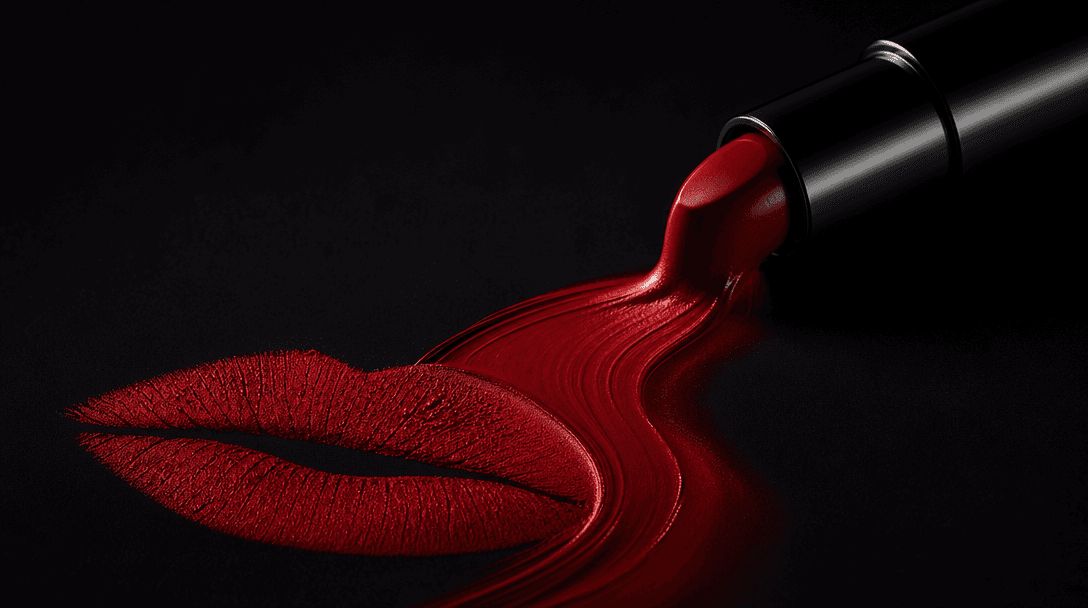
Abstract cinematic still life showing a ribbon of concentrated crimson cosmetic pigment flowing from a sleek unbranded l
F · 01

Turn Product Color Into Creative Direction

The Try on lips template uses your cosmetic product shade as the visual anchor for a bold lip-focused beauty image. This creates a stronger connection between the product and the finished campaign asset, helping viewers understand the intended color story at a glance.
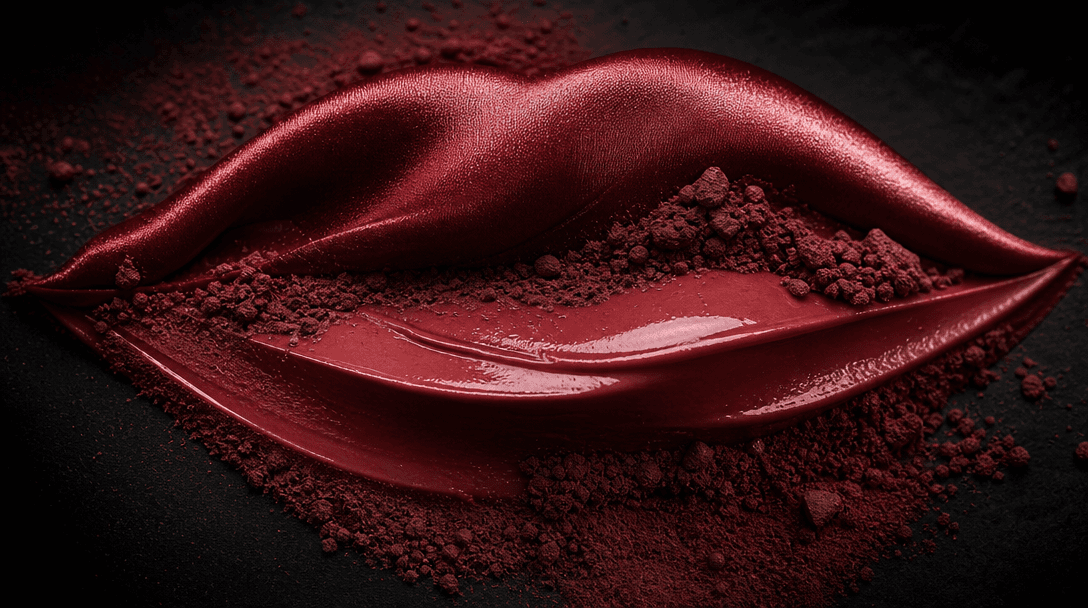
Atmospheric macro composition inspired by a beauty close-up: sculpted curves of satin, gloss, and fine cosmetic powder a
F · 02

Build a High-Impact Beauty Close-Up

Generate a tightly composed beauty shot that emphasizes lip color, texture, contrast, and controlled studio light. The close framing is suited to social advertisements, launch graphics, product detail stories, and editorial campaign concepts where the shade needs to be immediately visible.

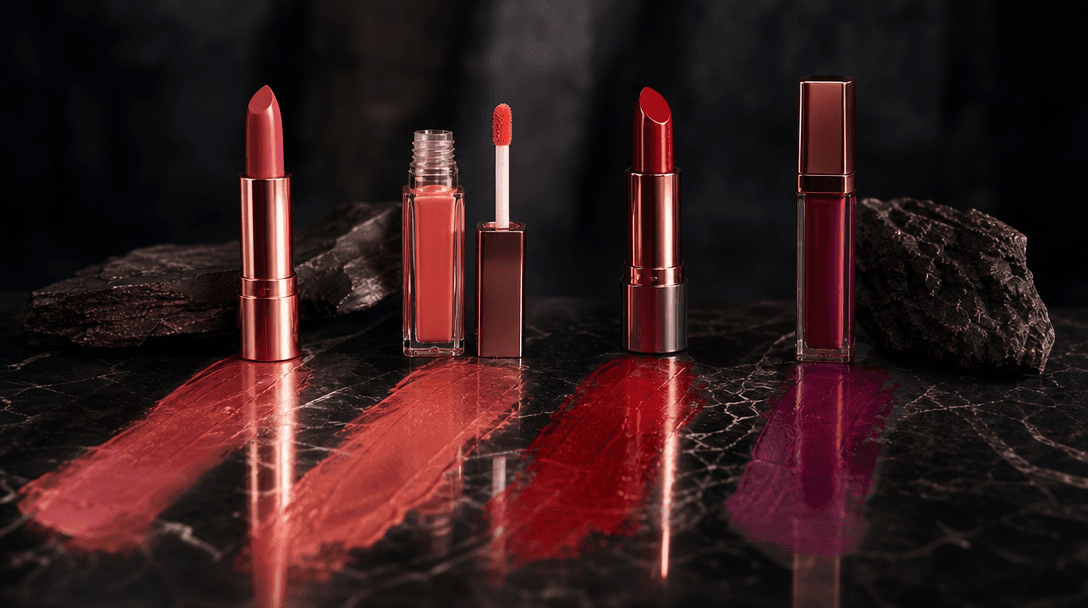
Four elegant unbranded lip products in coordinated rose, coral, crimson, and plum shades arranged across a black stone s
F · 03

Explore Shades Without Reshooting

Create visual directions for multiple lipstick, gloss, balm, or tint shades without organizing a separate physical shoot for every early concept. Marketers and creative teams can compare color stories quickly, then select the strongest direction for further production or campaign development.

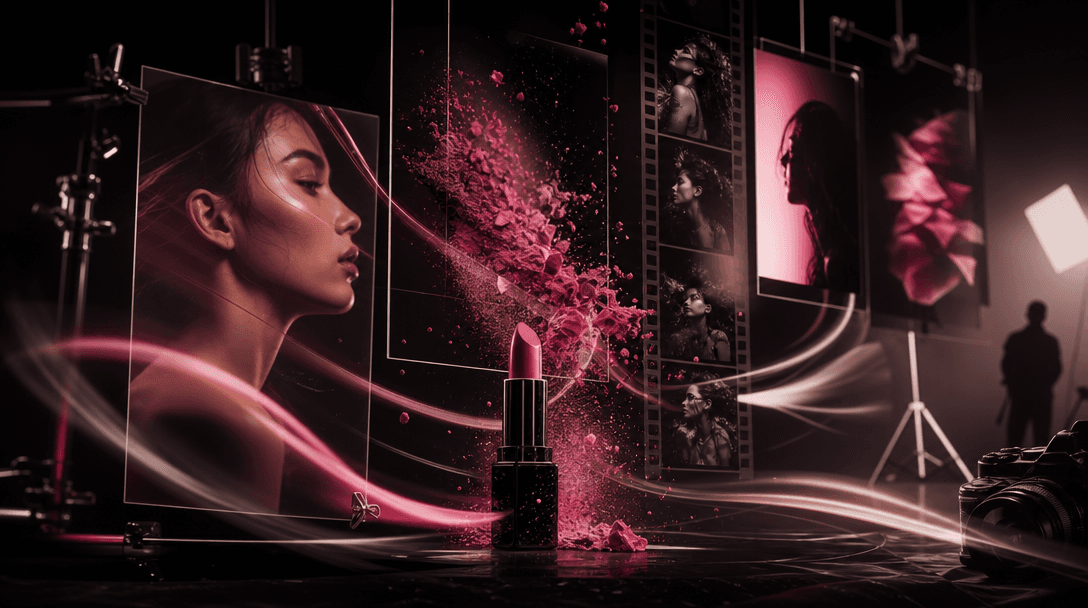
Cinematic creative studio scene connecting beauty stills and motion through suspended cosmetic pigment, a sleek lipstick
F · 04

Create Inside a Multi-Model Workflow

Use this curated template as part of Nim's broader image and video production environment, with access to models such as Flux, Sora, Veo, Kling, and Pika where supported. Move from a beauty still to related motion, product, and social concepts without splitting the campaign across disconnected creative tools.

Showcase

See it in action

Real outputs generated by our pipeline — no curated cherry-picks.

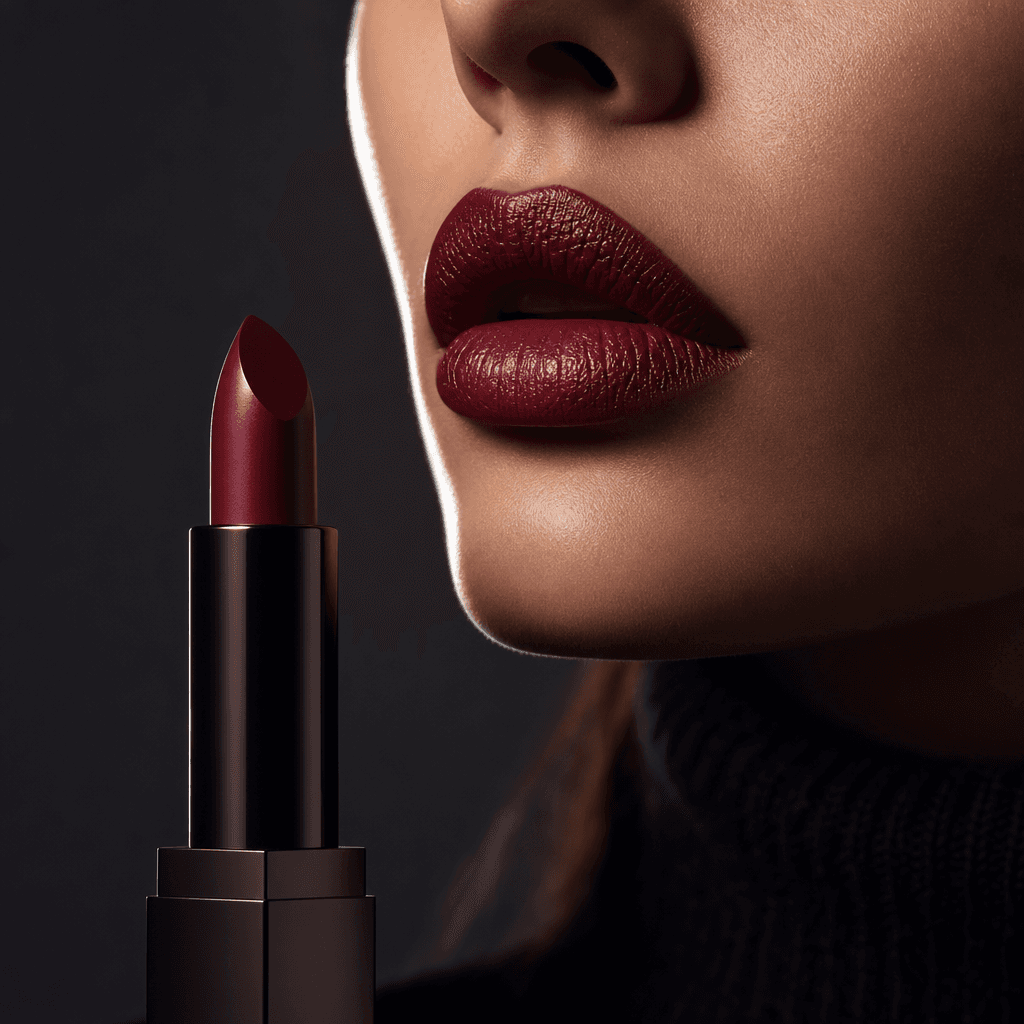
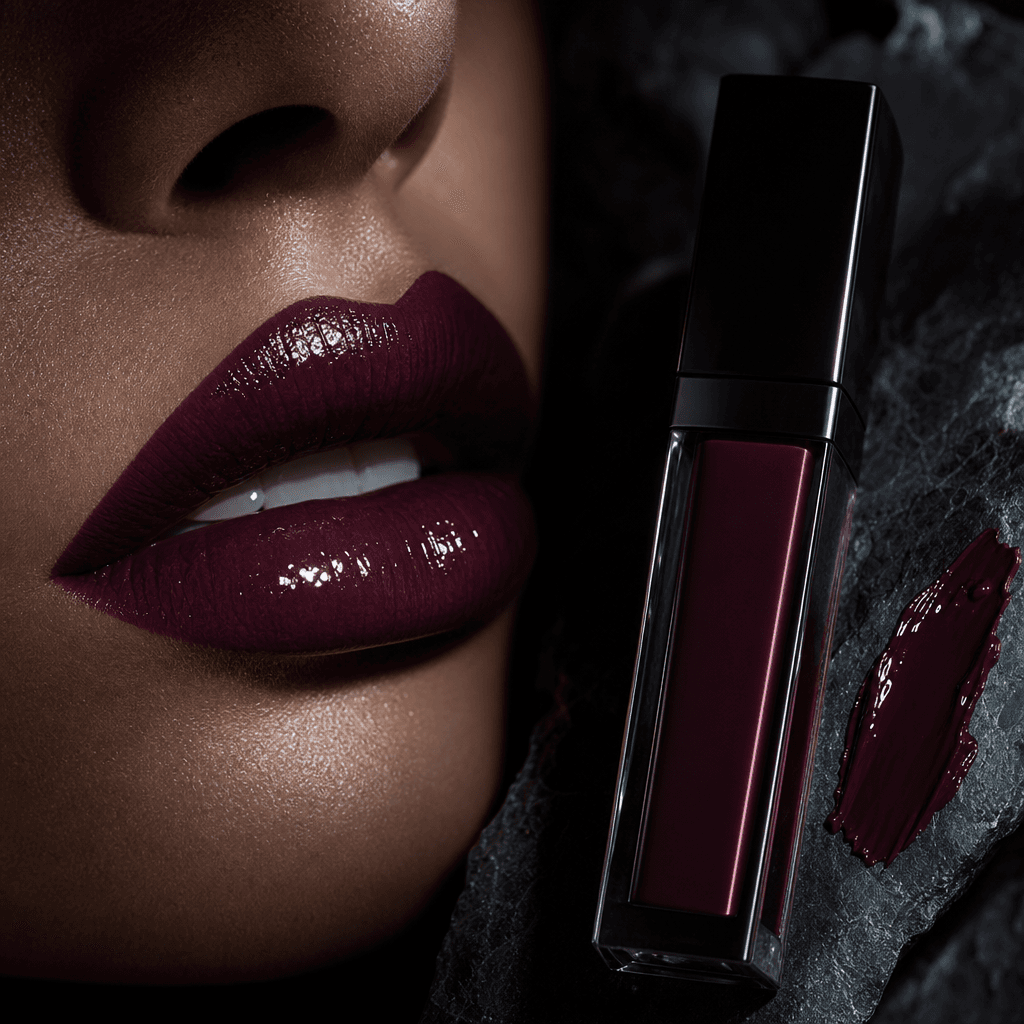
Square editorial beauty close-up featuring deep burgundy lips with subtle gloss and realistic texture, an unbranded matc
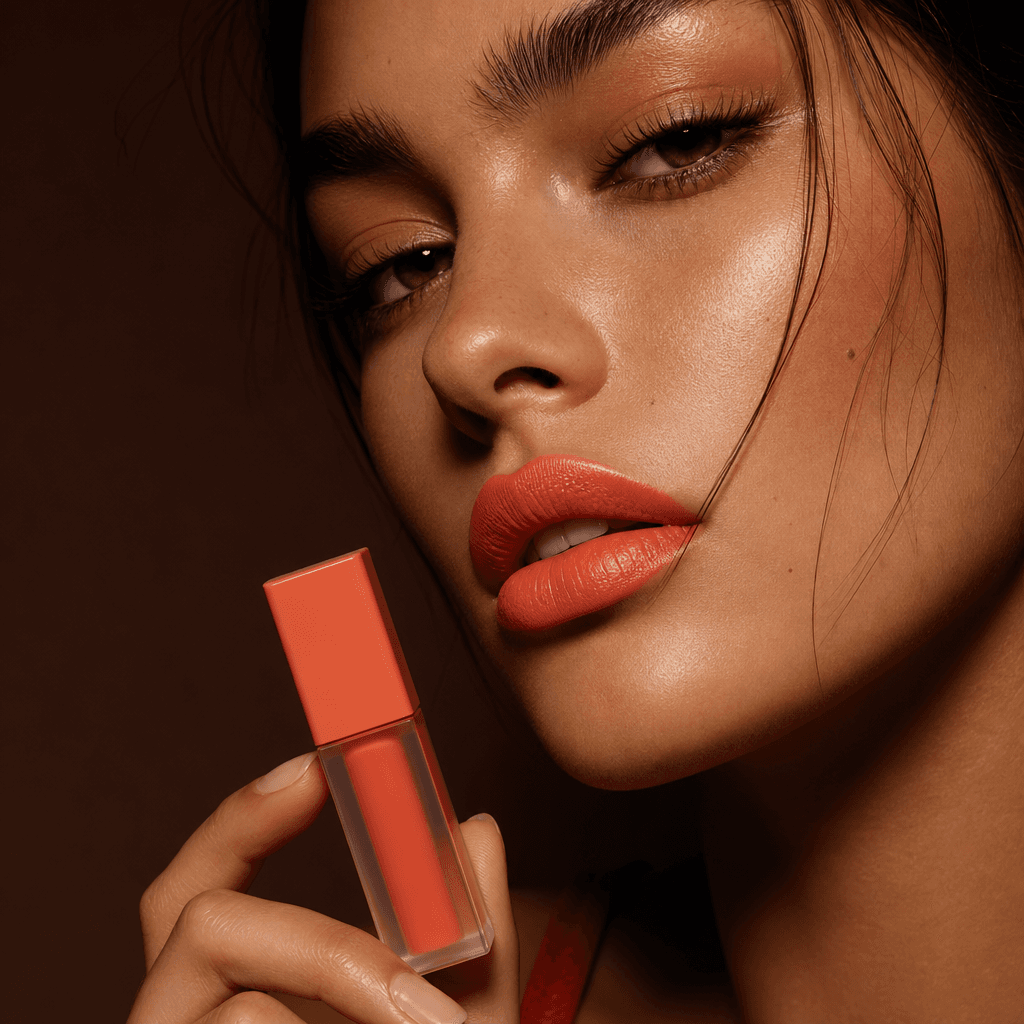
Square high-fashion cosmetics image of coral-orange lips matched to a minimal unbranded lip tint bottle, photographed ag
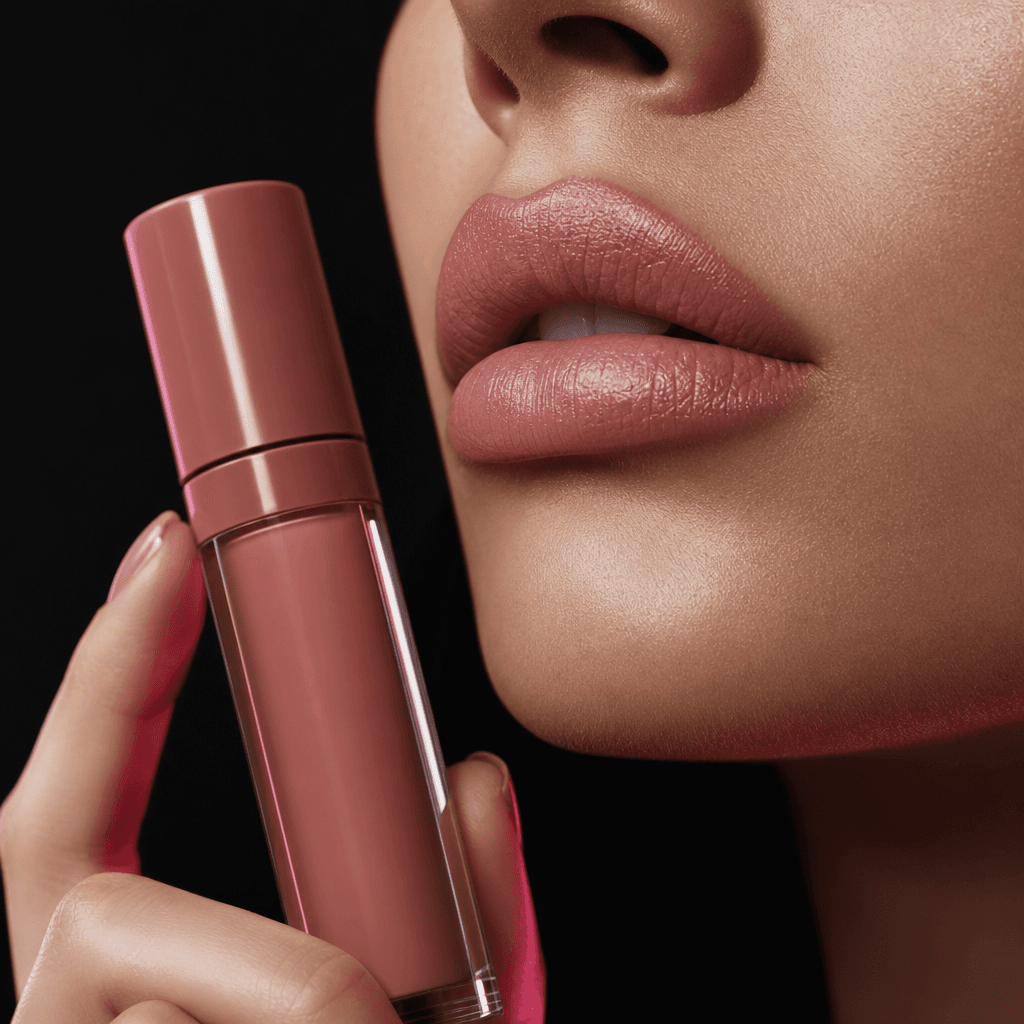
Square macro beauty campaign photograph of soft rose-nude lips with a satin finish, coordinated with an elegant unbrande
Square avant-garde beauty close-up of lacquered plum lips beside an unbranded liquid lip product, with a small controlle
Ready to ship

Pick a template, customize, publish.

Use cases

Made for every workflow

  • Beauty Brands

    Translate a lipstick, gloss, stain, or balm shade into a polished close-up for launches, seasonal collections, and campaign moodboards.

  • Ecommerce Sellers

    Create attention-grabbing product-supporting imagery for storefront banners, marketplace listings, promotional emails, and product detail content.

  • Social Marketers

    Develop bold beauty visuals for organic posts, paid social variations, teaser campaigns, and shade-focused content series.

  • Creative Agencies

    Produce rapid visual explorations for client presentations, art-direction reviews, pitch decks, and pre-production planning.

  • Cosmetic Founders

    Visualize an emerging shade concept before committing to a full campaign shoot, packaging rollout, or larger production budget.

  • Beauty Creators

    Build editorial lip looks for reviews, tutorials, trend commentary, and branded collaborations while maintaining a product-centered aesthetic.

How it works

From idea to result in seconds

  1. Step · 01

    Add Your Product

    Upload a clear cosmetic product image that accurately represents the shade you want to feature.

  2. Step · 02

    Generate the Look

    Run the Try on lips template to translate the product color into a bold, coordinated beauty close-up.

  3. Step · 03

    Use Your Visual

    Review the result, generate additional directions if needed, and prepare the strongest image for your campaign workflow.

FAQ

Frequently asked questions

  • Try on lips is a specific Nim beauty template for matching a cosmetic product shade to the lips in a bold close-up image. It is designed for product-centered beauty concepts rather than general portrait generation.

  • You provide a suitable cosmetic product image, and the template uses its visible color as direction for the generated lip look. The structured concept handles the core composition and beauty styling, reducing the need to write a detailed prompt from scratch.

  • The concept is best suited to products with a clearly visible lip shade, including lipstick, gloss, stain, tint, balm, and similar cosmetics. A clean, well-lit source image usually gives the generation process clearer color information.

  • The template is built for polished beauty visuals that can support advertisements, social campaigns, ecommerce content, launch materials, and creative presentations. You remain responsible for reviewing the output and ensuring that your inputs, claims, and final usage comply with applicable rights, platform rules, and Nim's terms.

  • AI-generated imagery should be treated as creative campaign content, not a guaranteed color-accurate simulation of how a cosmetic will appear on every person or under every light source. For regulated claims or precise shade representation, compare the result against approved product photography and physical references.

  • Generation requires an account and purchased credits, with credit usage depending on the model and settings available in Nim. Current plan and credit details are listed on the subscription page before you commit to a workflow.

  • Nim is a multi-model creative platform offering access to leading image and video systems such as Flux, Sora, Veo, Kling, and Pika where available. The models and options presented for a specific workflow may vary as the platform evolves.

  • The core output is a generated beauty image featuring a prominent lip look coordinated with the supplied product shade. You can use the visual as a finished creative asset or as direction for related campaign images, layouts, and video concepts.

  • Usage rights are governed by Nim's current terms and any relevant model conditions. You should upload only material you have permission to use and verify that the final output is appropriate for your intended personal or commercial context.

  • A generic generator begins with an open prompt and leaves the composition, product relationship, and art direction to you. Try on lips starts with a curated beauty concept focused on connecting a real product shade to a bold close-up, making repeatable campaign exploration more direct.

  • Many generations complete in seconds or under a minute, although latency can vary with the selected model, output settings, demand, and processing complexity. Additional variations require separate generation runs.

Get started

See what you can make

Explore more

Discover more AI tools