

Fashion AI Template

Virtual Try-On for Outfit Previews

Upload your photo and an outfit image to create a polished fashion visualization with a curated, production-ready Nim template.

Try this template
Browse all 400+ templates

Everything you need

Built for creators, marketers, and teams shipping AI video at scale.

01

Two-Image Workflow

Start with one photo of yourself and one clear image of the outfit you want to visualize.

02

Personalized Outfit Preview

See how a selected garment may look on the person in your uploaded photo.

03

Curated Fashion Template

Use a professionally configured workflow built specifically for virtual outfit visualization.

04

Production-Ready Style

Create polished fashion imagery suitable for campaign concepts, product discovery, and social content.

05

Fast Creative Iteration

Compare outfit ideas in seconds or under a minute instead of organizing a new shoot for every concept.

06

Multi-Model Platform

Continue developing your concept with Nim's broader access to image and video models such as Flux, Kling, Veo, Pika, and Sora.

07

Creator-Friendly Process

Turn simple source images into a focused visual without building a complex generation prompt from scratch.

08

Commercial Workflows

Use the template as a practical starting point for fashion marketing, ecommerce merchandising, and creative production.

Features

Built to ship

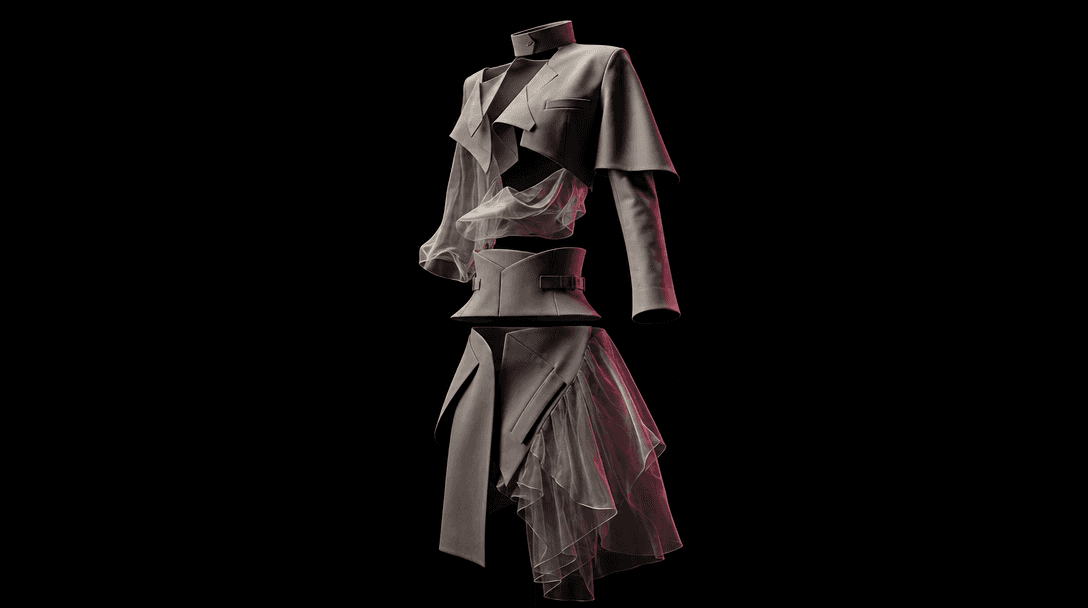
A single sculptural outfit suspended against a near-black background, separated garment layers aligning into one complet
F · 01

Visualize A Specific Outfit

Upload a photo of the intended wearer and a separate image of the outfit you want to test. The template uses both references to generate a new fashion visualization, helping you evaluate a specific combination rather than relying on a generic text description.
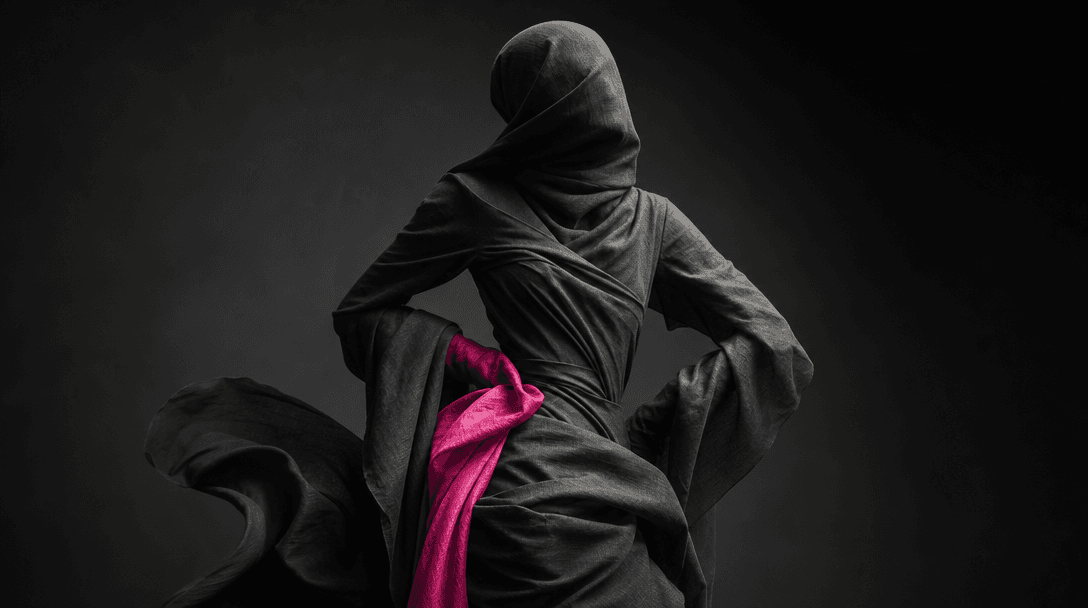
An abstract human silhouette formed from layered charcoal fabric and soft directional light, the pose preserved through
F · 02

Preserve Personal Visual Context

Keep the result grounded in the pose, framing, and overall context of your source portrait while introducing the selected clothing. Clear, well-lit source images give the model stronger information about body position, garment structure, and visible details.

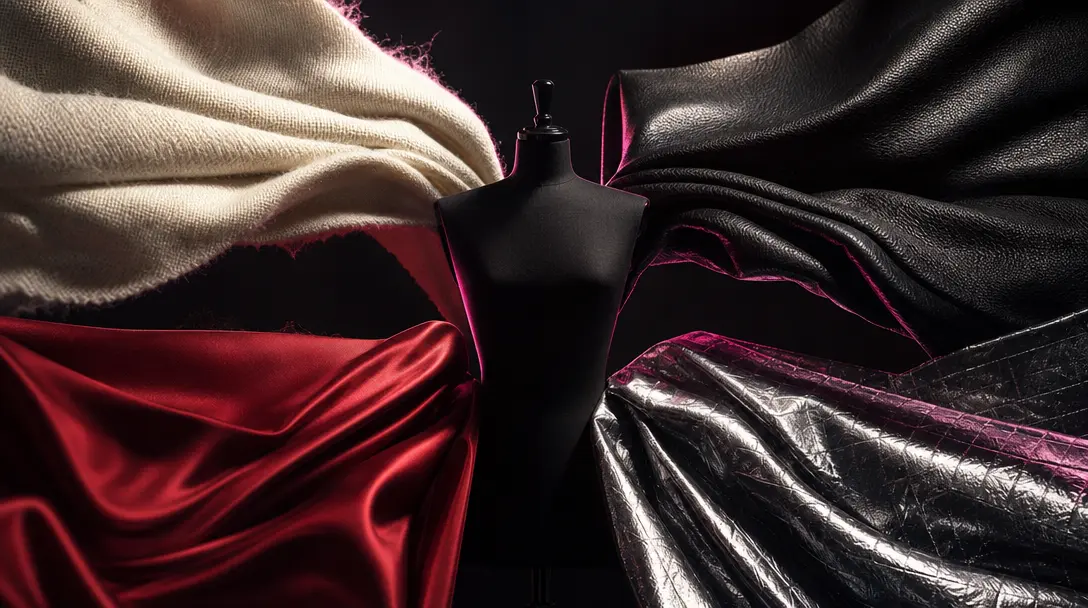
Four distinct fashion materials arranged as a cinematic concept study: cream wool, black leather, red silk, and metallic
F · 03

Explore Looks Before Production

Compare wardrobe directions before committing to samples, styling sessions, or campaign shoots. Generate concepts for different colors, silhouettes, and seasonal directions, then use the strongest results to guide briefs, moodboards, and content planning.

A complete fashion campaign world emerging from one garment: folded fabric transitioning into a studio backdrop, product
F · 04

Build A Broader Campaign

A virtual try-on result can become the starting asset for a larger Nim workflow. Develop supporting product imagery, fashion editorials, social variations, or motion concepts with curated templates and multiple AI image and video models in one platform.

Showcase

See it in action

Real outputs generated by our pipeline — no curated cherry-picks.

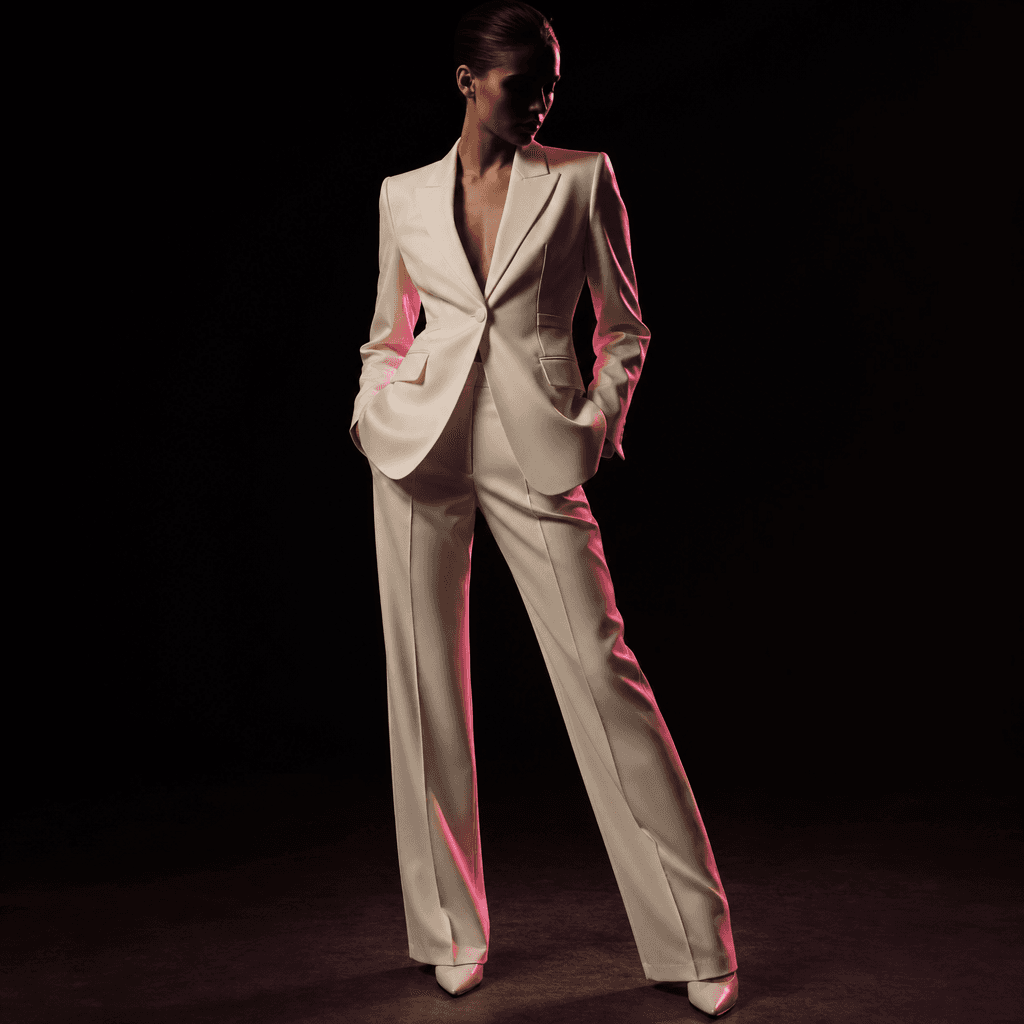
An anonymous fashion model wearing a structured cream blazer and tailored trousers in a minimal near-black photography s
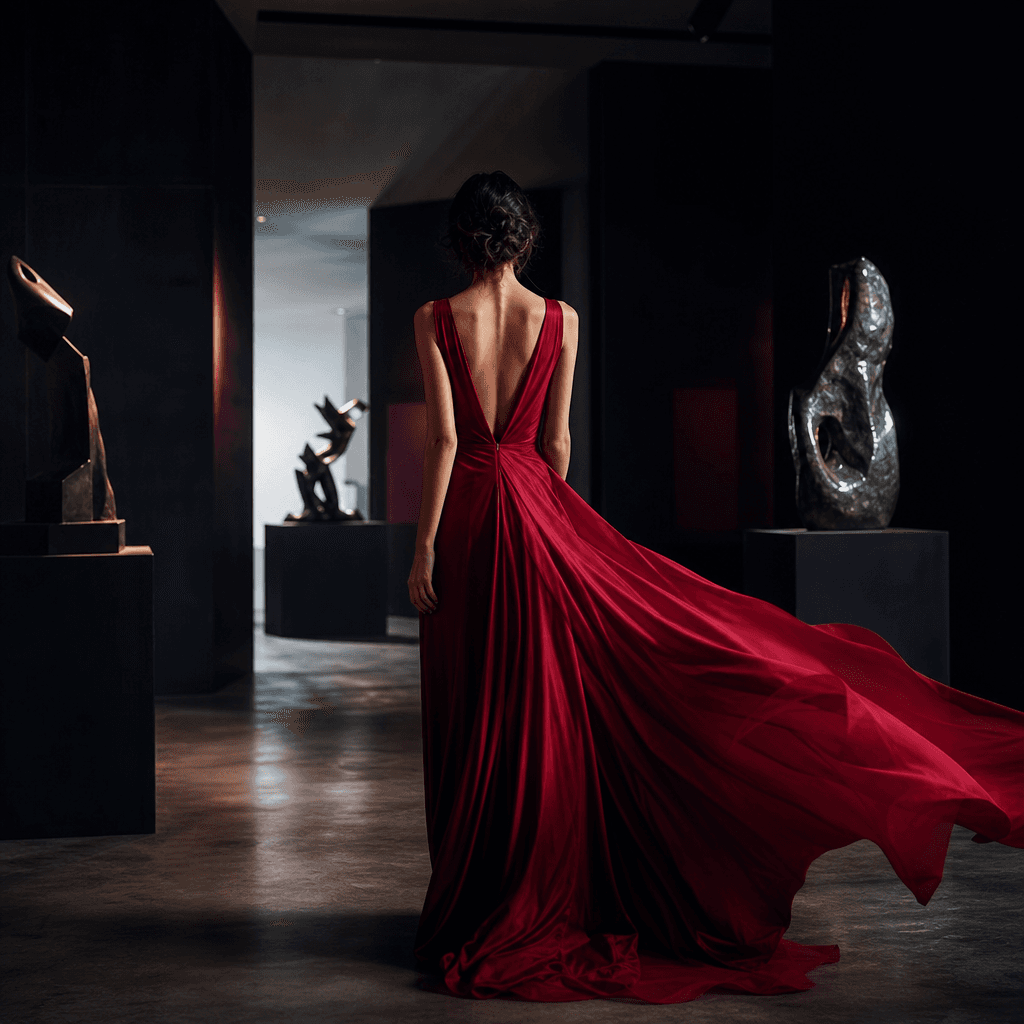
An anonymous person in a flowing crimson evening dress standing inside a shadowy modern gallery, fabric catching a gentl
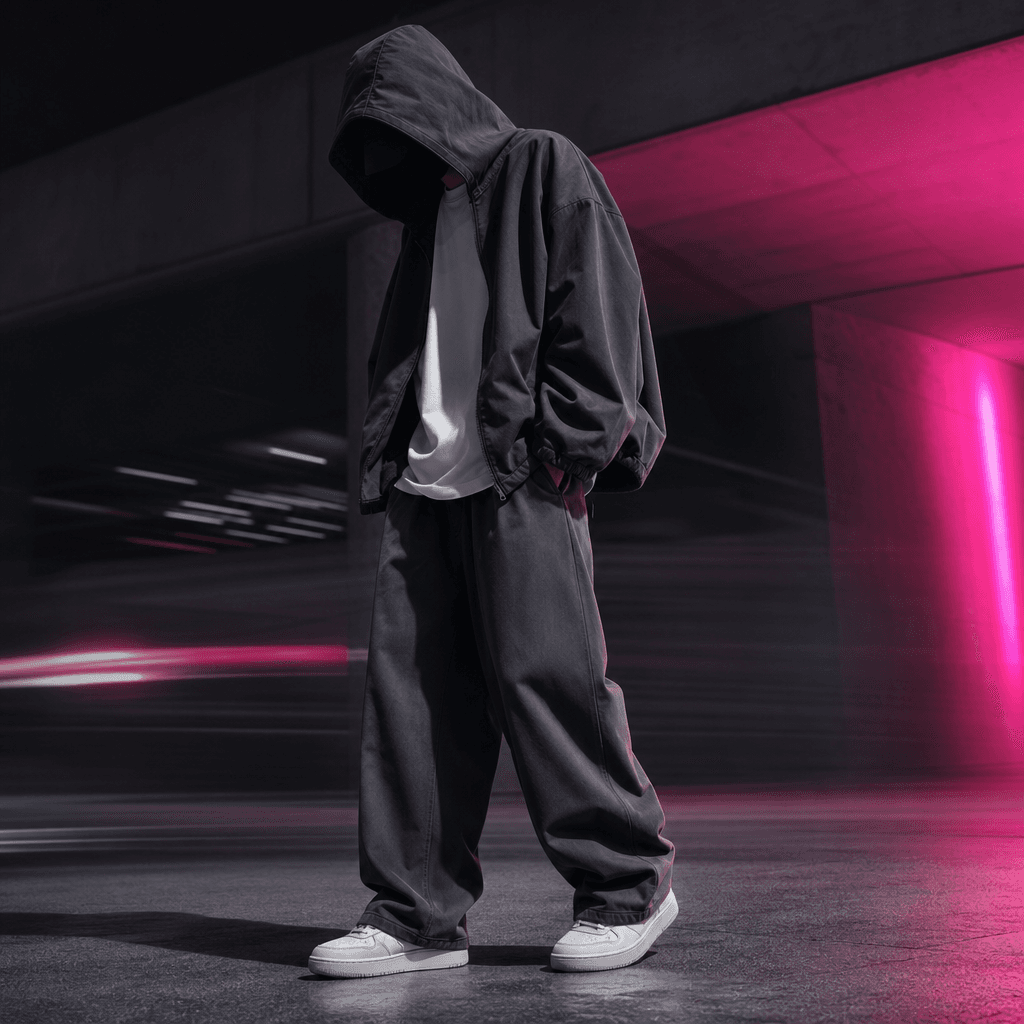
A streetwear outfit visualization on an anonymous model: oversized charcoal jacket, white shirt, wide-leg trousers, and
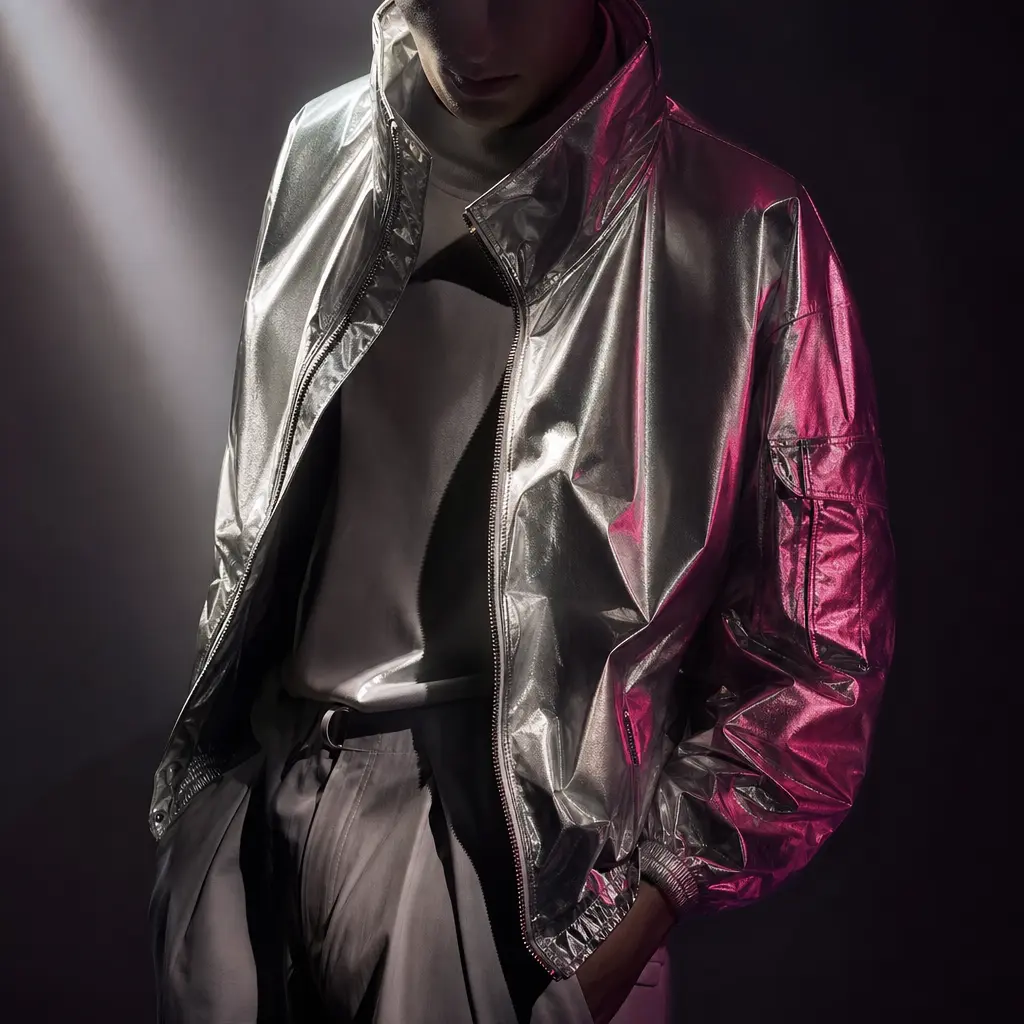
An anonymous model wearing a metallic silver jacket over a monochrome outfit in a dark studio, reflective material shape
Ready to ship

Pick a template, customize, publish.

Use cases

Made for every workflow

  • Ecommerce Sellers

    Explore how catalog garments could appear on a person before commissioning additional lifestyle photography. Use results for internal concepts, merchandising direction, and clearly disclosed AI-assisted promotional content.

  • Fashion Marketers

    Produce visual directions for launches, seasonal campaigns, and social posts from existing portraits and outfit references. Quickly compare styling ideas before selecting concepts for production.

  • Content Creators

    Preview potential looks for posts, short-form videos, and personal fashion content. Test combinations without physically changing outfits for every early-stage creative idea.

  • Fashion Designers

    Place an outfit reference into a new human context to support design reviews and presentation boards. The output is a creative visualization, not a technical garment simulation or manufacturing specification.

  • Personal Stylists

    Create visual conversation starters for clients considering new silhouettes or wardrobe combinations. Use previews to narrow options while keeping final fit and purchasing decisions grounded in real garment measurements.

  • Creative Agencies

    Develop fashion campaign treatments and pitch visuals without scheduling a complete shoot for each initial direction. Generate focused references that help clients and production teams align on styling.

How it works

From idea to result in seconds

  1. Step · 01

    Upload Your Photo

    Choose a clear, well-lit photo where the person's pose, body outline, and existing clothing are easy to distinguish.

  2. Step · 02

    Add Outfit Image

    Upload a sharp garment or outfit reference that clearly shows its silhouette, materials, colors, and important design details.

  3. Step · 03

    Generate Your Look

    Run the template to create a personalized outfit visualization, then review the result or iterate with stronger source images.

FAQ

Frequently asked questions

  • Virtual try-on is a Nim fashion template that combines your photo with an outfit image to generate a visualization of the clothing on you. It is designed for creative previews, campaign concepts, ecommerce ideation, and personal styling exploration.

  • You upload a clear photo of the intended wearer and a separate image of the desired outfit. The template analyzes the visual references and generates a new image that interprets the outfit within the person's pose and photographic context.

  • Use a sharp, well-lit portrait with an unobstructed view of the body and a garment image that clearly shows the complete outfit. Similar camera angles between the portrait and outfit reference can improve visual consistency, while crossed arms, heavy occlusion, blur, or cropped garments may reduce accuracy.

  • A clean catalog or product image can work well when the garment's shape and details are visible. You should have permission to use the image, and you should not present an AI-generated preview as an exact guarantee of real-world fit, fabric behavior, or product appearance.

  • No. The template creates a visual interpretation rather than a measurement-based fitting simulation. It cannot guarantee sizing, tailoring, drape, material weight, comfort, or how a physical garment will fit in real life.

  • Generation requires a Nim account and purchased credits. Credit usage can depend on the workflow and generation settings, so check the current subscription and credit information before generating; paid plans remove watermarks from eligible output.

  • The template is professionally configured for its specific fashion workflow, while model availability and routing may change as Nim updates its generation stack. Nim also provides access to multiple image and video model families, including Flux, Kling, Veo, Pika, and Sora, for developing related creative assets.

  • You receive an AI-generated image that visualizes the referenced outfit on the person in your uploaded photo. Results can vary between generations, especially around hands, layered garments, small patterns, logos, jewelry, and partially hidden clothing.

  • Your ability to use an output depends on Nim's current terms, your plan, and the rights attached to every uploaded reference. Only upload photos and garment imagery you are authorized to use, particularly when creating commercial content or depicting another person.

  • This template sits inside Nim's broader multi-model creative platform rather than operating as an isolated fitting app. You can begin with a curated fashion workflow and then create related editorials, product shots, social assets, or video concepts using additional professional templates and models.

  • Many generations complete in seconds or under a minute, although actual latency depends on demand, selected processing, and source-image complexity. A clear input pair can also reduce time spent regenerating avoidable mistakes.

Get started

See what you can make

Explore more

Discover more AI tools