10 Ad Video Ideas for Marketers: Formats to Test
10 ad video ideas for marketers, from UGC-style testimonials to product reveals and try-ons, with practical steps for testing each format in Nim.
By Nim
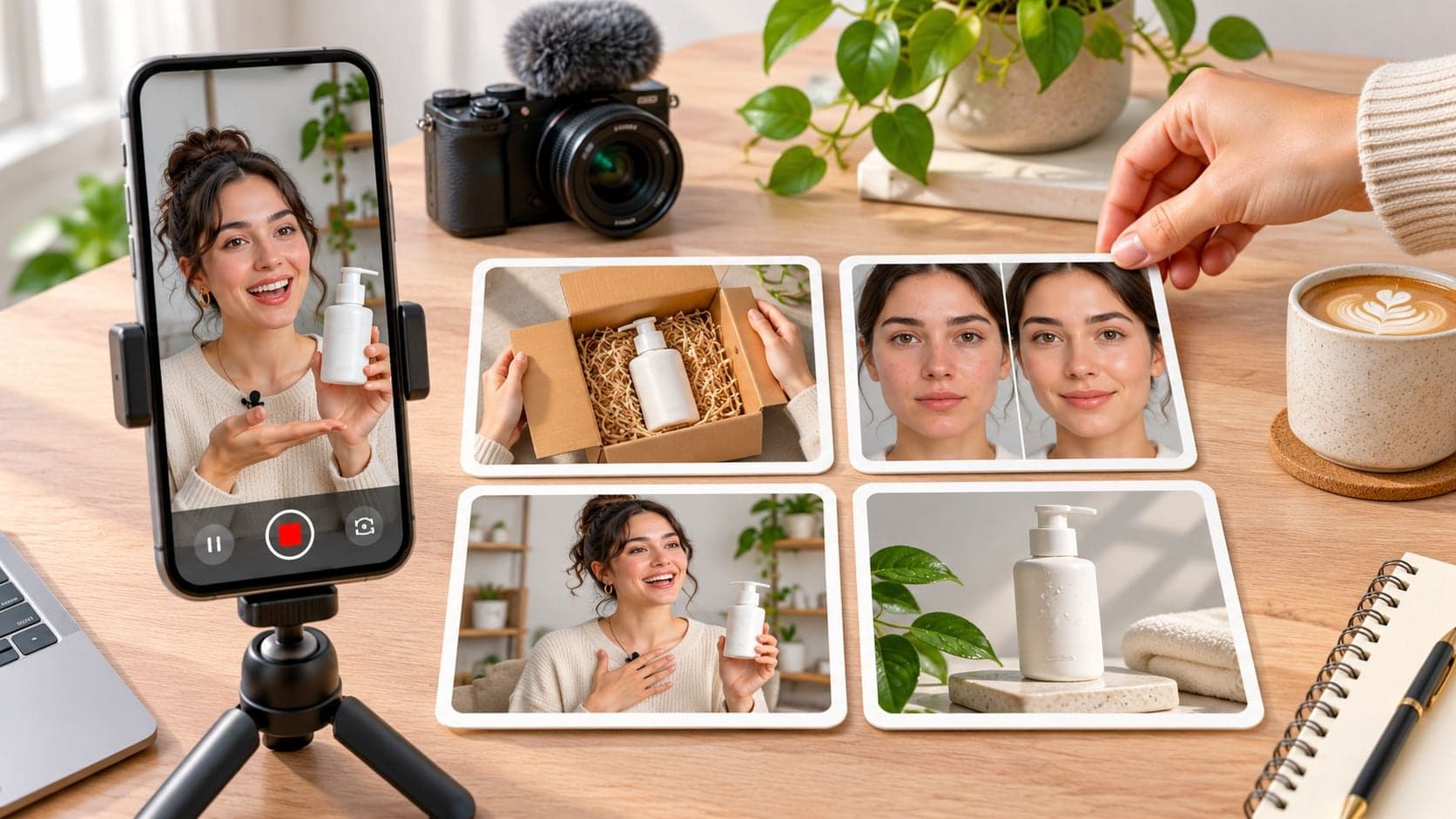
The request arrives on a Thursday. Three ad video ideas, due Monday, for a product that currently exists as six product photos and a landing page. Most weak ad videos fail in one of two ways: the product appears too late, or the claim promises more than the footage can show. The hook, the music, and the edit matter far less than those two failures.
There's plenty of budget chasing the format. Statista's digital video advertising outlook projected global digital video ad spending at approximately US$207.52 billion in 2025, with short-form video alone at US$111.01 billion and connected-TV advertising at US$39.29 billion. Most of that money lands in short, mobile-first placements where a product has a couple of seconds to register.
The ten formats below each name the problem they solve, the input to prepare before generating anything, and the accuracy check to run before the file goes near a paid placement. Some are cheap to produce from a single product photo. Others need a person, a location, or a permission you don't have yet, and it's better to know that on Thursday than on Sunday night.
1. UGC-Style Testimonial Ad
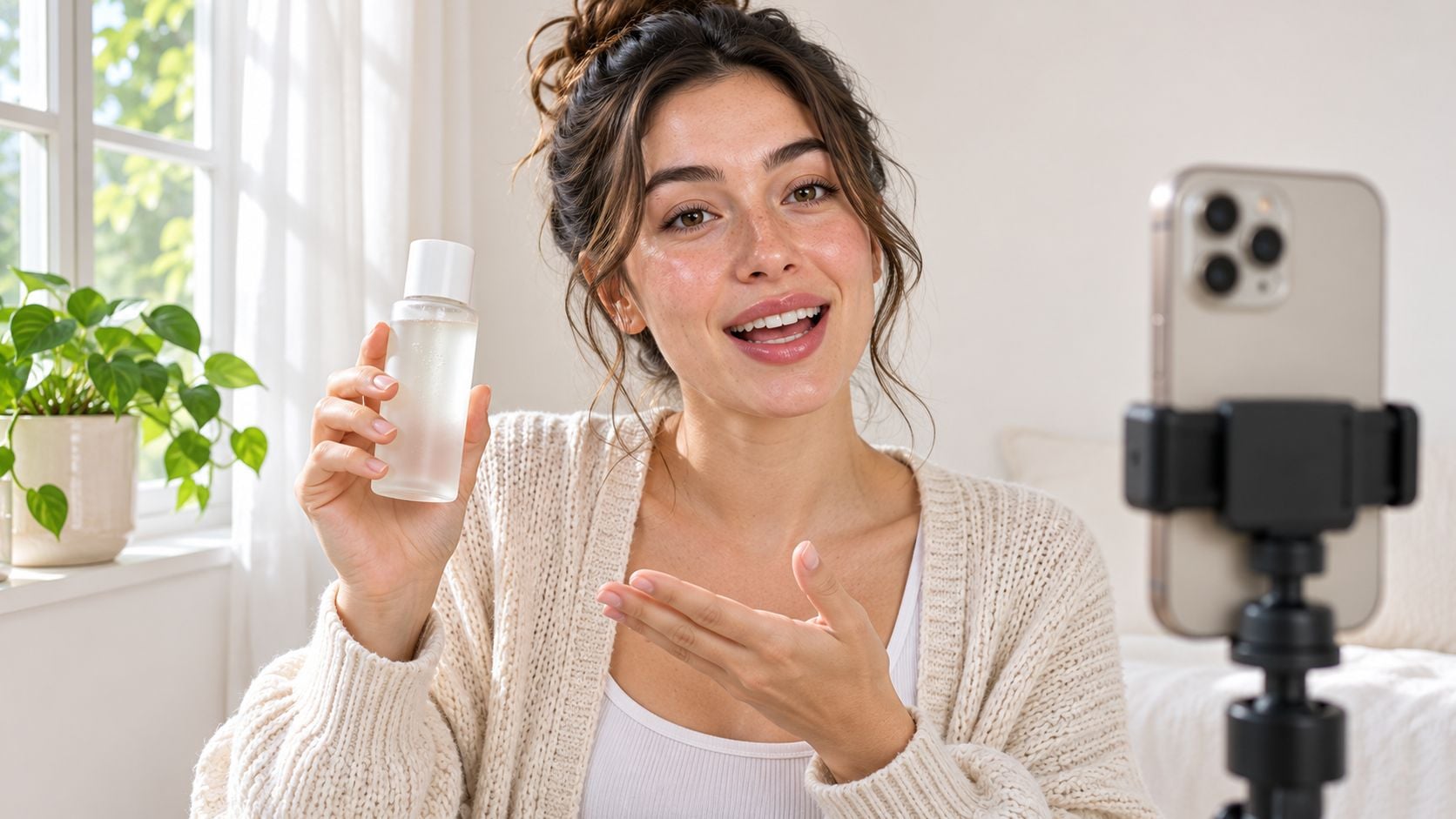
A presenter speaks straight to camera about a problem and how the product handled it. The footage looks like a phone recording, and that's the point. Viewers read the clip as a recommendation rather than a brand broadcast, which is why the format survives every platform change.
Testimonials are already a working format rather than an experiment. Goldcast's 2025 video marketing statistics put testimonials at 60% usage among surveyed marketers, behind explainer videos at 73% and social media videos at 69%. In Nim, the UGC ads templates are the most direct starting point, and URL to UGC video suits sellers who'd rather begin from a live product page than a written script. The guide to UGC ads covers what separates a convincing one from a stiff one.
Inputs and the accuracy check
- Input: one product photo or a product page URL, plus a single sentence naming the problem.
- Opening line: the problem, not the product name.
- Variants: two or three hooks from the same product, since the first two seconds decide most of the outcome.
- Check: every claim that comes back has to match the actual spec, including size, material, and delivery time.
The frame that works is deliberately unglamorous: a person, a phone, and the product within reach.
2. Problem-Solution Demonstration
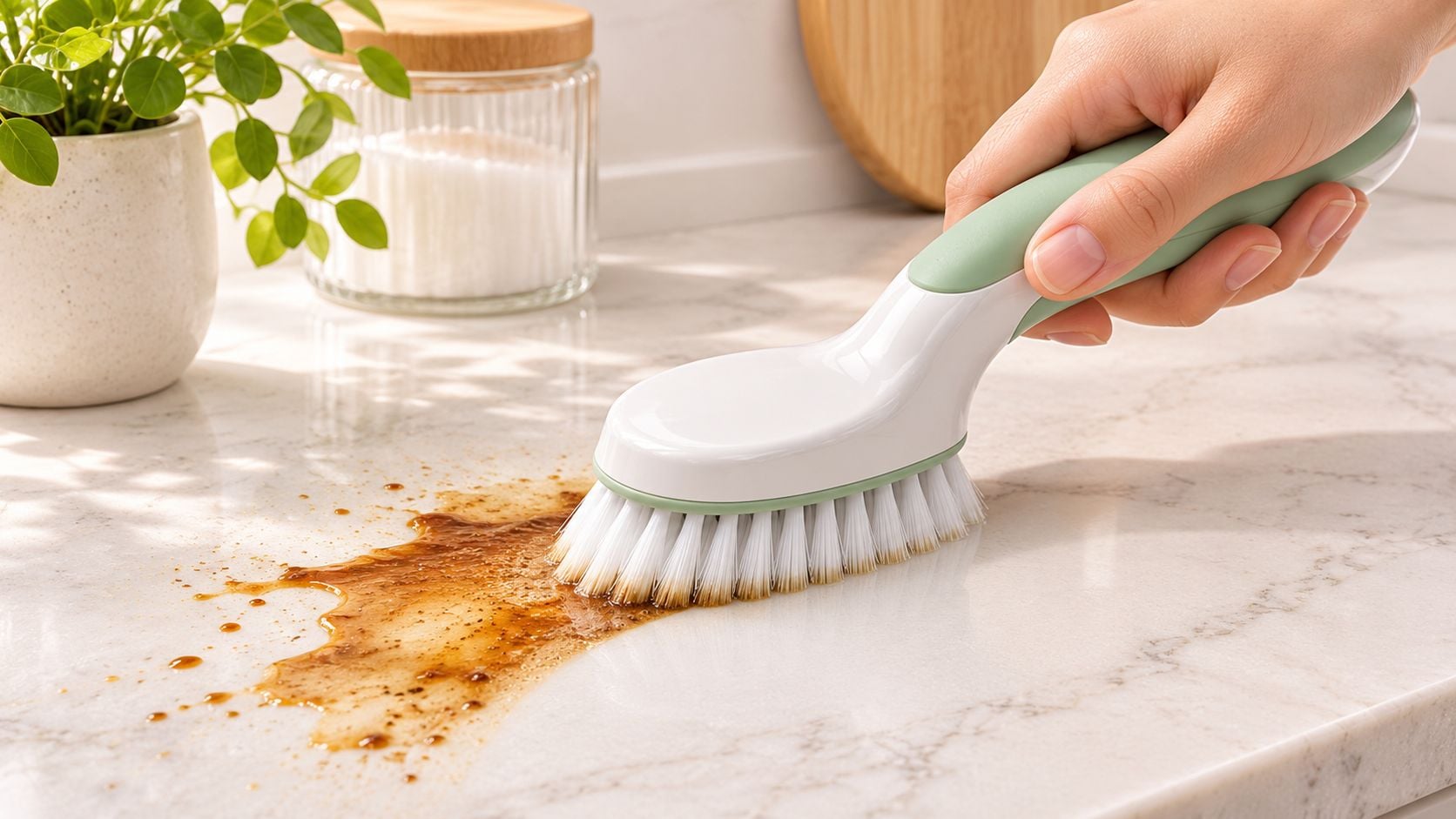
Open on the stain, the cluttered drawer, or the snapped hinge. The format works because the viewer watches the product do its job in a few clear steps instead of hearing a description of it. It suits anything with a visible function: cleaning, organising, repairing.
The input requirement is strict. One clean, uncluttered product photo and a short script naming the exact problem. A busy source image gives the generator more to invent, and invented detail around your product is the fastest route to a video you can't run.
Sound-off matters here more than anywhere else on this list. Equativ's 2026 guidance on human-centric ad design reports that 65% of people are more likely to watch mobile video when it includes captions, and treats on-screen text as central to comprehension rather than as an accessibility add-on. Build the sequence so the problem, the product, and the payoff read with the audio removed.
Storyboard test: mute the clip and watch it once. If you can't tell what changed, the edit isn't finished.
Shoot the problem in the first two seconds, test one problem per video rather than stacking benefits, and cut any step that doesn't change the outcome. A three-step demo that runs long loses the viewer before the payoff.
3. Before-and-After Transformation
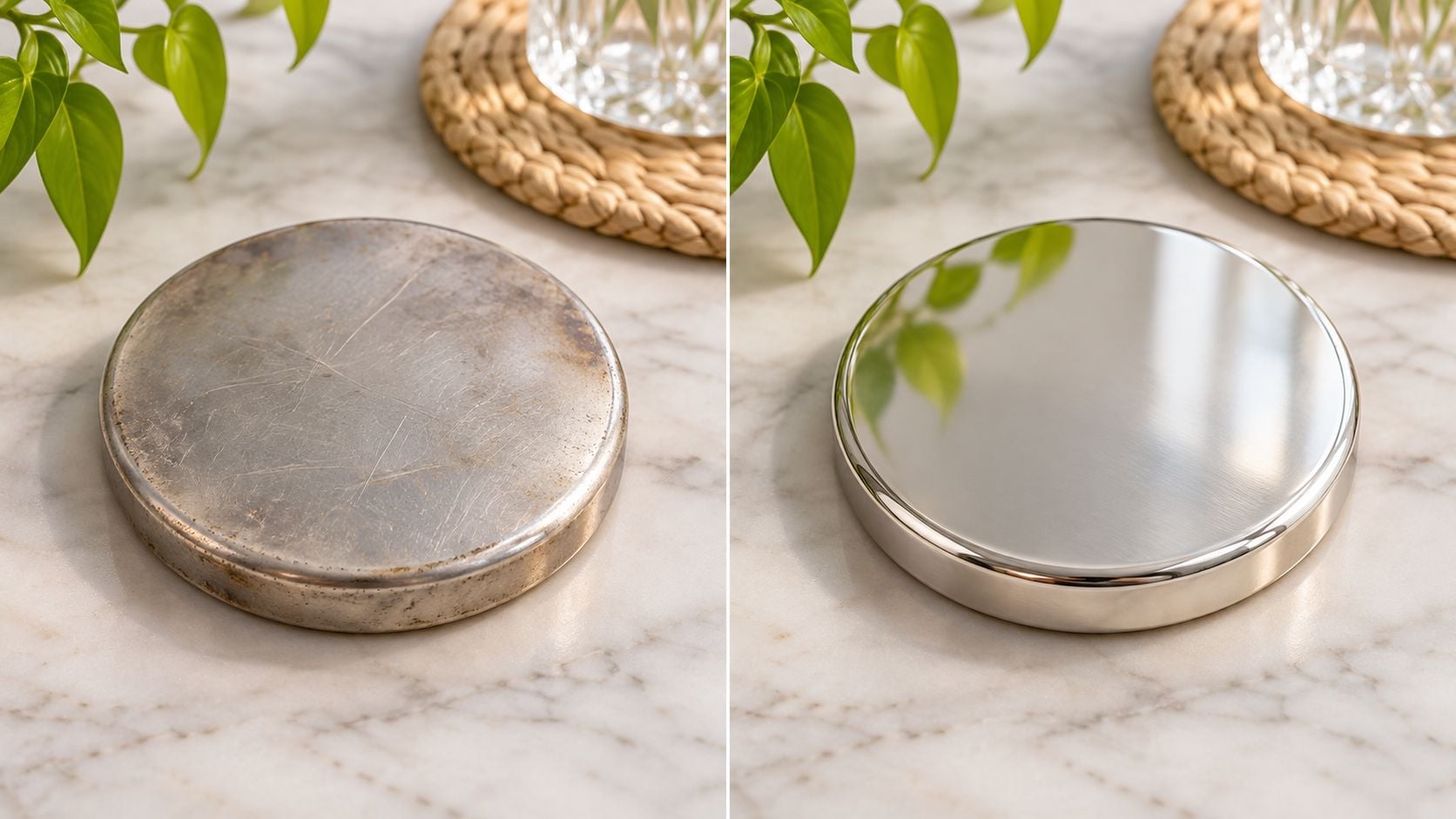
Two frames, one contrast. A scratched lid and a polished one, a flat finish and a restored one, a crowded shelf and a sorted one. The comparison persuades, so nothing else in the frame needs to work hard.
This format lives or dies on its input. Both states need the same camera angle, the same lighting, and the same crop, or the viewer reads the difference as editing rather than as a result. When the source photo is flat or noisy, Nim's product photo enhancement workflow can clean it up before the clip gets built, so the comparison starts from an accurate image rather than a flattering one.
Only show a change a typical customer can reproduce at home. If the after frame needs a footnote to be honest, it will generate returns instead of reorders.
Check any generated transformation against the product before publishing. Grain, colour shift, and edge behaviour on reflective surfaces are the usual tells, and they're the details a sceptical buyer zooms in on. Label the difference clearly so the viewer knows exactly what changed, and keep the camera locked rather than moving between states.
4. Hero Product Reveal
Slow motion, one light sweep, one headline. The product is the entire subject, and the restraint signals a premium item. This format earns its budget on launches and hero SKUs. It's also the wrong choice for anything whose value only becomes obvious in use.
Specifications decide the edit. Google Ads' video ad requirements list 15 seconds as the recommended length for several formats, 6 seconds for bumper ads, and a 10-second minimum for formats that enforce one, with master assets at 1920 × 1080 for 16:9, 1080 × 1920 for 9:16, and 1080 × 1080 for 1:1. Compose for each canvas instead of cropping one finished file.
In Nim, the e-commerce templates are where to start when the source is a still product photo that needs motion. Choose the template that matches the product type, supply the input it requests, and review the result before it goes anywhere.
Check before upload
- Logo and label text: rotation and light sweeps are where small type warps first.
- Product geometry: a bottle that changes proportions reads as a fake to anyone who owns one.
- First frame: the product should be recognisable in a thumbnail with no sound and no context.

5. Virtual Try-On Ad
Apparel, eyewear, and accessories sell on fit and appearance. A try-on clip lets a shopper judge both before clicking, and the strongest version shows the same item on more than one body type or in more than one colourway, since one model answers one question.
In Nim, virtual try-on is the relevant destination for this task, and the guide to AI virtual try-on covers what the workflow needs and where it stops. Confirm the inputs on the specific template before planning the production, and hold the framing identical across variations so the comparison stays honest rather than flattering.
Disclose that the try-on image is generated. Shoppers forgive a simulation. They don't forgive discovering one after delivery.
Two rules carry the rest. Don't imply the generated result guarantees fit, and pair the clip with a size or fit note in the caption or on-screen text. Return rate is the metric to watch on this format, not click-through, because the ad's job is to set an accurate expectation rather than to oversell one.
6. Talking Object Ad
The product speaks. A snack packet introduces its ingredients, a household tool states its single feature, and the unexpectedness buys a second of attention in a crowded feed. It's playful, and it only works when the product's real features survive the joke.
Generated video is mainstream enough that this no longer reads as a gimmick. The Interactive Advertising Bureau's 2025 digital video report found that 86% of digital video ad buyers were using or planning to use generative AI to create video advertisements in 2025. In Nim, the talking object page is the relevant destination, and the talking object guide explains the starting points and the input each route expects.
Keep the script to one benefit and one call to action. Two jokes in six seconds land neither.
Review lip sync and motion quality before publishing, and read the finished line against the spec sheet. A talking bottle claiming a benefit the label doesn't support is a compliance problem wearing a creative costume. Test the playful version against a plain product version as well, because the novelty advantage wears off after a few impressions.
7. Assembly or Unboxing Sequence
An assembly or unboxing clip answers the buyer's two real questions at once: what arrives, and how much work is it. That combination converts well for furniture, equipment, and kits, where the fear is a missing part or a lost afternoon.
Set the pieces out first. The opening shot should show the full component set, because that's what the viewer is checking. Then show two or three steps rather than all of them. Nim's assembling product page is relevant when the product needs to appear in a build context; treat it as a visual explanation, never as a substitute for the manufacturer's instructions.
Placement planning changes the edit. Google's Performance Max asset guidance allows up to 15 videos, recommends at least one in each of the horizontal, square, and vertical orientations, sets 10 seconds as the minimum per orientation, and suggests a vertical video between 10 and 60 seconds for Shorts eligibility. Cutting one sequence into two or three short clips covers those slots without a second shoot.
Verify every step against the instructions. A fast, wrong assembly demo produces support tickets, not sales.
8. Founder or Brand Story Ad
A founder explains why the business exists and which problem it set out to solve. The trust it builds is genuine, and it matters most when competitors sell near-identical products. It's also the format most likely to drift into a tribute video instead of an ad.
Dollar Shave Club's 2012 launch video remains the reference point: the founder spoke straight to camera about the product and the price, and personality carried the message rather than replacing it. Script the version in plain language, drawn from the founder's actual experience. A constructed origin story is easy for viewers to spot and expensive to defend.
Testing rule: put this concept up against a genuinely different one, such as a pain-point opening or a plain demonstration, and change one strategic variable at a time. Judge it on qualified traffic, conversions, and lead quality rather than views.
Wrecking Crew Media's 2026 video advertising guidance makes the same case for evaluating outcomes beyond completion rate. The best story ad isn't the most moving one. It's the one that returned a learning signal worth acting on, which usually means a shorter product-only version running beside it.
9. Trend or Meme Format Ad
Borrow a transition, a sound, or a structure viewers already recognise, then put the product inside it. Recognition buys attention fast. The format also dates faster than anything else on this list, and a stale trend reads as a brand that stopped paying attention.
Volume is the trade-off. HubSpot's 2024 video marketing report found that 83% of video marketers used short-form video, which is why one structure gets copied within days and stops working within weeks. Plan a refresh cycle rather than a single asset.
Duration rules catch people out. Google's Demand Gen video specifications set a 5-second minimum, but state that videos shorter than 10 seconds are ineligible to serve on YouTube in-stream, with up to five videos per ad. A five-second cut can clear the minimum and still miss the placement it was built for.
If the format needs a face that isn't yours, use the face swap template only with images and likenesses you have permission to use, and never imply an endorsement that doesn't exist. Keep the product visible in the first few seconds so the joke doesn't become the entire ad.
10. Lifestyle Scene in Use
A kitchen counter during a weeknight dinner, a desk at nine in the morning, a trail on a Saturday. The product sits in a setting the viewer recognises, and the setting does the work of explaining who the product is for.
Match the light first. A product photo shot in soft daylight looks pasted into a scene lit by overhead kitchen bulbs, and that mismatch is the most common flaw in this format. Keep the product at a realistic scale against familiar objects, then check the edges for warping before publishing.
If the scene has to run as a short video rather than a still, Google's App campaign video specifications accept 10 to 60 seconds in horizontal, vertical, and square orientations, with up to 20 images per asset group. That window is generous enough to build several scenes from one clean product photo.
In Nim, e-commerce templates support scene-based product visuals. Choose the template that matches the environment, provide the input it asks for, and review the result for realism before it ships. One scene per audience segment gives a clean comparison. Three audiences, three scenes, one product, one claim.
How the ten ad video formats compare
| Item | Main advantage | Main limitation | Nim starting point |
|---|---|---|---|
| UGC-Style Testimonial Ad | Feels authentic and suits social feeds | Claims and generated presenters need careful review | UGC ads template |
| Problem-Solution Demonstration | Shows practical product value quickly | Less suited to abstract benefits | E-commerce templates |
| Before-and-After Transformation | Makes visible results easy to grasp | Only works for visible changes; comparisons must be accurate | Photo enhancement workflow |
| Hero Product Reveal | Elevates perceived product quality | Does not explain benefits on its own | E-commerce templates |
| Virtual Try-On Ad | Helps shoppers picture fit and appearance | Generated results may not reflect real fit | Virtual try-on page |
| Talking Object Ad | Memorable and attention-grabbing | Playful tone may not suit every brand | Talking object page |
| Assembly or Unboxing Sequence | Reduces uncertainty about setup and box contents | Generated steps may not match the real product | Assembling product page |
| Founder or Brand Story Ad | Builds trust and brand recall | Needs an authentic story and often more runtime | Start with an honest script; no dedicated Nim starting point specified |
| Trend or Meme Format Ad | Can feel native and reach viewers quickly | Trends fade quickly and may overshadow the product | Trending face-swap template |
| Lifestyle Scene in Use | Helps viewers imagine the product in everyday life | Scenes may look artificial or misrepresent scale | E-commerce templates |
Choosing Your First Ad Video Test
Start with the format that matches the product's main benefit. A visible demonstration for practical products. A UGC-style testimonial when the purchase depends on a personal recommendation. A try-on when fit and appearance decide the sale. Getting the format right removes most of the guesswork before a single frame is generated.
Then prepare one clean product image and write a script with one accurate claim. Two hook variations from that same product tell you more than ten polished concepts built on different offers, because the variable you changed is the one you're trying to measure.
Video budgets keep moving in this direction. U.S. digital video revenue reached US$62.1 billion in 2024, a 19.2% year-over-year rise that took it to 24.0% of total digital advertising revenue, according to Wyzowl's video marketing statistics. Spend at that scale rewards teams with a repeatable process, not a single well-funded film.
Run four checks before the file reaches a paid placement. Confirm the duration clears the shortest in-stream threshold your placement requires, confirm the orientation matches the slot, confirm the claim on screen matches the product, and confirm the message survives with audio off. None of these make a video good. All of them stop a good video from being wasted.
Pick one downstream metric and stay with it for the whole test. Add-to-cart rate, cost per completed purchase, or qualified lead volume will separate a winning concept from a winning thumbnail. Views and completion rate flatter almost everything.
Nim offers UGC among its video styles, and the UGC ads template is a direct place to begin that first test. Open the template, review the inputs it requests, and check every generated result against your real product before it runs.
The format list matters less than the loop: one product, one claim, two variations, one metric. A team that runs that loop four times learns more than a team that produces one expensive film and hopes.
Nim is a web-based AI image and video creation platform with templates for product videos, UGC-style ads, talking objects, virtual try-on, and image animation, so most of the formats above can start from a product photo instead of a shoot. Take one format from this list, prepare the input it needs, and run the accuracy check before any money goes into placement. Visit Nim to open the template that matches your product.
- ad video ideas
- UGC ads
- product video ads
- video ad creative
- AI ad videos