What Is UGC Ads? a Guide to UGC-Style Product Videos
What is UGC ads? Learn how UGC ads work, why they build trust, and how to create UGC-style product videos in Nim with the UGC Ads template.
By Nim
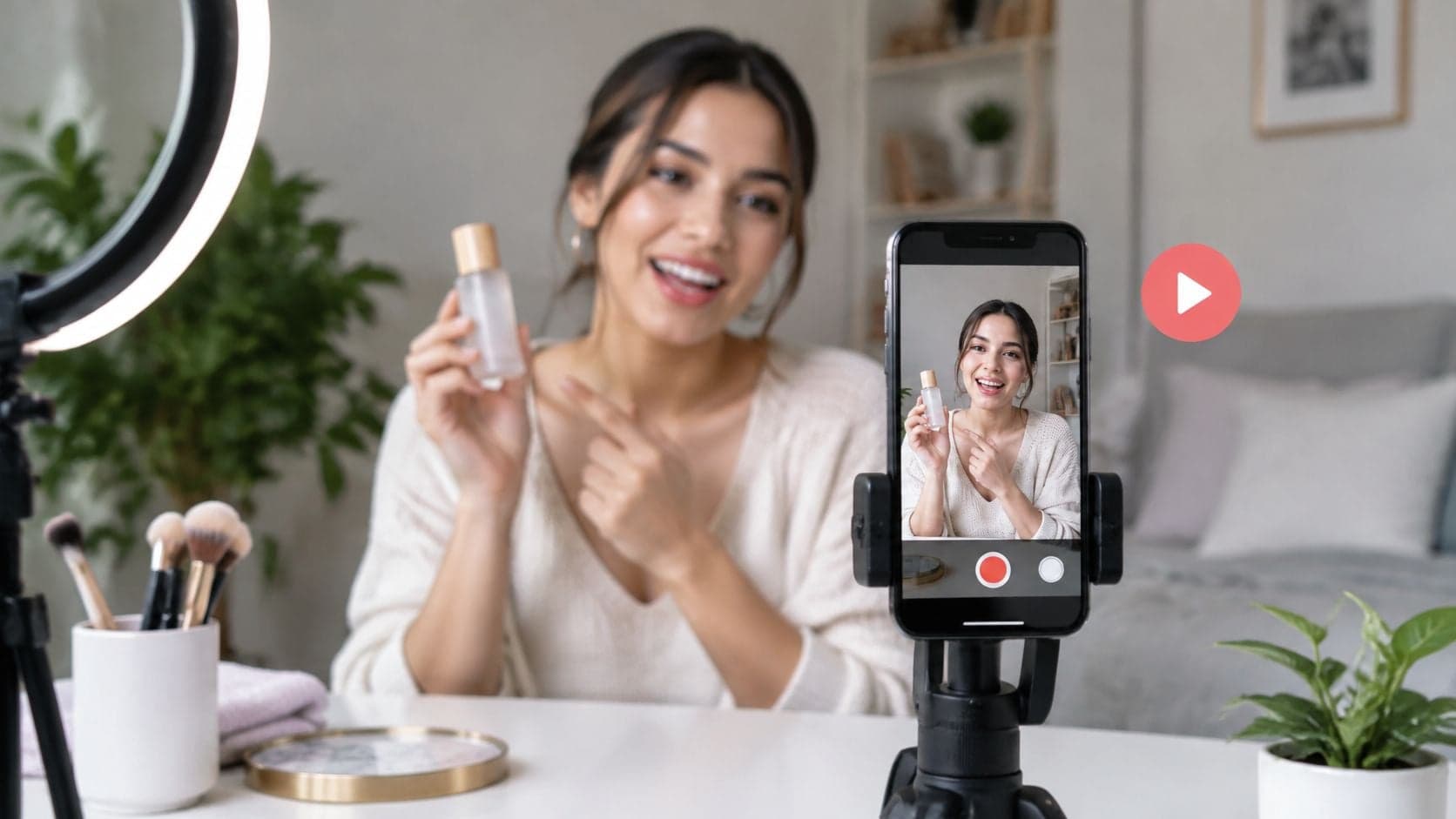
UGC ads are paid ads made to look like content from customers or everyday creators, and they still count as ads when the speaker looks casual. A seller scrolling a feed might see a phone-shot product demo outperform a polished studio clip and wonder whether the difference is authenticity or just a clearer product proof. That distinction matters before any budget is spent.
What UGC Ads Are and How They Differ From Other Paid Content
What is UGC ads in practical terms? UGC stands for user-generated content, and a UGC ad is a paid advertisement built from content that looks like it came from a customer or everyday user rather than a studio production team. Common forms include a customer-style review, demonstration, unboxing, testimonial, or short vertical video with direct-to-camera delivery.
A billboard saying a coffee shop serves the best coffee in town makes a brand claim. A friend at the counter saying the oat latte is ordered every morning sounds like personal experience. The claim overlaps, but the second voice feels closer to a peer recommendation, and UGC ads borrow that peer voice for paid placements.
Casual Does Not Mean Organic
The most common confusion is treating a casual look as proof that content isn't advertising. It isn't. If a brand pays for placement, pays the speaker, or provides a free product in exchange for promotion, the result is still an ad and needs appropriate disclosure.
Origin alone doesn't settle honesty either. Footage can come from a real customer, a paid creator, a brand team, or AI generation. What matters is whether the words imply experience, outcomes, or opinions that are real and supportable. A generated demonstration that accurately shows an approved product feature raises a different issue from a synthetic speaker claiming weeks of personal use that never happened.
A UGC style describes how an ad looks. It doesn't prove who made it, whether the speaker used the product, or whether the claim is true.
Brands sometimes commission creators specifically to produce this kind of creative for paid campaigns rather than waiting for customers to post. Readers weighing that route can review why brands hire UGC creators for context on the creator's role in paid production.
Three Paid Formats Side by Side
| Feature | UGC ad | Brand commercial | Influencer post |
|---|---|---|---|
| Who appears on screen | Customer, creator or actor playing a user | Brand spokesperson, actor or product only | Known creator on their own channel |
| Production look | Handheld, casual, filmed or generated to look personal | Studio-polished and scripted | Matches each creator's usual style |
| Core promise | Shows a product in use and a specific benefit | Builds brand image and awareness | Draws on the creator's audience trust |
| Paid placement | Usually yes when run as an ad | Yes | Yes when sponsored |
| Endorsement rules | Apply when the speaker presents use or opinion | Usually do not apply to a person's experience | Apply to creator recommendations |
A brand commercial tells the company's own story with controlled lighting, scripting, and editing. Its strength is consistency. It can present packaging, positioning, and a campaign idea precisely, but viewers usually recognize it as the company speaking about itself.
An influencer post depends heavily on distribution and relationship. The creator publishes to an existing audience, so viewers bring prior trust, skepticism, or familiarity with that person into the message. The creator's channel and reputation are part of what's being bought.
A UGC ad is different because the brand typically controls paid distribution while the creative borrows the language of a customer post. The product is usually in someone's hands, in a kitchen, bathroom, car, desk, or other everyday setting. The speaker explains one use, benefit, or objection in conversational language that's built for a feed.
That difference is about format and purpose, not authorship alone. A brand can commission a creator to make a UGC ad. A creator can also produce a polished sponsored segment that looks more like a conventional commercial. Labels become less useful than two practical questions. Who controls the placement, and what is the viewer being led to believe?
Apply one endorsement test before classifying the work. Would a reasonable viewer read the person on screen as recommending or approving the product? If yes, endorsement and disclosure obligations apply whatever the file is called internally.
Why Brands Use UGC Ads and What the Evidence Shows
Brands use UGC ads because people often give peer-like voices more weight than a company's own pitch. The evidence supports a narrower claim. Observable product use, a credible speaker, and a specific benefit can strengthen trust, while a scripted or exaggerated delivery can weaken it. The style earns attention. The proof earns belief.
Early consumer research measured that tilt directly. Shoppers leaned heavily on material created by other customers, rated internet word-of-mouth above content produced by advertisers, and placed the most confidence in recommendations from people they knew. A later study modeled the mechanism: trust and authenticity carried a measurable share of the effect user content had on purchase intention. The useful lesson is the chain. Visible use improves perceived information quality, better information supports credibility, credibility supports trust, and trust makes a purchase more likely.
| Source | Finding |
|---|---|
| 2012 study of 90 consumers | 66.3% relied heavily on user-generated content when making purchasing decisions; 65% trusted internet word-of-mouth more than content produced by advertisers; 90% trusted recommendations from people they knew |
| Study of 300 respondents | UGC significantly predicted purchase intention and explained 39.2% of its variance, with trust and authenticity acting as partial mediators |
| CreatorIQ survey, 2024 | 66% of brands and 82% of agencies said creator content generated more return on investment than traditional digital advertising without creators |
| EnTribe data cited by CrowdRiff, 2024 | 84% of consumers were reported to be more likely to trust a brand whose marketing featured user-generated content |
Read those findings as evidence about real peer content and a gap appears. Respondents were reacting to genuine customer voices, not to a brand staging the same tone. A commissioned video borrows the look of a recommendation. The credibility behind it has to be earned separately, through claims the product can visibly support and disclosure the viewer can plainly see. Scripted phrasing, hidden sponsorship, and benefits that never appear on screen all erode the trust the format is meant to borrow.
Commercial interest has grown alongside the research. According to the Interactive Advertising Bureau, creator advertising in the U.S. increased from $13.9 billion in 2021 to $29.5 billion in 2024. Brand and agency surveys point the same direction, rating creator content above traditional digital advertising on perceived return, while consumer surveys report higher trust in brands whose marketing includes customer-made material.
Those figures still need restraint. Surveys and self-reported returns can't isolate whether results came from the creator style, the offer, audience selection, product quality, or the opening hook. Effects also change by category and execution. A thoughtful guide to ad creative design can help separate message structure from surface style. Each advertiser's own campaign data remains the deciding evidence.
UGC Ad Formats and When Each One Works
Format selection should start with a claim that can be shown, not with a preferred filming style. A demonstration can't rescue an invisible benefit, and a testimonial shouldn't be used to invent experience. The table below matches common formats to the kind of proof each one can reasonably carry.
| Format | What the viewer sees | Best used for |
|---|---|---|
| Customer-style review | Speaker shares an opinion after using the product | Overall experience, when the opinion is real |
| Demonstration | Product used step by step | Showing how a visible feature works |
| Unboxing | Package opened and first impressions | Opening hook for a product that looks good out of the box |
| Testimonial | Speaker describes their own experience | Only when that experience is real and documented |
| Problem and solution sequence | Problem shown, product applied, result visible | Products that solve one clear, visible problem |
| Objection handling | Speaker answers one common doubt | A known hesitation supported by product facts |
| Vertical short-form video | Phone-style framing built for feeds | Placements in mobile social feeds |
Match the Format to Provable Proof
A demonstration suits a visible mechanism, such as assembly, application, opening, cleaning, or storage. The viewer doesn't need to take the speaker's word for the main point because the action is on screen.
A problem and solution sequence needs a problem that's equally visible. It works when the before state, product action, and after state can be understood quickly. If the result depends on conditions viewers can't see, the script should narrow the claim rather than imply a universal outcome.
Objection handling suits a doubt customers already raise in reviews, support messages, or sales calls. The answer should come from approved product facts. For sellers planning social commerce placements, ecommerce advertising insights from Wojo Media provide additional context on matching creative to shopping behavior.
Reviews, first-use reactions, and testimonials require more care because they imply personal experience. They're appropriate when the speaker actually used the product and the wording reflects that use. A generated or scripted speaker shouldn't describe results, routines, or time periods that didn't occur.
Practical rule: Choose the format after writing the one benefit that can be verified. If the benefit can't be shown or documented, change the claim before changing the camera angle.
Several variants can come from the same product sheet without changing the facts. Say a water bottle has a verified one-handed opening mechanism. One variant demonstrates the opening during a desk routine. Another answers whether the lid can be operated while carrying other items. Both use creator-style framing, but they test different messages. That structure also fits broader planning for a product video for ecommerce, where each cut should answer a distinct buying question.
How to Make a UGC-Style Product Video in Nim
Input quality controls what's possible in the output. A vague benefit, inaccurate product photo, or unsupported script doesn't become reliable because the finished video looks casual. Preparation should therefore happen before any template is opened.

Prepare the Product Facts First
-
Collect approved inputs. Gather the product name, what it does, one or two benefits that can be substantiated, and product photos or footage with permission to use them. Choose a clean image where the item, color, and distinguishing details are clearly visible. This is input preparation, not an in-app setting.
-
Select one format and one claim. Pick a demonstration, problem and solution sequence, feature explanation, or objection answer before generating. A single observable benefit gives the reviewer something concrete to check and keeps later variants meaningfully different.
-
Open the relevant template. Start with the UGC Ads template when the task begins with prepared product information or visuals. Read the input fields on the live page and provide only what that form requests. Mention or use a prompt only if the form actually includes a prompt field.
-
Use the product-page route when it fits. If the starting point is an existing product page, open the URL to UGC video template and provide the page URL only if its form accepts one. Marketplace sellers adapting the same facts for a listing can also consult guidance on a product video for Amazon, while keeping marketplace requirements separate from paid social requirements.
Generate, Review, and Revise
-
Generate and watch the complete output. Check whether the product's shape, branding, color, and scale look accurate. Listen or read through every claim and flag wording that implies firsthand experience, guaranteed results, or features absent from the approved facts.
-
Revise from the source facts. Correct the product information or script basis rather than adding attractive but unverified details. Generate again after narrowing the claim, replacing an unclear visual, or changing the message architecture.
-
Save only after review passes. Confirm the download step on the live template page and retain the approved source facts with the finished file. That record makes later disclosure, claims review, and variant testing easier to audit.
Template fields and output options can differ, so exact controls should be verified on the live pages rather than assumed from another workflow. Captions, voiceover changes, or music selection shouldn't be treated as documented Nim steps unless the specific page confirms them. Any such finishing work is a separate optional task outside the generation and review sequence described here.
A useful first output doesn't need to imitate a spontaneous customer post in every detail. It needs a recognizable product, a human and conversational presentation, visible interaction, and one benefit supported by what viewers can see. Those elements preserve the informational value of the UGC style without presenting synthetic footage as a genuine customer record.
Disclosure and Claims Checks Before You Publish
Disclosure belongs in the creative brief, not in a caption added after production. Waiting until upload creates a familiar failure. The video is finished, the label has nowhere clear to sit, and the team treats a platform setting as a substitute for visible disclosure. Build the checks into review instead.
The U.S. Federal Trade Commission guidance on disclosures defines a material connection as a relationship that could affect how consumers evaluate an endorsement. It includes payment, employment, family or personal relationships, and non-cash benefits such as free or discounted products.
-
Material connection. State the relationship when the speaker was paid, received the product free or at a discount, works for the brand, or has another relevant personal tie. Viewers evaluate praise differently when they know an incentive exists.
-
On-screen label. Place a clear label such as Ad, Sponsored, or Paid partnership in the video itself where viewers can see it during the endorsement. A disclosure only in the description can be missed by someone who watches without opening the text.
-
Real experience. Don't let a scripted or AI-generated speaker describe use, results, or a routine that didn't happen. Product footage can demonstrate a feature without pretending to be a customer's history.
-
Substantiated claims. Keep each benefit within evidence the advertiser can support. A claim that a product treats a medical condition, for example, shouldn't appear without evidence the advertiser can substantiate.
-
Platform settings. On TikTok, creators must activate the commercial-content disclosure setting when posting content that promotes a brand, product, or service. Platform compliance and advertising law are separate checks, so both need attention.
-
Permission for assets. Use only product names, logos, music, footage, screenshots, testimonials, and creator material that the advertiser is authorized to use. Remove platform branding that could wrongly suggest sponsorship or partnership.
-
Human review. Confirm product appearance, claim wording, brand suitability, and disclosure placement before spending. This final pass catches the gap between a plausible generated scene and what the actual product does.
Plain test: A viewer should be able to tell that the content is advertising, understand the speaker's relationship to the brand, and distinguish visible proof from opinion.
That standard protects more than legal compliance. It also protects the credibility that made the format attractive in the first place.
Test Variants Before You Scale a UGC Ad
Treat every UGC ad as a hypothesis, not a guaranteed winner. Research summarized in a study of sponsored TikTok content found that sponsorship can reduce perceived authenticity and engagement. Format alone therefore doesn't ensure that viewers will respond.
Build three or four variants from the same verified facts. Give each one a distinct job, such as a problem and solution demonstration, a feature explanation, an objection answer, or a comparison. Keep the product visibly central and limit each version to one observable benefit.
Run the variants against the same audience, placement, budget, and attribution window. Compare three-second view rate, completed-view rate, click-through rate, conversion rate, and cost per acquisition. If only the opening visual changes, the result says something about the hook. If the claim changes, it says something about the message.
Start with one product claim that can be substantiated, create the first variant, complete the disclosure and claims review, and only then put spend behind it.
Pick one product benefit that can be shown clearly, prepare accurate visuals and approved facts, and create a first UGC-style product video with Nim. Review the output for product accuracy, implied experience, and disclosure before testing it as a paid ad.
- UGC ads
- UGC-style video
- user-generated ads
- UGC video template
- Nim AI video