Video Ad Maker: How to Make a UGC Video Ad in Nim
Video Ad Maker in Nim: build a UGC-style ad, pick the right format for each placement, test it against a static control, and disclose AI use.
By Nim
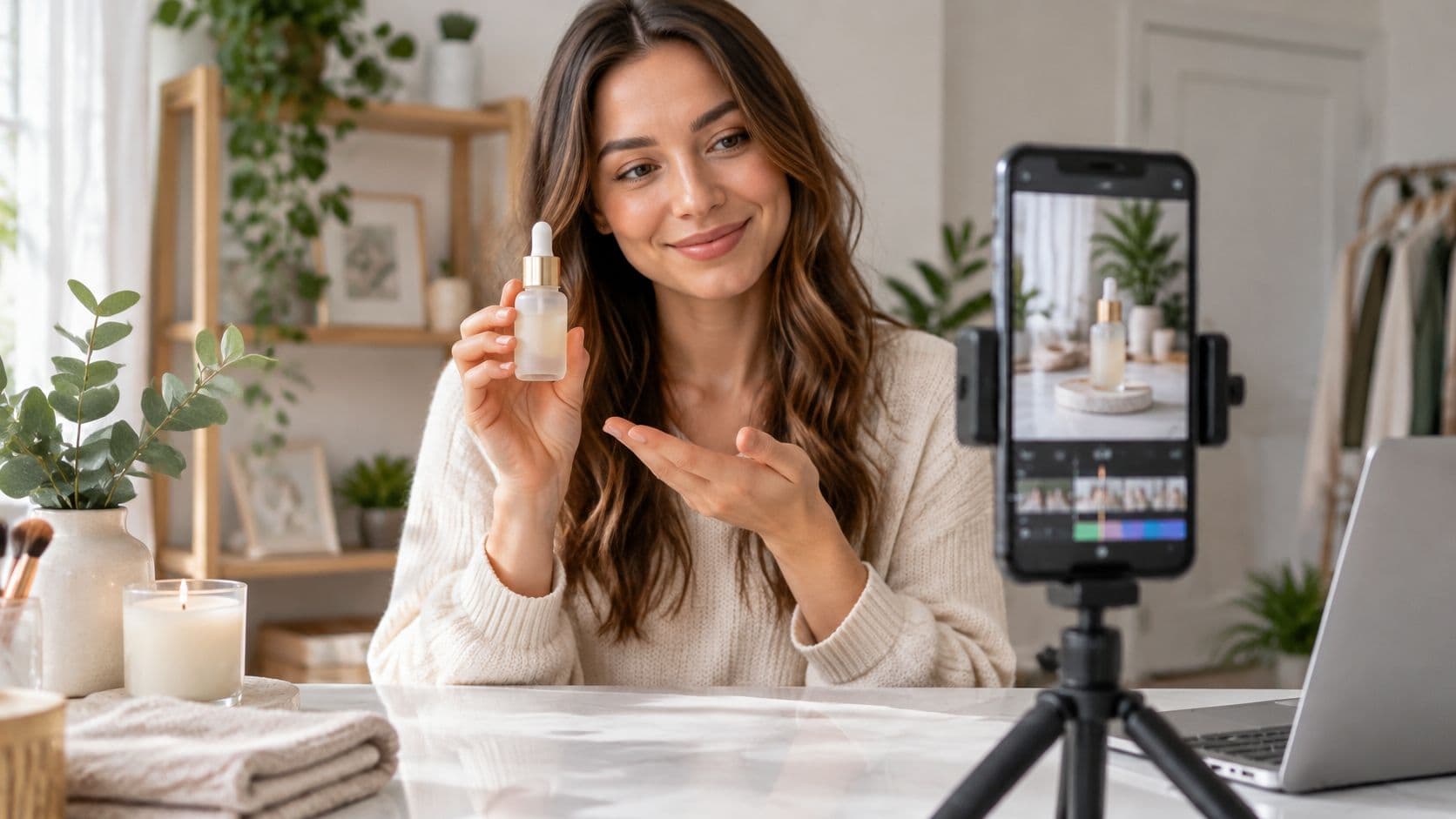
You've got one clean product photo, a one-line offer, and a buyer who wants a talking-style clip before the next test window. A video ad maker helps only when that clip is a cheap hypothesis, not a promise that motion will beat the still. Keep the original image as the control, generate one short ad from the same picture, and put money behind the video only if it wins on cost per acquisition with the offer, audience, and placement held constant.
Say a small apparel shop sells a lightweight running jacket that packs into its own pocket. The photo already shows the product. The useful question is whether a few seconds of motion help a shopper grasp that benefit faster than the still does.
Inputs to Prepare Before You Open a Template
A UGC-style video ad in Nim begins from one product or one offer, not from a blank prompt. Open the UGC Ads category and pick the template whose description sits closest to your product type. Nim is an app for AI video production, so a weak source image or a fuzzy benefit shows up in every variant you generate.
Three inputs worth preparing
A clean product photo. The whole product should be visible, with uncluttered edges and even lighting. If the shot is soft, crowded, or oddly coloured, run it through Nim's enhance product photo workflow first. Treat that as preparation of the source, not as a setting inside the ad template.
One written sentence. Lock the offer or main benefit in a single line, such as a lightweight running jacket that packs into its own pocket. That sentence stays fixed across the still and every video variant, so a later test compares motion, not a new claim.
A product page URL, only when the template asks. Some templates start from a live listing. If the form you opened doesn't request a URL, don't hunt for one. Social media video templates show how short product clips are framed for feeds, but the template you open is what states the accepted inputs.
Read those inputs before you gather extra files. Spare angles and logo packs don't help a template that never asks for them.
Facts you can stand behind
Write down every fact you can prove: materials, sizes, colours, and what the product doesn't do. Confirm each line against the product page or the item in hand before you open Nim. If a size or colour isn't on the product, it doesn't belong in the sentence you'll reuse.
Practical rule: If you can't point to the product and verify a detail, leave it out of the source sentence.
That list is the review sheet later. Generated motion can imply a pocket, a fabric, or a performance claim the item doesn't have, and the sheet is how you catch it.
Matching Video Formats to Each Ad Placement
Video is a core buy, so one master scene should cover several layouts. In the United States, digital video advertising generated $62.1 billion in revenue in 2024, up 19.2% from the prior year and equal to 24.0% of total internet advertising revenue, while overall U.S. internet advertising reached $258.6 billion, up 14.9%, according to the IAB/PwC Internet Advertising Revenue Report.
That spend is a reason to ship more than one crop of the same product moment. I would still treat each moving cut as a cheap hypothesis against the static product image it came from. Same jacket, same offer, different frame. The still stays the control until a placement test says otherwise.
Keep the product, logo, and key text near the centre of that master scene. A square crop and a vertical crop both have to leave the item readable. Generate each file from the same concept. Stretching one export until it fills a new frame pushes the jacket toward the edge, where interface chrome covers it.
What Each Placement Accepts
A placement accepts a file shape. It does not decide whether the jacket looks better in motion than it did as a still. Prefer Full HD when the placement offers it, because a soft file makes a weak comparison with a sharp product photo. A clip that misses a minimum length never enters some YouTube inventory, so a short test and a mid-length test are separate buys.
| Placement | Aspect ratio | Pixel size | Duration rule |
|---|---|---|---|
| Google Ads horizontal | 16:9 | 1920×1080 | Any length; a YouTube view count needs at least 10 seconds, and remarketing lists need 12 seconds or longer |
| Google Ads square | 1:1 | 1080×1080 | Any length; a YouTube view count needs at least 10 seconds, and remarketing lists need 12 seconds or longer |
| Google Ads vertical | 9:16 | 1080×1920 | Any length; a YouTube view count needs at least 10 seconds, and remarketing lists need 12 seconds or longer |
| Google Demand Gen vertical | 4:5 | 1080×1350 | At least 5 seconds; under 10 seconds cannot serve on YouTube in-stream |
| TikTok ads | 9:16 | Larger than 540×960 | 5 to 60 seconds; 15 seconds recommended |
Those rows follow Google Ads guidance, Demand Gen guidance, TikTok's advertising specifications, and Google's in-feed video guidance, which also recommends awareness cuts at 15–20 seconds. That longer cut is a planning choice, not proof it will beat the still.
These rows are placement rules. They do not describe the controls inside a Nim template, so read the template you opened before you promise a file setting. For a vertical social crop, Instagram Reels resolution is a separate delivery check from the Google and TikTok sizes above.
Placement specs also say nothing about audio. Make the first seconds readable with the sound off: product in frame, benefit visible, and no critical line parked at the extreme edge.
How to Make a UGC Video Ad in Nim
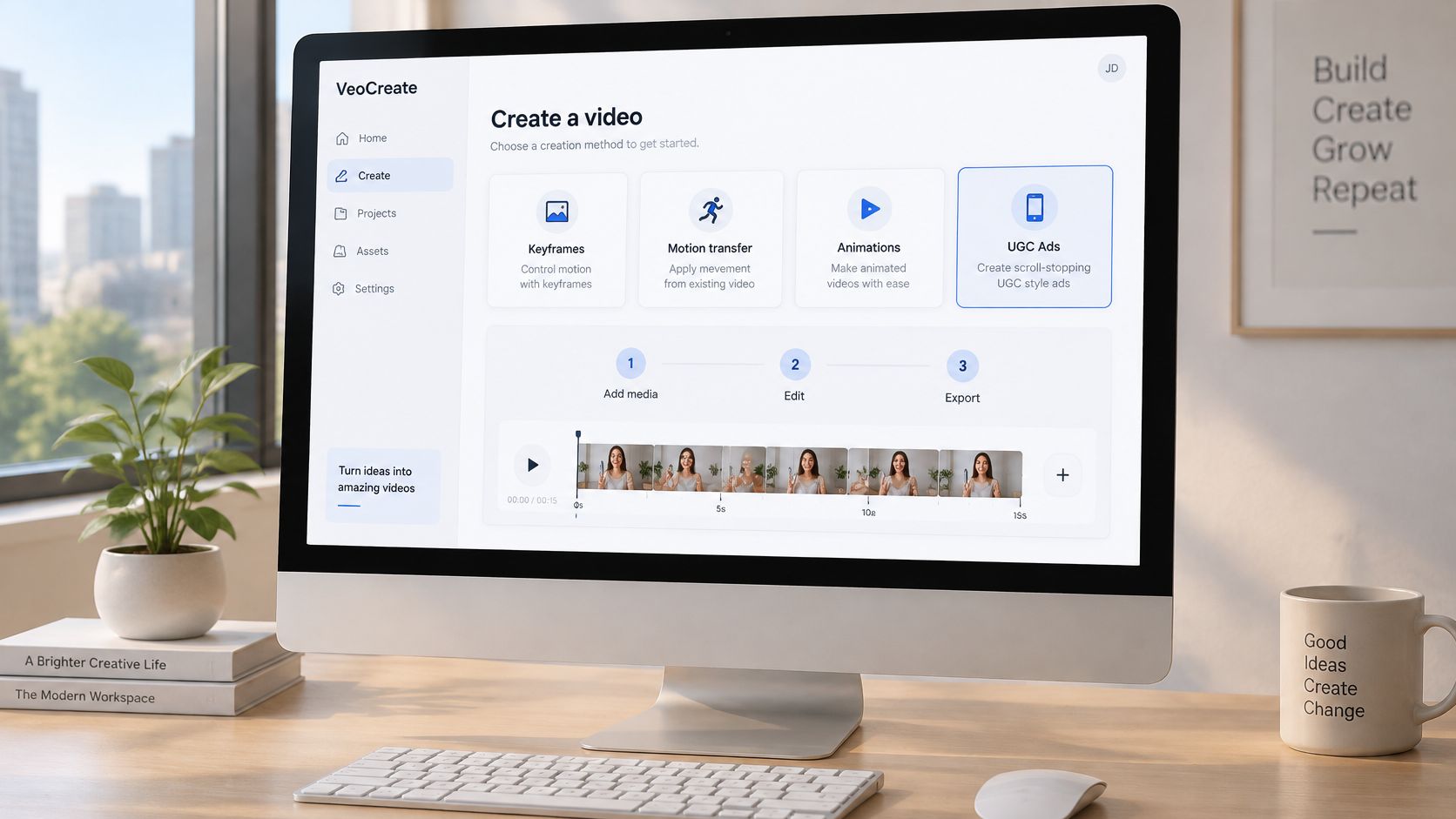
A navy jacket already sits in a clean product photo. The UGC clip is a cheap hypothesis about that same photo and the same offer: whether a spoken-style demo is clearer than the still, or whether the motion invents a pocket, a hood, or a claim the garment never had.
Nim offers video styles and creation categories including UGC, Keyframes, Motion transfer, Animations, Cinematic, Timelapse, Celebrity selfie, and Fashion videos. For a spoken-style product ad, stay with a UGC template and compare the descriptions, rather than forcing a cinematic look onto a simple jacket demo.
The picture below is an illustration of an editing workspace. It isn't a capture of a Nim template, and it isn't a customer result.
Work only with what that template requests
- Open the UGC Ads category and compare template descriptions until one matches the product type, such as a handheld product talk or a short demo.
- Open that template and read which inputs it requests, such as an image, a URL, or a prompt.
- Provide only those inputs. Where it asks for the product image, use the clean photo you already prepared.
- Write a prompt only when a prompt field is present, and keep it to the offer plus a spoken-style hook, not unverified specs.
- Generate the video from those inputs.
- Review product shape, colour, any text printed on the item, and any claim the motion implies.
- Regenerate from the same source and the same offer, with one change, to make a second variant.
- Download the result when the template workflow confirms a download option.
A narrow prompt matters because a generated presenter can invent a waterproof rating or a pocket the jacket doesn't have. Hold the offer to one fixed sentence so that drift is limited before you compare variants. On review, check the hem colour, the actual pocket, and any logo text against the source photo. If the clip adds a hood, a zipper, or on-product copy that isn't there, reject the file and generate again from the same inputs.
I treat the first acceptable file as a draft of one hypothesis, not the winner. The second variant should answer a different question, such as whether a faster hook is clearer, while the product photo and the offer sentence stay put. Motion has not earned the budget until it beats that still on the same product facts.
Keep the files traceable
- Template and inputs: Note which template and which files produced each export, so a useful clip can be remade.
- One change only: The second variant should differ by a single choice, such as hook wording, not by a new offer.
- Not a universal menu: These steps aren't fixed across every template. Each template confirms its own controls.
If a template doesn't show a prompt field, don't write a separate brief and expect the video to follow it. The inputs on that template are the whole brief.
Disclosure and Claims Before You Publish
A shopper judging the jacket offer should be able to tell that a presenter is synthetic before they decide whether the deal is real. Label a scene or a presenter that is substantially synthetic, including AI voices, avatars, and virtual characters. More than half of consumers want brands to disclose when an advertisement is entirely AI-generated or uses AI imagery or video, and nearly half want disclosure for AI voices, avatars, or virtual characters, as reported with the IAB disclosure framework perspective. The same reporting shows the tension: people favour transparency, and disclosure can still reduce perceived trust.
Plain wording beats an apology. "This ad uses AI-generated video" is enough. Put that line where the offer is visible. Leave it out from under the logo, and do not dress it up as a joke.
What the clip is allowed to imply
A moving clip illustrates the offer. It is not a verified demonstration of a feature the still never showed. Product shape, colour, printed text, and any claim the motion implies already belong on the review sheet from the make step. Use that sheet here instead of repeating those checks. If the motion states a capability the garment does not have, hold the file.
Before spend starts, match every remaining claim to the product's own facts and keep a short record beside the export: the offer sentence, any feature the presenter states, and the source for each. An AI ad creative generator workflow still needs that human check. Generation does not verify the product. A labeled clip is only a cheap hypothesis about whether motion helps this jacket, not proof that it does.
- Synthetic scenes: Label substantially synthetic scenes, voices, avatars, and virtual characters.
- Label placement: The line sits with the offer, in ordinary language.
- Claim record: Each claim has a source you can point to before spend starts.
Test Your Video Ad Against the Static Control Before Launch
The jacket photo already holds a place in the auction. The motion draft beside it is a cheap hypothesis: does movement persuade more shoppers to buy this product, or does the still acquire the order for less? Launch the video only if it beats the static control on cost per acquisition in a comparable test, and keep the static image running wherever it wins.
The comparison below is an illustration of that test layout, not a measured campaign and not a Nim export.
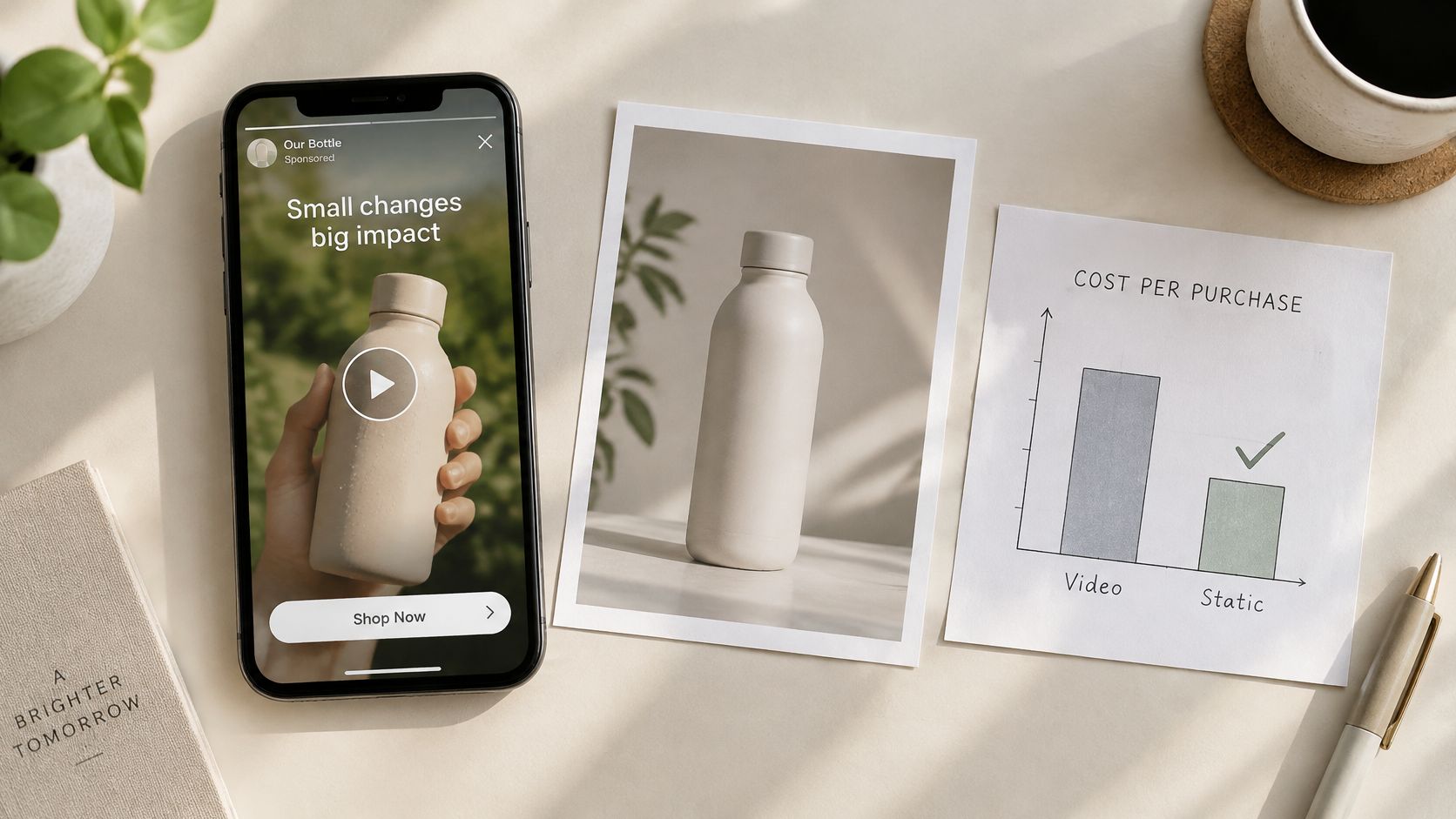
A warmer feeling about the moving jacket ad can sit next to the same order volume. Run both creatives under the same auction conditions and read cost per acquisition, not how the clip feels in a review.
How to set the test
Keep the original product image as the control. Make a short product-motion variant from that same image and, where the selected template supports it, a UGC-style variant. Hold the offer, the audience, and the placement constant. Change one variable per variant. If the hook changes and the length changes together, you won't know which one moved the cost.
Track completion rate, the share of viewers who watch through to the end, and weigh it against click-through and conversion before you name a winner. A study of 257 million ad impressions and more than 65 million viewers found that completion probability fell as duration increased: 15-second ads were 2.9% more likely to complete than 20-second ads, and 20-second ads were 3.9% more likely to complete than 30-second ads, in a measurement study of video ad effectiveness. Put the product, the differentiating benefit, and the visual proof near the opening rather than saving them for the last seconds.
A higher completion rate with a worse cost per acquisition is a loss. Buy the variant that acquires the customer for less.
Checks before any spend
Match each file to one placement, one audience, and one offer. The opening seconds should show the product and the benefit even with the sound off. Record the control, the variants, and the audience, and run long enough to compare conversions, not just the first afternoon of clicks.
The usual ways this test lies: different placements dressed up as a creative test, a longer clip judged against a shorter one, and decorative motion that delays the product. For the jacket, use one audience on one placement. Variant A is the original photo. Variant B is a short motion cut from that photo. Variant C, if the template supports it, is the UGC-style read of the same sentence. The offer line stays the same.
Nim, an AI video production app, can turn that product photo into a short UGC-style draft you test against the still. Produce one variant from the image you already trust, then judge that draft on acquisition cost beside the original photo. When the source image and the offer sentence are ready, open Nim and generate that first variant.
- video ad maker
- UGC video ads
- AI video ads
- ad format sizes
- ad creative testing