Interior Design · AI Relight

Day to Night Interior Relighting

Transform any room from warm daylight to moody evening ambiance. Professional interior relighting powered by AI — without reshooting.

Browse templates
Browse all 400+ templates

Everything you need

Built for creators, marketers, and teams shipping AI video at scale.

01

Instant Mood Shift

Relight any interior from bright daytime to atmospheric evening in seconds — no retouching software required.

02

No Reshooting Needed

Work from your existing interior photos without scheduling a new shoot for different lighting conditions.

03

Portfolio-Ready Output

Results are production-quality and export-ready for client decks, property listings, and design portfolios.

04

Multiple Lighting Moods

Choose from warm candlelit evenings, cool blue-hour ambiance, and dramatic spotlit interior scenarios.

05

Works on CGI Renders

Handles both real photography and architectural visualizations from 3ds Max, Blender, or V-Ray with equal fidelity.

06

Commercial License Included

Every generated image is cleared for commercial use — client deliverables, listings, and campaigns included.

07

Curated Pro Template

Built on Nim's interior-design template library, tuned specifically for photorealistic interior lighting results.

08

Multi-Model AI Engine

Powered by leading generation models to deliver accurate shadow fall-off, reflections, and colour-temperature shifts.

Features

Built to ship

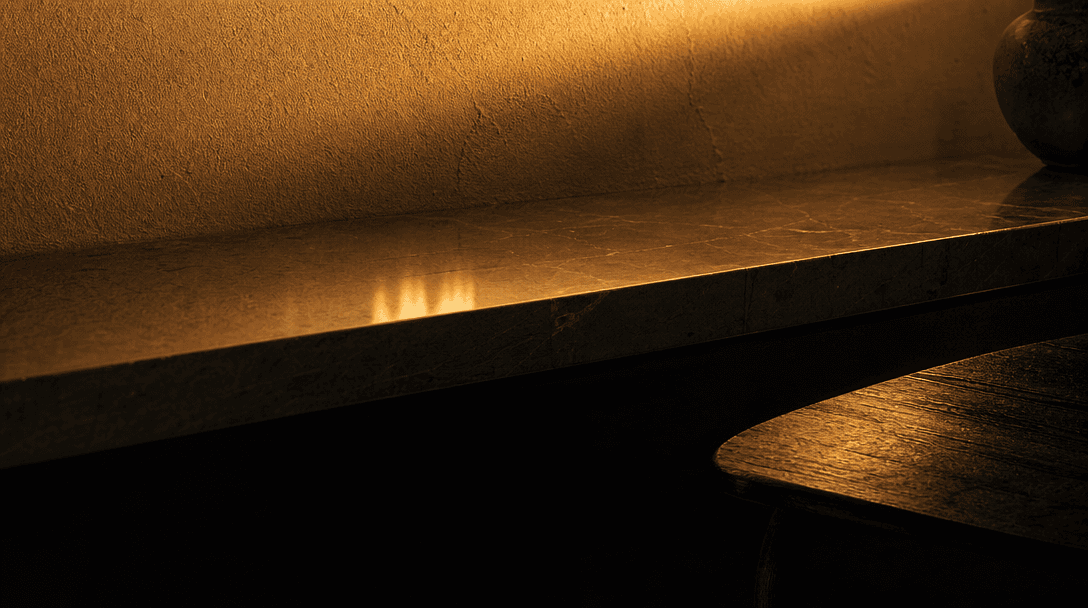
Abstract macro close-up of light falling across layered interior surfaces at dusk. Warm amber gradient washing over text
F · 01

Photorealistic Light Simulation

Nim's Day to Night template uses advanced AI to simulate how natural and artificial light behaves across an interior scene. Shadows fall correctly, reflective surfaces pick up warm lamp glow, and window light fades to deep blue-hour tones — all without manual masking or compositing layers. The result looks photographed, not processed.
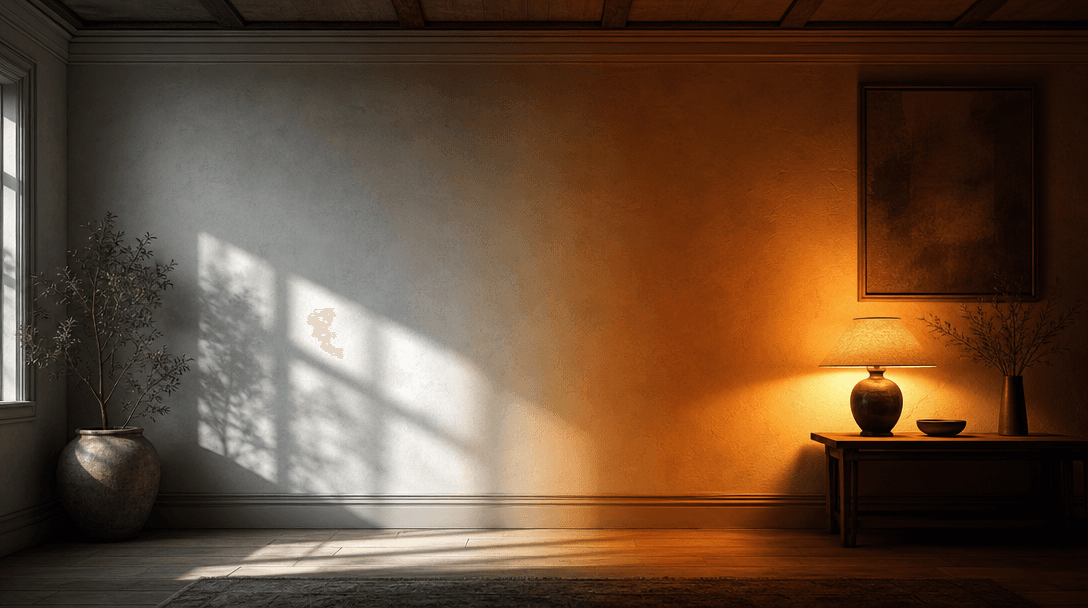
Tonal atmosphere study: one half of a wide interior wall bathed in cool neutral daylight with crisp shadows, the other h
F · 02

Full Atmosphere Control

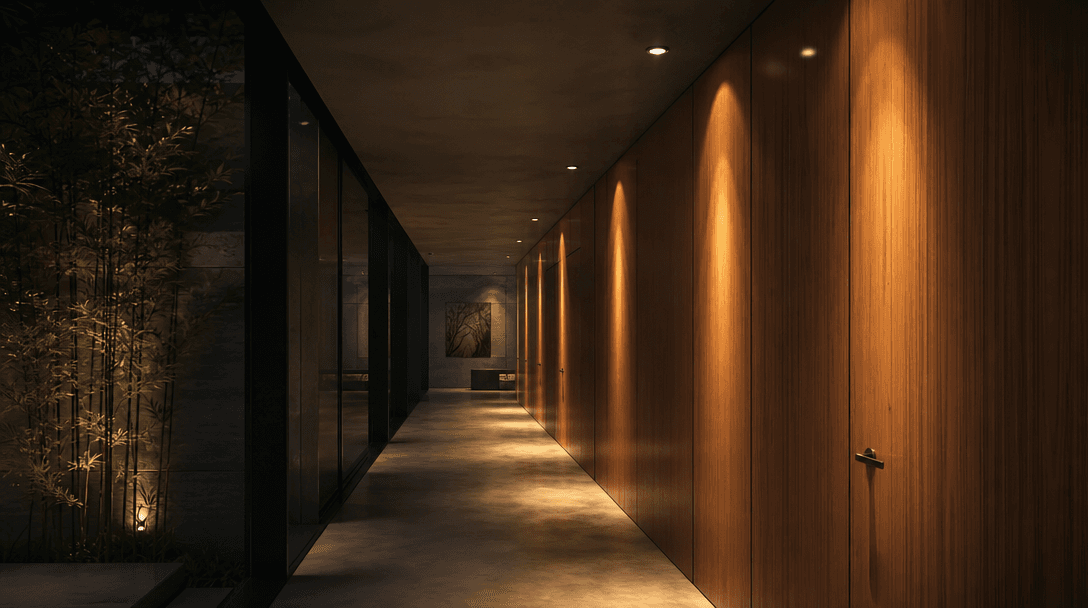
Go far beyond a brightness slider. The template understands interior context: it dims overhead fills, introduces lamp warmth, adjusts the colour temperature of every material surface, and adds realistic ambient gradients simultaneously. The outcome feels like a genuinely different time of day — not a filter applied on top.

Photorealistic CGI render of a modern architectural interior corridor in evening lighting scenario. Recessed ceiling spo
F · 03

Real Photos and CGI Renders Both Supported

Whether you are uploading a DSLR photograph of a finished space or a rendered visualization, the template adapts naturally. Architects and interior designers can present both completed and conceptual projects in multiple lighting scenarios from a single source image, eliminating the need for costly re-renders or re-shoots.

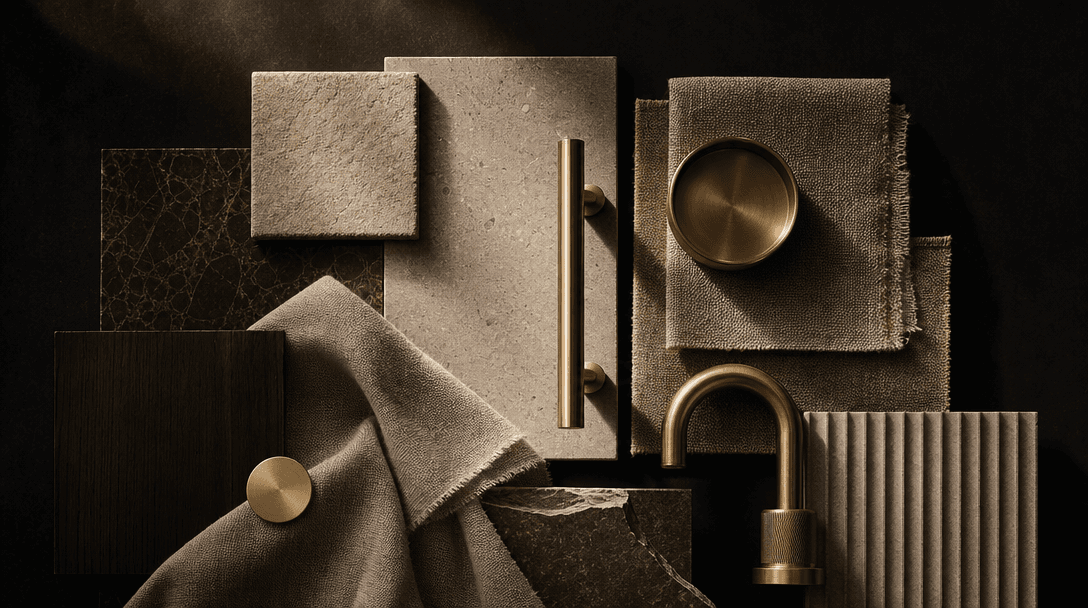
Editorial arrangement of interior design material samples — stone tiles, linen swatches, brushed brass fittings — lit by
F · 04

Optimized for Professional Deliverables

Output images are generated at high resolution and export-ready for property listings, client presentation decks, social media campaigns, and print collateral. Nim's curated interior-design template library ensures stylistic consistency whether you are producing a single room or an entire property portfolio in one workflow.

Showcase

See it in action

Real outputs generated by our pipeline — no curated cherry-picks.

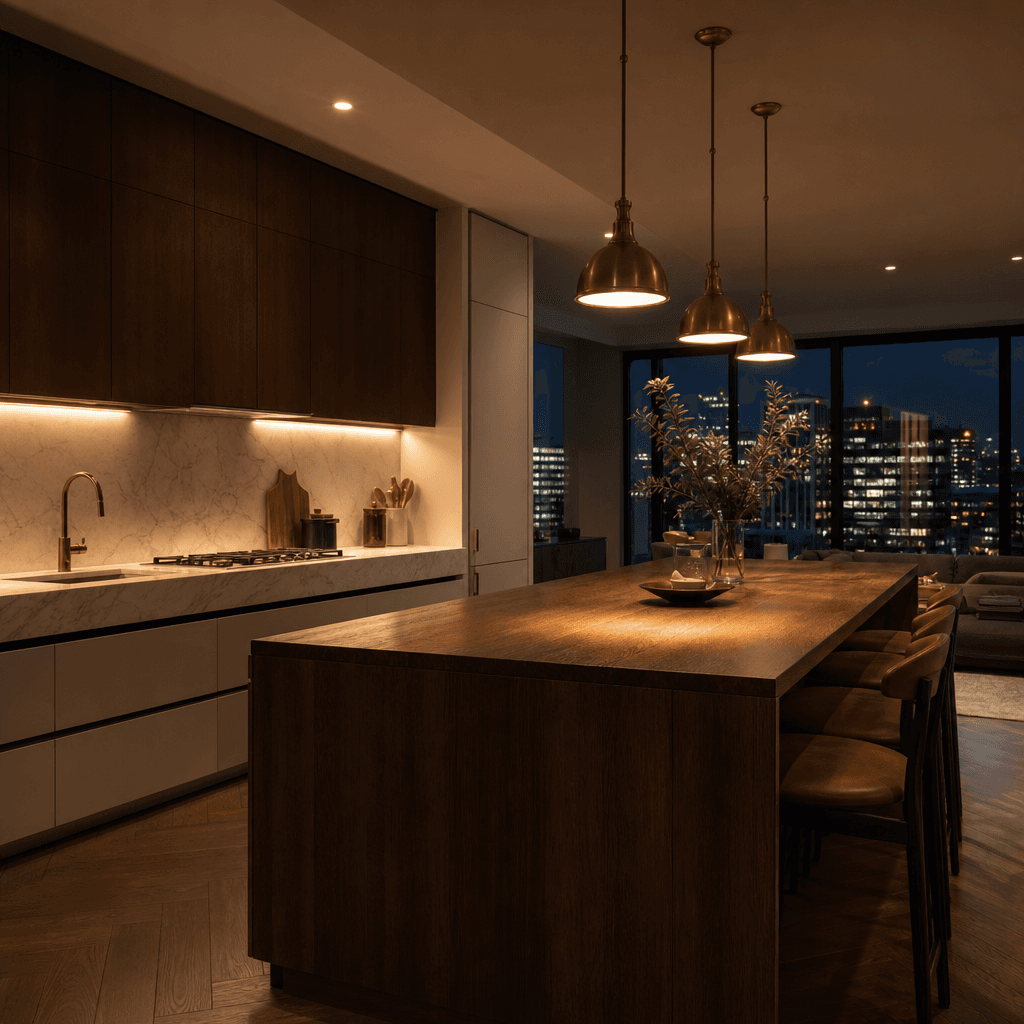
A modern open-plan kitchen at night. Warm under-cabinet LEDs illuminate polished marble worktops. Brushed-brass pendant
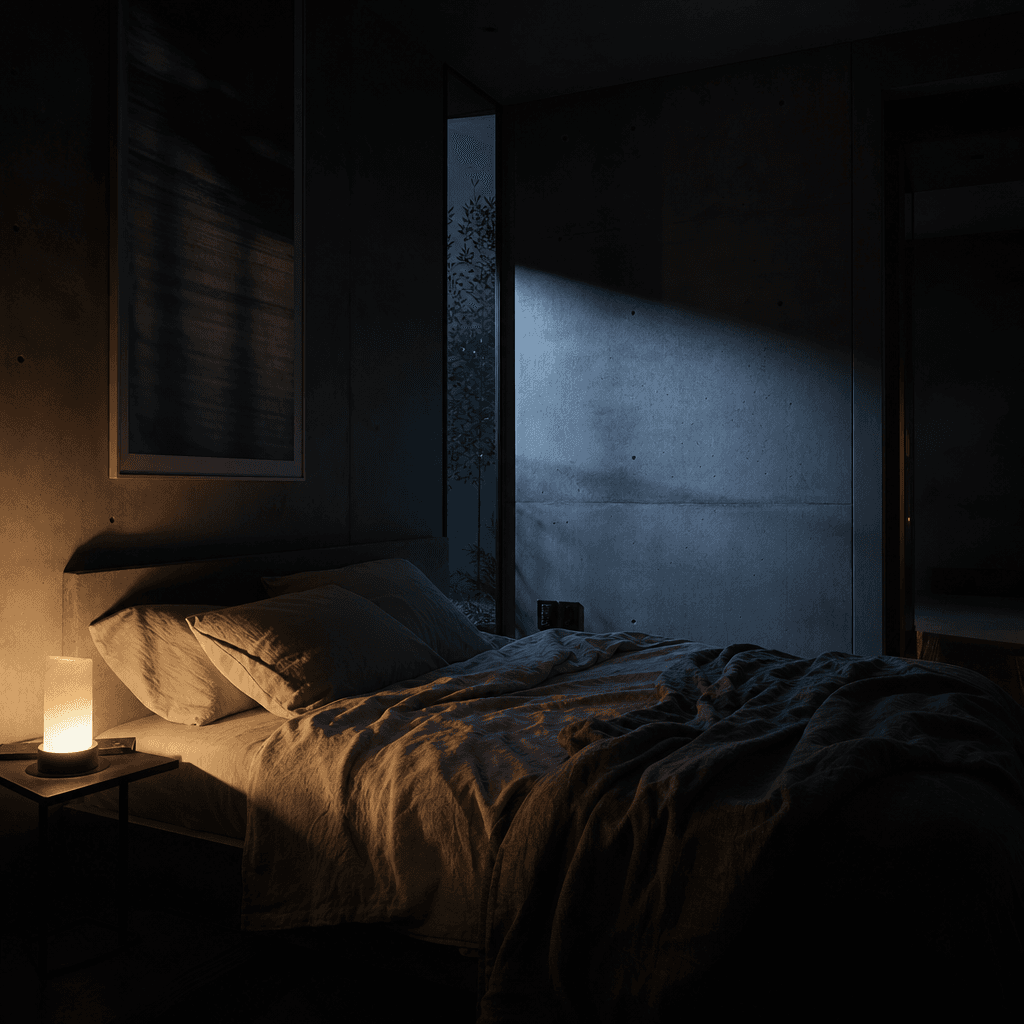
A minimalist bedroom interior at blue hour. Soft warm side-lamp glow falls across rumpled linen bedding. Cool moonlight
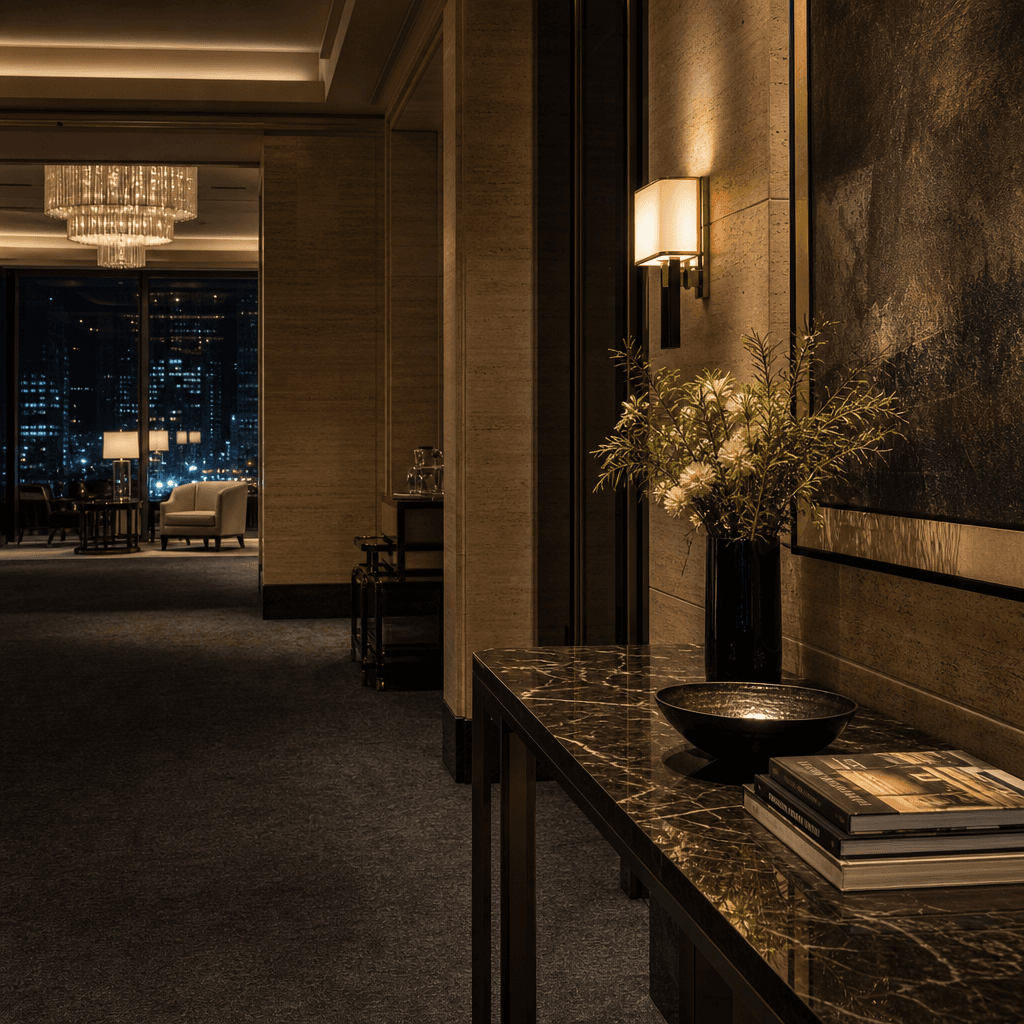
An upscale hotel suite lobby at night. Warm wall sconces illuminate travertine panels. A marble-topped console reflects
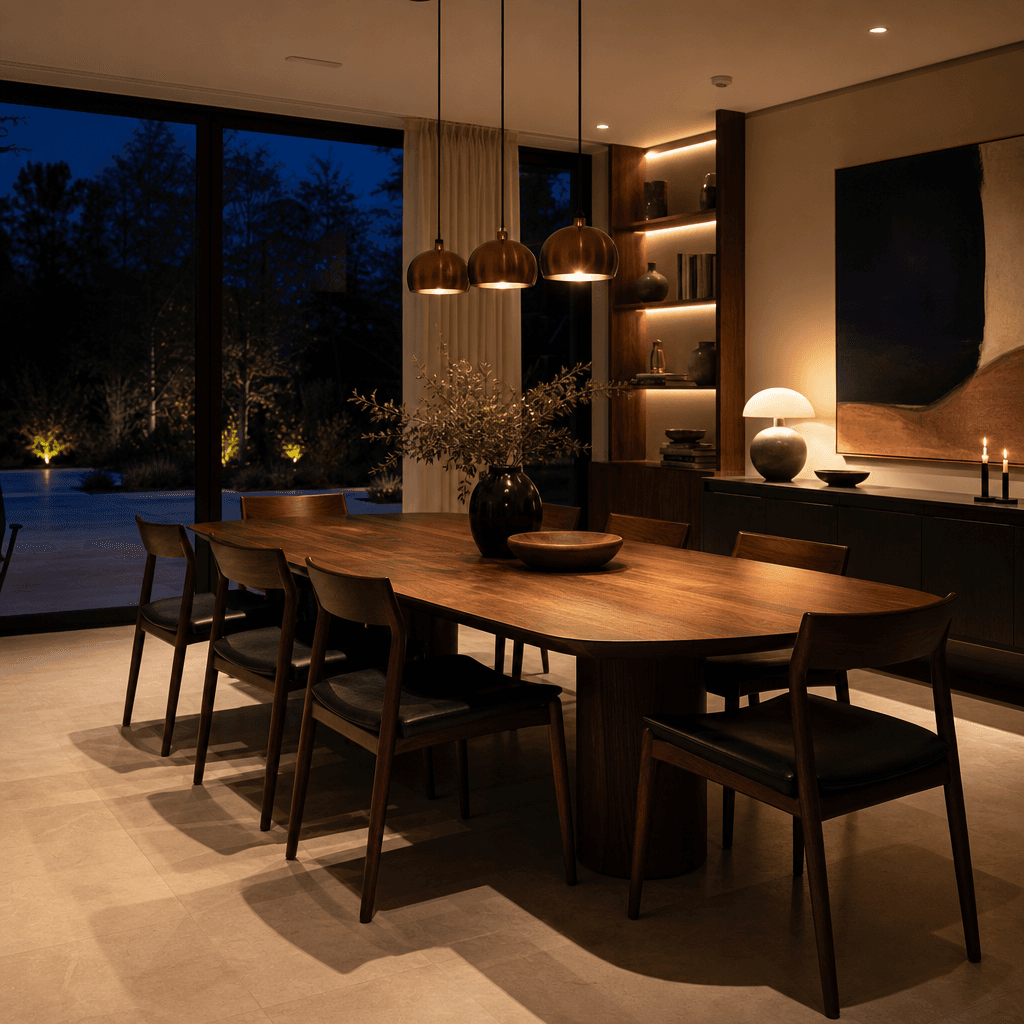
A contemporary home dining room transformed to evening mode. Warm pendant lights over a walnut table, chairs casting lon
Ready to ship

Pick a template, customize, publish.

Use cases

Made for every workflow

  • Interior Designers

    Show clients exactly how a finished space will feel in the evening without staging a night shoot. Present day and night versions side-by-side in a single concept deck to communicate atmosphere and lighting intent before construction or styling begins.

  • Real Estate Agents

    Listings featuring warm evening interior shots consistently outperform those with only midday photography. Generate compelling night-mode versions of any room directly from your existing shoot assets and publish the same day.

  • Home Decor Brands

    Create dual-mood lifestyle imagery for the same product in a single workflow session. Demonstrate how a sofa, lamp, or rug reads under ambient evening light — ideal for seasonal campaigns and editorial social content.

  • Hotels & Hospitality

    Hospitality marketing depends on selling an atmosphere, not just a room. Produce moody evening visuals of suites, restaurant interiors, and lobbies that communicate the guest experience your property delivers after dark.

  • Architects

    Present rendered interiors across multiple lighting conditions as part of project documentation and client pitches. The template handles CGI outputs as naturally as real photography, making lighting-scenario comparisons a matter of minutes rather than hours of re-rendering.

  • Social Media Creators

    Dramatic day-to-night before-and-after content consistently performs strongly on Instagram, Pinterest, and TikTok. Generate high-impact visual transformations for interior accounts without requiring complex compositing or editing expertise.

How it works

From idea to result in seconds

  1. Step · 01

    Upload your interior

    Drop in a daytime interior photograph or CGI render — any room type, any architectural style.

  2. Step · 02

    Choose your lighting mood

    Select your target atmosphere: warm candlelit evening, dramatic spotlit scene, or soft blue-hour ambiance.

  3. Step · 03

    Download and publish

    Receive a high-resolution, production-ready interior image transformed into your chosen night-mode lighting scenario.

FAQ

Frequently asked questions

  • It is an AI-powered template that transforms a daytime interior photograph or architectural render into a realistic evening-lit version of the same space. The AI simulates how natural and artificial light interacts with every material and surface, producing results that look photographed rather than digitally filtered.

  • The model analyses the existing illumination, geometry, and material properties in your image. It then re-renders the scene's lighting to match a specified night-mode atmosphere — adjusting shadows, reflections, colour temperature, and ambient fill across the full image simultaneously without requiring any manual selection or masking.

  • High-quality inputs produce the best outputs, but the template works with a wide range of sources including smartphone shots and CGI renders. Well-lit daytime images with clearly visible architecture and furnishing detail give the model the most surface information to work from.

  • Yes. All images generated on Nim include a commercial license and can be used in client deliverables, property listings, advertising campaigns, editorial features, and social media without additional clearance.

  • Most results are delivered within seconds to under a minute depending on image resolution and current platform load. No manual retouching queue or photographer scheduling is involved.

  • Yes. The template handles computer-generated renders from 3ds Max, Blender, V-Ray, and similar tools as naturally as real photography. Architects regularly use it to present the same interior space across multiple lighting conditions without commissioning expensive re-renders.

  • Simple brightness adjustments flatten a scene and rarely look convincing. Nim's model understands scene geometry and material behaviour, so it adds lamp glow, realistic shadow fall-off, window reflections, and surface colour-temperature shifts that manual layer work would take hours to replicate — and still often look hand-edited.

  • Yes. You can run the same source image through the template multiple times with different target lighting moods to produce a complete set of day, dusk, and night variations for a single space — useful for client comparison boards or multi-scene campaigns.

  • The Day to Night template works across residential and commercial spaces — living rooms, kitchens, offices, hotel suites, lobbies, restaurants, and retail environments. For exterior architectural or outdoor scene relighting, explore Nim's architecture and real-estate template collections.

  • Generating images on Nim requires an account and credits. Credits are available for purchase, and premium plans unlock higher resolution outputs and commercial licensing. Review current plan options on the Nim subscription page.

Get started

See what you can make

Explore more

Discover more AI tools