
Jewelry Template

Fruit Squeeze Ring Video Template

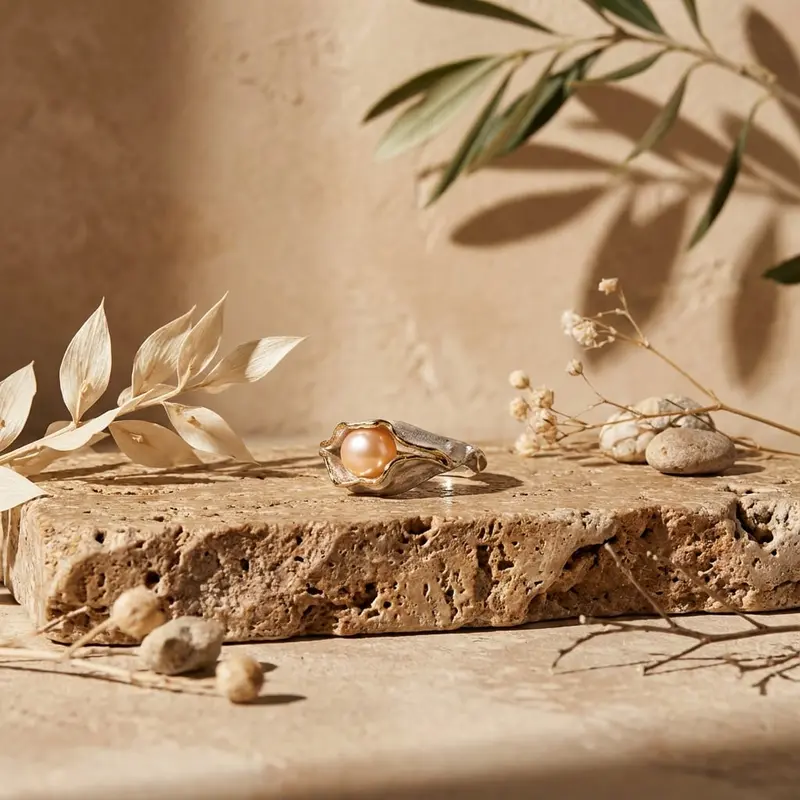
Turn a ring image into a cinematic fruit-inspired close-up with polished detail, vivid texture, and production-ready visual impact.

Create now
Browse all 400+ templates

Everything you need

Built for creators, marketers, and teams shipping AI video at scale.

01

Cinematic Ring Close-Up

Frame your ring as the hero with intimate composition, controlled depth, and premium campaign energy.

02

Juicy Fruit Texture

Pair polished jewelry surfaces with vivid fruit forms, moisture, pulp, and saturated natural color.

03

Luxury Studio Lighting

Shape metal, gemstones, and organic textures with dramatic highlights and deep editorial shadows.

04

Image-Led Creation

Start from a clear ring image so the generated visual stays anchored to your product's defining appearance.

05

Campaign-Ready Format

Create an attention-grabbing asset suited to launches, social posts, product pages, and paid advertising.

06

Curated Motion Direction

Use a professionally designed concept instead of building the composition and visual treatment from scratch.

07

Multi-Model Platform

Work inside Nim with access to leading video and image models for related campaign production.

08

Fast Creative Iteration

Generate new visual directions in seconds or under a minute, depending on the selected model and settings.

Features

Built to ship

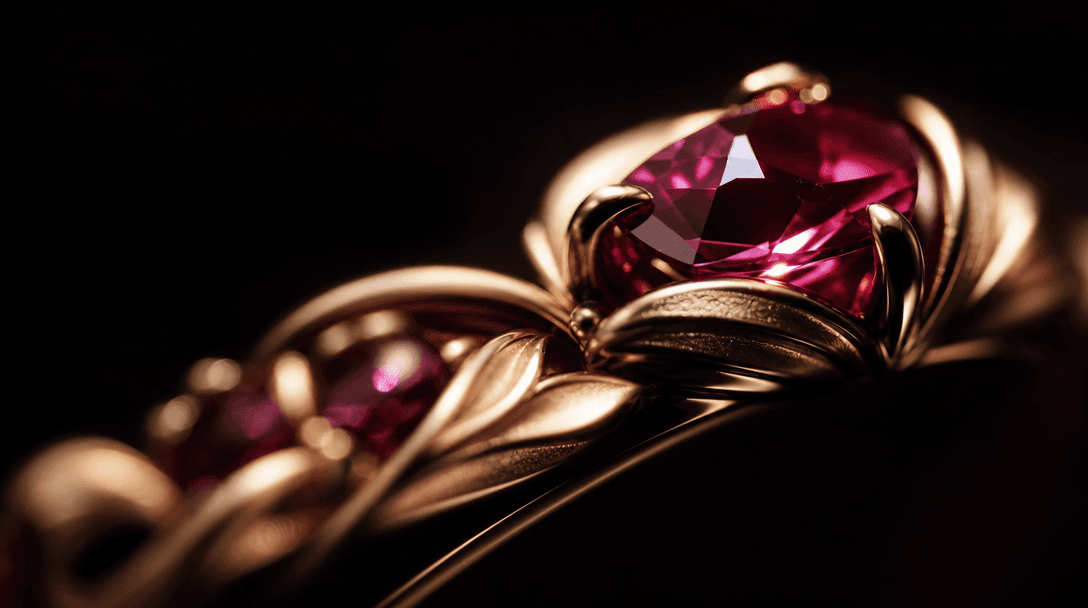
An extreme macro study of a gold ring's sculpted edge and gemstone facets rising from darkness, narrow beams of cinemati
F · 01

Make the Ring the Hero

The Fruit squeeze template is composed around a cinematic close-up, giving the ring visual priority instead of treating it as a small styling detail. Controlled framing and selective focus help metal edges, gemstone facets, and signature design elements command attention.
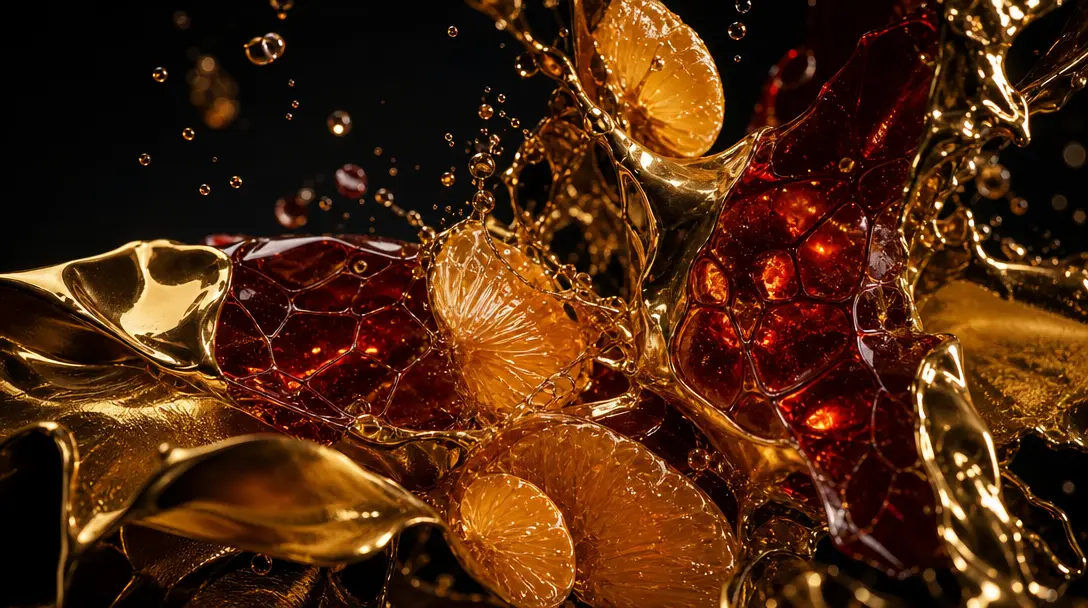
Abstract collision of polished gold, translucent citrus pulp, suspended juice droplets, and glossy organic membranes, ar
F · 02

Contrast Luxury With Fresh Texture

Glossy fruit surfaces, rich color, pulp, droplets, and tactile organic forms create a bold counterpoint to refined jewelry. The result feels sensory and editorial, helping a familiar ring photograph become a distinctive campaign visual.

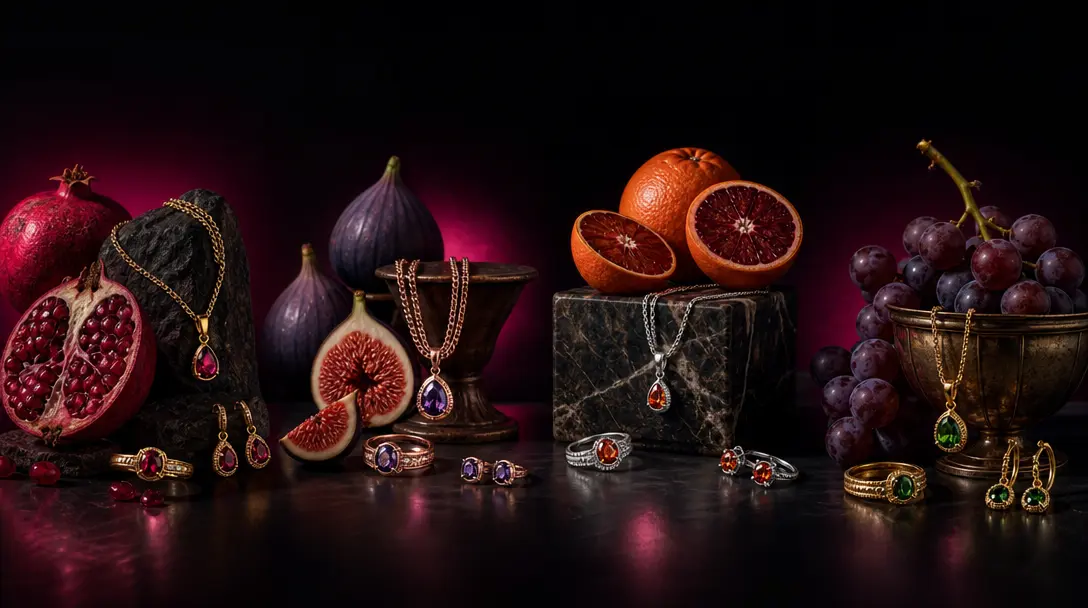
Four coordinated jewelry still-life arrangements using different fruits and metal finishes, presented as one seamless ed
F · 03

Build Consistent Campaign Variations

Reuse the template with different rings, fruit palettes, and product images to explore a connected family of assets. This makes it practical for collection launches, color stories, seasonal edits, and ongoing social content without repeating an identical composition.

Create Across Leading AI Models

Nim brings models such as Sora, Veo, Kling, Pika, and Flux into one production environment. Use the curated Fruit squeeze concept as a focused starting point, then develop supporting images and videos without fragmenting the creative process across separate tools.

Showcase

See it in action

Real outputs generated by our pipeline — no curated cherry-picks.

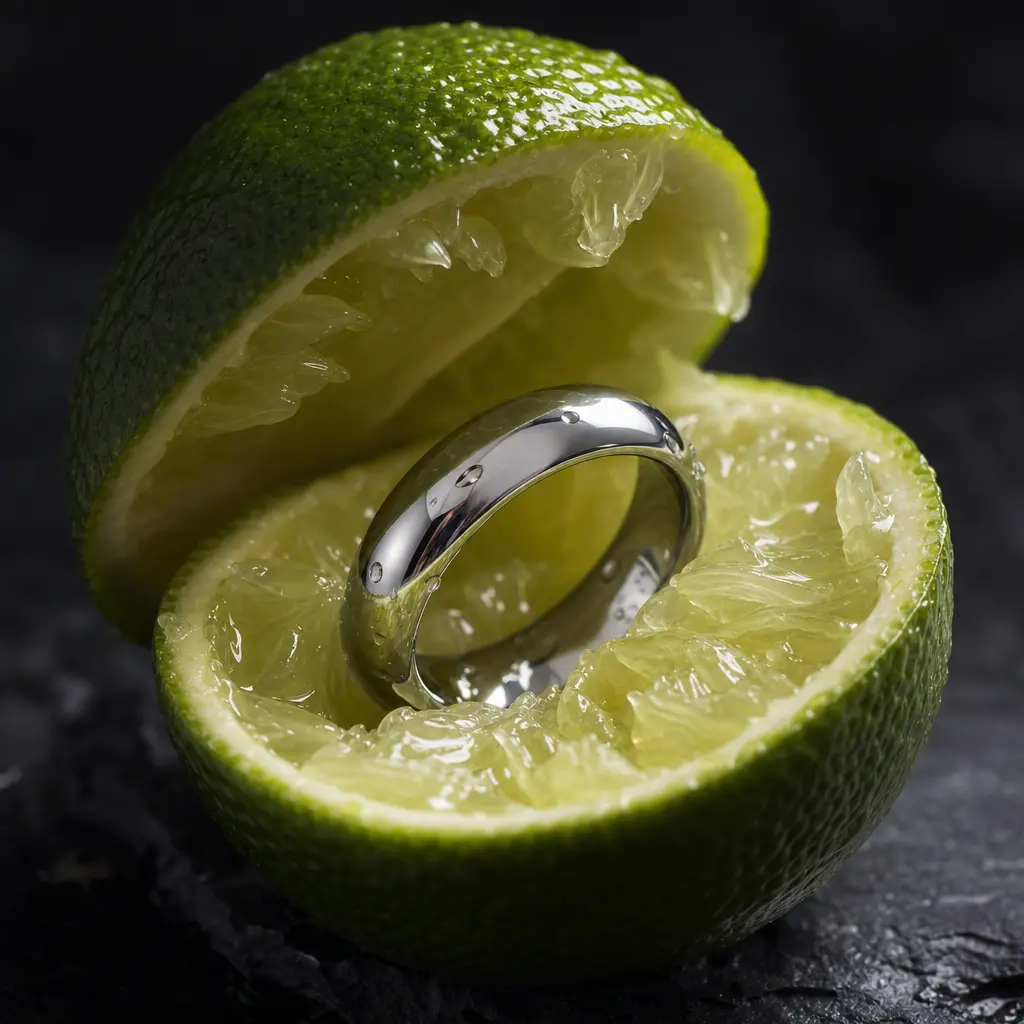
A polished silver ring nestled inside a freshly split green lime, translucent juice vesicles and tiny droplets catching
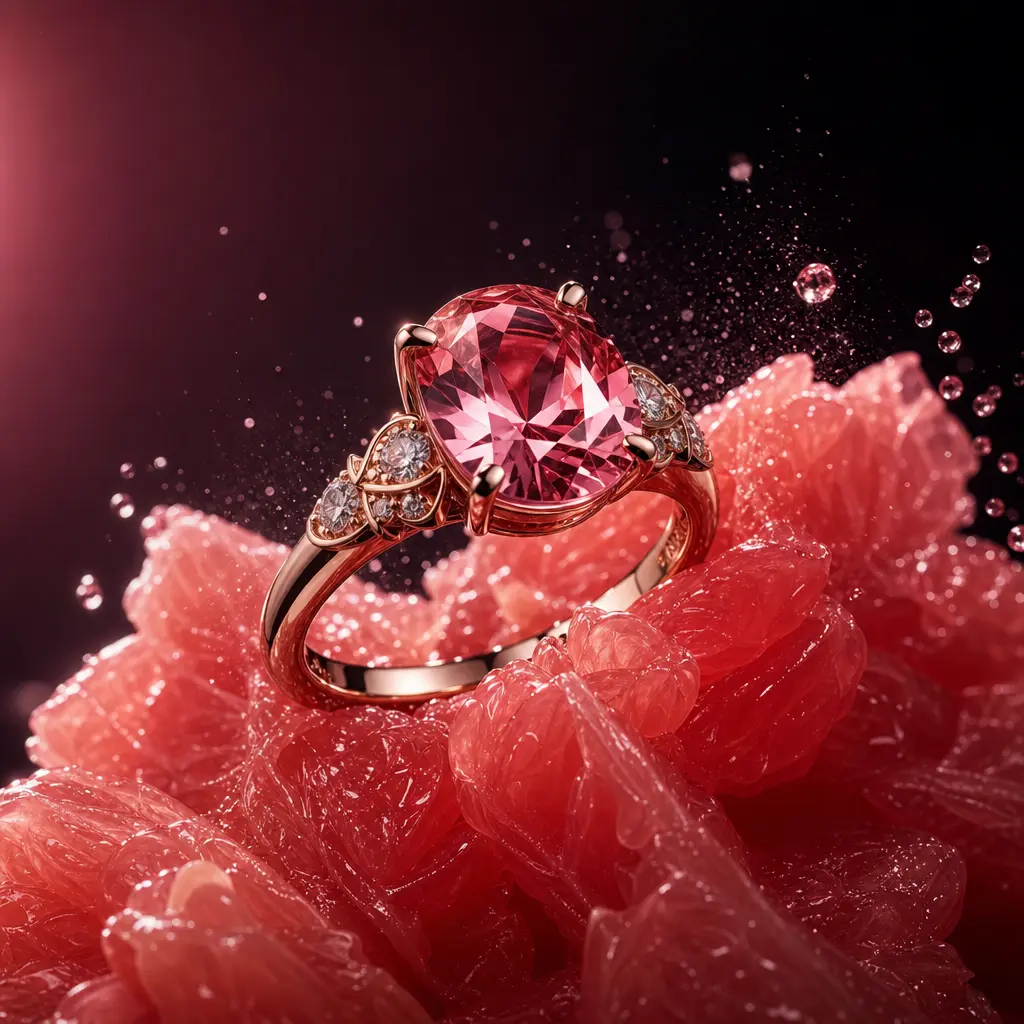
A rose gold gemstone ring balanced on crushed pink grapefruit segments, glossy pulp and fine mist surrounding the settin
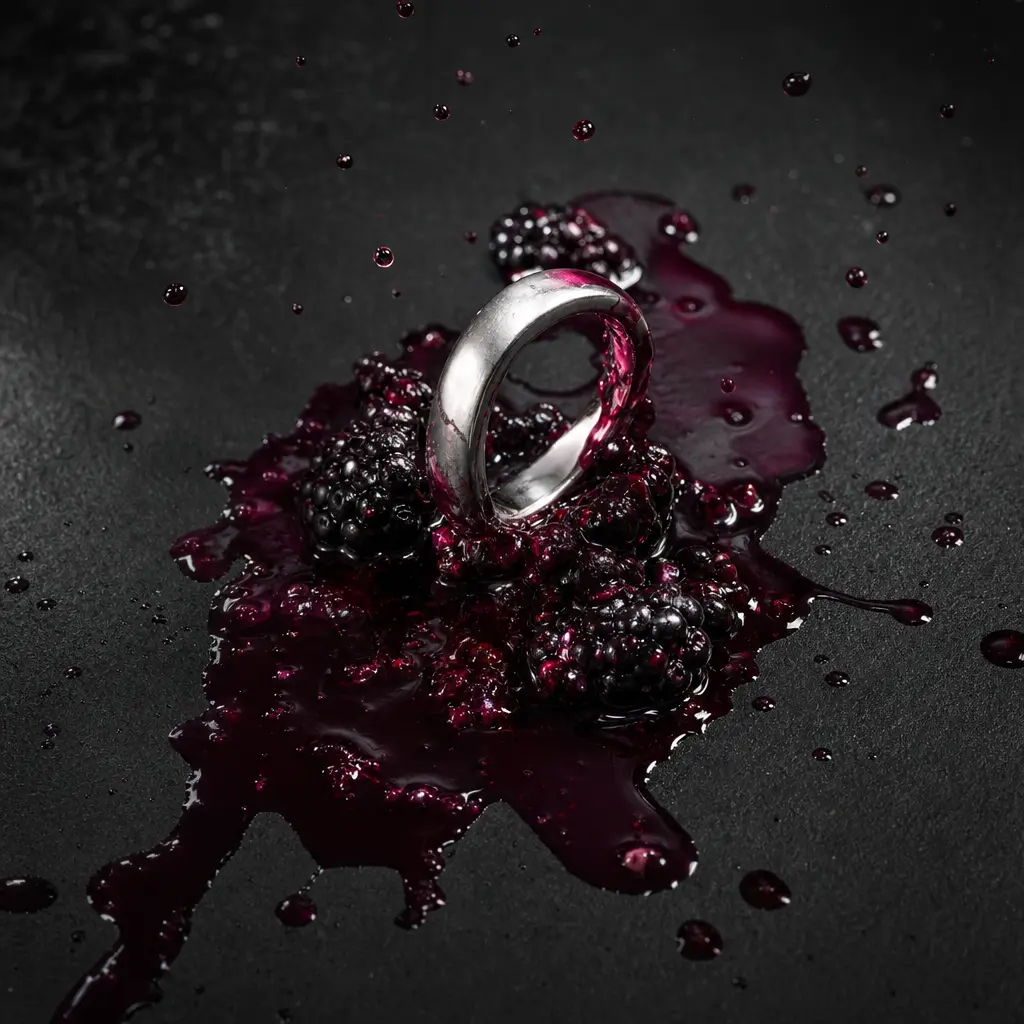
A minimalist platinum band emerging from a squeezed blackberry, deep violet juice spreading across a matte black stone s
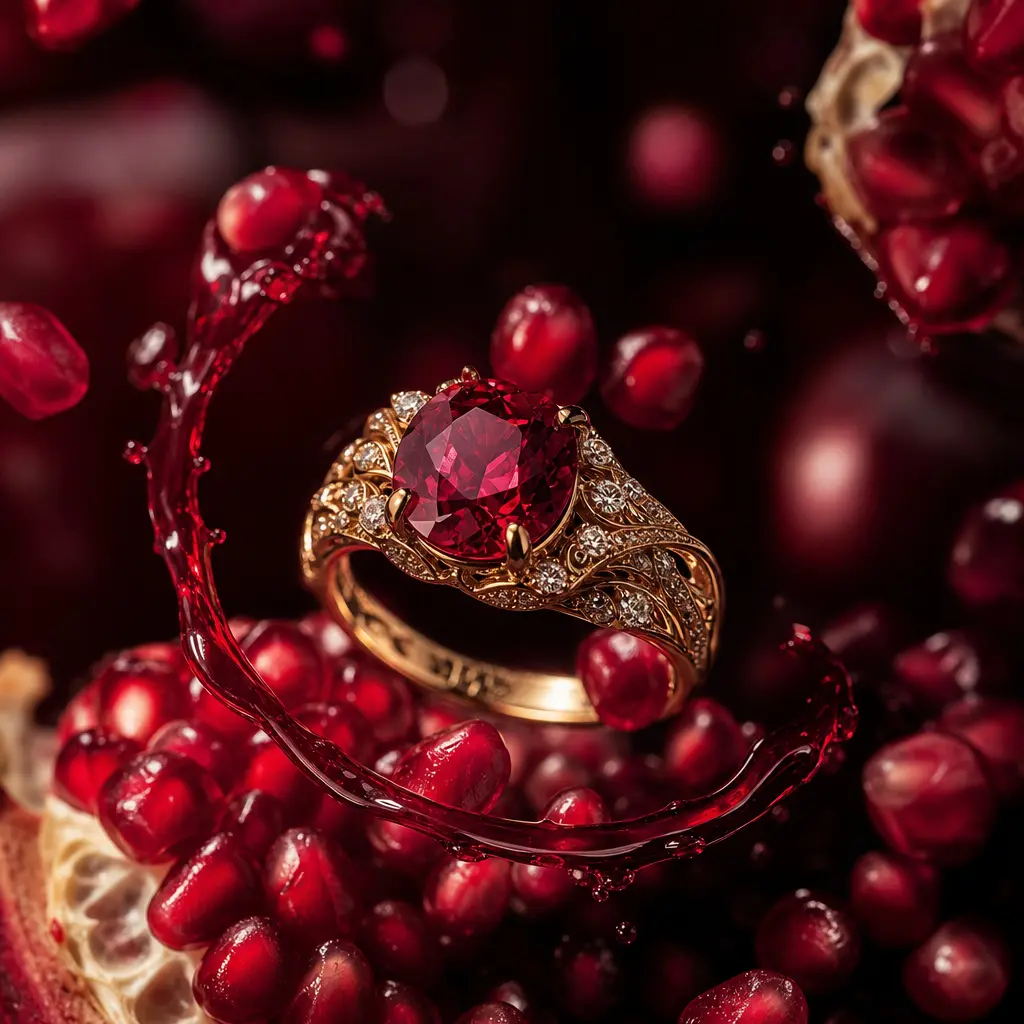
An ornate gold ring framed by translucent pomegranate seeds and a ribbon of ruby-colored juice, macro jewelry hero shot,
Ready to ship

Pick a template, customize, publish.

Use cases

Made for every workflow

  • Jewelry Brands

    Give new rings and signature pieces a vivid campaign treatment that balances product detail with a memorable visual concept.

  • Ecommerce Sellers

    Transform existing product imagery into richer promotional assets for product pages, marketplace launches, email campaigns, and retargeting creative.

  • Social Marketers

    Create close-up visuals designed to interrupt crowded feeds with saturated color, tactile texture, and a clear product focal point.

  • Creative Studios

    Prototype art direction for jewelry clients before committing to complex fruit styling, macro photography, practical effects, and post-production.

  • Independent Designers

    Present a small collection with polished visual impact while retaining the ring image as the foundation of each generated result.

How it works

From idea to result in seconds

  1. Step · 01

    Upload Your Ring

    Choose a sharp product image with the ring clearly visible and enough detail for a convincing cinematic close-up.

  2. Step · 02

    Direct the Look

    Apply the Fruit squeeze template and refine the creative direction with the fruit palette, mood, and output settings.

  3. Step · 03

    Generate Your Visual

    Create the finished asset, review product clarity and composition, then generate variations for your campaign.

FAQ

Frequently asked questions

  • Fruit squeeze is a specific Nim jewelry template for creating cinematic ring close-ups. It combines polished product presentation with vivid fruit-inspired color, moisture, texture, and dramatic studio lighting.

  • Upload a clear image of your ring, apply the template, and choose the available generation settings. Nim uses the source image and curated creative direction to produce a new jewelry-focused visual.

  • Yes. Signup is required to generate content in Nim, and generation uses purchased credits.

  • Credit usage depends on the model and generation settings you select. Current plan and credit details are available on Nim's subscription page before you generate.

  • Nim is a multi-model platform with access to leading image and video systems such as Sora, Veo, Kling, Pika, and Flux. Model availability and supported settings can vary by workflow.

  • Use a sharp, well-lit image where the ring is unobstructed and its silhouette, setting, gemstone, and metal finish are easy to read. Clean product photography generally gives the model a stronger visual reference.

  • The template is designed for a cinematic close-up that highlights a ring through fruit-inspired art direction. You can generate variations for social campaigns, collection launches, ecommerce promotion, concept development, and other jewelry marketing.

  • Nim's curated pro templates are built for commercial creative workflows. Your use must still comply with the applicable Nim plan terms, model-provider terms, and any rights connected to uploaded logos, product images, or other source material.

  • A generic generator requires you to invent the prompt, composition, motion, and visual language yourself. Fruit squeeze provides a focused jewelry concept designed around ring visibility, tactile fruit contrast, and premium close-up presentation, while Nim keeps multiple leading models in one platform.

  • Many renders complete in seconds or under a minute, although timing depends on the selected model, output settings, and demand. More complex generations may take longer.

Get started

See what you can make

Explore more

Discover more AI tools