House Tour Virtual: How to Build One in Nim
Build a house tour virtual in Nim from a floor plan or room photos. Pick the right template, prepare inputs, and review a client-ready walkthrough.
By Nim
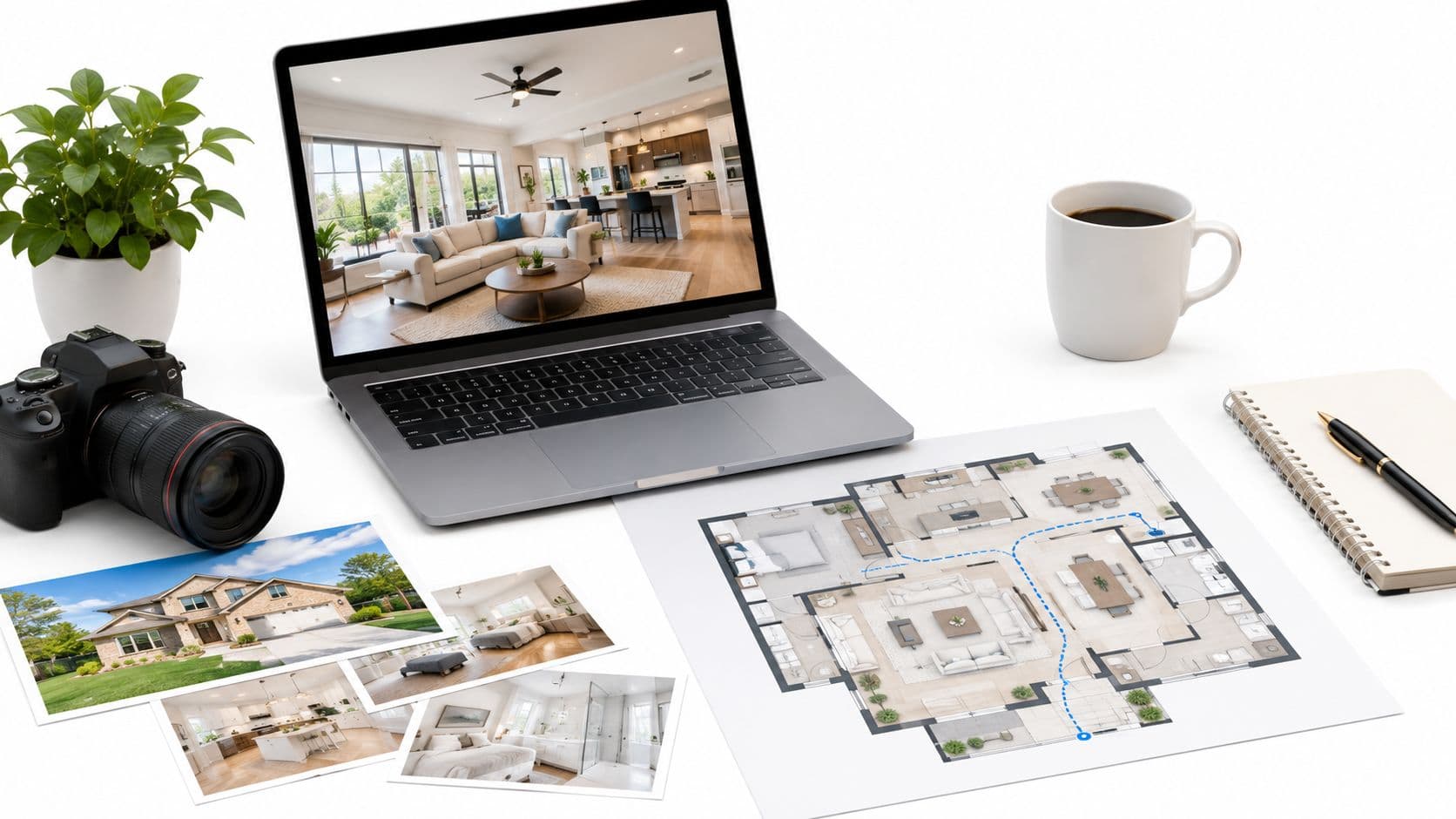
A buyer comparing several homes online may remember the bright kitchen but forget whether it opens to the dining area or sits beyond a narrow hall. A useful virtual house tour clears up that kind of confusion: it starts with how rooms connect, then uses room views to make important transitions easier to understand. It helps someone screen a property before visiting, without implying that generated visuals prove its measurements or condition.
Why a House Tour Virtual Starts with the Plan
For a remote buyer, a sequence of attractive room clips can still leave a basic question unanswered: how does the home fit together? A tour works better when viewers first see the overall layout and circulation, then encounter room-level views that explain transitions such as the entry into the living area or a bedroom into its bathroom. The floor plan gives those views a spatial frame of reference.
That distinction also helps clarify what kind of tour is being made. A linear video controls the route for the viewer, while a navigable tour lets the viewer choose where to go. Neither format makes a generated image a verified record of the property. The point is to make the layout easier to follow, not to suggest that a rendered view settles questions about room size, finishes, or present condition.
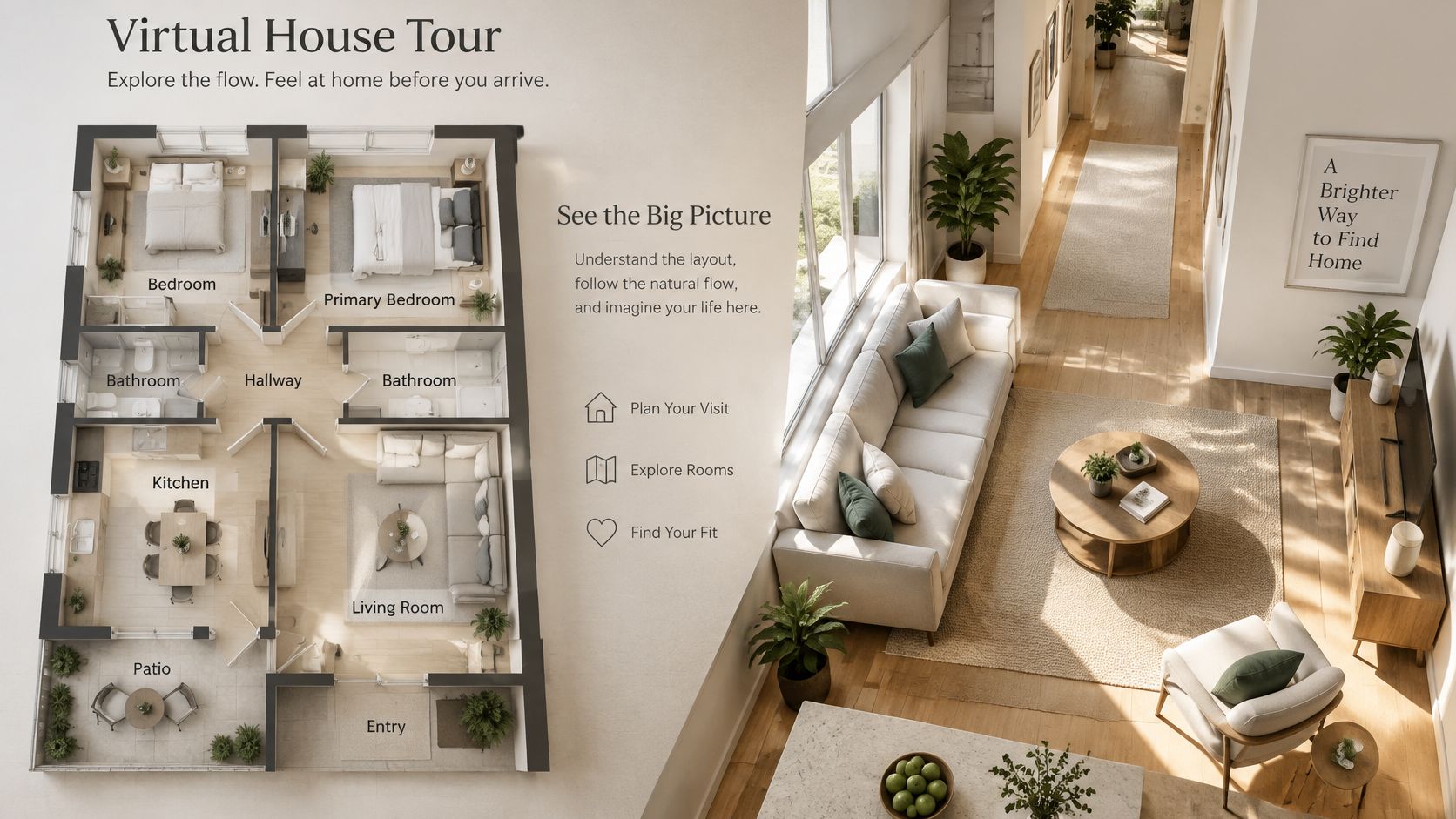
A plan-led explanation is useful when a buyer is comparing homes and needs to remember where the kitchen, dining area, bedrooms, and shared spaces sit in relation to one another. Nim's floor-plan-to-3D guide offers context for turning a plan into a visual presentation, while the listing's original plan and property facts should remain the reference for dimensions and room labels.
The supporting materials matter as much as the motion. Recent NAR-derived reporting places floor plans at 57% very useful, above virtual tours at 38% and videos at 29%; Australian market research reported photos as the most important listing feature for 88% of surveyed buyers, with videos at 67% and 3D tours at 58% (real-estate marketing trends reporting). Those findings support a practical choice: use a tour to clarify circulation and add visual context, while keeping photographs and detailed listing information alongside it.
A well-made house tour virtual should encourage qualified interest while being candid about its limits. Nim's floor-plan-to-video walkthrough, room tour, and lifestyle walkthrough each suit a different source and presentation goal.
Choosing the Right Nim Walkthrough Template
The right template depends on the material already available and the question the tour needs to answer. A floor plan is useful when the priority is showing how rooms connect. Approved interior photographs suit a room-level presentation, while a lifestyle presentation aims to convey the feel of an interior rather than explain circulation from a plan.
| Template | Use it when | Source to prepare |
|---|---|---|
| Floor plan to video walkthrough | Viewers need help following the property layout | A floor plan |
| Room tour | The task is to present an interior room by room | Approved interior photos |
| Lifestyle walkthrough | The aim is an interior lifestyle presentation rather than a plan-led explanation | Interior imagery suited to that presentation |
The distinction is about the job, not a ranking. For a compact apartment where the key question is whether a bedroom opens onto the hall or directly into a living space, a plan-led walkthrough is the clearest match. For a listing with approved photographs but no plan, a room tour can present the interiors without suggesting that it documents the route through the home. A lifestyle walkthrough may suit a presentation focused on how the interior looks and feels, but it shouldn't be treated as proof of the property's exact layout.
An exterior reveal is a separate choice. Nim's Drone reveal is relevant when exterior context is the purpose, not as a replacement for an interior walkthrough. The distinction matters because real-estate professionals use different visual formats for different jobs: the National Association of Realtors' July 2025 technology survey reported 38% used virtual tours, 52% used drone photography or video, and 4% used virtual-reality walkthroughs (2025 technology survey reporting).
Before opening a template, identify what the source can support. A plan supports a layout-focused visual; interior photos support a room-level presentation. The template's own form determines what input it requests, so there's no reason to assume that every workflow accepts the same material or settings.
For a broader view of the available real-estate options, browse Nim's real-estate templates after the task and source are clear.
Preparing Photos and Plans Before You Generate
Preparation happens before opening Nim. For a plan-led tour, start with a readable floor plan that clearly shows room connections. Keep original labels and dimensions in the listing documents; a generated scene can help explain a layout, but it shouldn't be relied on to preserve measurement details as a survey.
For photo-led material, a consistent visitor sequence gives the source images a coherent route through the home. A practical capture sequence begins near the street or driveway, then moves through the entry, living areas, kitchen, dining space, bedrooms, bathrooms, and utility spaces. Positions about 1.5–3 meters apart can help maintain continuity; in high-contrast rooms, roughly three to five HDR exposures can retain both bright window detail and darker areas (virtual-tour capture guidance).
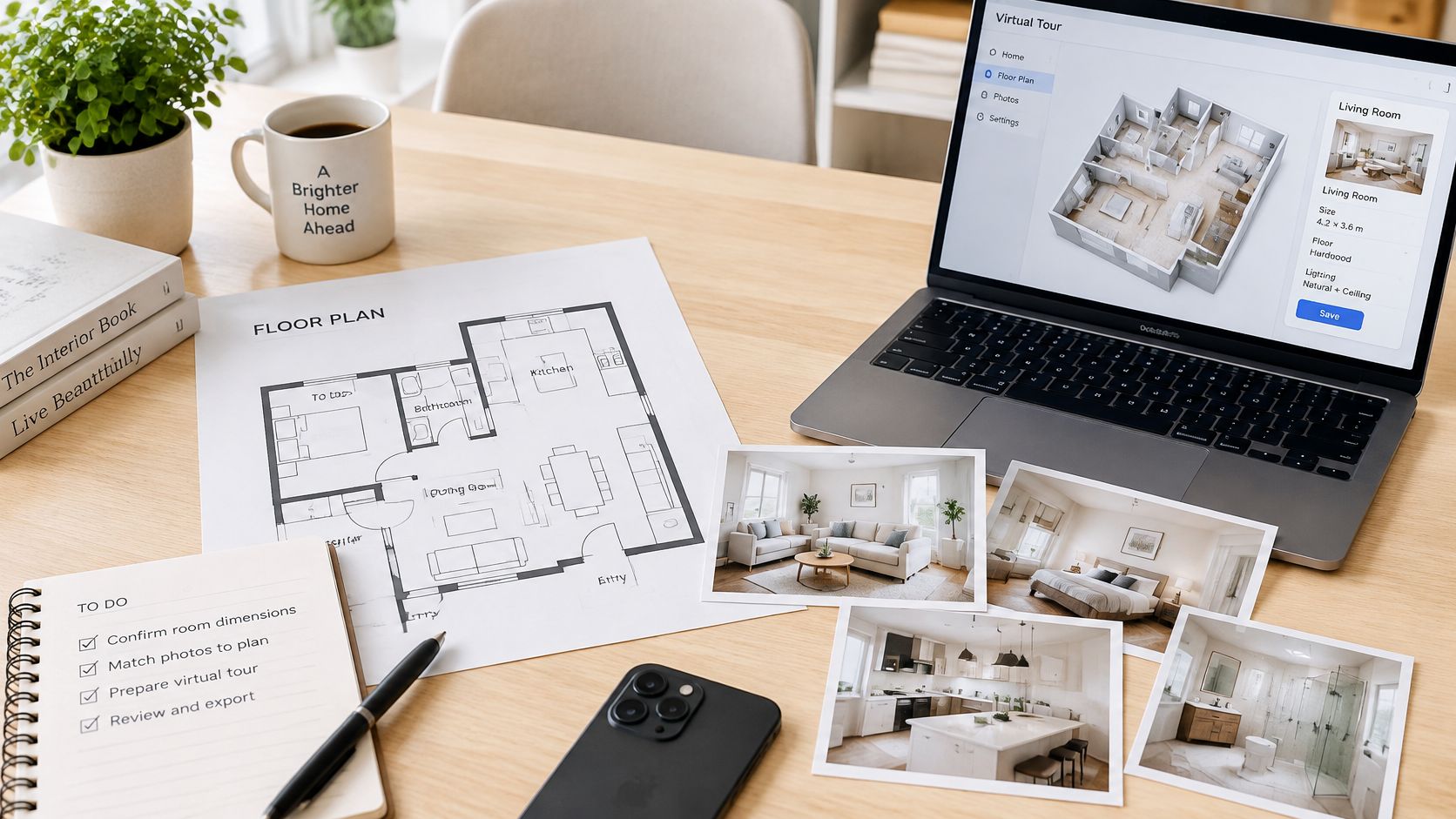
Before using the material, look for issues that could confuse a viewer:
- Geometry: Check for distorted room shapes or camera positions too close to walls.
- Coverage: Make sure relevant outdoor areas and connecting spaces aren't missing.
- Clutter: Notice visible vehicles, bins, or loose items that distract from the property.
- Sequence: Confirm the images move through the home in a way that makes the route understandable.
A compact apartment offers a simple test: if the only bathroom opens from the hall, the plan should make that connection easy to see. In a house where kitchen and dining areas connect, the source material should make the transition clear rather than present the rooms as unrelated scenes. For additional guidance on preparing listing images, Royal LePage Brookside Realty explains how to showcase your home with better photography. Nim's home staging tips can also help with presentation decisions before creating a visual.
Clean inputs make the task clearer, but they don't turn generated frames into a survey or a verified record of property condition.
Running the Template and Reviewing the Walkthrough
Once the source material matches the chosen template, open that template in Nim and provide only the input its form requests. The exact requirements can differ by template, so the reliable approach is to follow the selected form rather than assume a shared set of fields or settings.
Match the input
Begin with the prepared source that fits the task. A floor plan belongs with a plan-led walkthrough; approved interior photos suit a room-focused presentation. If the source and template don't match, a polished result may still fail to answer the viewer's main question.
Generate the visual
Provide the requested input and generate the walkthrough. Treat the output as a presentation asset that needs review, not as corrected architecture. If a generated view appears to change an important relationship between spaces, compare it with the source plan or image rather than assuming the output is right.
Review the route and spaces
Check whether the sequence follows the circulation shown in the plan and whether viewers can understand the important spaces. Look for obvious visual errors, unclear transitions, or a route that skips a room needed to understand the layout.
A useful quality lens is whether the result shows important areas clearly, provides enough visual detail to interpret them, and presents a sequence the viewer can follow. In a Rocket Mortgage survey of more than 800 home buyers cited by the National Association of REALTORS® in 2022, 63% said virtual showings gave a good view of the most important areas, while 58% named sufficient photo or video quality as a top element of a successful virtual showing (virtual-showing research summary). Those figures point to practical review questions, not a promise that any generated video will meet every buyer's needs.
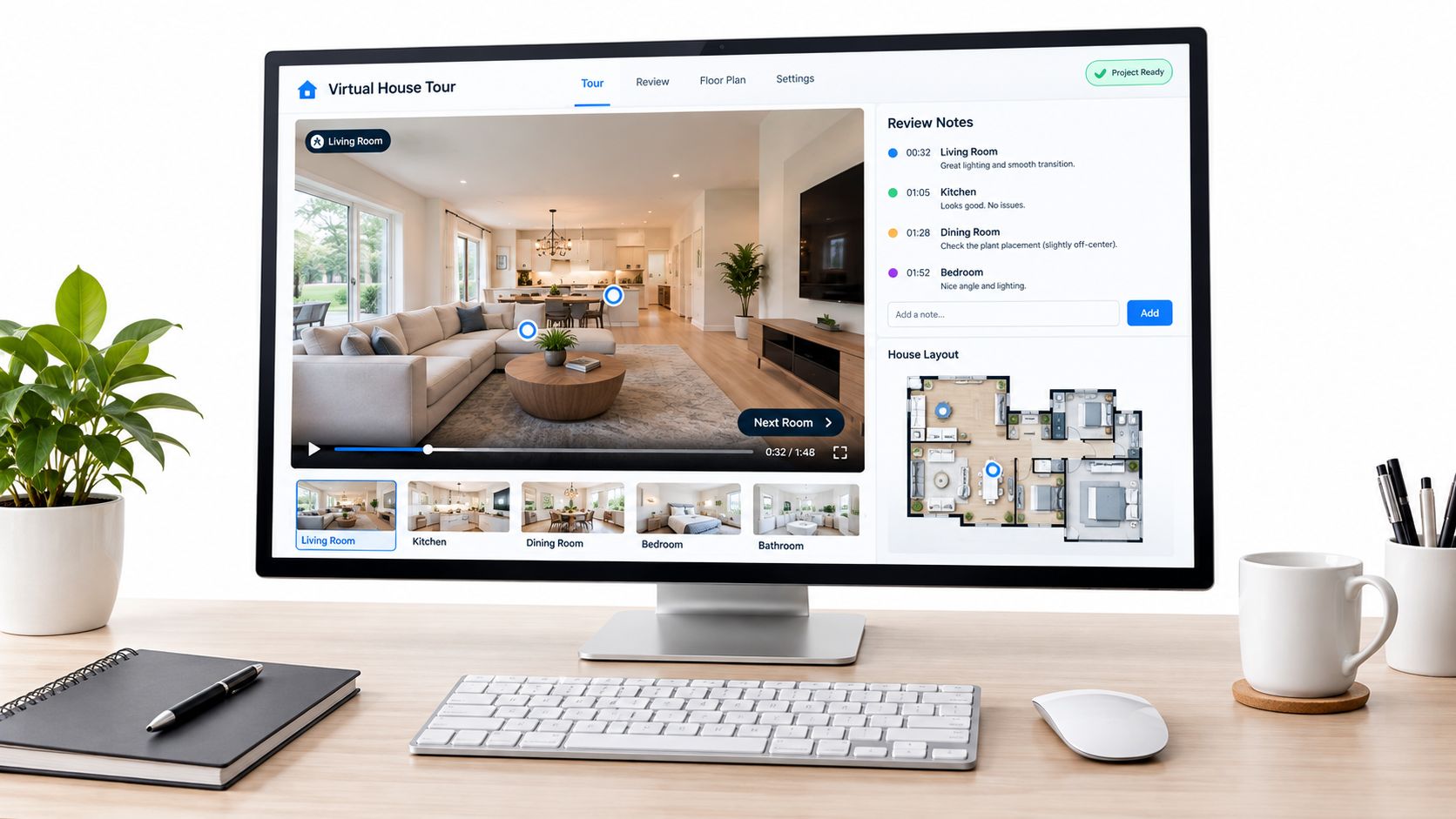
If a room looks distorted or a connection between spaces seems wrong, return to the source plan or image and reassess it. Don't describe an inaccurate-looking output as corrected architecture just because it has been generated.
Save the result
Download the walkthrough when the selected template offers a download. Any voiceover, music, captions, or other publishing work should be treated as a separate optional task outside Nim, rather than assumed to be part of the template workflow.
Keeping the Tour Honest and Usable
A polished tour can still mislead if viewers can't tell captured imagery from generated or altered scenes. A verification-first handoff pairs the visual sequence with the floor plan, keeps factual listing information available separately, and labels AI-generated staging or reconstructed views so viewers understand what they are seeing.
A tour can't settle every property question. Storage, window orientation, noise, defects, accessibility, materials, and current condition may require confirmation beyond a generated visual. Listing teams should also avoid omitted rooms, outdated views of the property, undisclosed staging, misleading measurements, or CGI presented as if it were captured footage. A buyer may use the tour to decide what to investigate, but the image itself doesn't verify those details.
Verification rule: Show what the visual is meant to explain, and identify what still needs confirmation.
The written description should name the layout and explain what each viewpoint shows. That gives a viewer useful context even when a video is hard to follow or an interactive feature isn't available. For interactive tours, keyboard operation should work without traps, and non-text content needs text alternatives.
WCAG 2.1 also specifies a 4.5:1 minimum contrast ratio for normal text and controls, and a way to pause or stop audio or automatic movement that continues for more than three seconds (accessibility guidance for virtual tours). Where the publishing destination supports them, add captions and usable controls, and provide a separate written description of the tour and its viewpoints.
Nim's sunlight guide can help frame a visual presentation, but generated imagery still shouldn't be described as a dimensionally accurate survey or a substitute for inspection. The honest handoff lets viewers distinguish an illustration from verified property facts.
Deliver the Walkthrough with the Listing Facts
Publish the house tour virtual beside still photographs and detailed property information, not in place of them. Keep room labels, dimensions, and factual details in the listing materials rather than expecting a generated scene to carry or verify them. The tour adds a visual explanation; the plan and listing facts remain the reference for the property.
Remote viewing can help a buyer screen a home, but it doesn't remove the need to verify important details. A July 2025 Realtors Confidence Index report stated that 9% of buyers purchased a home based only on a virtual tour, showing, or open house without physically seeing it (Realtors Confidence Index report). Buyers should be encouraged to confirm condition, dimensions, and features with an agent, an inspection, or an in-person visit.
For an example of how property listings present a specific local market, Destin homes for sale provides a useful reference point. The broader lesson is to keep the visual tour connected to the actual listing facts, so a viewer can use both when deciding what to ask or verify.
The next action is simple: open the floor-plan walkthrough, room tour, or lifestyle walkthrough that matches the source already prepared, then review the result against the plan before sending it to a client. If the listing still needs a clearer spatial explanation, Nim's Plan to 3D template can provide another plan-focused option.
Nim offers templates for turning floor plans and interior imagery into visual property walkthroughs. Choose the template that matches the asset already prepared, review the result against the plan, and visit Nim to create the tour.
- house tour virtual
- virtual walkthrough
- floor plan video
- real estate video
- Nim templates