Product Video Production in Nim: A Step-by-Step Guide
Follow a Nim workflow for product video production: choose templates, prep product photos, build demo and UGC clips, and export placement-ready files.
By Nim
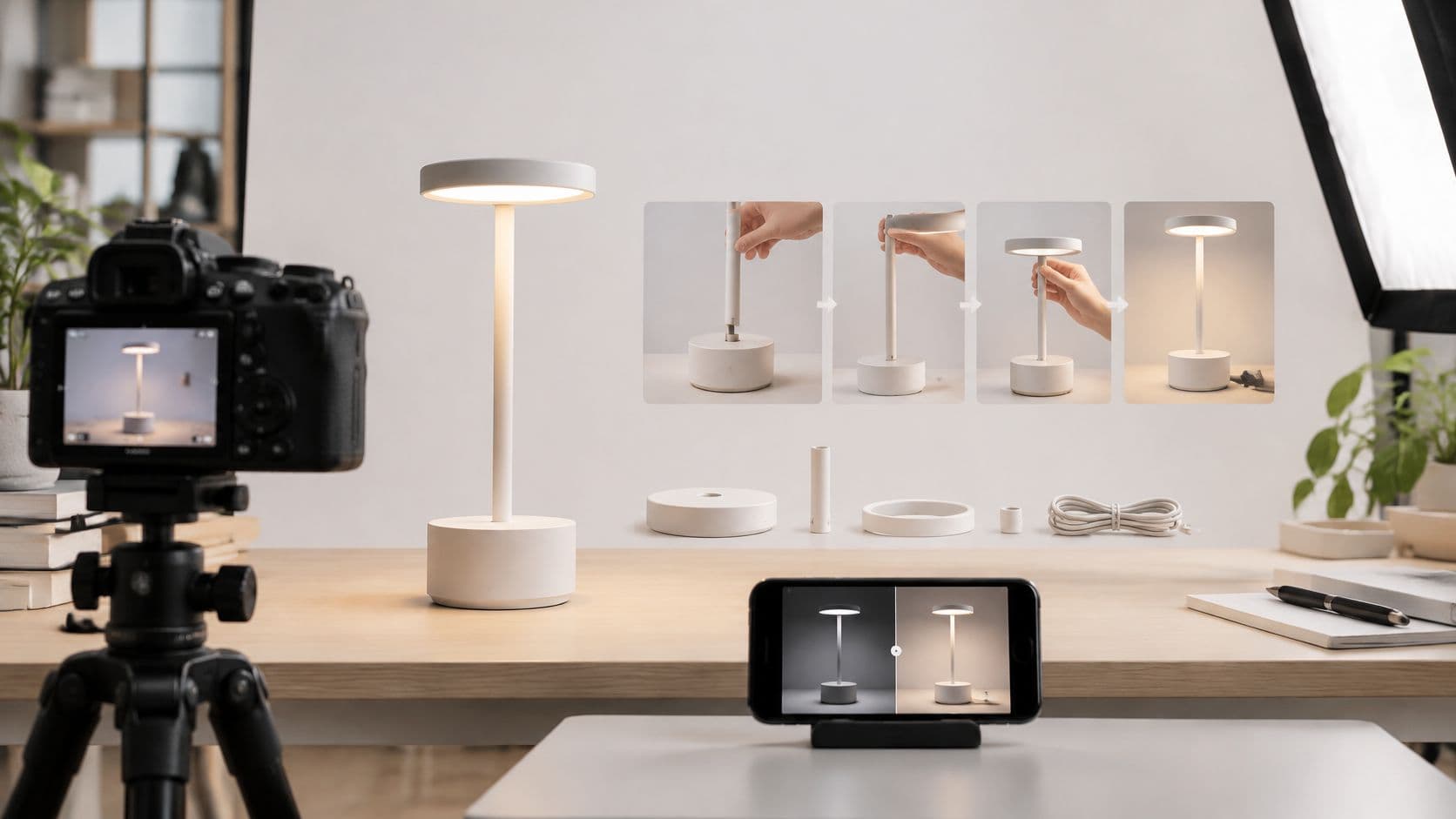
A shopper reaches a product page and can see the item clearly, but the photos don't answer the questions that matter: How big is it? How does it fit together? Will it work in the space they have? Product video production helps close that information gap by showing use, scale, assembly, or a product's behavior in context.
The best starting point isn't a generic promotional clip. It's the buyer's unanswered question. Choose a Nim template that addresses that question, prepare and verify the source image, generate and review the video, check the final file against its placement requirements, then test whether it helps shoppers move toward purchase.
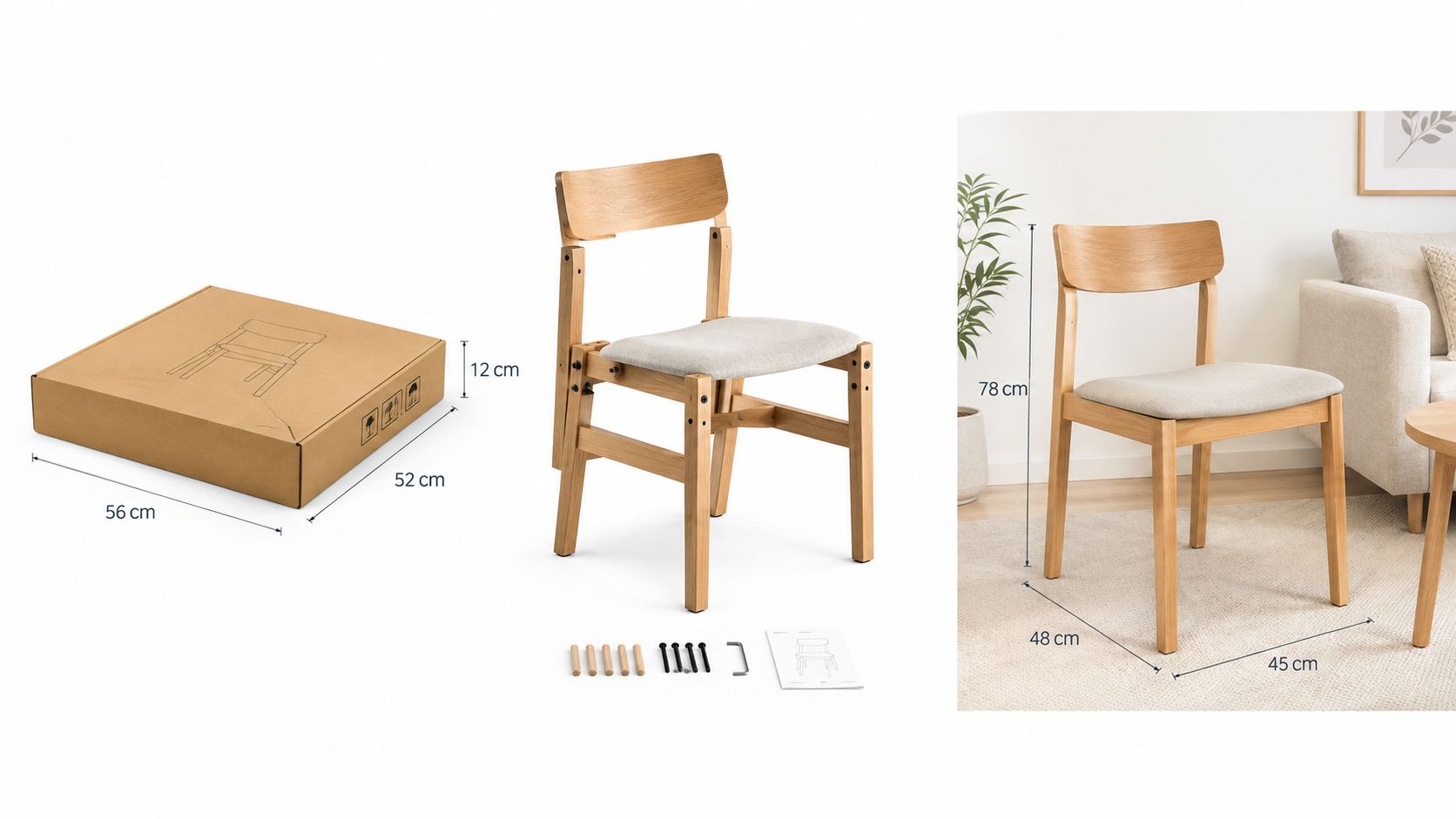
Illustration of how a product can be shown from packaging to use. It isn't a Nim output.
Why Product Videos Need to Show the Product in Use
A static photo can show a dining chair's finish, but it may not show how its parts come together or how it looks beside a table. A shopper comparing electronics may need to see a control in use or a feature demonstrated. A shopper considering furniture may need a better sense of scale and setting. When the page leaves those questions unanswered, the customer has to infer details from still images or search elsewhere.
Video can make those details visible. A 2024 summary of Wyzowl research reported that 73% of shoppers preferred watching a short video to learn about a product or service, and 70% said video helped them understand the product or experience better (Wyzowl research summary). The same summary reported that 81% of online electronics buyers said video played an important role in their purchase. These findings support video's role in product understanding and purchase confidence. They don't guarantee a specific conversion rate for a particular item or store.
The useful production question is therefore not, “How can this product look more exciting?” It's, “What does a shopper still need to understand?” A short demonstration can show operation; an assembly sequence can explain how components fit; a contextual product visual can help a shopper judge how an item might look in a setting. The clip should make evidence easier to assess, not just add motion to a catalog image.
Production rule: Every shot should help answer a buyer question. If a visual doesn't clarify use, scale, function, or fit, it may be decoration rather than useful product information.
A repeatable workflow keeps that purpose in view: choose a template according to the buyer question, prepare the source image, generate the clip, inspect product accuracy and clarity, check the export against its destination, and test the creative against a meaningful business measure.
Choosing the Right Nim Template for Each Buyer Question
A product video works best when it answers one specific uncertainty. The right format for explaining assembly isn't necessarily the right format for showing an item in a room or presenting a relatable use case.
Google's 2025 research on shopping behavior reports that people watched more than 35 billion hours of shopping-related YouTube content in the preceding year, based on research involving 2,000 U.S. online shoppers (Google's research on the YouTube shopping journey). That figure points to a range of shopping needs, not one universal ad format. A shopper might need to understand how a product works, compare its appearance in context, or see a person explain why it may suit a particular situation.
Match the format to the missing information
For “How does it work?”, the Assembling product template is the relevant route to explore. Use it when components or the assembly process are central to understanding the item, then judge the result by whether the sequence is easy to follow.
For “What might it look like in my setting?”, consider Background replace. This route is useful when context matters more than a step-by-step demonstration. The final visual should still represent the product accurately, especially its color, silhouette, and visible details.
For “Would someone like me use it?”, a presenter-led concept may fit better. The UGC ads template is the relevant option to review when a person's explanation helps communicate the product's use or benefit. A presenter should support the information, not distract from the product itself.
Sometimes the bottleneck comes before video generation: the source photo is soft or lacks detail. In that case, Enhance product photo or Upscale may be useful preparation routes. The exact inputs and options depend on the template page, so check its requirements before starting.
| Buyer question | Nim route | Starting point |
|---|---|---|
| How does it work or come together? | Assembling product | The product input requested by the template |
| What does it look like in a setting? | Background replace | The input requested by the template |
| Would someone like me use it? | UGC ads | The input requested by the template |
| Is the source image itself holding the result back? | Enhance product photo or Upscale | The source image, subject to the template's requirements |
Preparing and Enhancing Product Photos First
A video built from a poor source image can carry the same problems into motion. Before opening a template, check that the product is sharp, clearly visible, and not crowded by background details. Make sure the logo, color, and recognizable product features match the actual item.
Prepare a clean source
Start with the image that best shows the feature the clip needs to explain. If the question is about an attachment, the attachment should be visible. If the question is about appearance, choose a photo that shows the product's shape and finish without competing objects obscuring it.
Look closely at the edges and small details. Blurred labels, reflections, shadows, or partial cropping can make a product harder to identify. Don't assume that motion will fix a weak source; it can make a blurry edge or unclear component more noticeable.
File handling matters too. If an image needs to be reduced for storage or transfer, Otter A/B's product image compressor is a resource for compressing store images. Compression is a separate file-preparation choice, not a substitute for checking that the product remains legible.
Enhance only when the source needs it
Use an enhancement or upscaling route when the image itself lacks clarity, rather than applying extra processing by default. Afterward, compare the result with the original product reference. Check whether edges have developed artifacts, logos have changed, colors have shifted, or small details have become less readable.
Color deserves a deliberate review because a visually polished image can still misrepresent the item. For a separate guide to photo color correction, see how to color-correct product photos. The aim is not to make the product look more dramatic. It is to keep the image useful and faithful enough to serve as a reliable source.
Template requirements can vary. Confirm the exact input requested on the selected page instead of assuming fixed file types, dimensions, or limits. The preparation stage is complete when the image is clear, product details have been checked, and the source is ready for the chosen task.
Building Assembly Demos and UGC Ad Clips
A flat-pack bookshelf can prompt two distinct questions. One shopper wants to know how the panels and fittings go together. Another wants to know whether the finished shelf would suit a renter with limited room. Those are separate production jobs, even though both clips feature the same product.
Follow the assembly question
For the first question, open the Assembling product template and provide the input it requests. Generate the clip, then review whether the sequence makes the product's components or assembly understandable in a sensible order. If the result shows parts but doesn't clarify how they relate, it hasn't answered the shopper's question.
The same principle applies to installation-oriented products: a clear sequence teaches more than a polished final shot. A stepwise reference such as istruzioni per officine che installano centraline shows why the order of operations matters when a task depends on components being fitted correctly. For the product clip, check that the visual progression reads clearly and that the item's appearance hasn't shifted in a way that could mislead.
Use a presenter only when explanation benefits from one
For the second bookshelf question, the UGC ads template is the better fit when a person's explanation makes the intended use clearer. The clip might show how the shelf works in a small room, while the demonstration version handles the assembly steps. Splitting the two questions across two clips keeps each one focused. A separate overview of AI-generated UGC video concepts can help frame the difference between a person-led creative and a product demonstration.
Clear product information should support the shopper's decision, but no clip can guarantee the outcome of an individual listing. Treat that as the quality bar: every generated sequence should answer one question well rather than gesture at several.
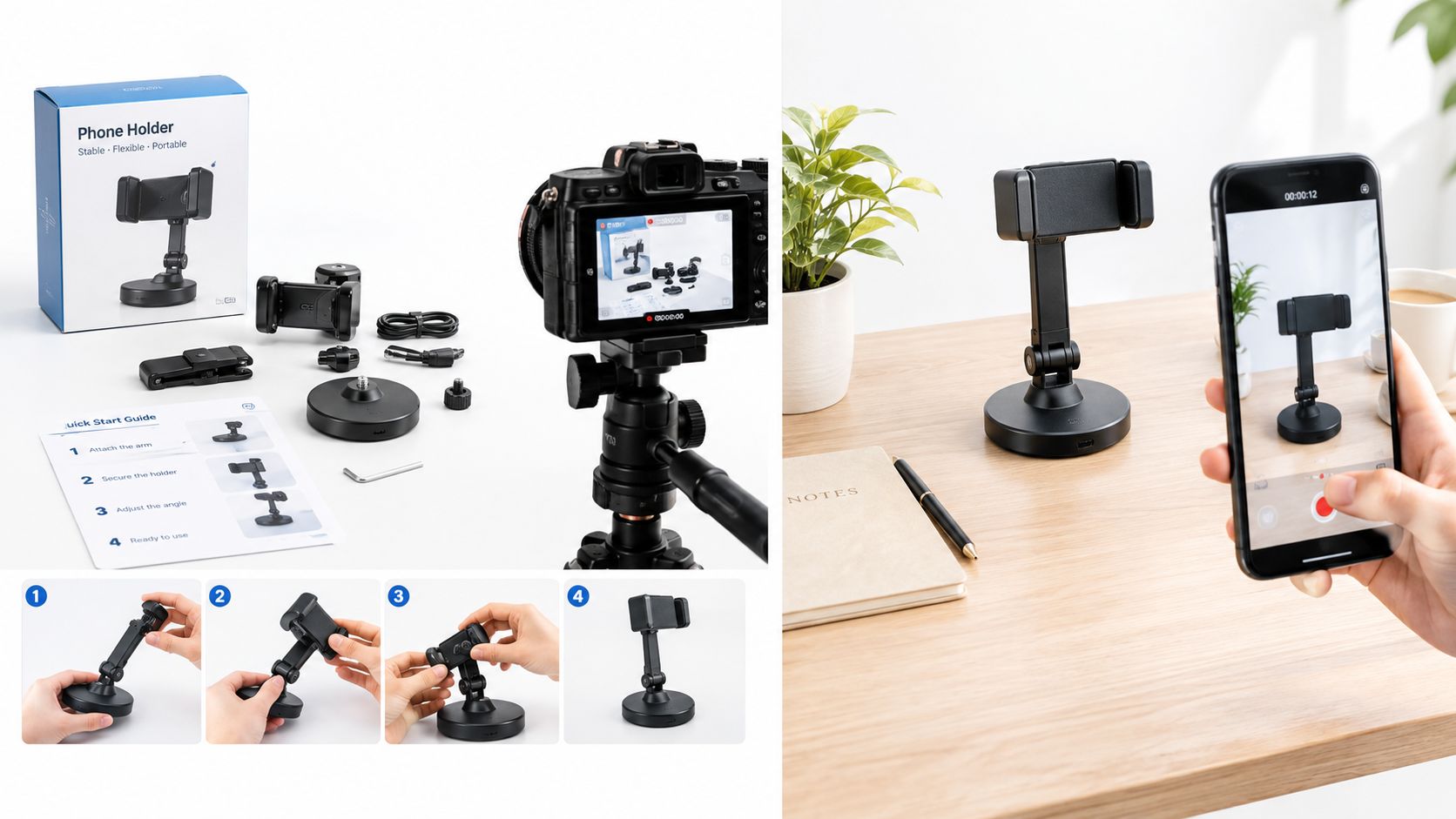
Illustration of product components, assembly information, and a use setting. It isn't a Nim output.
Before publishing a sponsored presenter clip, include a clear, readable disclosure in the video itself if the relationship behind the endorsement wouldn't be obvious to viewers. The U.S. Federal Trade Commission says material connections, such as payment or free products, must be disclosed clearly and conspicuously (FTC guidance on social media endorsements). Captions, music, editing, and publishing count as separate post-production work unless the selected Nim template confirms those capabilities.
Exporting Clips That Meet Placement Specs
A generated clip isn't ready to upload just because it looks right in a preview. Check the actual file and its hosting arrangement against the destination's requirements. One master file may not fit every placement, especially when a product page and a mobile-first placement call for different shapes.
For Google Merchant Center, the video URL must begin with or and point to YouTube or directly to a supported video file. Supported formats include MP4 and MOV, among others. The video must be 6 to 240 seconds, no larger than 500 MB, and use a 9:16, 16:9, or 1:1 aspect ratio; Google recommends at least 1280 × 720 resolution. It must also be publicly accessible, crawlable, stable, and not require a login (Google Merchant Center video requirements).
Check the file against the destination
Use this final review before submission:
- Hosting: Confirm the URL uses
orpoints to an eligible video source, and can be accessed without signing in. - Format and size: Verify that the file format is supported and the file stays within the stated size limit.
- Duration and shape: Check the clip's length and confirm that its aspect ratio matches an accepted option.
- Resolution: Make sure the file meets Google's recommended minimum for Merchant Center.
- Content clarity: Watch the clip with sound off. Confirm that the demonstration still communicates size, function, and key claims without relying on audio or color alone.
A 16:9 version is suitable for wide product-page placements, while 9:16 can suit mobile-first placements. H.264 MP4 at 1080p is a common technical baseline, but the destination's actual requirements should take priority over a default export choice.
Product instructions benefit from the same attention to clear steps as a reliable recipe: each visual should help the viewer understand what happens next. For an example of structured, video-led guidance, see DBakerAid's baking guides.
Treat any export setting that the chosen Nim template doesn't confirm as a separate post-production task. Inspect the downloaded file, not only the generation preview, before submitting it.
Testing Variants Before You Scale
A clip that earns plays can still fail to answer the buyer question it was built for. A thumbnail or opening frame can attract starts while the rest of the video never moves a shopper toward a product click or checkout. Testing should tie each creative decision to a business outcome and to the specific doubt the variant was meant to resolve.
Change one creative variable
Choose a control and one challenger. Keep the product assets, page placement, and traffic sources comparable, then change only one element: the opening hook, presenter style, product angle, duration, or call to action. If the buyer question is "will it fit my space," a challenger that swaps the scale demonstration differs in kind from one that only tightens the intro. Nim can generate distinct concepts from the same approved product material, but the intended variable should remain the only planned difference between versions.
Set the primary metric before launch. Add-to-cart rate, purchase conversion, or video-attributed revenue says more about commercial impact than views alone. Compare results with a non-viewer or holdout group where possible, so a correlation between watching and purchasing isn't automatically treated as proof that the video caused the purchase.
Let the test run long enough to cover meaningful traffic and conversion patterns, and avoid declaring a winner from a small sample. Record the test duration, traffic volume, and conversions for each variant so the team can judge whether the result is reliable. Short tests can be distorted by weekday patterns, campaign changes, or shifts in traffic mix.
Read the funnel in order: play rate, early hold or completion rate, product click-through, add-to-cart, purchase conversion, and revenue per video-engaged visitor. That sequence shows where attention stops turning into action. For creative planning ideas that stay focused on the message, see ad creative design principles.
For Google Ads product video campaigns, Google accepts up to five videos and recommends providing horizontal, square, and vertical versions for placement flexibility; vertical video enables serving on YouTube Shorts (Google Ads product video campaign guidance). Treat those formats as delivery options, then judge each version by its role and measured outcome rather than assuming one crop will suit every placement.
Start Your First Product Video in Nim
Pick one product with a visible information gap. Write down the question a shopper can't answer from the current listing. That question is your brief, and it decides the workflow. If assembly or function is the unresolved question, return to the Assembling product template covered earlier and supply the input it requests.
If personal use is the question, take the UGC ads route instead. A presenter-led clip answers "how does this fit into my life" better than a mechanical demonstration ever will. Choose the route that matches the uncertainty, not the format that happens to be fashionable. If neither fits your product, browse Nim's e-commerce templates to assess the wider category, keeping in mind that input requirements differ between templates.
Make the first project reviewable
Before generation, confirm that the source image is clear and that its visible product details match the actual item. After generation, review the clip as a shopper would. Can the product be recognized? Does the key action make sense? Are the details, colors, and branding credible? If the clip contains a demonstration, can the intended buyer question be answered from what's shown?
Then verify the final file against the placement where it will appear. Keep any editing, captions, audio, or publishing work separate unless the selected template confirms those functions. Before planning a campaign, check official Nim pages for current details on speed, pricing, resolution, commercial rights, and credits. Those details can't be assumed from a template's presence alone.
The first project doesn't need to cover every use case. It needs to answer one buyer question clearly enough that the team can assess whether a different angle or format deserves a separate test. Choose one listing with an unanswered buyer question, select the Nim workflow that matches it, and prepare the requested source image for your first reviewable product clip. Visit Nim to begin that focused workflow.
- product video production
- Nim templates
- product demo video
- UGC ads
- e-commerce video