Real Estate Virtual Walk Through Creation
Learn how to build a real estate virtual walk through from floor plans using Nim. Follow this practical workflow to create engaging property listing videos.
By Nim
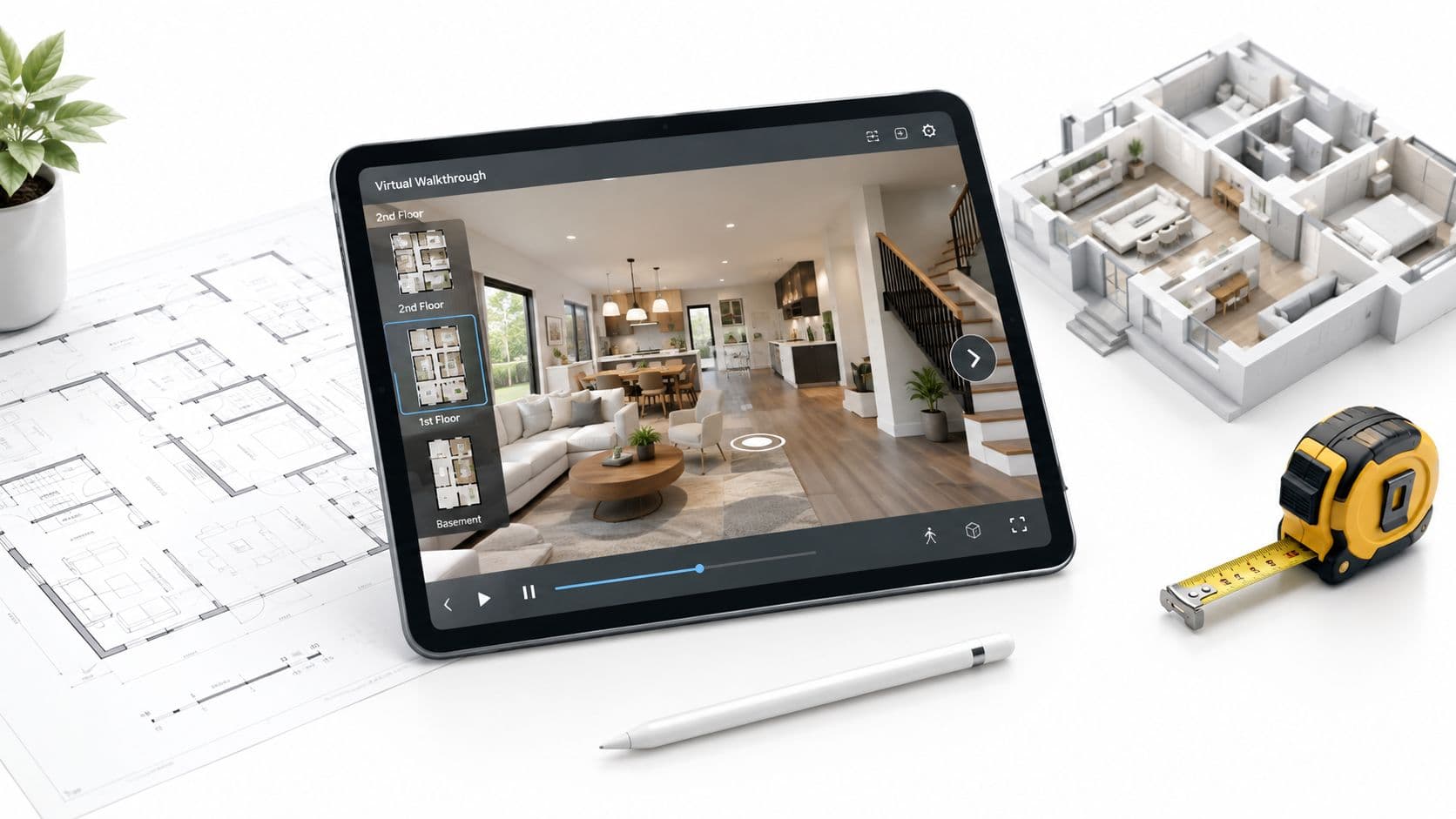
The most popular advice about a real estate virtual walk through is also the most misleading: a digital tour does not replace an inspection or prove that a property looks exactly as shown. It can help a buyer understand the apparent flow of a home, compare properties remotely, and decide whether an in-person visit is worthwhile. It can't establish smell, ambient noise, changing daylight, street traffic, hidden defects, neighboring conditions, or verified dimensions.
The reliable approach is to treat the walkthrough as a marketing visualization, then pair it with original listing media, authoritative plans or measurements, and a clear “verify in person” checklist. That distinction matters most when buyers are relocating, purchasing internationally, or making an early decision without visiting the property.
Setting Realistic Expectations for Virtual Tours
Virtual walkthroughs became a mainstream remote-buying asset during the COVID-19 pandemic. Redfin and Matterport reported that monthly 3D walkthroughs on Redfin.com rose by more than 600% after March 2020, and approximately 94% of Redfin listings carried interactive 3D tours at the time. A 2020 Redfin and Matterport survey also found that 71% of home buyers would consider purchasing a property sight unseen when the listing included a 3D tour. The Redfin and Matterport case study describes the milestone clearly: tours moved beyond pre-visit browsing and began supporting remote-first decisions.
Those figures support making a walkthrough a core listing asset, not an optional decoration. They don't support presenting generated scenes as evidence of construction quality or current condition. A floor plan can suggest room relationships, but an AI-generated camera path may infer wall heights, finishes, furniture, window views, and proportions that haven't been independently verified.
Practical rule: Show buyers what the visualization is for, and state plainly what it can't establish.
A responsible listing should include a short verification note beside the video. Buyers should be encouraged to confirm room dimensions, ceiling heights, structural condition, appliance condition, window orientation, noise levels, light at different times of day, odors, access routes, and any feature that affects the purchase decision. The wording needn't undermine the presentation. It should make the boundary visible.
For example, an agent can label a floor-plan-based video as an illustrative walkthrough generated from supplied visual inputs and keep the original floor plan, photographs, and property disclosures available. That combination gives remote buyers a useful first impression without confusing an attractive visualization with a physical inspection.
Preparing Your Floor Plans and Source Imagery
A coherent tour begins before generation. The source material should follow the route a buyer would naturally take, rather than presenting unrelated room images in the order they happen to be stored.
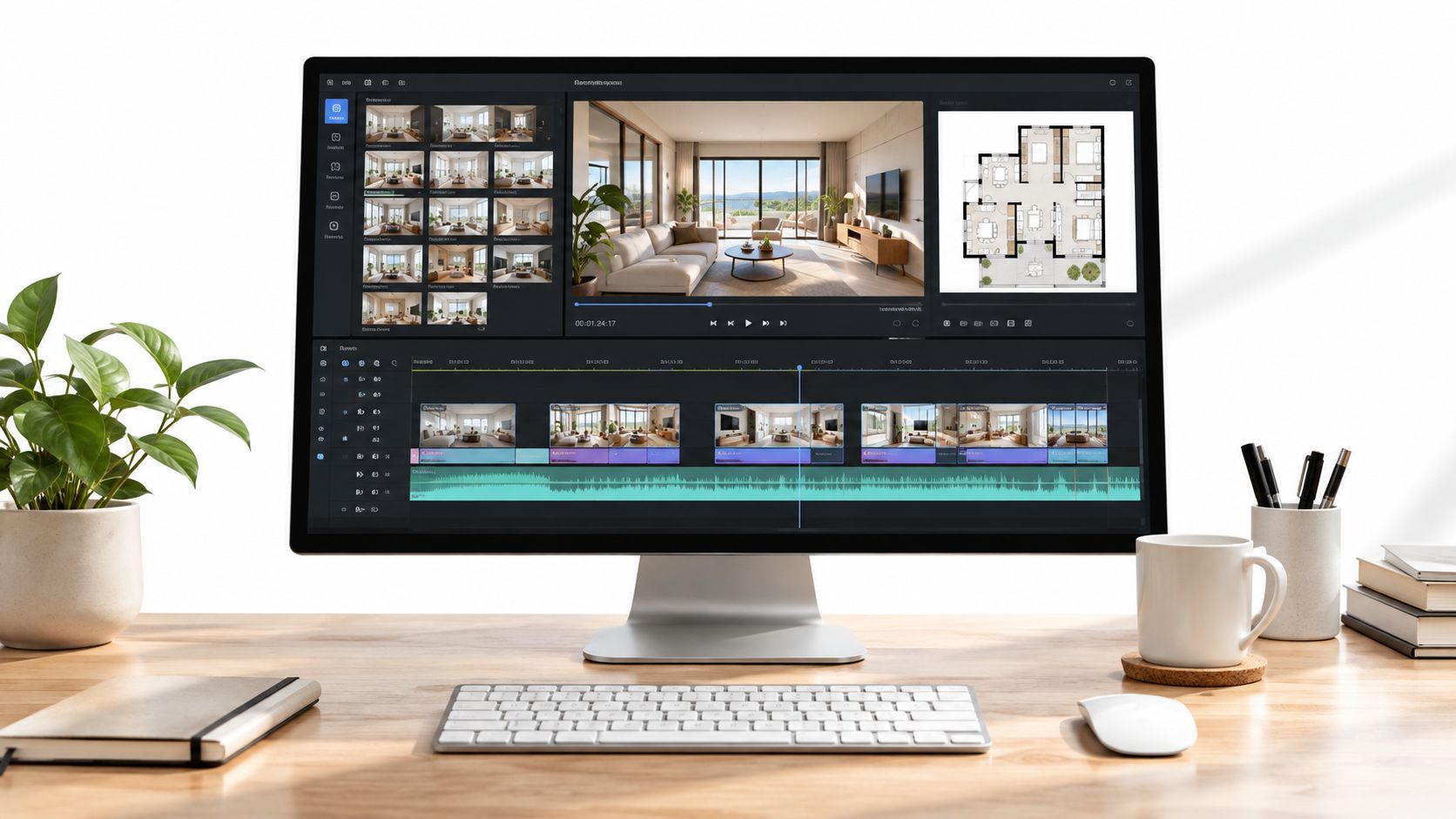
Build the route first
Organize the property from the street or driveway to the entrance, then through the principal living areas, kitchen, dining space, bedrooms, bathrooms, and utility rooms. Include meaningful exterior areas where they affect the buyer's understanding of the property, but don't let secondary spaces interrupt the main route.
A useful source folder or presentation sequence might contain:
- Arrival context: Street frontage, driveway, building entrance, or front door.
- Orientation material: The floor plan and an entrance image that establishes where the viewer is.
- Shared spaces: Living room, dining area, kitchen, and connections between them.
- Private spaces: Bedrooms, bathrooms, storage, and utility areas.
- Supporting views: Balcony, garden, terrace, parking, or a difficult-to-align enclosed space.
The floor plan should be legible and free from unnecessary annotations. If room labels, walls, doors, or circulation paths are hard to distinguish, the generated result has less reliable visual guidance. A floor plan can serve as the starting point for a floor plan to 3D model workflow, but any inferred space remains a visualization unless dimensions and conditions are checked independently.
Clean the visual inputs
Inspect every image before using it. Blown highlights around windows can erase the relationship between interior and exterior. Crushed shadows in corners can hide doors, cabinetry, or changes in level. Mirrors may capture people or equipment, while reflections and inconsistent camera angles can create distracting transitions.
If the listing photos need basic tonal correction, an agent can first review resources about how to enhance property listing photos with AI. The purpose is not to make a property look different. It's to give the generation process clearer, more consistent source material.
A polished walkthrough can't repair an ambiguous floor plan or an image that conceals important details.
Keep source photos honest. Don't remove visible defects, alter room boundaries, or add features that aren't documented. The better the input sequence and the clearer the imagery, the more likely the final video is to feel like one route through a property instead of a disconnected slideshow.
Generating the Walkthrough Video in Nim
Once the floor plan and imagery are organized, the relevant Nim route is the Floor Plan to Video Walkthrough workflow. It is designed for turning a supplied 2D floor plan and interior imagery into a navigable-style property presentation. The input should be treated as source material for a visual preview, not as a survey.
Use a controlled input sequence
Open the walkthrough template and provide the prepared floor plan image together with the relevant interior visuals requested by the workflow. The floor plan supplies the spatial starting point, while room imagery helps establish the visual character of the spaces. A clean route is more useful than a large collection of inconsistent images.
The generation process may infer architectural details such as apparent wall height, room proportions, transitions, and a camera path. Those inferences can make an off-plan property easier to present before conventional footage exists, but they shouldn't be treated as measurements. Generated furniture, finishes, lighting, and views should remain clearly distinguishable from verified property facts.
For a different task, such as turning one interior photograph into a moving presentation, the image animation maker guide may be more relevant than a floor-plan-led walkthrough. The source determines the appropriate workflow. A single room image can't establish the full circulation of a multi-room property.
Review the result as a marketer
Watch the complete video in route order. Check whether the entrance leads naturally into the main spaces, whether the rooms remain visually consistent, and whether the camera appears to pass through walls, doors, windows, or furniture. Look closely at reflective surfaces, window areas, dark corners, and transitions where the inferred scene may change abruptly.
The review should answer two different questions:
- Does the video communicate the intended visual journey?
- Does any scene imply a fact that the source material doesn't verify?
If the answer to the second question is yes, revise the source or add an explicit label before publication. The finished asset can be useful for client presentations, listing promotion, and social media, but it shouldn't replace verified photographs, plans, disclosures, or an inspection report.
Understanding the Impact on Buyer Engagement
Virtual tours influence the earliest stages of buyer evaluation because they help people decide whether a property's apparent layout and flow fit their needs. During the pandemic, 78% of surveyed home buyers said they were viewing more properties virtually with 3D tours because of safety concerns, while 82% agreed that 3D tours represented a home more accurately than photos alone, according to data reported by Matterport. The survey and its context show why a walkthrough can provide more than visual novelty.
Earlier marketing data cited by Matterport reported that listings with virtual tours received 40% more clicks, 95% more phone inquiries, 65% more email inquiries, and 49% more qualified leads than listings without them. Those figures come from industry surveys and reported marketing analyses, not a universal controlled experiment, so they work best as directional benchmarks rather than promised outcomes.
Separate attention from transaction value
A walkthrough can increase initial curiosity and help a buyer self-qualify. It may reduce wasted showings by making the room sequence, apparent proportions, and overall feel easier to assess before scheduling a visit. That doesn't mean the video determines the final price or proves the condition of the home.
A large Los Angeles dataset covering 75,178 sales found that about 22% of homes used virtual tours. The apparent price premium was about 1.1% before controlling for photo and caption quality, then became statistically insignificant after those controls. The Harvard Business School working paper points to a practical conclusion: tour quality and buyer matching matter, but the asset shouldn't be positioned as an automatic price lever.
The surrounding listing still carries the factual burden. Strong standard photos, accurate descriptions, authoritative measurements, disclosures, and prompt answers to buyer questions support the decision after the walkthrough earns attention. Even presentation details outside the video can affect perceived readiness, so agents may want to find residential window washing before capturing or photographing a property where glass condition is prominent.
Optimizing for Accessibility and Mobile Viewers
An immersive viewer isn't automatically an accessible viewer. Some buyers use a phone, some have limited time, and others may not be able to operate a mouse-driven interface or interpret a visual-only experience. A listing should give each audience a practical way to understand the property.
Place a concise text description beside the video. It should state the route in order, identify the entrance, note stairs or level changes, describe bathroom and bedroom locations, and explain notable window orientations or visible barriers. Avoid vague labels such as “beautiful open space.” A useful description says what the viewer encounters and where it sits in relation to the rest of the home.
Provide a plain-text alternative
A room-by-room alternative can be short, but it needs to be specific:
- Entrance: Front door opens toward the main living area, with the kitchen visible beyond.
- Ground-floor circulation: Living and dining spaces connect directly, while the utility area sits off the entrance route.
- Vertical access: Stairs lead to the bedroom level.
- Private rooms: Bedrooms and bathrooms are grouped on the upper level.
- Exterior relationship: The principal living area opens toward the garden or balcony, where that relationship is verified by the source material.
The Nim walkthrough should be treated as the visual layer, not as proof that captions, audio description, keyboard navigation, or screen-reader compatibility are built into the specific workflow. If those features are required, add descriptive text or audio description in a separate post-production tool and test the published experience on a phone.
A short, clearly sequenced video may serve more people than an elaborate interactive viewer. Accessibility also improves ordinary usability because mobile viewers can scan the route quickly before deciding whether to spend more time on the listing.
Publishing and Syndicating Your Listing Media
Before a virtual-tour link reaches a listing system, the brokerage should confirm permission for every source and output. That includes the property owner's authorization, photographs, video clips, floor plans, architectural visuals, and any generated scene derived from them.
The National Association of Realtors' MLS guidance says an MLS may provide a dedicated virtual-tour field for URLs hosted on external sites, with the information potentially distributed through MLS, IDX, VOW, and syndication data feeds. The guidance also reminds members to secure proper permissions for all media, including photographs and video. The MLS guidance provides the relevant publishing context.
Run the final clearance check
Use a simple pre-publication checklist:
- Ownership approval: Confirm that the seller or property owner authorizes the media and its distribution.
- Source clearance: Verify usage rights for each photograph, floor plan, video clip, and architectural visualization.
- Accuracy label: Identify generated or reconstructed scenes as marketing visualizations where they aren't verified records.
- Listing placement: Use the designated virtual-tour field when the applicable MLS provides one.
- Destination review: Test the link, mobile presentation, route order, and surrounding disclosure text before syndication.
- Original evidence: Keep authoritative plans, measurements, photographs, and disclosures available beside the generated asset.
The same discipline applies when promoting a property through social channels. Guidance on marketing vacation rentals on Facebook can help frame channel-specific distribution, but the permission and labeling requirements remain the agent's responsibility.
For related visual preparation, agents can review Nim's guide to virtual staging photos, while keeping staged or generated elements separate from factual documentation. A published walkthrough should make the buyer's next step clear, whether that means requesting verified measurements, arranging a remote showing, or booking an in-person inspection.
Nim provides workflows for turning a floor plan and interior imagery into a walkthrough-style marketing visualization, alongside other real-estate image and video creation templates. Agents can prepare an honest source sequence, generate the visual route, review every transition, and pair it with verified listing evidence. Visit Nim to create the next property presentation with those boundaries built into the workflow.
- real estate virtual walk through
- virtual tour creation
- floor plan video
- property marketing
- Nim AI video