
Interior Design · AI

AI Material Swap for Interiors

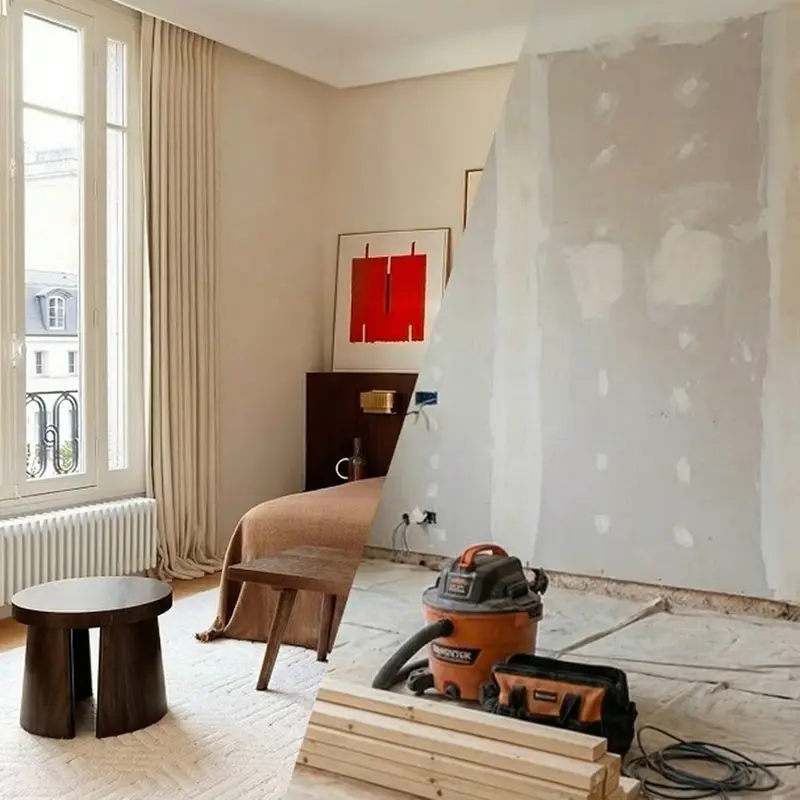
Visualize any flooring, wall finish, or countertop in your real space in seconds — production-ready images without design software or 3D tools.

Browse templates
Browse all 400+ templates

Everything you need

Built for creators, marketers, and teams shipping AI video at scale.

01

Any Surface, Any Material

Swap floors, walls, ceilings, countertops, or cabinetry with a single descriptive prompt.

02

Real-Space Accuracy

AI preserves the original lighting, shadows, and perspective so swapped materials look physically plausible in context.

03

Hundreds of Finishes

From marble and white oak to concrete, terrazzo, and brushed steel — virtually any architectural material is addressable.

04

No Rendering Software

Upload a photo of your actual space and generate results directly — no CAD, no 3D pipeline, no plugins required.

05

Commercial-Ready Output

Export high-resolution images licensed for client presentations, marketing decks, and property listings.

06

Multiple Variants Fast

Generate several material options in rapid succession and compare finishes side-by-side before committing to a specification.

07

Works on Real Photos

Input jobsite shots, existing listing photos, or smartphone room images — the AI adapts to any source photograph.

08

Seconds, Not Hours

Results arrive in seconds versus the hours or days that traditional architectural CGI rendering workflows require.

Features

Built to ship

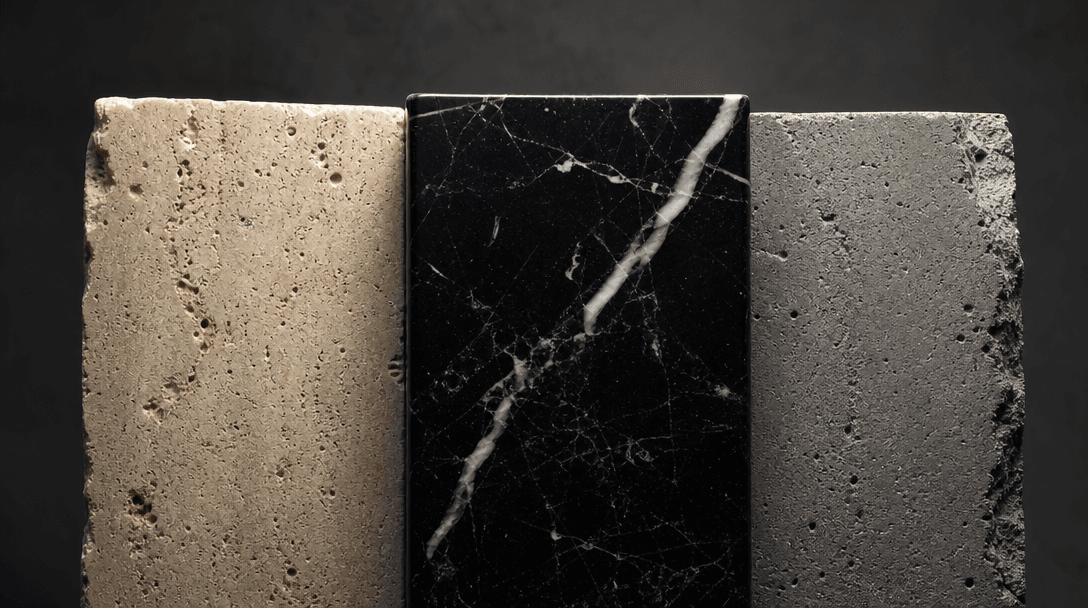
Abstract macro editorial photograph of a tight triptych of architectural material samples under dramatic raking studio l
F · 01

Photorealistic Material Rendering

Nim's AI reproduces the precise way light interacts with different materials — the sheen of polished concrete, the warm grain of white oak, the deep veining of dark marble. Swapped surfaces integrate seamlessly with the existing lighting conditions in your source photograph, producing outputs indistinguishable from professional CGI renders. No post-processing is required before dropping results into a client presentation.
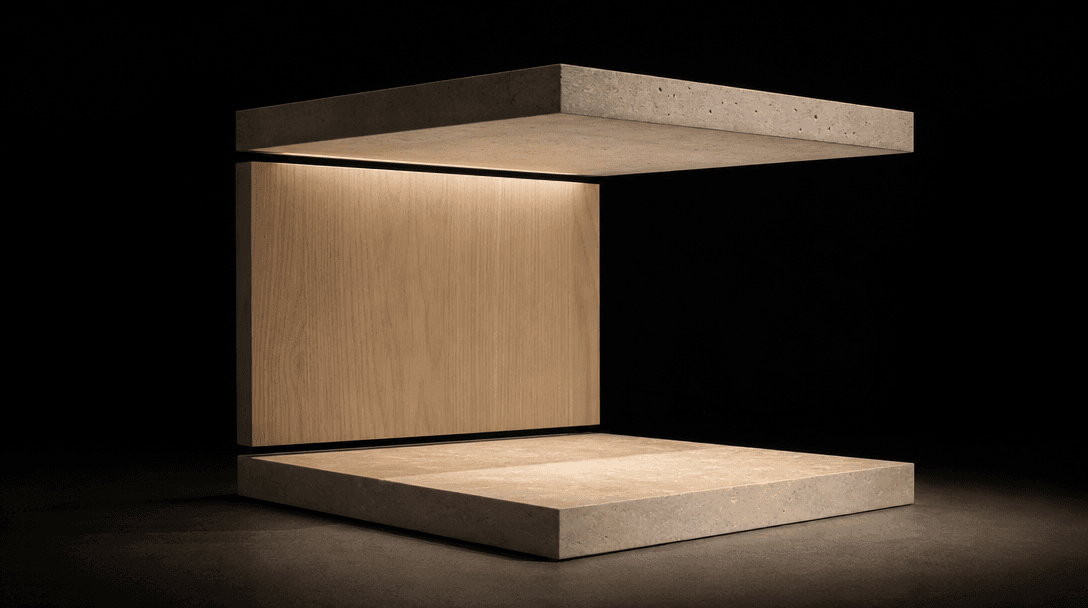
Minimal physical architectural model under precision studio lighting — individual wall plane, floor plane, and ceiling p
F · 02

Surgical Surface Targeting

Specify exactly which surface to change — just the floor, only the backsplash, every wall simultaneously, or a single countertop edge — and the model applies the transformation with architectural context awareness. Adjacent surfaces remain untouched unless you explicitly instruct otherwise. The result is precision-controlled iteration, not a wholesale scene repaint that loses spatial coherence.

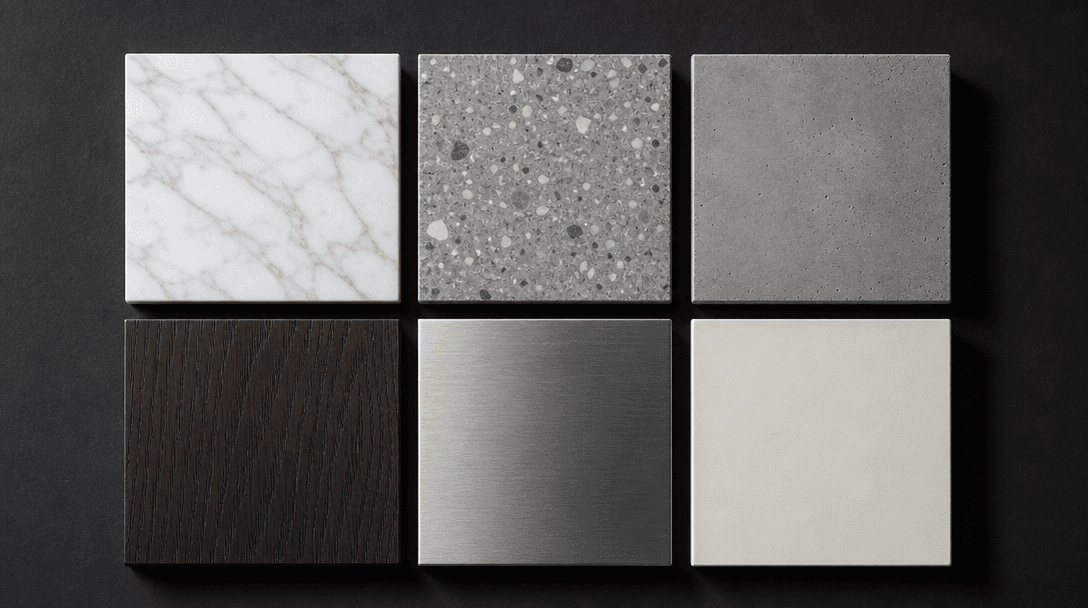
Flat-lay editorial of six square architectural material swatches arranged in a precise 2×3 grid on a deep charcoal surfa
F · 03

Built for Design Iteration

The best material decisions emerge from comparison, not guesswork. Generate a travertine version, a poured-concrete version, and a bleached-oak version in rapid succession from the same source image. Each output is individually production-quality and ready to drop into a client deck, a mood board, or an e-commerce listing without further retouching or colour correction.

Long-exposure architectural corridor at dusk — multiple material planes in glass, poured concrete, and dark stone catchi
F · 04

One Platform, Every Creative Need

Material Swap runs on nim.video's multi-model infrastructure alongside Sora, Veo, Kling, Flux, and other frontier models. One account gives you still architectural visuals, cinematic walkthroughs, animated renders, and product photography — eliminating the subscription sprawl that slows creative teams and agencies down.

Showcase

See it in action

Real outputs generated by our pipeline — no curated cherry-picks.

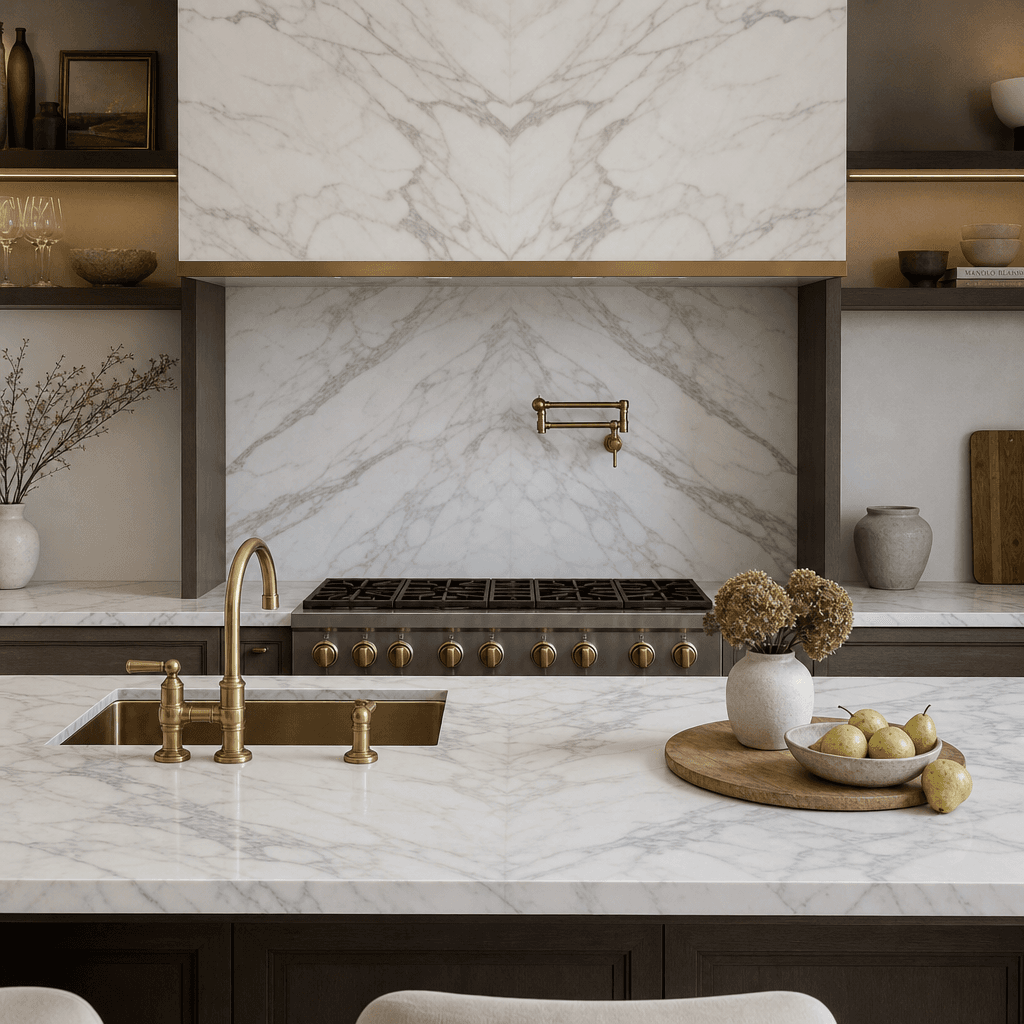
Photorealistic luxury kitchen interior featuring freshly swapped Statuario marble countertops and matching book-matched
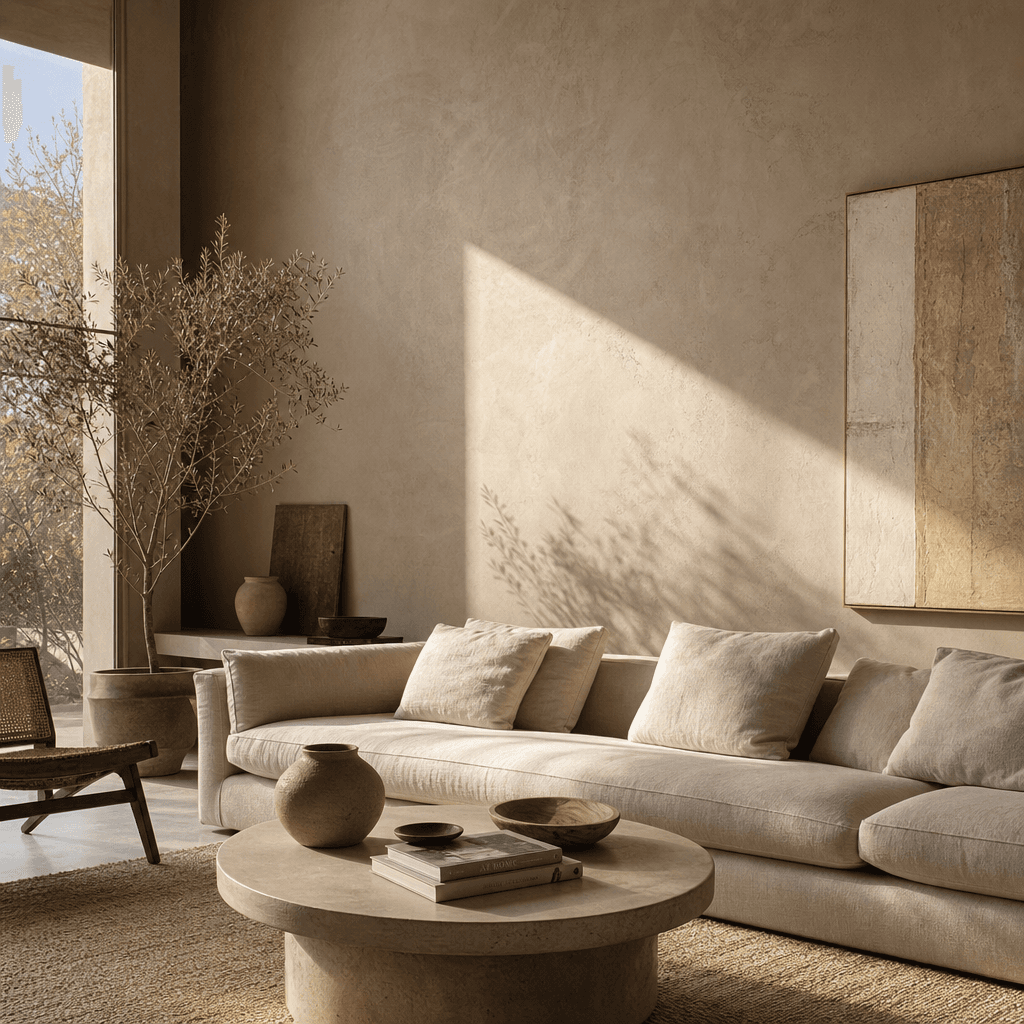
Modern minimalist living room with walls replaced by warm micro-cement plaster finish, natural afternoon side-light cast
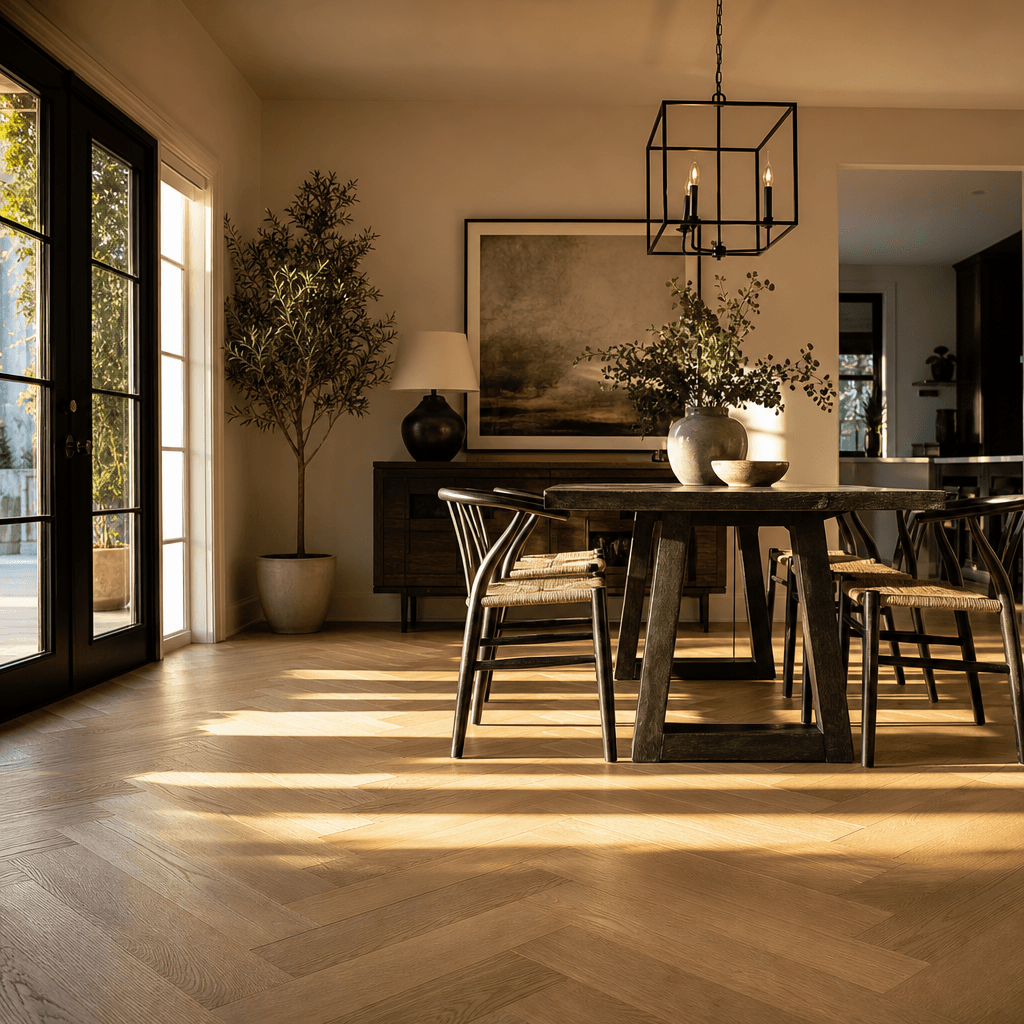
Residential dining area with wide-plank white oak herringbone flooring installed under a statement black-steel pendant l
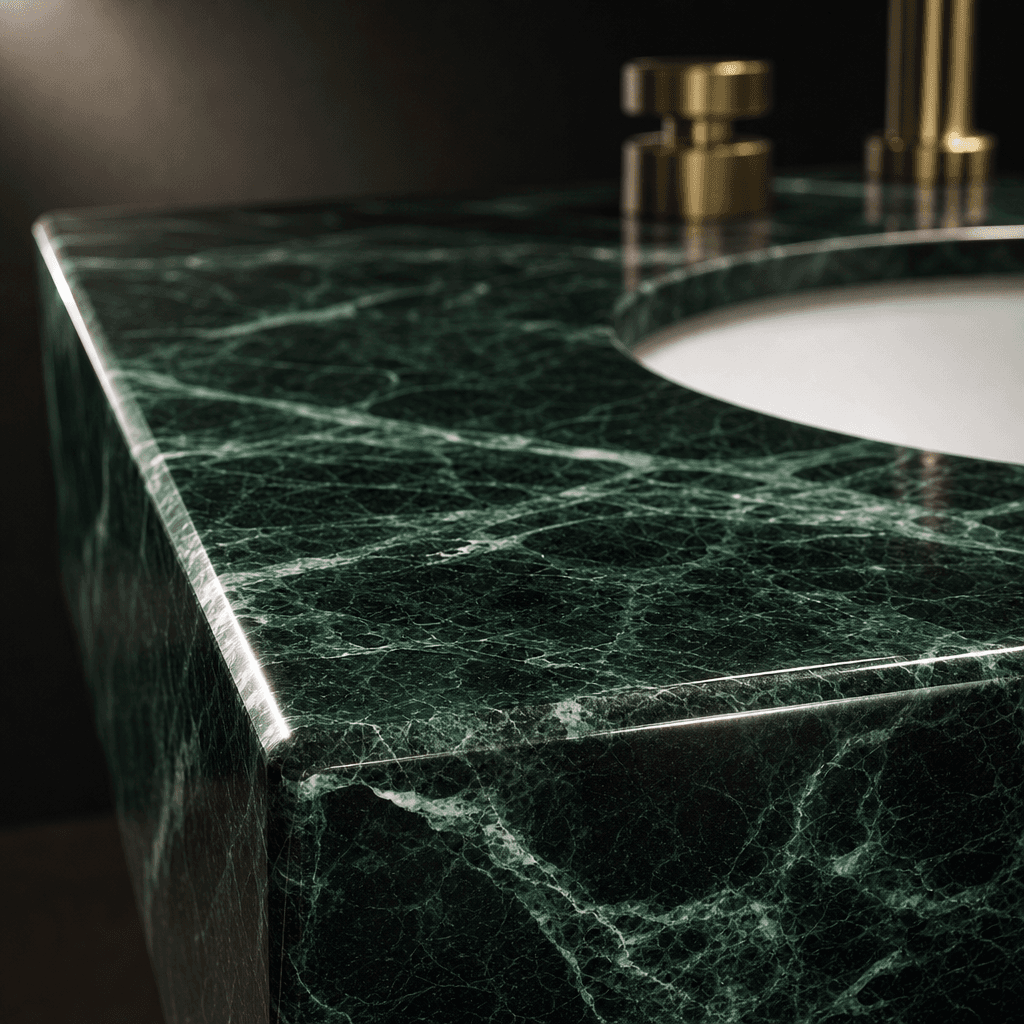
Extreme macro close-up of a bathroom vanity countertop in polished verde alpi marble — rich emerald veining on a dark gr
Ready to ship

Pick a template, customize, publish.

Use cases

Made for every workflow

  • Interior Designers

    Present multiple finish options to clients without waiting on physical samples or expensive re-renders. Swap a single floor tile across five material options and share a comparison PDF within the same client meeting.

  • Real Estate Developers

    Show prospective buyers exactly how a unit will look with premium finishes before construction completes, accelerating pre-sales decisions and reducing on-site showroom visits.

  • Architecture Firms

    Explore material palettes at schematic-design stage without committing rendering-team resources. Test ten material combinations in the time it would normally take to light and render a single view.

  • Home Staging Professionals

    Digitally replace dated flooring or tired countertops in listing photos to elevate perceived value and generate stronger buyer inquiries — without any physical renovation.

  • Surface & Tile Suppliers

    Show flooring, stone, tile, and surface products installed in realistic residential and commercial environments for catalog, e-commerce, and trade marketing use — no full showroom shoot required.

  • Property Marketers

    Create finish-variation marketing assets for off-plan developments across multiple buyer segments and price points, all generated from a single base photograph of the space.

How it works

From idea to result in seconds

  1. Step · 01

    Upload your space photo

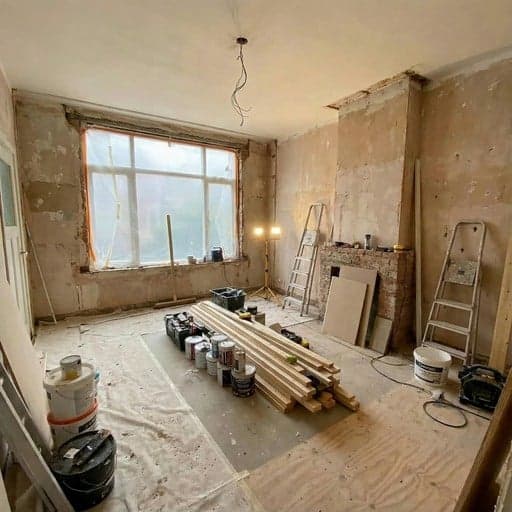
    Drop in any photograph of the room or architectural space — a jobsite shot, an existing listing image, or a smartphone photo of a finished room all work as valid inputs.

  2. Step · 02

    Describe the material change

    Specify the surface and replacement material in plain language — for example 'replace the floor with white Carrara marble' or 'swap the walls for raw brushed concrete'.

  3. Step · 03

    Download your result

    Receive a production-quality image with the new material rendered in place within seconds, ready for client presentations, property listings, or further design iteration.

FAQ

Frequently asked questions

  • AI material swap is a generative image technique that replaces a specific surface in an architectural or interior photograph — floor, wall, countertop, backsplash, or cabinetry — with a different material or finish while preserving the original lighting, shadows, and spatial composition of the scene.

  • The template handles floors, walls, countertops, backsplashes, ceiling panels, cabinetry faces, and most other planar architectural surfaces. Describe the target surface and the replacement material in your prompt and the AI applies the change selectively, leaving adjacent surfaces untouched.

  • No. The template works directly from ordinary photographs — jobsite images, existing property listing photos, or smartphone shots of a finished room. You do not need CAD software, a 3D model, or prior CGI experience to get started.

  • Nim's AI reproduces material-specific light behaviour including reflectance, grain direction, veining, gloss levels, and surface micro-texture. Results are production-ready for client presentations and marketing. Very complex multi-surface scenes may benefit from a second generation pass to refine edge detail.

  • Most results are delivered in seconds. Generation time scales slightly with resolution and scene complexity, but turnaround is always measured in seconds rather than the hours that traditional CGI pipelines require.

  • Yes. Run multiple generations back-to-back with different material prompts to build a full comparison set from the same source photo. Each output is individually production-quality, so you can drop the entire set directly into a client mood board or specification document.

  • Images generated on paid Nim plans are licensed for commercial use. Review the full licence terms at about.nim.video/terms for permitted uses, attribution requirements, and resale conditions.

  • Traditional CGI requires a 3D model, UV-mapped textures, lighting rigs, and render queues that can take hours or days per image — plus significant cost. Nim's material swap works from a photograph and returns results in seconds, making it practical for early-stage design exploration, rapid client sign-off rounds, and budget-conscious projects.

  • Nim accepts standard formats including JPEG and PNG. For best output quality, use the highest-resolution version of your source photograph available.

Get started

See what you can make

Explore more

Discover more AI tools