Real Estate Video Marketing: Which Nim Template to Use
Real estate video marketing works best when each video answers one buyer question. Match floor plan, room tour and staging templates in Nim to your goal.
By Nim
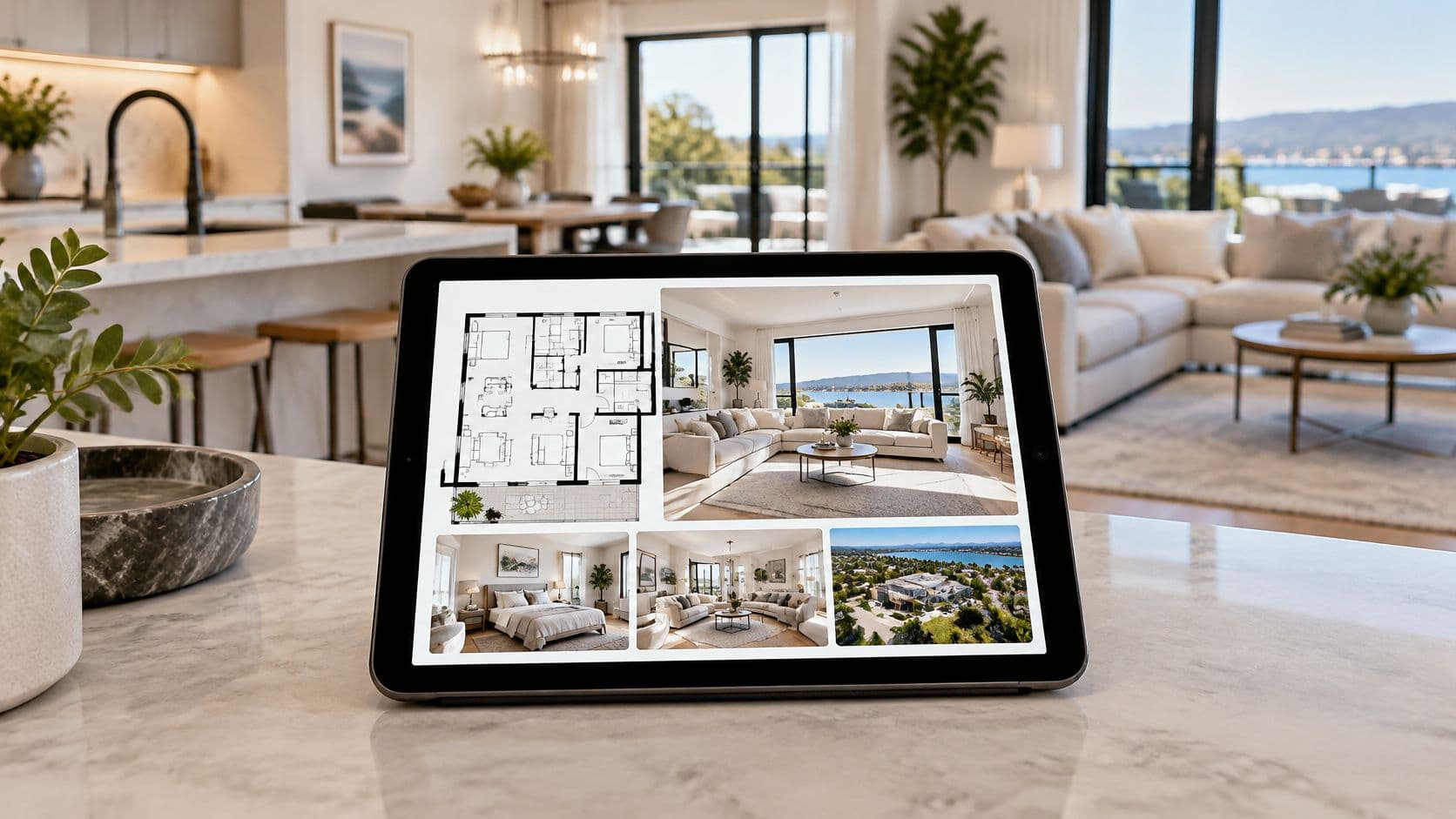
A listing agent has sharp photographs and a readable floor plan, yet buyers still ask whether the kitchen feels disconnected from the living room. The useful next asset isn't another dramatic exterior shot. It's a walkthrough that explains the route between those spaces.
Real estate video marketing works best when each video answers a specific buyer question. In Nim, the starting point is the template that addresses that question and accepts the available source material. Generated scenes should remain clearly identified as illustrations, not records of the property's condition or dimensions.
Match Each Video Type to Your Marketing Goal
Each format answers a different buyer question, so the right starting point is the question your photos and plan leave open.
| Video type | Nim template | Buyer question it answers and required inputs |
|---|---|---|
| Floor plan walkthrough | Plan Walkthrough | "How do the rooms connect, and in what order?" Confirmed inputs include a floor-plan image and required interior photographs, with additional room inputs available. |
| Plan to 3D | Plan to 3D | "What does this layout look like in three dimensions?" |
| Animated plan | Animated Plan | "How might this interior read once furnished and lit?" Accepts a photo or scan of an interior floor plan. |
| Lifestyle walkthrough | Lifestyle Walkthrough | "What does everyday life feel like inside this home?" |
| Room tour | Room Tour | "What does each room show when viewed in sequence?" |
| Virtual staging | Virtual Staging | "What could this empty room look like furnished?" |
| Drone reveal | Drone Reveal | "Where does the property sit within its surroundings?" |
| Day and night | Day and Night | "How does the property read at different hours?" |
| Construction timelapse | Construction Timelapse | "How is the build progressing?" Aimed at development marketing. |
Where a row lists no inputs, confirm the requested material in the template form before gathering assets.
The distinction between formats matters because each one resolves a different kind of uncertainty. A furnished room concept answers how a space might look with furniture. A walkthrough addresses how rooms connect. An exterior reveal provides visual context, although generated surroundings remain illustrations and cannot serve as evidence of actual boundaries, neighboring buildings, or views.
A template name describes the output, not the input. The name alone does not establish whether the form accepts a photograph, a plan, a collection of images, or another asset. Confirm the requested material before arranging photography or preparing files.
Choose by the missing information
- Identify the unresolved question. A buyer may understand the finishes but still struggle to follow the route from the entrance to the bedrooms.
- Choose the matching row. Layout uncertainty calls for a floor plan walkthrough; difficulty imagining an empty interior calls for a furnished concept.
- Check asset readiness. Confirm that the requested files exist and accurately represent the listing before starting production.
A generated construction sequence needs particular care. It can illustrate an intended progression, while dated photographs remain the record of completed work.
For a vacant apartment with a confusing hallway and separate kitchen, start with Plan Walkthrough. The immediate task is explaining circulation through the layout.
When Video Works Better Than Photos and Plans
In the National Association of REALTORS® 2025 Profile of Home Staging, buyers' agents ranked photos as important to clients at 73%, videos at 48%, and virtual tours at 43%. Separate buyer research has found that internet-using buyers tend to rate floor plans as more useful than virtual tours or video during their search.
Read together, those findings describe how buyers use each asset at different moments. They support a sensible media sequence rather than a precise calculation of how much better one format performs than another.
Match the asset to the decision
During shortlisting, a floor plan lets buyers check bedroom placement, shared walls, and access without watching an entire video. Photographs then establish visible condition and finishes. Video earns its place when the remaining question involves movement, transitions, or atmosphere.
Say a plan shows that the kitchen opens off the hallway. A walkthrough can illustrate the approach from the entrance, the turn into the kitchen, and the relationship to the dining area. It supplies a sequence the buyer would otherwise have to infer.
Practical rule: Plan for shortlisting, photos for condition, video for movement and feel.
This distinction matters most for remote buyers and properties with awkward circulation. A collection of polished room shots can still leave the viewer unable to place the rooms relative to one another, and that gap is exactly what a sequence fills.
The real estate photo-to-video guide applies when existing listing photographs are the starting material. Animating those photographs should not be mistaken for resolving layout uncertainty, though. If the buyer's unanswered question concerns how two spaces connect, the video needs to explain that connection rather than glide across attractive surfaces.
How to Turn a Floor Plan Into a Walkthrough
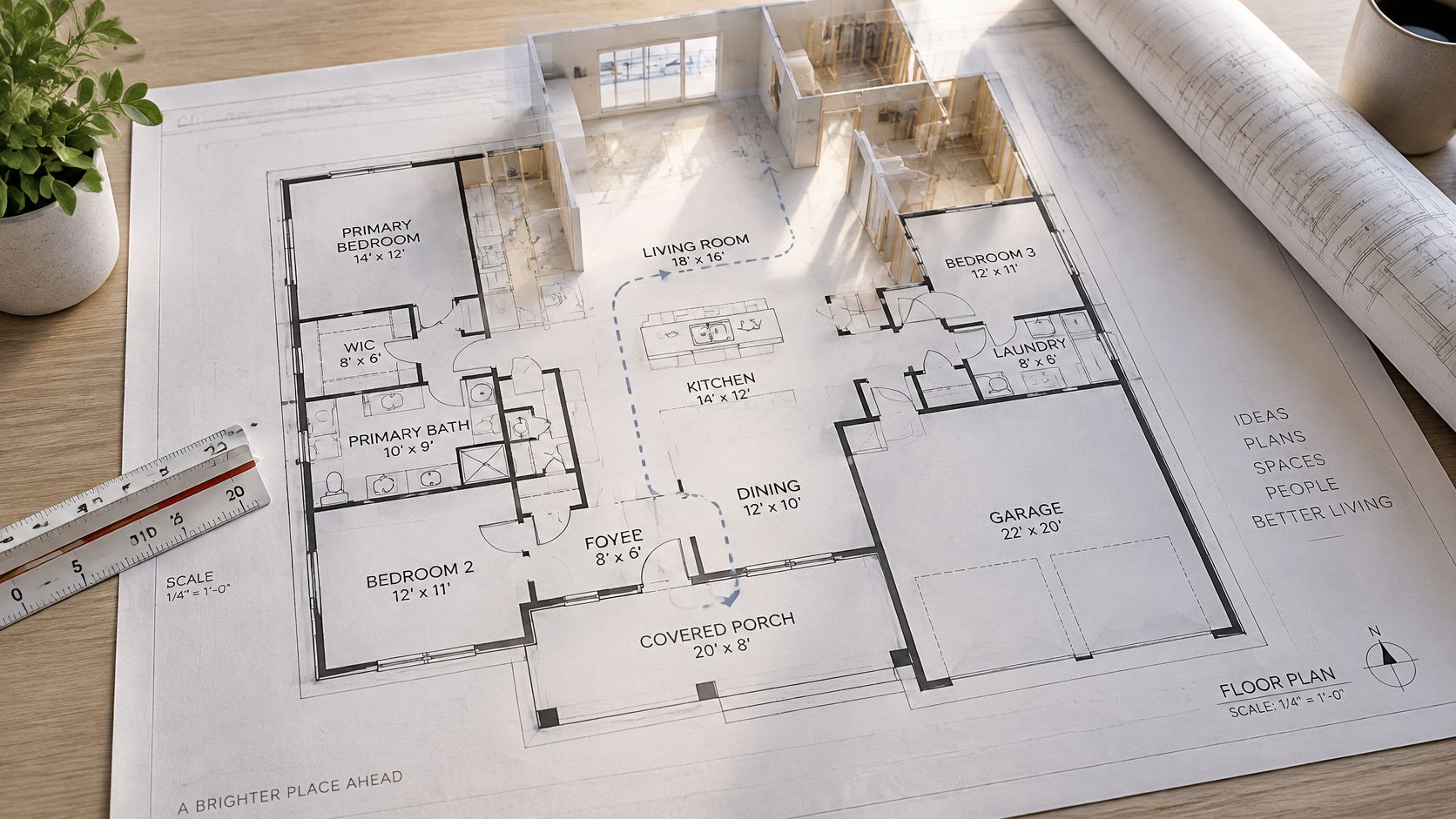
A verified floor plan is a useful starting point for a vacant property, an off-plan development, or a home that isn't available for physical viewing. The important preparation work is making the layout legible and matching the room imagery to the property.
Prepare the plan and room assets
- Confirm the source plan. The agent should use the property's authoritative floor plan, with walls, doors, room labels, and circulation clearly visible. A blurred scan or cropped entrance makes later verification harder.
- Gather the required photographs. Nim's Plan Walkthrough form requires a plan image plus Room 1 and Room 2 inputs; Rooms 3–5 are optional. Representative imagery should match the intended spaces, with any concept imagery distinguished from photographs of existing conditions.
- Prepare a logical route. A useful sequence runs from the entrance to the principal living area, kitchen and dining space, bedrooms, bathrooms, then utility or exterior context. This is production planning, not a claim that the form provides a route-editing control.
- Complete the template's requested fields. The plan and room assets should follow that prepared sequence wherever the fields permit. File names kept outside the app can help the agent maintain a reliable room-to-image reference.
Generate and check spatial consistency
- Generate the walkthrough and inspect its route. Each scene should be compared with the plan for room count, door placement, adjacency, and circulation. A plausible-looking transition can still connect spaces incorrectly.
- Reject unsupported features. Any scene containing an unexplained doorway, altered wall, invented fixture, or misleading room proportion needs removal or further checking before publication.
- Publish with factual support. The finished asset belongs beside verified listing details and an explicit illustration label. Any captions or other post-production should be handled as a separate task outside Nim.
A moving camera makes adjacency and sequence perceptible over time. Instead of mentally translating a flat plan, the viewer follows an illustrated route through the home.
That benefit doesn't make the result a measured reconstruction. For agents exploring the broader distinction between a spatial concept and factual geometry, the image-to-3D guide provides related context. The publication decision should still rest on whether the generated sequence agrees with the authoritative property material.
Room Scenes and Transformations Without Misleading Buyers
Animated Plan accepts a photo or scan of an interior floor plan and generates a short room-video concept, as described in Nim's virtual walkthrough guide. Use it when the buyer question is “what could this empty room feel like furnished,” because photos already show condition but cannot communicate seating, atmosphere, or how the space might live.
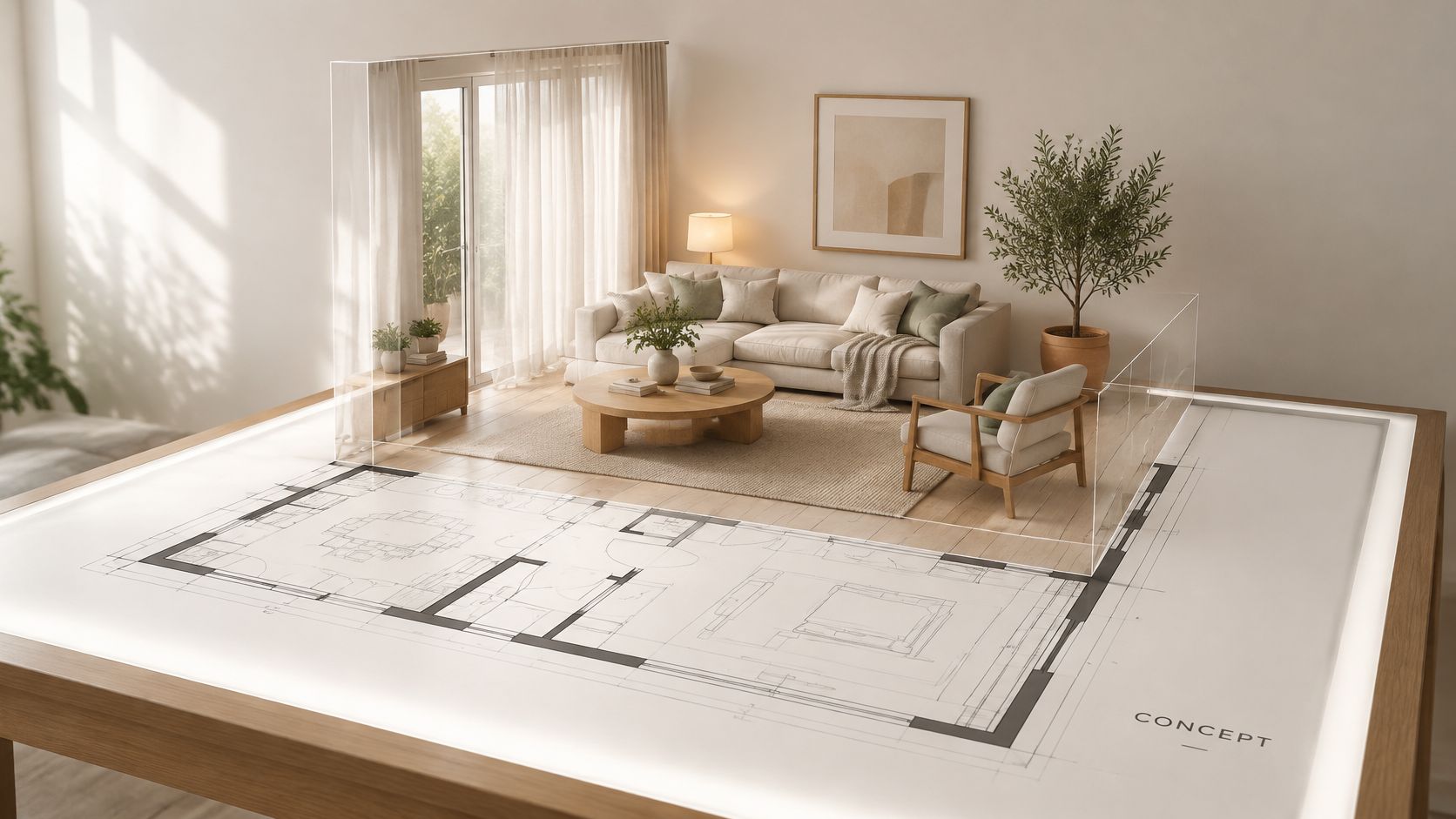
The rendering shows one way a flat plan can become a furnished interior concept for a single room.
Separate imagination from property evidence
Consider a listing with an understandable layout but empty rooms that buyers find difficult to picture furnished. An Animated Plan concept can suggest a seating arrangement and interior atmosphere, while the original photographs remain the reference for visible condition. Measurements should come from verified property documentation, since generated furniture can imply scale that the source material does not support.
Room Tour answers a different buyer question: “how do the rooms relate in sequence?” Preserve the supplied room order when assembling the final material and avoid transitions that imply a connection the plan does not show. Lifestyle Walkthrough emphasizes mood, so factual room photographs should accompany those scenes and keep the atmosphere grounded.
For furniture arrangement before generating a concept, the Miller Waldrop home staging guide offers staging considerations such as focal points, traffic flow, and editing excess pieces. Treat it as presentation input for the scene you want illustrated; dimensions still come from listing documents.
Use a visible disclosure sequence
Guidance on the future of real estate imagery emphasizes distinguishing synthetic changes from actual conditions and retaining unstaged imagery. A practical transformation sequence makes that distinction visible:
- Begin with the source photograph. Show the existing or empty room before introducing changes, so viewers have a factual reference.
- Present the furnished concept. Label the generated scene as a visualization and identify virtual furniture or proposed finishes.
- Identify lighting illustrations. Any day-and-night or sunlight treatment needs wording that separates an imagined lighting effect from verified sun exposure.
- Return to the actual room. Closing on the original photograph helps keep the concept anchored to the listing.
The AI virtual staging guide provides further context for preparing this kind of presentation. The same editorial standard applies whether the transformation adds furniture, changes lighting, or suggests a finish.
Every generated scene needs a clear visualization label, with captions distinguishing existing features from proposed changes. An independent reviewer should inspect the transformed scenes before publication, checking against the source photographs and plan.
Cut or correct any frame containing an invented window, door, fixture, finish, or unconfirmed furniture. The presentation should avoid implying that furnishings are included, a view is guaranteed, sunlight will behave as illustrated, or dimensions can be inferred from the animation.
Fair Housing Rules for Property Video Ads
A walkthrough that answers a buyer's layout question is still a housing advertisement, and in the United States it falls under the Fair Housing Act. HUD's guidance on advertising through digital platforms states that housing ads must not indicate a preference, limitation, or discrimination based on protected characteristics, and that targeting and delivery systems can produce unlawful outcomes on their own. Those outcomes include withholding housing information, discouraging applications, or charging different advertising amounts based on protected characteristics. An accurate rendering of a room doesn't resolve those delivery-side risks.
Review the creative and its distribution
- Use neutral property facts. Descriptions should focus on room count, features, location, and application instructions rather than an imagined preferred occupant.
- Check imagery and narration. Staging, people, and lifestyle scenes shouldn't suggest that the home is intended for a particular protected group.
- Keep substantive information consistent. Different audiences should have access to the same meaningful property information.
- Inspect targeting separately. A neutral-looking video still requires a review of audience settings and campaign delivery.
- Avoid exclusionary segmentation. A generated walkthrough shouldn't become the basis for housing audiences that exclude people on protected grounds.
A one-bedroom listing video that portrays only a narrowly defined household as the intended resident fails this checklist even when every room is accurately represented. Scenes built around the rooms themselves, with neutral descriptions, carry the same property information without that implication.
Compliance check: Judge the video on two separate passes, first the message on screen, then the audience settings delivering it.
The guidance above applies to U.S. housing advertising and sets out the legal framework in more depth.
Pair Every Video With Verified Listing Details
Treat the finished video as a claim that needs paperwork beside it. HUD's housing guidance calls for clear, consistent advertising information, including amenities, eligibility criteria, when and where to apply, application procedures, and how applicants will be selected. Keep those details in accessible caption text and on the linked listing page, with original photographs, measurements, disclosures, and property contact details available next to the clip.
The buyer question decides the proof. A walkthrough answering “how do the rooms connect?” needs the floor plan nearby. A scene answering “what is included?” needs the feature list and photographs it relies on.
Run a publication checklist
- Run the listing-page consistency test. Open the video, listing text, and source folder together; the same spaces, features, and terms should appear in each place.
- Test the clip out of context. A shared excerpt should still carry its illustration label and point viewers back to the full listing.
- Confirm the application path. Where applicable, eligibility, timing, selection steps, and contact instructions should be easy to find from the page that hosts the video.
- Archive the basis for each scene. Keep the plan, photo, or listing line that supports every generated view before publication.
For short-term rental listings, run this accuracy pass before using separate commercial guidance such as pricing strategies for short-term rentals, which addresses rate positioning and sits outside the video's accuracy job.
If a scene cannot be traced to a confirmed detail, cut it. A shorter sequence built from evidence gives buyers less to decode and keeps the video answer honest.
Start Your First Property Walkthrough in Nim
A manageable first project starts with a listing that already has reliable source material and a recurring buyer question. Layout confusion is a strong candidate because the result can be assessed against a concrete reference: the floor plan.
Nim is an app for AI video production. For this task, the relevant part of Nim is the property walkthrough workflow.
Prepare a focused first draft
The agent should have the floor-plan image, the required room photographs, and any optional room imagery ready before opening Plan Walkthrough. A source folder arranged along the intended walking route keeps the preparation consistent without assuming that the template provides additional sequencing controls.
A useful first draft concentrates on the confusing part of the home. For a property with an indirect route to the dining area, the priority is showing that relationship clearly. Decorative scenes that don't explain it can wait.
With those inputs ready, the agent opens Plan Walkthrough, supplies the plan and room images, and generates the draft. The review that follows is the same accuracy check any floor-plan conversion requires: each scene compared with the plan, anything unsupported removed, illustration labels kept visible, and the finished clip published beside the verified photographs and listing details.
For a different buyer question, the matching template may be a room concept, staging visualization, or exterior-context treatment. Its form should be checked before asset preparation, especially when the precise inputs haven't been confirmed.
One listing, one buyer question, one template keeps the first project assessable. The concrete first action is selecting the listing and writing down the unanswered question before gathering any files.
Nim offers AI video production workflows for turning property source material into illustrative marketing visuals. Agents can visit Nim, choose the template that matches a specific buyer question, and prepare the inputs requested by its form.
- real estate video marketing
- property walkthrough video
- virtual staging video
- floor plan video
- AI real estate video