Architecture · AI Render

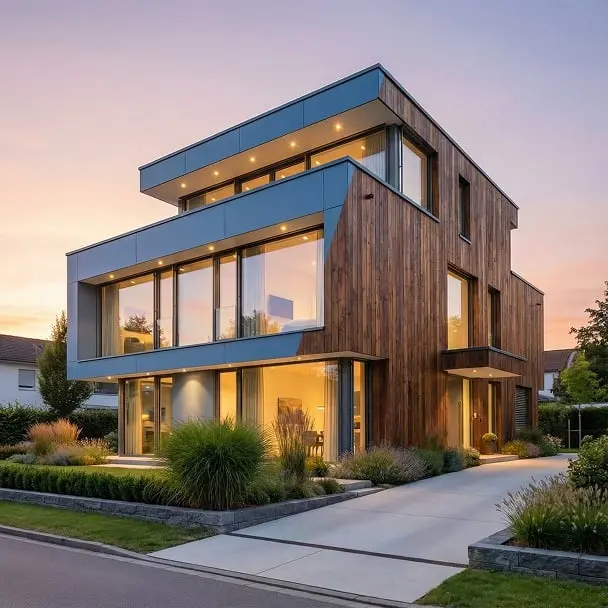
Urban Context Visualization AI

Place any building into a photorealistic city street. Production-ready urban context renders for architects, developers, and competition boards.

Create urban context
Browse all 400+ templates

Everything you need

Built for creators, marketers, and teams shipping AI video at scale.

01

City Street Integration

Automatically surrounds your building with traffic, pedestrians, parked vehicles, and authentic urban street life.

02

Multi-Model Rendering

Access Veo 3, Kling, and other leading AI video models for stylistic variety across your project deliverables.

03

Architectural Scale Preserved

AI treats your uploaded render as a fixed anchor — surrounding street context adapts to your building's massing and floor heights, not the reverse.

04

Fast Turnaround

Urban context frames rendered in under a minute — iterate quickly across design stages without waiting on overnight render queues.

05

No 3D Software Required

Works directly from existing renders, Photoshop composites, physical model photographs, or 3D export screenshots.

06

Commercial-Use Licensed

Output is cleared for client presentations, planning submissions, tender documents, competition boards, and marketing materials.

07

Curated Pro Templates

Hand-tuned settings and prompts designed by architects and visualization artists for credible, publication-ready urban scene results.

08

Varied Urban Characters

Dial in European boulevards, dense Asian streetscapes, or North American city grids — adapt street character to your project's site context.
Features

Built to ship

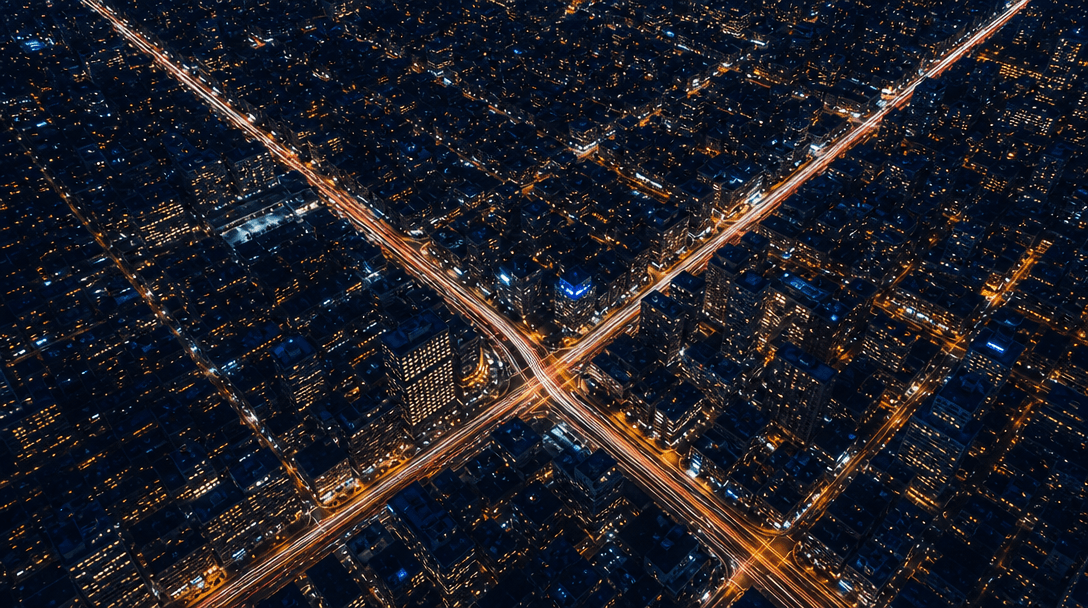
Abstract overhead aerial view of an illuminated city grid at night. Streams of vehicle light trails trace diagonal stree
F · 01

Photorealistic City Street Scene Generation

The Urban Context template embeds your architectural rendering into a dynamically generated city street populated with vehicles, pedestrians, storefronts, street furniture, tree canopy, and ambient urban detail. The AI synthesizes a complete surrounding environment that matches the building's massing and implied site conditions. The result reads as a plausible site photograph — not a composited collage — which is critical for client trust and competition jury panels who need to intuitively grasp scale and neighbourhood fit.

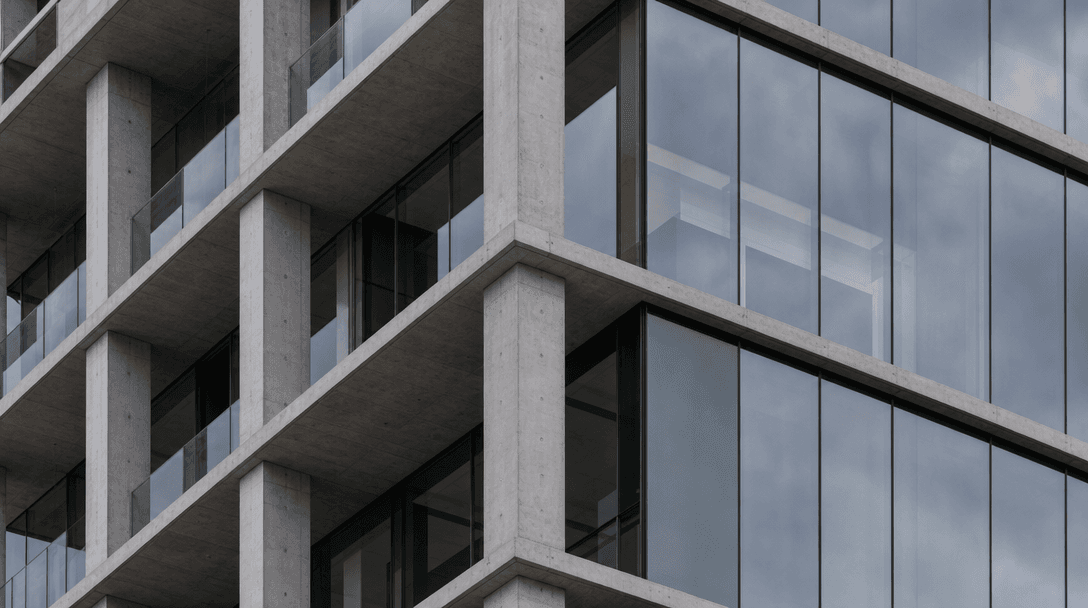
Close-up detail of a concrete and glass building facade showing precise floor slab edges, column rhythm, and reflective
F · 02

Architectural Proportion & Scale Preservation

Unlike generic AI image tools that distort building geometry to fill a scene, Nim's architecture-tuned models lock onto your uploaded render as an immovable anchor. Surrounding context — pedestrian height, vehicle scale, adjacent building heights — is generated to match your building's implied floor-to-floor dimensions, setback, and facade rhythm. A five-storey residential block stays five storeys; the street adjusts to it. This precision is what separates a usable client visual from a misleading one.

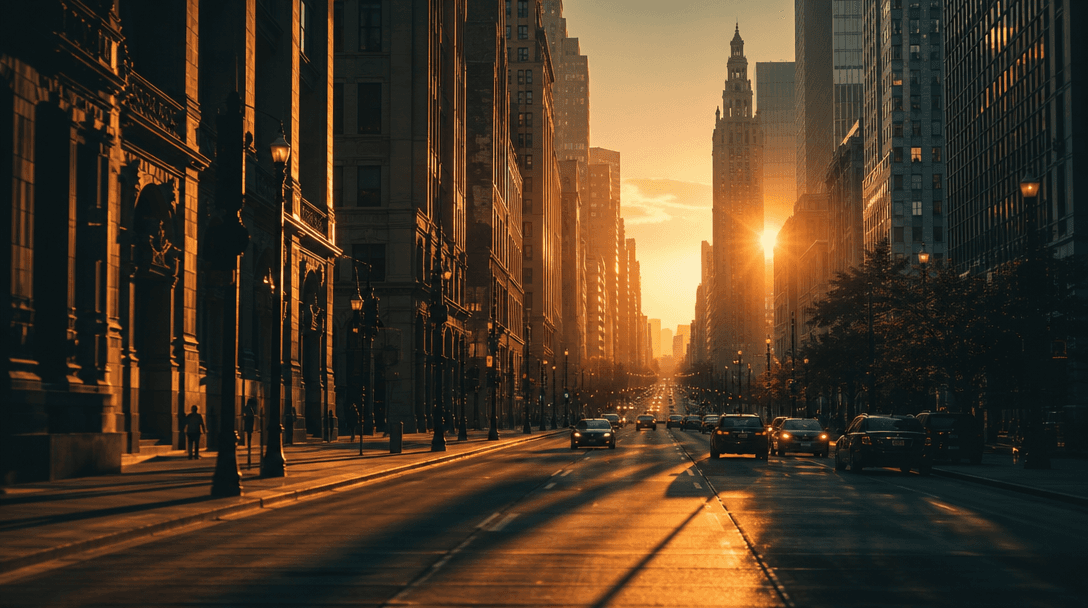
A dramatic wide street scene at golden hour looking down a long urban boulevard. Warm directional light casts long paral
F · 03

Dynamic Atmospheric Lighting

Select from golden-hour dusk, midday overcast, or twilight blue hour to match the narrative mood of your design presentation. Nim applies consistent shadow casting, sky colour, and ambient bounce light across both the building facade and the generated street scene — ensuring the composite reads as a single coherent moment in time rather than two separately lit images stitched together. Switching lighting conditions takes seconds, not a full re-render.

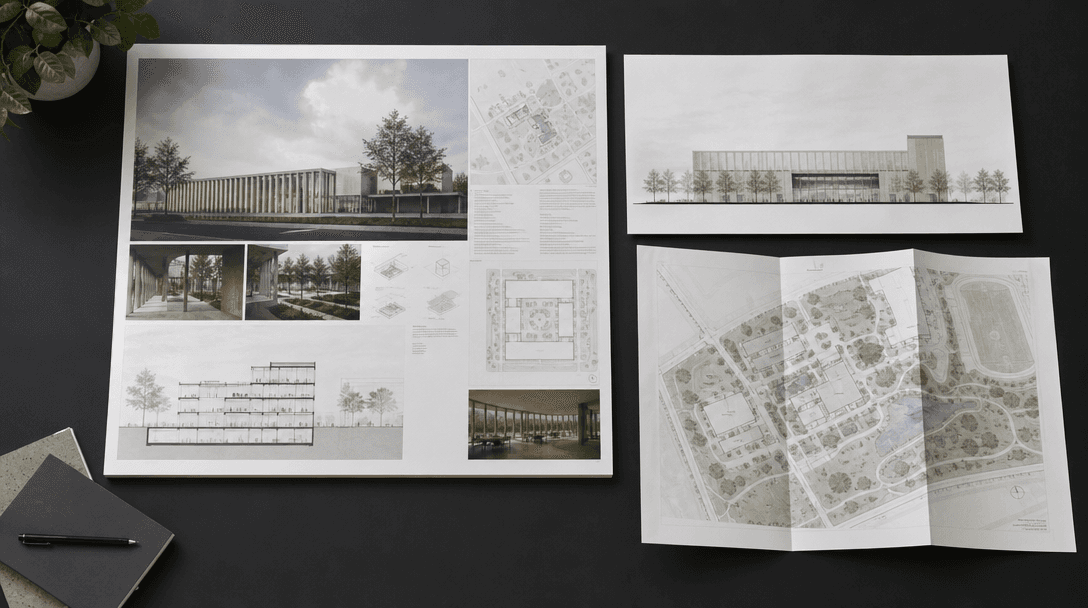
A flat-lay arrangement of architectural deliverables on a dark charcoal surface: a large printed competition board, a pr
F · 04

One Template, Multiple Deliverables

A single Urban Context run produces an animated looping video for digital pitch decks, a still frame for print boards, and a camera-drift clip for social media — all from the same input. Vary the upload angle (oblique approach, frontal elevation, corner perspective) and re-run to build a full suite of context visuals for a single project across multiple review stages, without re-briefing a specialist visualisation studio between each round of design development.

Showcase

See it in action

Real outputs generated by our pipeline — no curated cherry-picks.

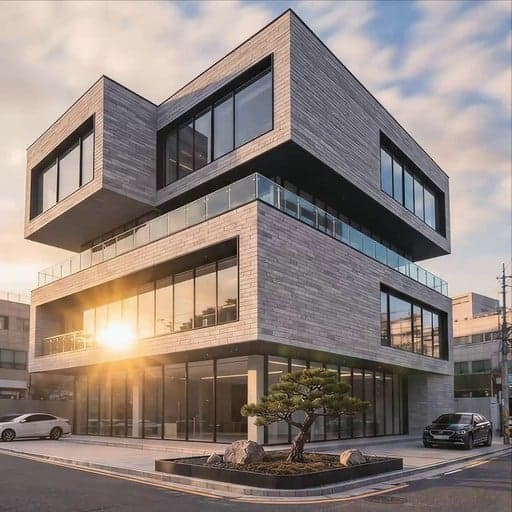
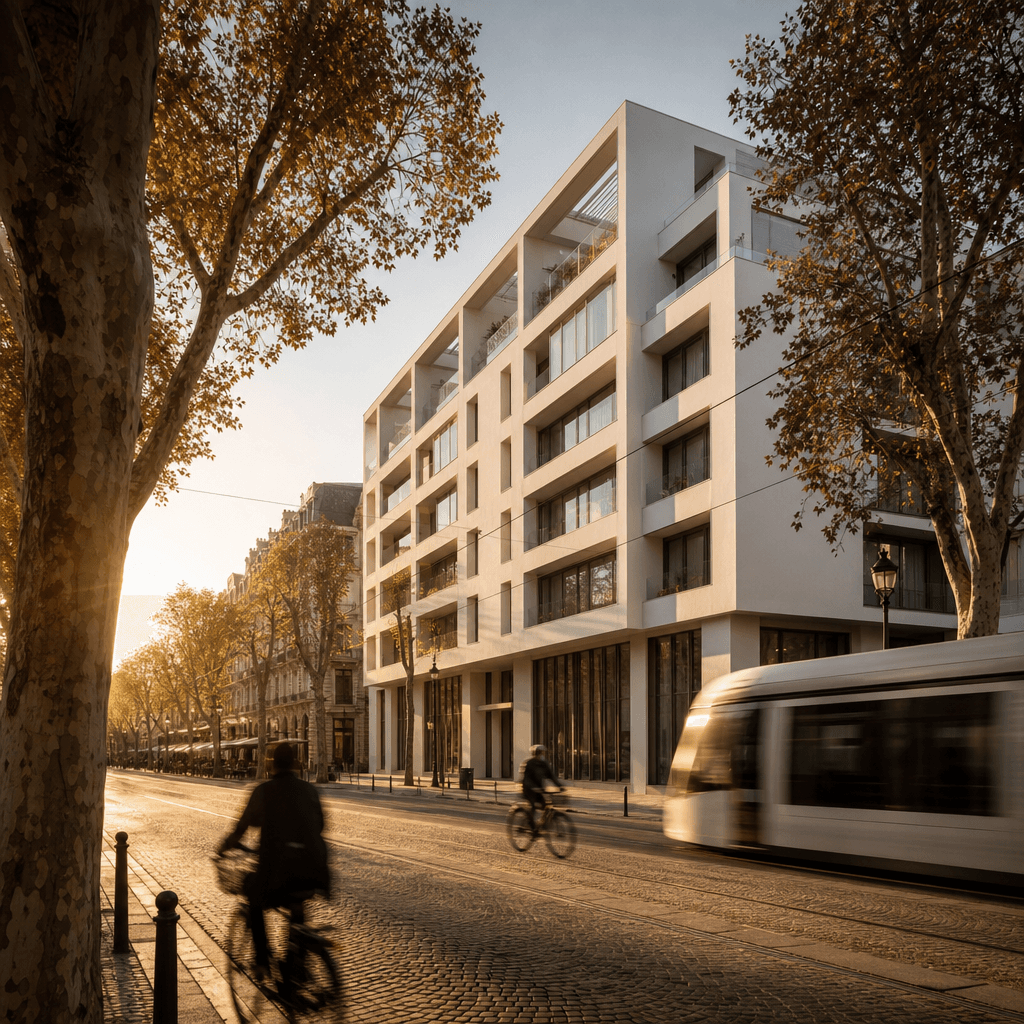
A minimalist white modernist apartment tower placed on a European cobblestone boulevard lined with mature plane trees. G
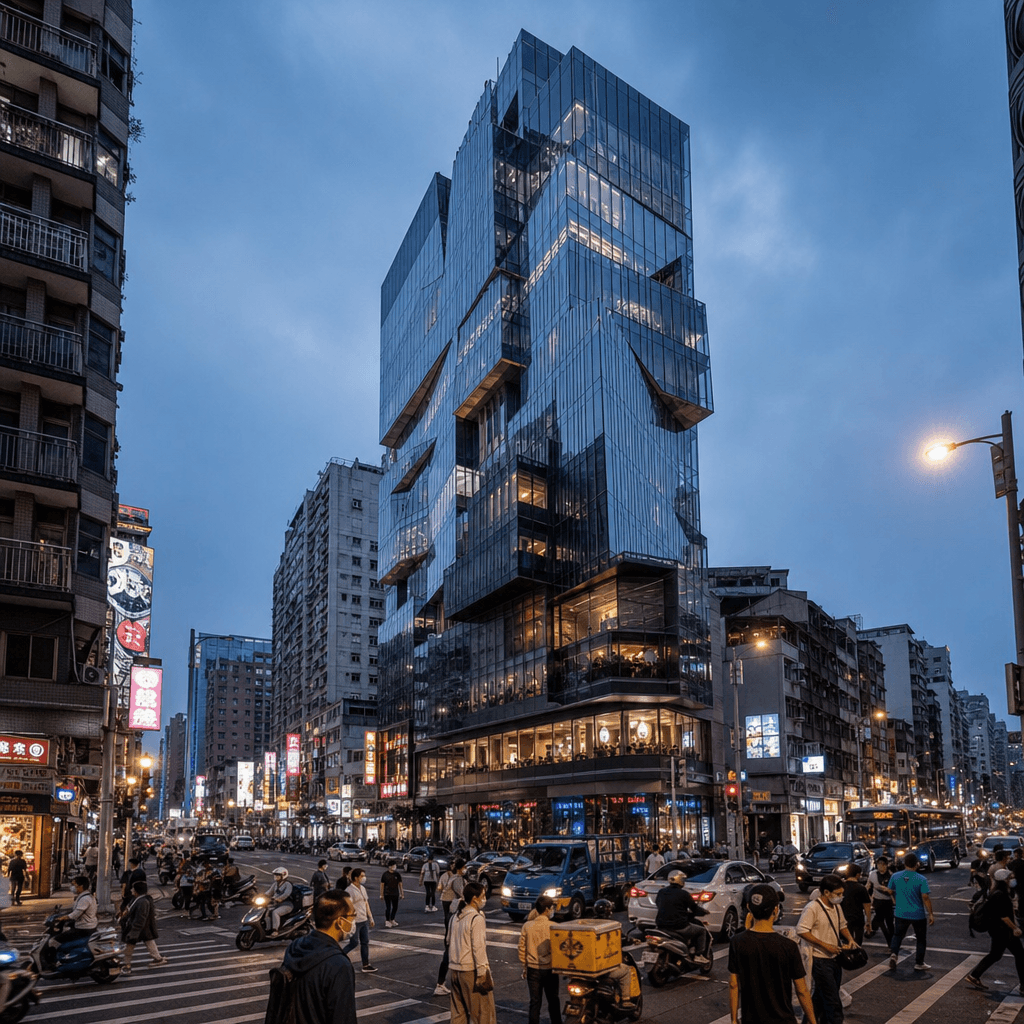
A glass-and-steel commercial tower integrated into a dense Asian city street at twilight. Neon shop signs glow at ground
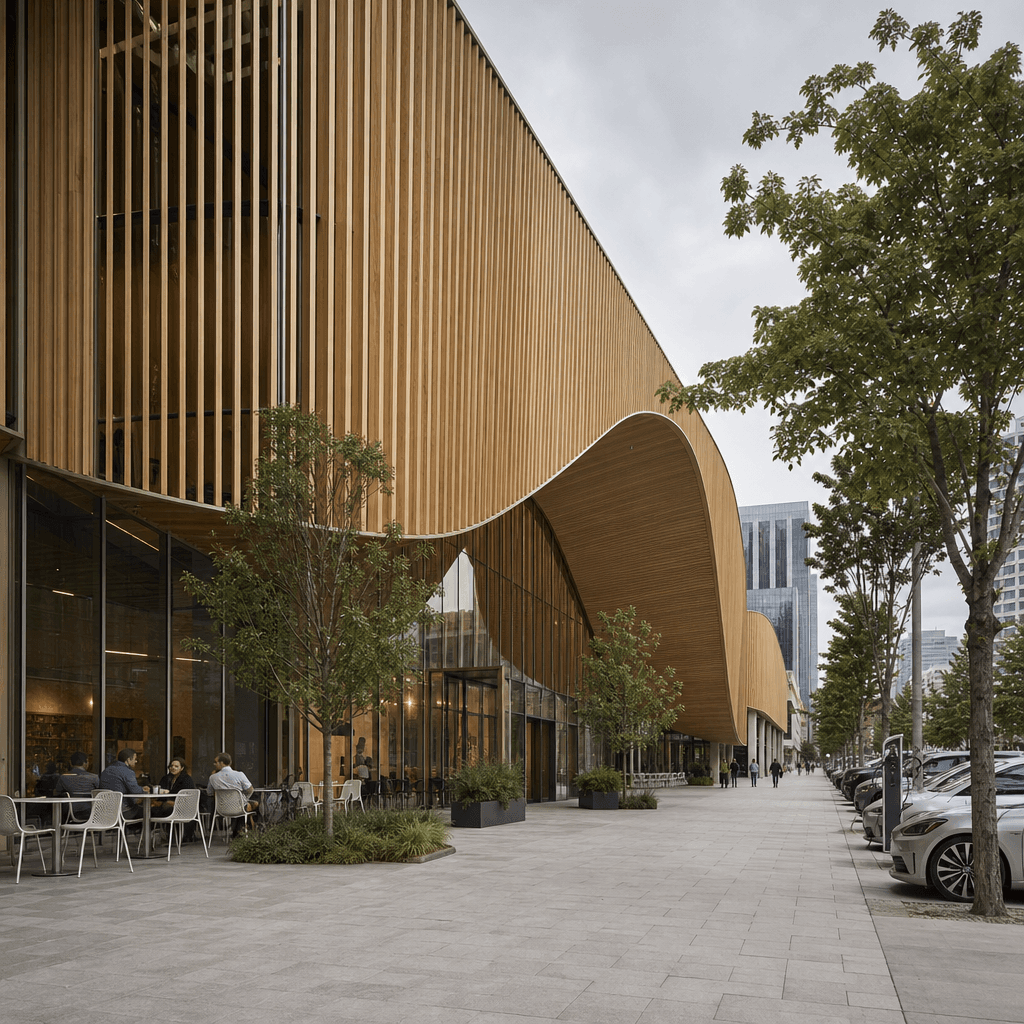
A parametric timber-clad cultural centre on a North American downtown street under bright overcast sky. Wide sidewalks,
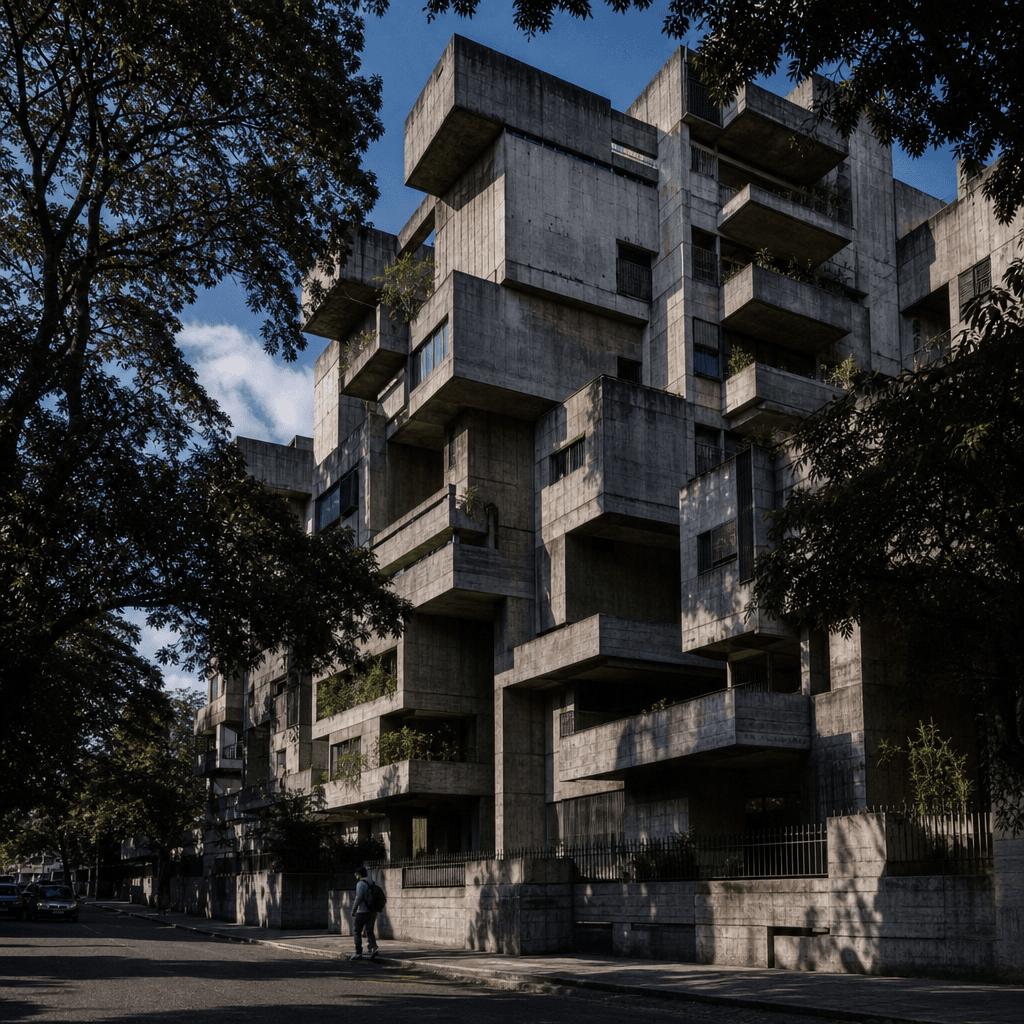
A sculptural brutalist concrete residential complex photographed at street level in a Latin American city. Lush subtropi
Ready to ship

Pick a template, customize, publish.

Use cases

Made for every workflow

  • Architects

    Produce compelling site context visuals at concept, schematic, and design development stages for client presentations — without outsourcing each round to a specialist CGI studio or waiting days for high-fidelity renders.

  • Urban Planners

    Communicate massing proposals and streetscape interventions to non-technical stakeholders using photorealistic animated renders that convey scale, density, and street-level experience at a glance.

  • Real Estate Developers

    Accelerate planning submissions and investor materials with urban context renders that credibly place the proposed building within existing or aspirational street conditions, shortening approval cycles.

  • Architecture Students

    Elevate portfolio and thesis presentation boards with professional-quality urban context imagery that demonstrates design thinking within a real-world site setting — a clear differentiator in competitive review environments.

  • Competition Teams

    Rapidly generate multiple urban context variants across early design iterations, freeing the team to test more schemes and narratives before a submission deadline without slowing down the design process.

  • Visualization Studios

    Use the template as a fast previsualization pass to validate composition, lighting mood, and street character before committing hours of production time to high-fidelity 3D renders for demanding client projects.

How it works

From idea to result in seconds

  1. Step · 01

    Upload your building render

    Upload your architectural rendering, 3D export, or physical model photograph — the template accepts any image that clearly shows the building facade and massing.

  2. Step · 02

    Configure the urban scene

    Select street density, time of day, and regional street character; the AI uses your settings to generate a surrounding urban environment that is consistent with the building's scale and context.

  3. Step · 03

    Download city scene output

    Your building appears embedded in a photorealistic, animated city street — still frames and looping video ready for client decks, competition boards, and social media posts in under a minute.

FAQ

Frequently asked questions

  • The Urban Context template is an AI-powered visualization tool that places your architectural building render into a generated photorealistic city street scene. It produces animated and still-image outputs suitable for client presentations, competition submissions, and marketing materials — without requiring specialist CGI software or a 3D asset library.

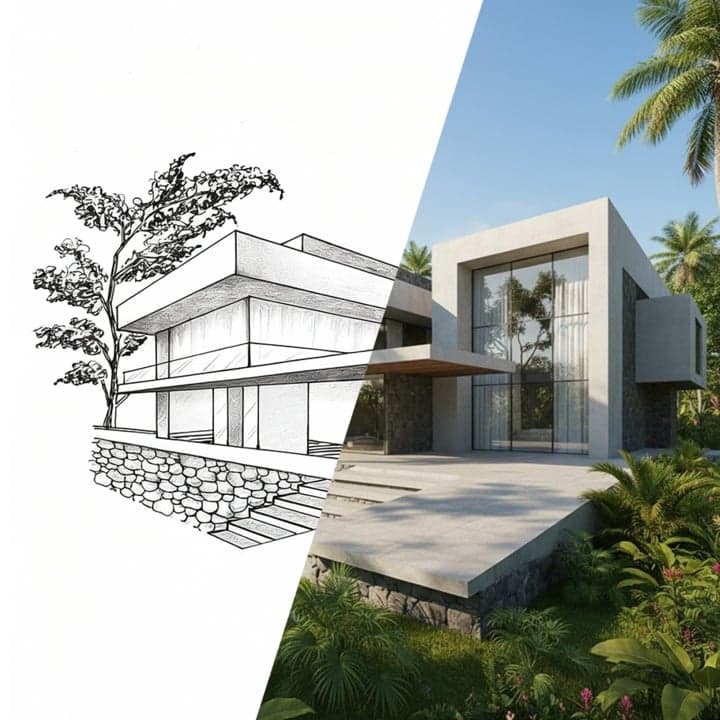
  • You can upload standard image files (JPEG, PNG, WebP) of your building — this includes 3D software renders, Photoshop composites, physical model photographs, or high-quality hand-drawn perspectives. The clearer the building silhouette and massing in the input image, the more accurate the AI-generated urban integration will be.

  • Nim's architecture-specific models treat your uploaded render as a fixed anchor and generate surrounding street context — pedestrian scale, vehicle sizes, adjacent facades — to match the implied floor heights and setback of your building. This prevents the common AI distortion where a building is rescaled to fill the frame regardless of real-world proportion.

  • The template runs across Nim's multi-model platform, which includes Veo 3, Kling, and other leading video and image generation models. You can select from available models to vary the visual style, motion quality, and fidelity of the output to suit the stage and audience of your project.

  • Most urban context renders complete in under a minute. Exact processing time varies by selected resolution, model choice, and current platform load — but you can typically iterate through multiple context and lighting variations within a single working session.

  • Yes. Nim outputs are licensed for commercial and professional use, including client presentations, planning applications, tender documents, and competition boards. Review the full licence terms at about.nim.video/terms for complete details relevant to your jurisdiction and project type.

  • Nim requires an account and generation credits to produce outputs. There is no free generation tier — credits are purchased via subscription or top-up options. Watermark-free output requires a paid plan.

  • Lumion and Twinmotion give you precise camera control, full material fidelity, and complete scene editing — but require a 3D model, specialist software skills, and significant render time. Nim's AI template produces comparable presentational quality in under a minute from a single input image, with no 3D software required. The trade-off is less precise control over fine geometry and material specification than a fully built-out 3D scene.

  • Yes. You can re-run the template with the same building input at different times of day, street densities, camera angles, or regional street characters to build a full suite of context visuals for a single project. Each run consumes generation credits.

  • Nim's architecture category includes templates for animated floor plan presentations, sketch-to-render conversion, architectural animated renders, miniature-style aerial visualization, and interior walkthrough animations — all available in the Architecture Templates library.

Get started

See what you can make

Explore more

Discover more AI tools