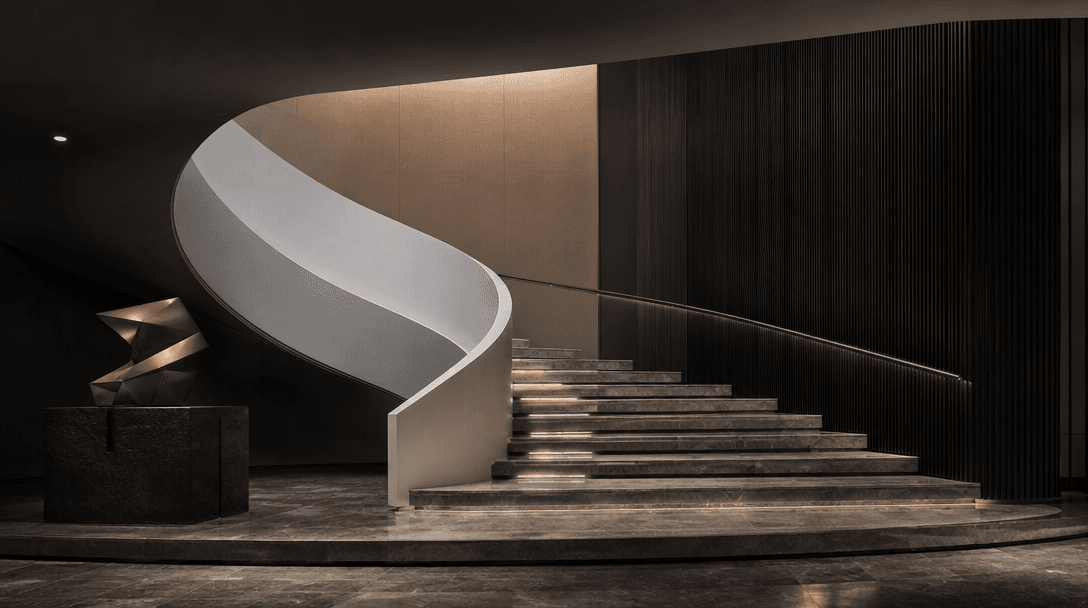

Construction · Pro Template

Construction Timelapse Maker

Transform before-and-after shots into cinematic construction timelapses. Professional pacing, real-world rendering, ready to share with stakeholders and clients.

Create Timelapse
Browse all 400+ templates

Everything you need

Built for creators, marketers, and teams shipping AI video at scale.

01

Before-and-After Input

Pair multiple before/after shots and blend them seamlessly.

02

Cinematic Pacing

Automatic or manual control over transition speed and flow.

03

4K Output Quality

Export in 4K resolution for professional presentations.

04

Professional Color Grading

Automatic color correction applied during render.

05

Custom Music Integration

Add your own audio or choose from royalty-free library.

06

Motion Blur Effect

Realistic blur simulation between construction phases.

07

Multi-Angle Support

Combine shots from different positions and heights.

08

One-Click Export

Render and download optimized for web and social media.

Features

Built to ship

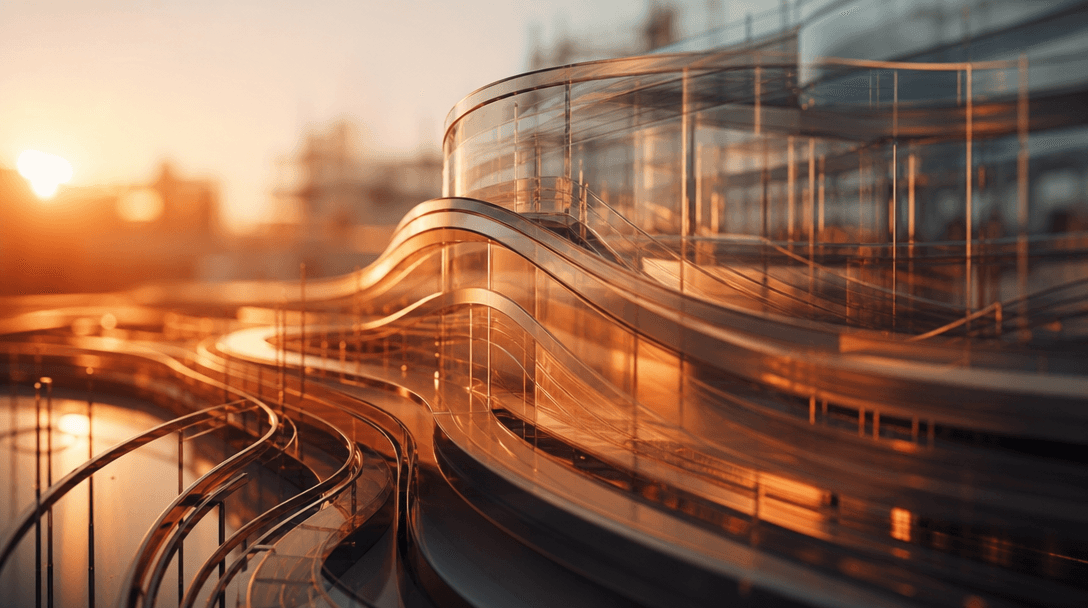
Cinematic abstract visualization of construction elements blending in smooth progressive motion, warm sunset lighting cr
F · 01

Adaptive Pacing Engine

The template analyzes your before-and-after pair durations and automatically calculates optimal pacing for smooth, professional-looking transitions. You can manually adjust frame rate for complete creative control over how fast or slow the transformation appears.
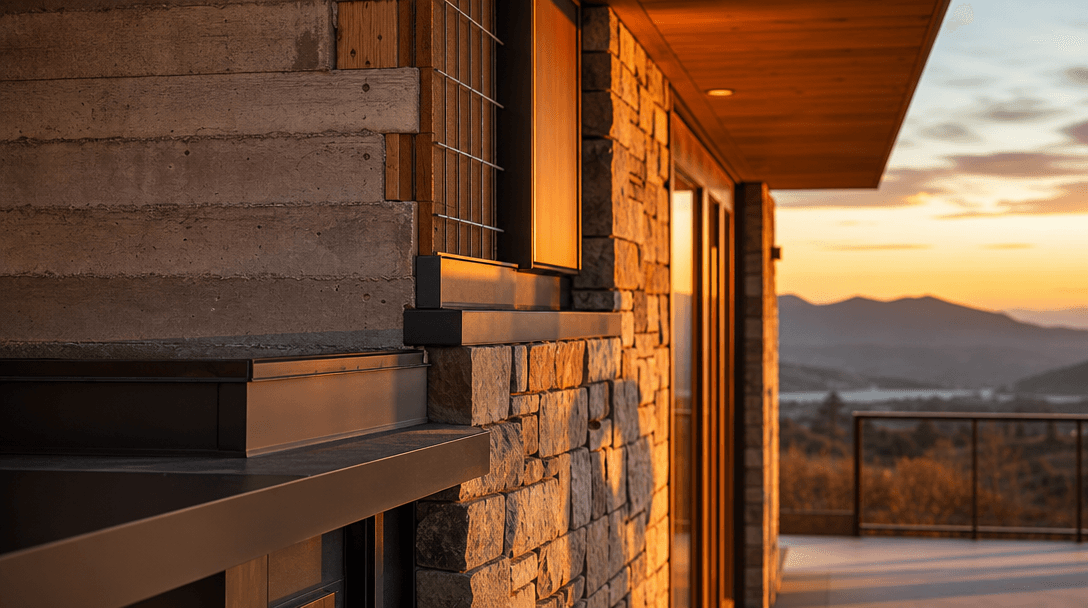
Golden hour architectural detail shot with warm soft light illuminating construction materials and finished surfaces, ri
F · 02

Cinematic Color Grading

Professional color correction is applied during render without manual tweaking. Warm golden hours, cool daylight, or dramatic moody tones are preserved and enhanced. The result looks like a professionally color-graded film, not a raw photo sequence.

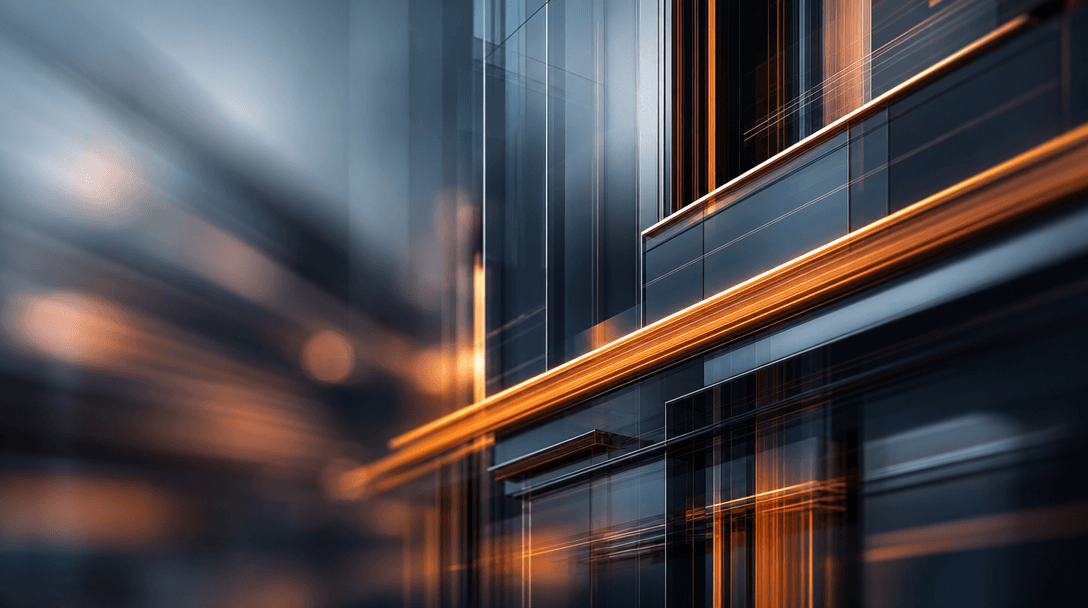
Abstract construction elements in smooth motion with beautiful depth of field blur, cinematic light trails and momentum,
F · 03

Smart Motion Blur Simulation

Realistic motion blur is simulated between keyframes, creating the illusion of continuous movement. This eliminates the stroboscopic flicker you'd see with a simple frame-by-frame transition, delivering true cinematic quality.

Seamless architectural forms and clean lines transitioning smoothly, minimalist refined composition, sharp editorial lig
F · 04

Seamless Multi-Pair Blending

When you pair multiple before-and-after shots, the template intelligently blends each transition. Cross-fades, cuts, and morphs are applied with perfect timing, so your multi-angle construction progress feels like one cohesive narrative.

Showcase

See it in action

Real outputs generated by our pipeline — no curated cherry-picks.

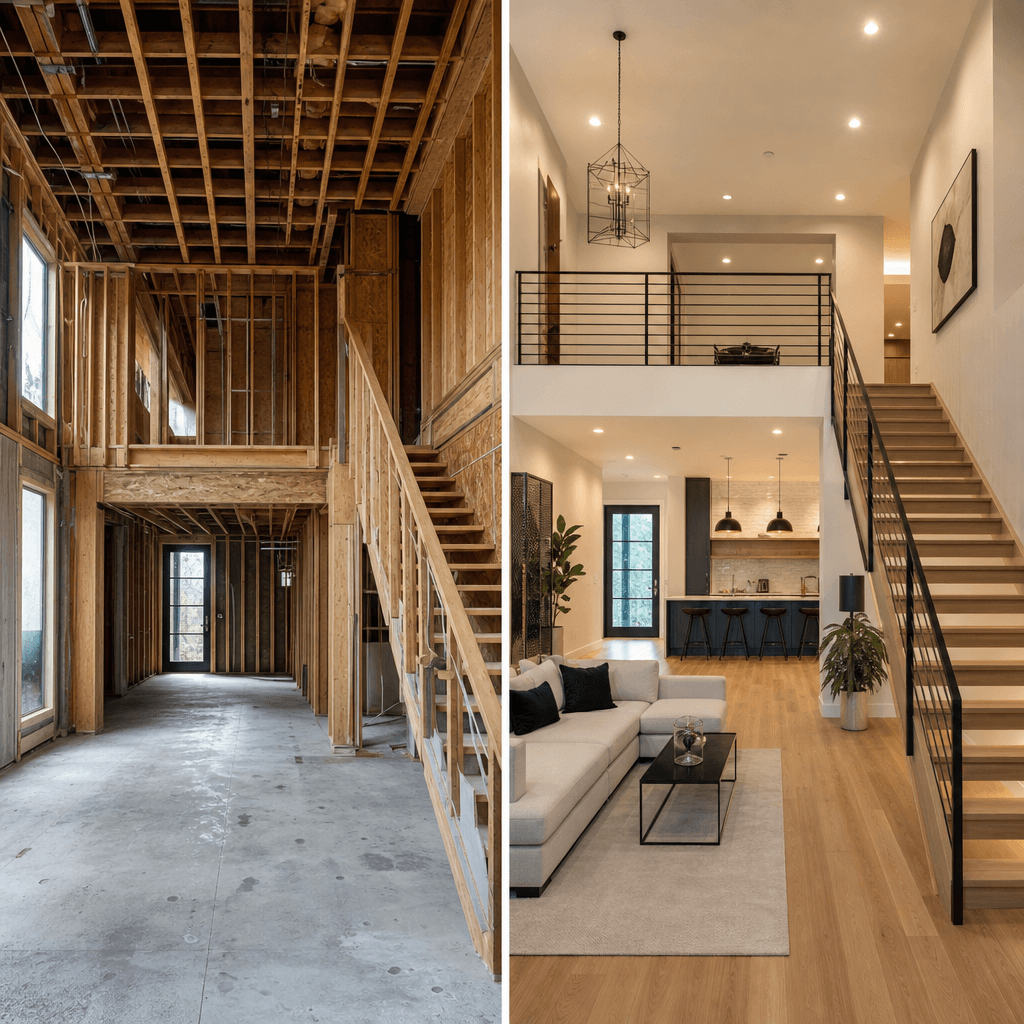
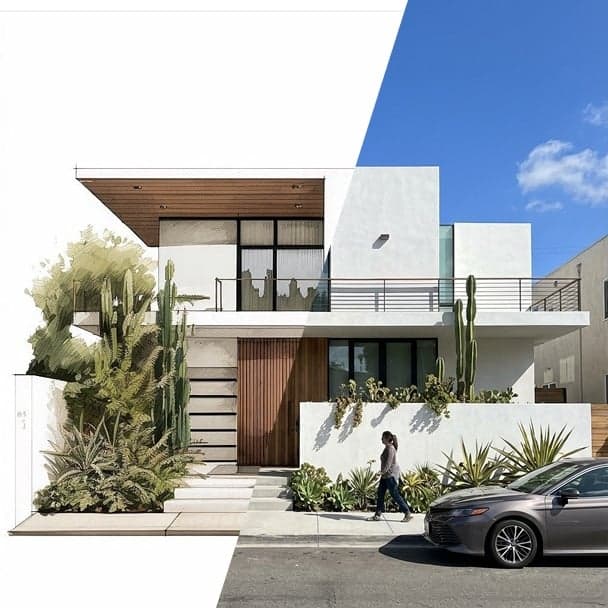
Split-screen before-and-after of luxury home renovation: left side shows bare structural framing and concrete, right sid
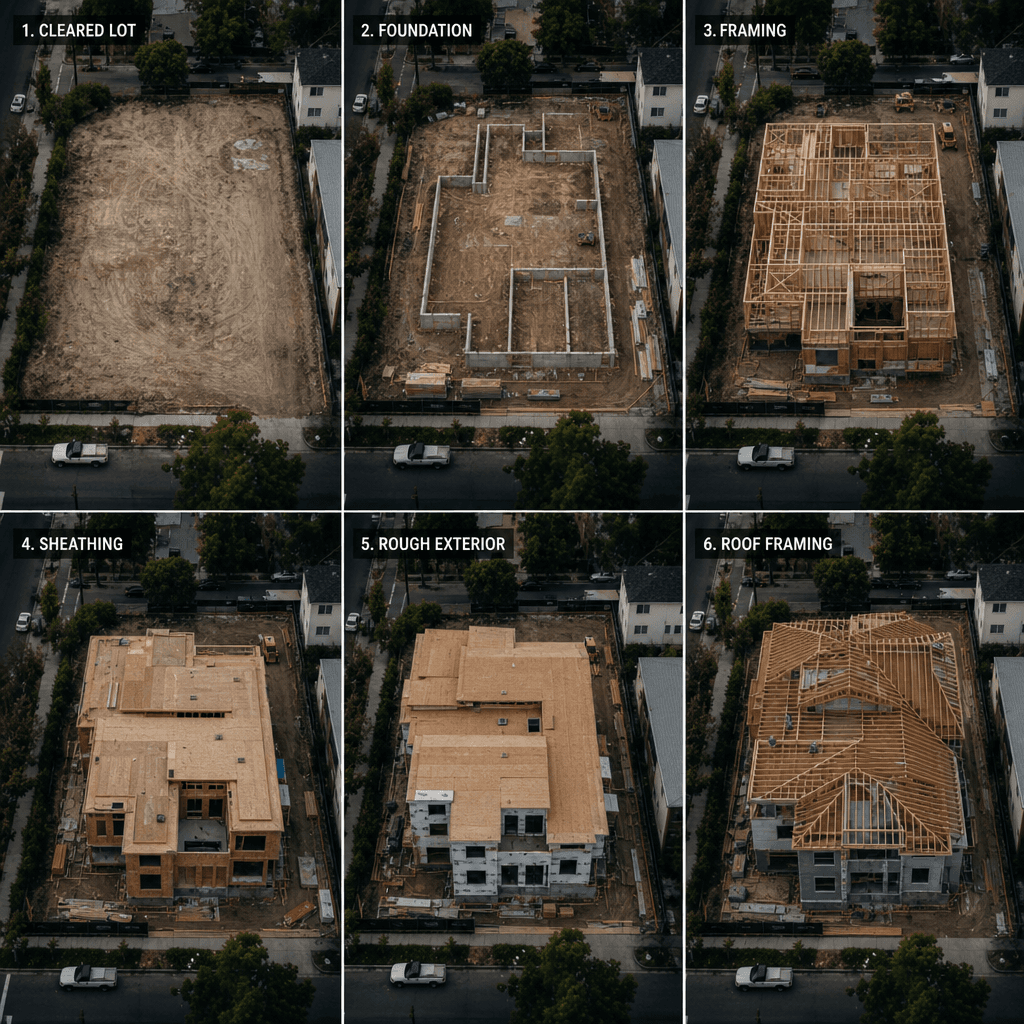
Aerial overhead view of construction site transformation showing progression from empty cleared lot to multi-story build
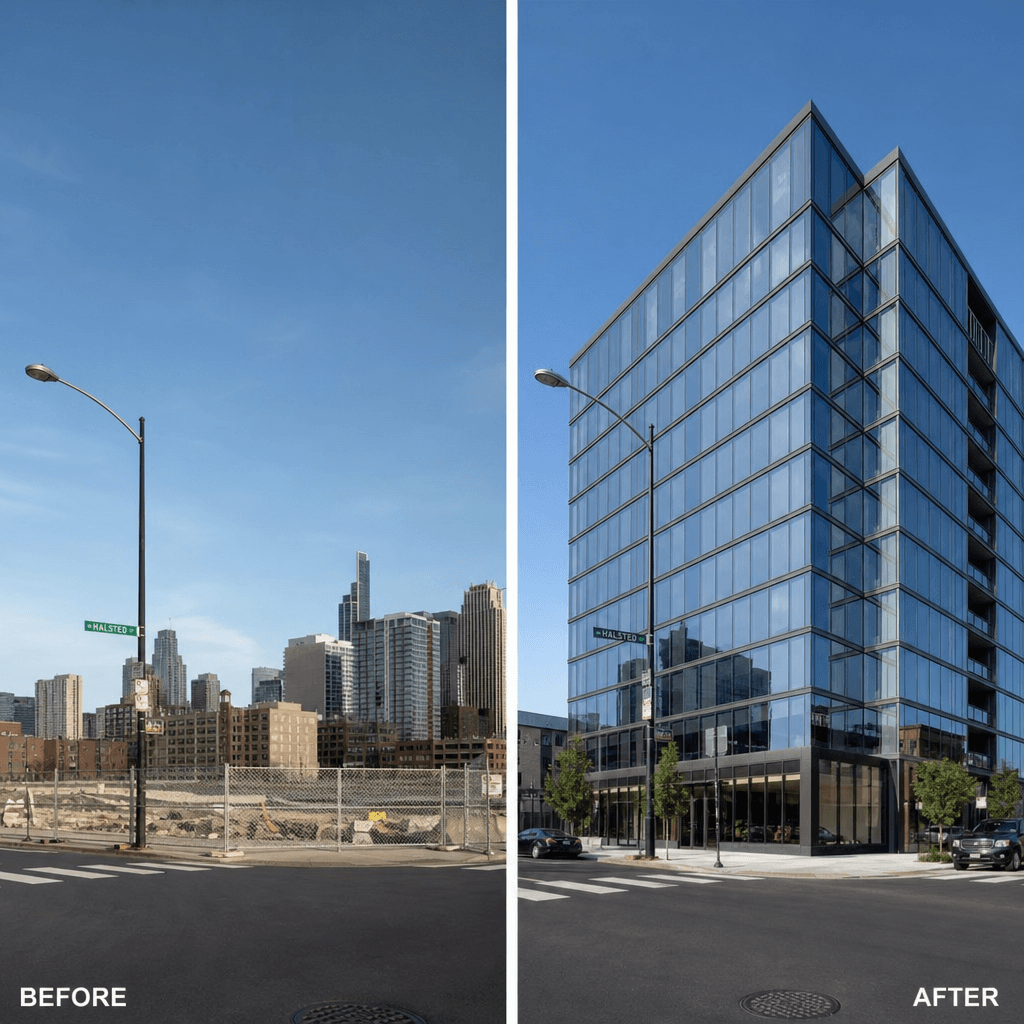
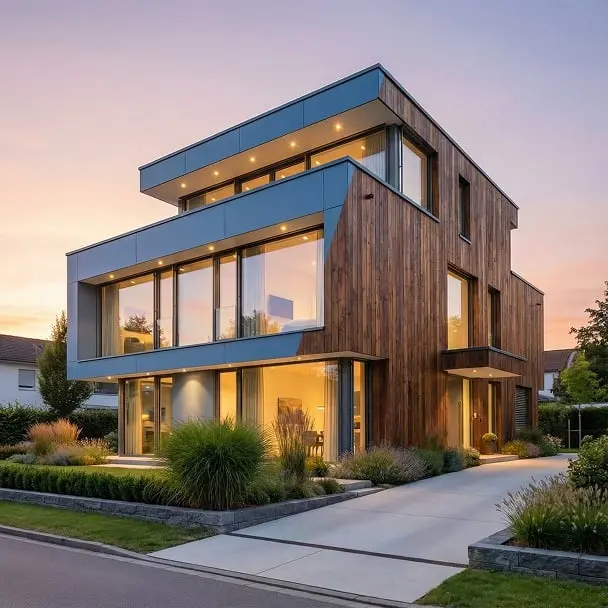
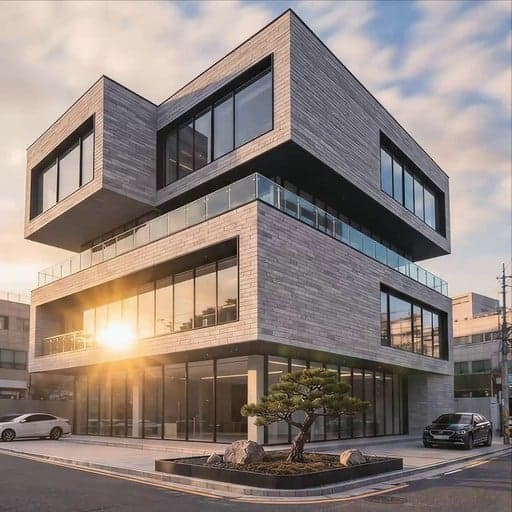
Urban development project before-and-after: left shows cleared lot with chain-link fence, right shows completed modern g
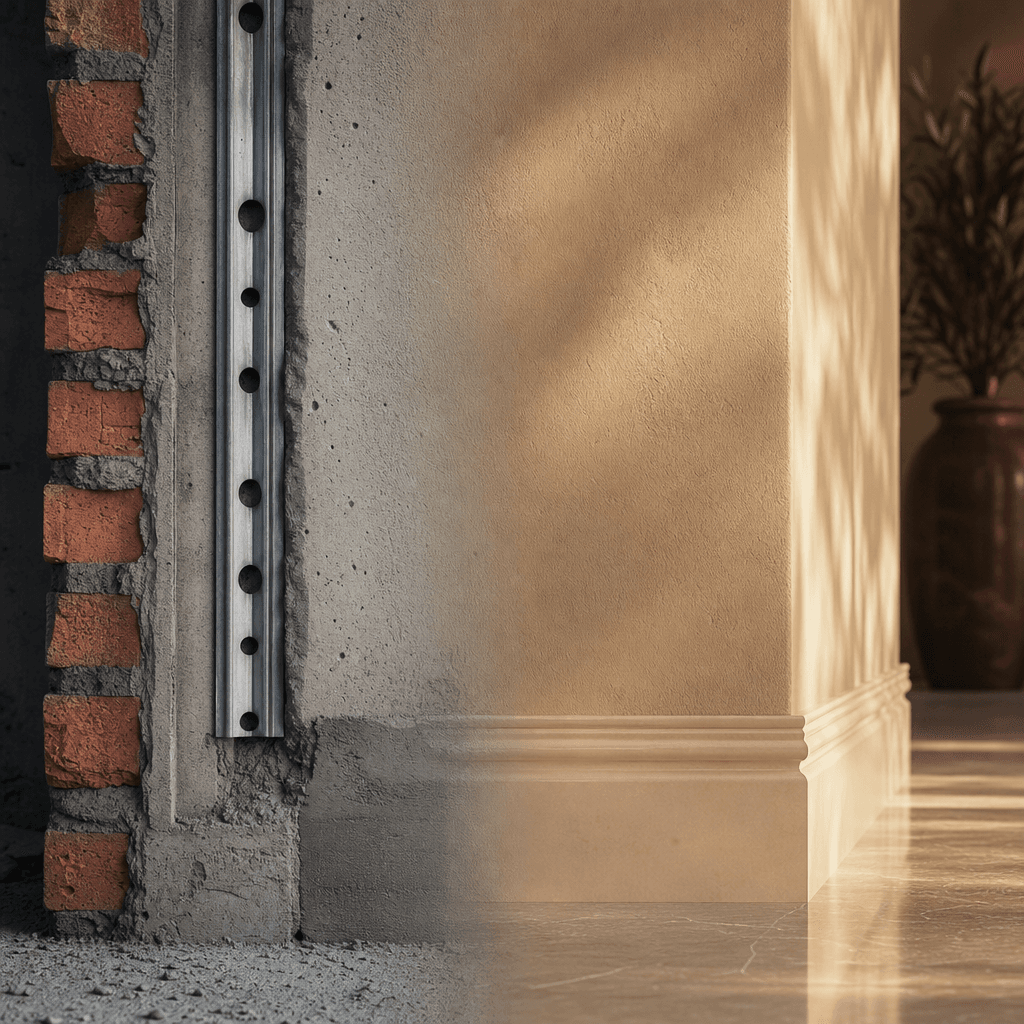
Architectural detail transformation showing industrial rough construction materials morphing into refined finished surfa
Ready to ship

Pick a template, customize, publish.

Use cases

Made for every workflow

  • Architecture Firms

    Showcase design-to-completion evolution. Portfolio-ready videos demonstrate your firm's impact on skylines and communities.

  • Real Estate Agents

    Property transformation tours help buyers visualize potential. Before-renovation versus after makes a powerful listing asset.

  • Contractors & Builders

    Document project progress for clients, insurance, and stakeholders. A 30-second timelapse replaces pages of before-and-after photos.

  • Urban Planners

    Communicate city development visually. Transform site photos into compelling narratives of urban growth and renewal.

  • Renovation Studios

    Turn renovation projects into shareable content for Instagram and TikTok. Transformation videos drive engagement and referrals.

How it works

From idea to result in seconds

  1. Step · 01

    Upload Image Pairs

    Select your before-and-after photographs from the same location and angle.

  2. Step · 02

    Customize Pacing

    Adjust transition speed, color tone, and motion blur intensity to match your vision.

  3. Step · 03

    Render & Export

    Generate your cinematic timelapse in 4K and download ready for presentations or social media.

FAQ

Frequently asked questions

  • This template is optimized for construction and renovation content. It applies cinematic pacing, professional color grading, and motion blur automatically. A regular video just cuts between two static images—this creates the illusion of a real timelapse.

  • Yes. Add as many image pairs as you need. The template chains them together with seamless transitions, so a multi-angle construction site becomes one continuous narrative.

  • Output length depends on your pacing settings. Most construction timelapses range from 15 seconds (fast pacing) to 5 minutes (slow cinematic pacing). Longer projects can be split into multiple videos.

  • Yes. All renders are available in 4K resolution, perfect for professional presentations, large screens, and high-quality social media posts.

  • Yes. Add your own music tracks or select from Nim's royalty-free library of instrumental and cinematic soundtracks. Audio sync is automatic based on video length.

  • JPEG and PNG from any camera or smartphone work. Vertical, horizontal, and square compositions all work. Higher resolution inputs produce better 4K output.

  • Absolutely. The template exports in multiple aspect ratios optimized for Instagram Reels, TikTok, YouTube Shorts, and LinkedIn. Watermark-free output on paid plans.

  • Most 30-second timelapses render in under a minute. Longer videos or 4K exports may take 2-5 minutes depending on server load and output resolution.

Get started

See what you can make

Explore more

Discover more AI tools